Skip to Main Content
Sam's Club
Sam's Club
All Departments
All Services
Member ratings & reviews for
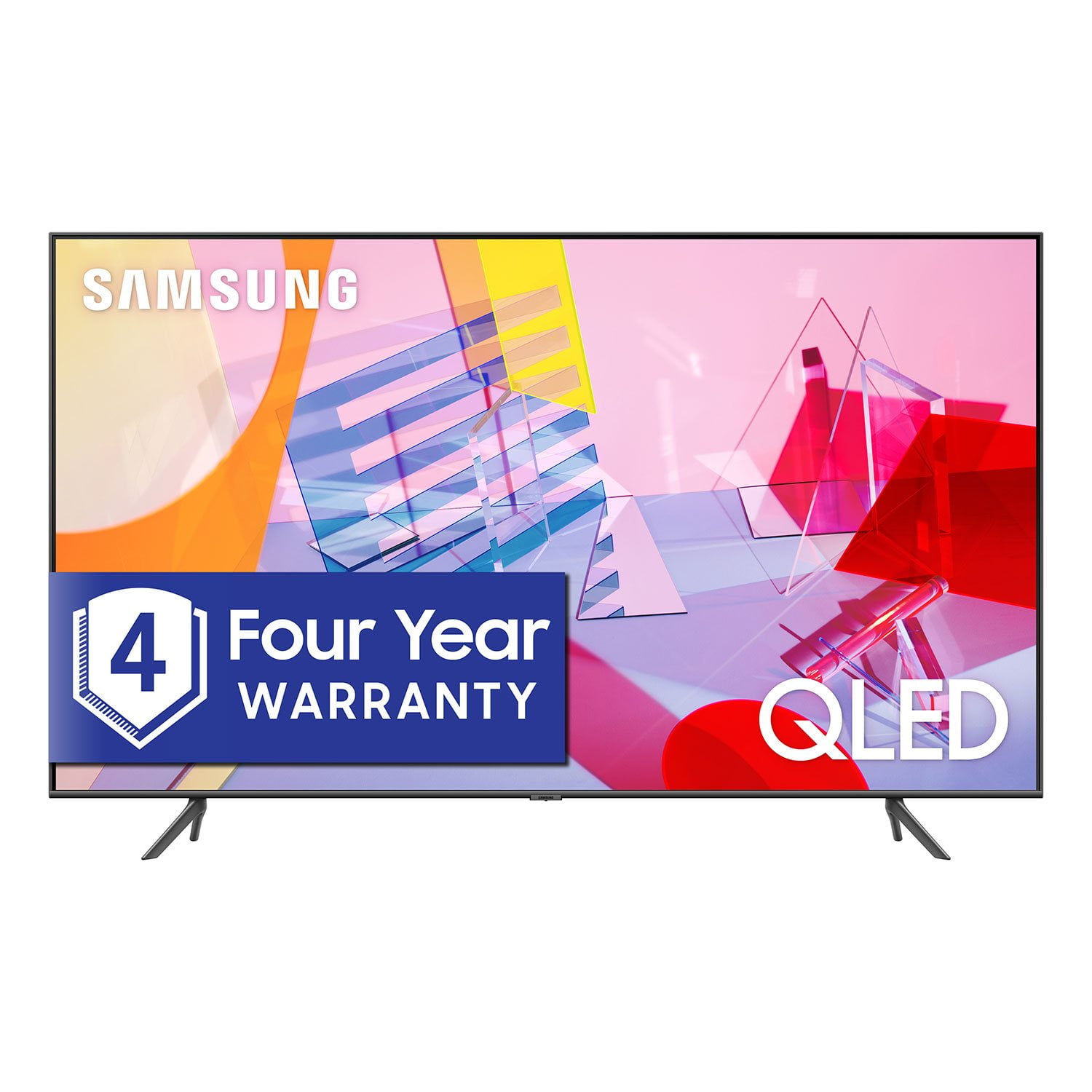
SAMSUNG 55" Class Q6DT-Series 4K Ultra HD QLED Smart TV - QN55Q6DTAFXZA (2020 Model)
4.7 out of 5 stars
stars
2,111 ratings2,037 reviews
  1. 5 stars78% (1,656)
  2. 4 stars15% (321)
  3. 3 stars3% (56)
  4. 2 stars1% (22)
  5. 1 star3% (56)

Member photos

  • +13 images
Sort by |
Showing 31-40 of 2,037 reviews
Jun 8, 2020
Reviewer name: Irma81490
5 out of 5 stars
5 out of 5 stars review

Cant beat QLED

[This review was collected as part of a promotion.] My husband is an avid TV guru, and I get to benefit from all the great TV's he gets. This Samsung QLED is no exception, I can't believe crystal clear the picture quality is on this 65" QLED TV. The color pop, the brightness shines and makes it look like you are there. I have seen a few other TVs where the color and saturation do not look real. Samsung out did themselves with the picture quality, the clarity is unmatched. Being that this is the entry level QLED Q60T you would be hard pressed to know it's not the high-end tier model. My husband owns a Q9F 65 and that TV used to outshine all, side by side with the Q60 of same size it's hard to tell them apart in terms of picture quality. The Tizen UI OS is great, I can easily and intuitively find whatever APP I am looking for. The new dark mode makes it easier to navigate to all the Apps out there, including the latest HBOMax app. Being that we are a Samsung household we can easily connect and cast our phones to the TVs without much effort, this comes in super handy when showing friends and family pictures or videos right from our phones. Since we are embedded within the Samsung SmartThings eco system we can now view and control our smart home from the TV itself. I would highly recommend this TV to anyone looking for a great QLED TV that can check off all the wants and needs of you list for a great TV.

Review from The Insiders
Helpful?2NS8KJIS3KAL15252270711
Oct 3, 2021
Reviewer name: DBLV
1 out of 5 stars
1 out of 5 stars review

So disappointed

if i could leave negative stars i would!!!!!!!ordrred a tv 1st one screen distorted 2nd tv same . the 3rd tv wouldnt connect to wifi the 2 nd day. went thtough all the troubleshooting etc etc. all my other tv's and devices connect except you guessed the samsung tv. 3 strikes you're out. based on my experince ill never buy another samsung tv. paid top dollar for trash im so disappointed.3 tvs seriously!!!!

Review from Samsung US
Helpful?2NS8KJIS3KAL15252270711
reply from Samsung Brand Ambassador

DBLV, Thank you for purchasing Samsung's Q60T TV and for sharing the details of your issue with Wi-Fi connectivity. A network issue may be the cause. You may want to go through these steps to check your network connection: 1) Make sure that no items that can generate electromagnetic interferences are placed between the TV and the wireless/wired access point. 2) Check if the access point is turned on. If it is on, turn it off, wait 1 or 2 minutes, and then turn it on. Enter the correct password if required. 3) If the wireless connection fails, connect the TV to the access point via a LAN cable. If the TV can connect to the Internet normally via the wired connection, there might be a problem with the access point. In this case, try using a different access point. 4) Perform a network test to check if there is a network problem. Press the Home button on your remote. Navigate to Settings > Support > Device Care > Self Diagnosis> Smart Hub Connection Test 5) Try a cold reboot of your TV by pressing and holding the power button for 5+ seconds until the TV turns off and on again. Please also be sure you have the latest firmware update. You may want to enable automatic updates for convenience. Select Settings > Support > Software Update, then select Auto Update. For further assistance or service, please contact Samsung Customer Support at 1-800-SAMSUNG (ask for TVs), available 8AM - 12AM EST, 7 days a week. For additional support resources, visit us on the Samsung website and click on the ‘Support’ link in the upper right corner of the homepage for: 1) Contact Us: For additional Chat & Text options, choose ‘TVs & Home Theater’ and select your model & topic. 2) Manuals, Software, & Warranty Info We hope to hear from you. ~ Samsung Specialist

Sep 17, 2020
Reviewer name: Tooray
1 out of 5 stars
1 out of 5 stars review

Do not purchase this TV

i bought this tv in july and returned/replaced it in early august, because after a couple of weeks the tv began clicking like an egg timer. the replacement tv worked well for about 10days, at which point it experienced a cascade of failures. first it randomly exited streaming mode, then the tv would not power up. i am currently waiting for a second visit from the repairman. i have purchased 7 samsung hdtvs. over the past couple years, samsung's quality control has declined precipitously. in fact, my two defective q60 were to replace a samsung mu7000 that failed twice in 25months, the second time (screen assembly failure) was out of warranty. the q60 will be the last samsung tv i purchase.

Review from Samsung US
Helpful?2NS8KJIS3KAL15252270711
May 8, 2020
Reviewer name: Yonnib
5 out of 5 stars
5 out of 5 stars review

The best I've owned!

This tv was a splurge for me. Let me say I am not disappointed by my purchase. I have had samsung devices for years but this was my first tv. I fell in love with my friends samsung. The picture was so clear...I had to have one. The picture and sound are more than I ever expected.

Review from Samsung US
Helpful?2NS8KJIS3KAL15252270711
Oct 24, 2020
Reviewer name: nhoj
1 out of 5 stars
1 out of 5 stars review

Ad's and Apps You Cant Turn Off or Remove!

this does not mention the ads you get serviced by your on tv in the menu, thoughtfully by samsung. you cannot turn off the ad's or remove the installed app's. thankfully i only purchased 1 of these, wont be buying samsung tv's again. very sad since i use samsung phones, 49" crg9 pc monitor, sound bars, headphones + more

Review from Samsung US
Helpful?2NS8KJIS3KAL15252270711
Feb 26, 2026
Reviewer name: Nitehawk92
5 out of 5 stars
5 out of 5 stars review

Love this TV...

Ibought my TV 4 1/2 years ago and I have had no problems at all with it. Great color, and picture quality. I love everything about it except for the stupid Samsung TV app. Anytime the TV is loses power and you turn i back on, the stupid Samsaung TV app comes up as default. Maybe I just don't know how to set up correctly. But overall this TV was a really great for me.

Review from Samsung US
Helpful?2NS8KJIS3KAL15252270711
Oct 22, 2020
Reviewer name: Stoch
5 out of 5 stars
5 out of 5 stars review

Verified Purchase

Great picture

Great picture, easy to set up. Very happy with Samsung TV QLED

Helpful?2NS8KJIS3KAL15252270711
Dec 15, 2020
Reviewer name: Tim
4 out of 5 stars
4 out of 5 stars review

Verified Purchase

Good tv juddering adj needed

Like the tv after making setting adjustments. Major juddering when using default Picture Clarity settings, which is active in all modes.

Helpful?2NS8KJIS3KAL15252270711
Aug 20, 2020
Reviewer name: Mimi
5 out of 5 stars
5 out of 5 stars review

Verified Purchase

So far so good!!

It was time for an upgrade and the Samsung is one I have heard and read good reviews about. Happy with our choice!

Helpful?2NS8KJIS3KAL15252270711
Mar 30, 2021
Reviewer name: Doug
5 out of 5 stars
5 out of 5 stars review

Verified Purchase

Phenomenal

Samsung tv's have always been the best tvs I have owned. This one is by far the best of all. Beautiful picture, great features, smooth and chrisp.

Helpful?2NS8KJIS3KAL15252270711