Skip to Main Content
Sam's Club
Sam's Club
All Departments
All Services
Customer reviews for SAMSUNG 85" Class CU7000-Series Crystal UHD 4K Smart TV with HDR - UN85CU7000DXZA for
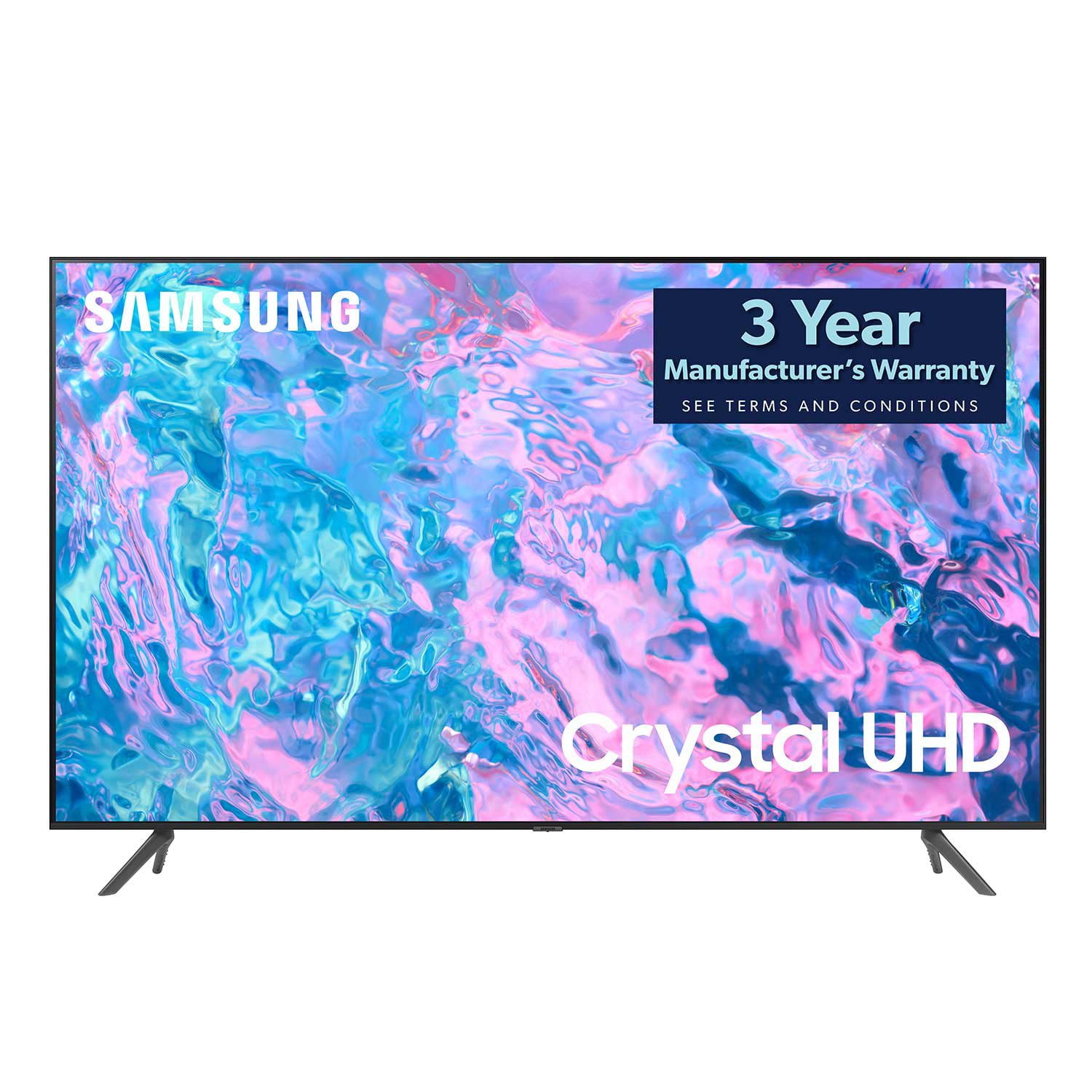
SAMSUNG 85" Class CU7000-Series Crystal UHD 4K Smart TV with HDR - UN85CU7000DXZA
4.6 out of 5 stars
stars
1,386 ratings1,257 reviews
  1. 5 stars73% (1,005)
  2. 4 stars19% (262)
  3. 3 stars4% (59)
  4. 2 stars1% (20)
  5. 1 star3% (40)

Member photos

  • +304 images
Sort by |
Showing 261-270 of 1,257 reviews
Oct 17, 2023
Reviewer name: Felipe
5 out of 5 stars
5 out of 5 stars review

Samsung 43 inch

[This review was collected as part of a promotion.] We love that TV. It's just like our 55 inch Samsung such a great product will continue to keep buying Samsung TVs. Such a nice picture. hi tell everybody to buy a Samsung. They are the best. We put ours on the wall on a special bracket which makes it look better.

Review from Samsung US
Helpful?5LGXVQOCK4DK13976515511
Sep 24, 2023
Reviewer name: Xotski
5 out of 5 stars
5 out of 5 stars review

This tv is a big upgrade from our old tv.

[This review was collected as part of a promotion.] This 8s a big upgrade from our old tv. This tv has great picture. It's so clear and crisp. Not the high end tv but still very satisfying to watch. I recommend this tv to thise who're looking for a good tv on a budget. HDMI audio out works great with my karaoke device.

Review from Samsung US
Helpful?5LGXVQOCK4DK13976515511
Jul 16, 2023
Reviewer name: WastedW
3 out of 5 stars
3 out of 5 stars review

Not recommended
Bought this a few weeks ago to replace my Samsung Q60. This is certainly a down grade but I can't afford similar quality because I can't keep replacing TVs if my son is going to keep breaking them. Picture sucks because the light comes from the side and not the whole screen (array). What bugs me the most is that this tv seems to mute when a commercial comes on but flickers on and off when the show starts and then keeps on mute for some reason. Not a good downgrade

Review from Samsung US
Helpful?5LGXVQOCK4DK13976515511
reply from Samsung Brand Ambassador

Hi there, Thank you for your feedback on the CU7000 TV. Please know we are here to help. If you are noticing the volume changing when the content on your TV changes, then this is most likely due to a feature called Adaptive Sound. Adaptive Sound automatically adjusts to a specific volume level while watching TV. The TV analyzes your volume usage history by time period to automatically adjust the volume when you use an app or switch to an external input source. To disable this feature, go to Settings> All Settings> Sound> Sound Mode> Adaptive Sound. If you continue to have issues, please call us at 1-800-SAMSUNG, 8 AM - 12 AM EST, seven days a week. LiveChat with an agent, as well as manuals, software, and warranty info, can be found at the ‘Support’ link on our Samsung website. ~ Samsung Advisor

Jul 10, 2023
Reviewer name: Blue4Cami
5 out of 5 stars
5 out of 5 stars review

Great Television

[This review was collected as part of a promotion.] I love having my Samsung Smart TV. Having all the apps available in a convenient set-up. Easy to maneuver. The picture and sound are wonderful! Haven't had any problems with the TV. Would definitely recommend Samsung.

Review from Samsung US
Helpful?5LGXVQOCK4DK13976515511
May 1, 2023
Reviewer name: SyedTV85
5 out of 5 stars
5 out of 5 stars review

The product has a great feature and other function

[This review was collected as part of a promotion.] I like this Samsung TV because it's covers all my requirements and I can watch everything. It's so friendly user and a great product by Samsung. It has all the applications that what we need in order to get watch and feel good.

Review from Samsung US
Helpful?5LGXVQOCK4DK13976515511
Sep 13, 2023
Reviewer name: MacJones
5 out of 5 stars
5 out of 5 stars review

Samsung 85 in 7000D series

[This review was collected as part of a promotion.] I actually use this TV for gaming on my PS5 and the graphics are awesome and up to date for a 4k TV compatibility wise with PS5 the sound quality is also very accurate and acceptable for all my gaming needs and experiences

Review from Samsung US
Helpful?5LGXVQOCK4DK13976515511
May 31, 2023
Reviewer name: ajreid
5 out of 5 stars
5 out of 5 stars review

I love the features of this Samsung tv.
[This review was collected as part of a promotion.] I use this as the primary tv for my family room. It shows a great picture and the sound is very clear. This was a gift from my boyfriend for us to watch the Super Bowl. I use this as the primary tv for my family room. It shows a great picture and the sound is very clear. This was a gift from my boyfriend for us to watch the Super Bowl.

Review from Samsung US
Helpful?5LGXVQOCK4DK13976515511
May 4, 2023
Reviewer name: BigCMan
4 out of 5 stars
4 out of 5 stars review

Decent TV

Would give 5 stars but not impressed with the sound. Unless the room is very quiet, it's difficult to hear. I've adjusted the sound modes and I think it's the speaker quality and the fact they are pointed down, rather than out toward the viewer. May have to add a sound at - maybe that's how Samsung is increasing their speaker/soundbar sales?? Otherwise, the picture is sharp and I like that I can access apps from the TV. Easy setup and lightweight.

Review from Samsung US
Helpful?5LGXVQOCK4DK13976515511
reply from Samsung Brand Ambassador

Hi BigCMan, We appreciate your feedback on the CU7000D TV. Please know your feedback will be shared with our internal teams. In regards to low volume, I have a few recommendations for your to try, which may improve your audio experience. 1) Auto Volume automatically adjusts the sound to a certain level when changing channels or switching to another external input. Go to Settings > All Settings> Sound > Expert Settings > Auto Volume. 2) Adaptive Sound automatically adjusts to a specific volume level while watching TV. The TV analyzes your volume usage history by time period to automatically adjust the volume when you use an app or switch to an external input source. Go to Settings> All Settings> Sound> Sound Mode> Adaptive Sound. 3) Several Sound Modes are likewise available to meet your personal preferences: Home > Settings >All Settings> Sound > Sound Mode Also, some sources have their own volume control, which might need to be set higher. Please check the volume control of the external device (cable box or satellite box, DVD, Blu-ray, etc.) connected to your TV. Also, check the cable connection between an external device and the TV and then try the cable connection again. If you continue to have issues, please give us a call so we can further troubleshoot the issue with you. You can call us at 1-800-SAMSUNG, 8 AM - 12 AM EST, seven days a week. Our LiveChat agents are also available by clicking on the ‘Support’ link on our website. ~ Samsung Advisor

Oct 19, 2023
Reviewer name: Brusier
5 out of 5 stars
5 out of 5 stars review

3rd one. I also use ultra 23, tablet galaxy.

[This review was collected as part of a promotion.] All used for all except for gaming. I am sure that feature is great as well. I am just not a gamer. I have owned other brands and none of which comes close to the performance and quality ofALL products in the Samsung family. The speed and layout of applications stands far above all other brands. I purchased my 55 crystal (I also picked up a 23" for my parents same time) I had (55) installed directly flush in my wall (flush! In wall!) It is totally custom. All my friends and family are so impressed at the stylish modern yet classic edges. Pictures on all my devices are bar none. I have owned and used all Samsung products for years. I would say Samsung electronics are the benchmark of all in their classes. I love my 55 and plan on pursuing another same size. Perfect addition in my "ma n cave" keep it up Samsung. I recommend any of your products to all. Keep it up. Peace.

Review from Samsung US
Helpful?5LGXVQOCK4DK13976515511
Oct 2, 2023
Reviewer name: Chevygiirl09
4 out of 5 stars
4 out of 5 stars review

Great overall

[This review was collected as part of a promotion.] Only downside is in order to use antenna I have to unplug for 1 minute, plug back in, and search channels again every time I want to use antenna. But other than that I love it. Very clear picture. Also don't like how you have to have game systems under the source.

Review from Samsung US
Helpful?5LGXVQOCK4DK13976515511