Skip to Main Content
Sam's Club
Sam's Club
All Departments
All Services
Customer reviews for SAMSUNG 85" Class CU7000-Series Crystal UHD 4K Smart TV with HDR - UN85CU7000DXZA for
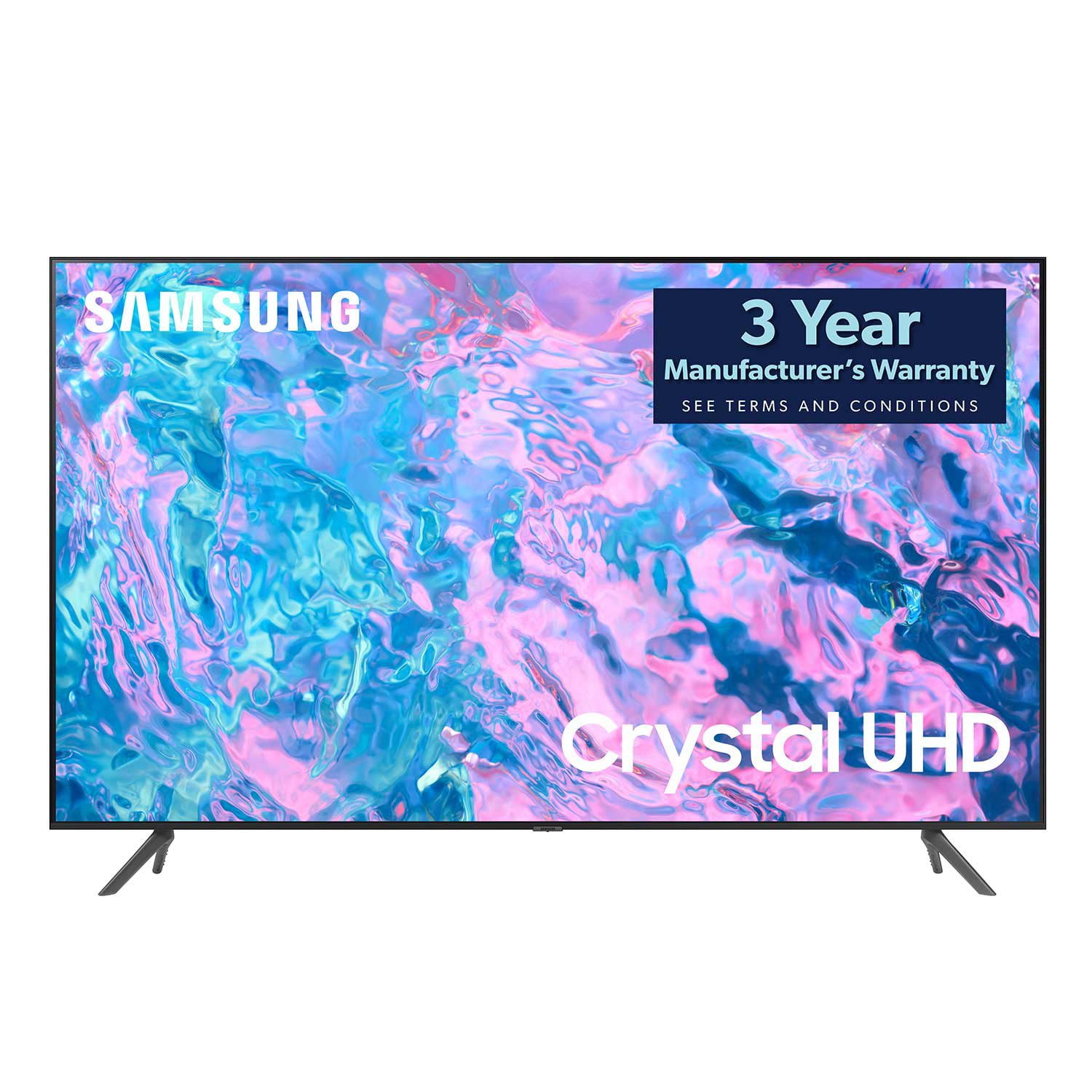
SAMSUNG 85" Class CU7000-Series Crystal UHD 4K Smart TV with HDR - UN85CU7000DXZA
4.6 out of 5 stars
stars
1,386 ratings1,257 reviews
  1. 5 stars73% (1,005)
  2. 4 stars19% (262)
  3. 3 stars4% (59)
  4. 2 stars1% (20)
  5. 1 star3% (40)

Member photos

  • +304 images
Sort by |
Showing 1,251-1,257 of 1,257 reviews
Feb 11, 2024
Reviewer name: 7000
5 out of 5 stars
5 out of 5 stars review

Great picture

I bought this in December and still happy with it.

Review from Samsung Canada
Helpful?5LGXVQOCK4DK13976515511
Aug 8, 2023
Reviewer name: Colinas
5 out of 5 stars
5 out of 5 stars review

Meets all our needs.
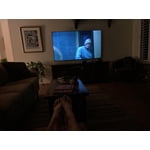
At this point we are very pleased with our new Samsung tv. Very good picture.

Review from Samsung US
Helpful?5LGXVQOCK4DK13976515511
Jun 2, 2024
Reviewer name: John ducharme
5 out of 5 stars
5 out of 5 stars review

Tv

Excellent product good Price and will recommend to family

Review from Samsung Canada
Helpful?5LGXVQOCK4DK13976515511
Nov 12, 2024
Reviewer name: Femiid
5 out of 5 stars
5 out of 5 stars review

Great TV

Does everything we needed in a TV. Great Chioce for us

Review from Samsung Canada
Helpful?5LGXVQOCK4DK13976515511
Sep 5, 2023
Reviewer name: Rich
1 out of 5 stars
1 out of 5 stars review

Lousy remote control

The picture is great, however I hate the remote. Too small, and hard to understand how to use.

Review from Samsung US
Helpful?5LGXVQOCK4DK13976515511
reply from Samsung Brand Ambassador

Hi Rich, I'm happy to hear that you are enjoying the 4K Picture Quality. Please know your feedback regarding the remote control will be sent to our internal design teams. Please know that many of the buttons on your remote have multiple functions. For example, the Volume button is moved UP/DOWN to adjust the volume, and to MUTE the sound, you need to PRESS it in. If that same button is pressed for more than 1 second, the Accessibility Shortcuts appear. You can find more information regarding the remote on pages 24-26 of the full user manual. If you ever have questions or need help, Samsung is here for you! Give us a call at 1-800-SAMSUNG, 8 AM - 12 AM EST, seven days a week. Our LiveChat agents are also available by clicking on the ‘Support’ link on our website. ~Samsung Advisor

Dec 10, 2023
Reviewer name: Big Will
5 out of 5 stars
5 out of 5 stars review

Love it

Great product

Helpful?5LGXVQOCK4DK13976515511
Dec 13, 2023
Reviewer name: Joyd
3 out of 5 stars
3 out of 5 stars review

No Voice Command

We were shocked to learn after we purchased it that it does not have voice command capability. Our last TV was Visio and it did.

Review from Samsung US
Helpful?5LGXVQOCK4DK13976515511
reply from Samsung Advisor

Hi Joyd, We appreciate your purchase and are sorry for any confusion regarding voice assistants. You are correct, the CU7000 does not have voice assistants built in. However, they do work with Alexa and Google Assistant. You can connect them to your existing Alexa and Google Assistant devices to ask them to turn on your TV, change channels, control volume, and more. Our CU8000 TV Series and above offers voice command and built-in voice assistants. If you need assistance connecting your external Alexa or Google Assistant device or if there’s anything we can ever help with, please call us at 1-800-SAMSUNG, 8 AM - 12 AM EST, seven days a week. Or visit us on the Samsung website and click on the ‘Support’ link for: 1) LiveChat 2) Manuals, Software, & Warranty Info ~ Samsung Advisor