
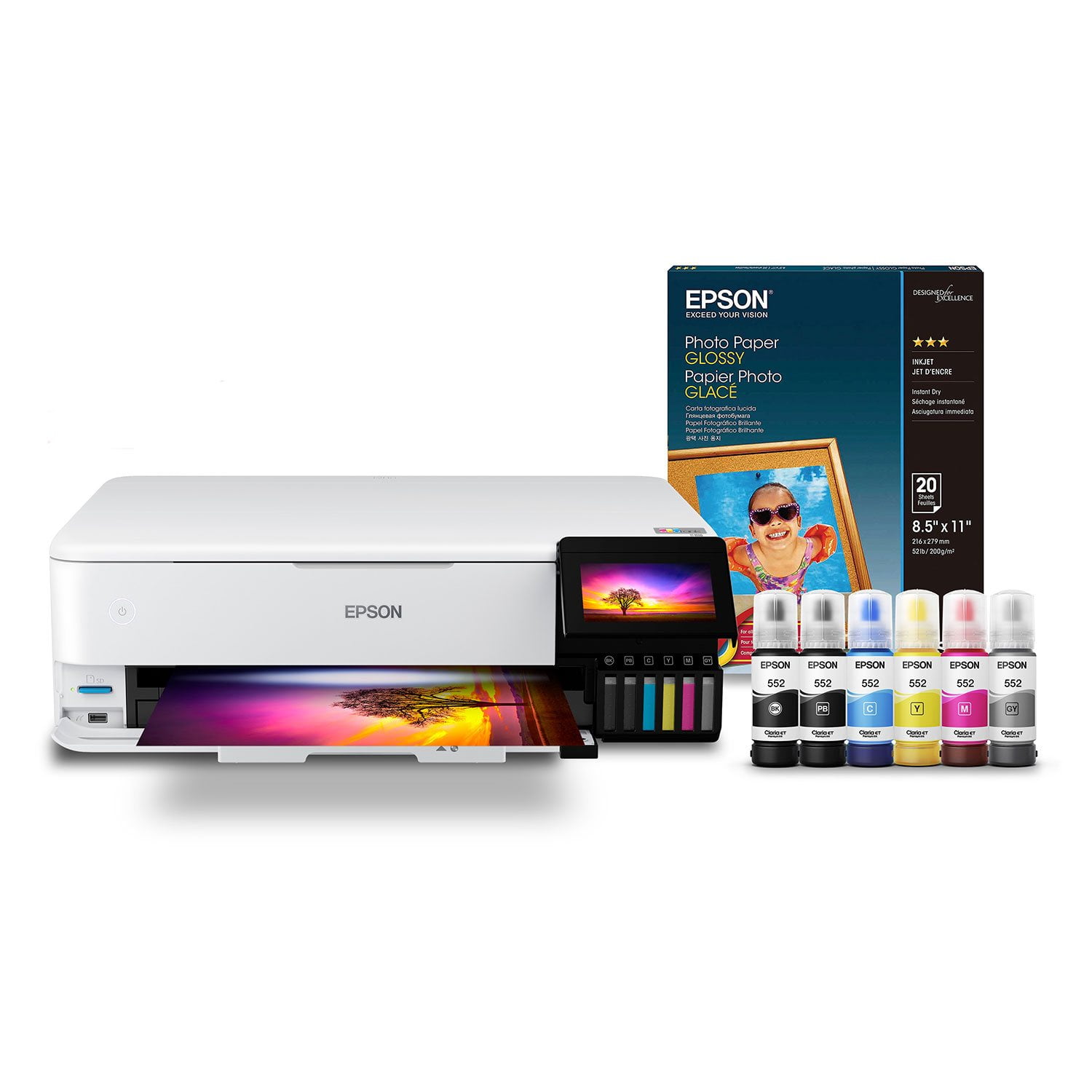
 Customer reviews for Epson EcoTank Photo ET-8550 Supertank Special Edition All-in-One Inkjet Printer, Bonus pack of Epson Photo Paper Glossy for
Step it Up, Buy One!
2 years and still happy. I had multiple printers throughout the years and this one is far the best. My last one was the ET-2850 which was decent but did not have the photo quality I was looking for but is good for the kids. This ET-8550 prints out beautiful 13" X 19" photos from my drone shots to close ups of my pets with amazing results. Exercise it regularly with nozzle checks to avoid ink drying up on print heads like most printers and you should get worry free usage for years. Avoid 3rd party inks as I had to learn the hard way. Old non Epson 4" X 6" paper will only work threw the top feeder. The maintenance box has a chip which tracks its usage which makes cleaning it out a waste of time requiring new ones. If you are thinking of upgrading from smaller units, this is a excellent choice.
Eason printer black only printer
I have alway bought HP printers. I was buying the wrong printer for so many years. When the color ran out which was way too often and expensive they won’t print in just black even though you are full of black ink.I am not sure if these printers do the same as far as when the color runs out but I am still on my first bottle of black ink after 2;years! Next I am looking into a very good quality printer for photos. I will be looking into the one or one below this one. I hope the printer will print black only when the color runs out.
Works great
I received the Epson - EcoTank Photo ET-8550 All-in-One Wide-format Supertank Printer in exchange for my honest feedback. This printer is the best one I have ever used. It was very easy to set up the ink with little to no mess. It is also simple to connect devices to it. The printing was smooth, clear and concise. The colors are bright and do not fade. The ink lasted a long time as well. Black ink also looks super clear and concise with no run,
I didn’t receive it free
Hello, I spent week reaching printers and finally decided on this one. It was really so simple to use. I just don’t like how the scaner top is bendy in the middle? That’s so far my only worry for long time use. The app they have for the printer is very user friendly. I was easily able to navigate it and change settings. I printed on thick watercolor paper no problem!
This one outshines
Impressive printer right out of the box. It has a sleek design and for how big it is, it is still compact. The start up instructions are labeled start here which was a nice surprise and made it very easy to set up. Once I turned on the printer the LCD screen gave me a QR code I could scan on my phone and it directed me to the app I downloaded and I could immediately start the setup process from my phone! There was no computer needed to set it up. It does come with the setup disc and usb connector cable if the computer needed to have it installed which is nice to have, I have backed it up since first install and it was just as easy. But the convenience of setting it up on the phone was huge for me. Filling the tank for the first time was a lot easier than I anticipated. I didn’t have any leaks or spills but it does warn of possible spills. Once it’s all setup this machine is amazing. Hands down the easiest and most advanced printer I have used. I am a big crafter and have a home office and this keeps up, and prints in amazing quality. The ink doesn’t bleed through and the photos are pristine and dry. I love that it has a cd/dvd print option too because I have talked about labeling all our old home videos so this will be a lot of fun. The paper tray cassettes hold a decent amount of paper and even has a cassette for photo paper. I have been using this for a couple weeks and I haven’t had one paper jam or misprint. All the functions have worked seamlessly the entire time. All the scans and copies come out perfect. There isn’t one flaw I ran into with this whole machine. The output tray is even automatic. This all in one printer outshines every other machine I’ve had hands down. This is a review for the Epson EcoTank Photo ET-8550 Wireless Printer that I received free of charge to do a beta test and review.
Great
Ive had the 8550 now for 2 weeks and i have been printing all kinds of formats, letters, metallic paper, matte, big and small, stickers etc etc, and the quality is amazing and the ink will last a long time. As a photographer /Ai artist/ Family photos, its beyound expectations, cheap paper leaves pizza mark, but not quality paper.
Professional results right at home :)
The Epson EcoTank Photo ET-8550 wireless printer means business! From the incredible care taken with securely packing the unit to the look and weight of the printer you just know the quality is going to be there. After double and triple checking to make sure I removed all of the blue packing tape and foam pieces that kept my baby safe from shipping carriers harm I used the QR code scan method of set-up from the easily viewable touch panel screen with my Galaxy(Android) phone. Each step was super simple to follow with detailed instructions that didn't jump forward until you were ready to. Connecting wirelessly was instant and after registering the 8550 on the EpsonConnect website and syncing accounts with Alexa she was doing what I told her to in just a few minutes. I also installed both Epson apps on my iPad so my projects have been printed with both Android AND iOS with zero difference in quality or speed. Filling the ink tanks was a breeze, each bottle of color is coded to match it's corresponding reservoir with absolutely no drips or overfilling mess to fret about. Also each bottle holds a bit more than needed to fill the reservoirs so there is that little bit saved for later if you should need it without having to rush out to the store...but with being able to print for 2 years of average use I think I would probably forget where I put the extra ink bottles... lol .... And now onto the really fun part...the actual joy of using the amazing features and super duper fun loaded into this machine! I printed invitations on cardstock for my daughter's gender reveal party next weekend along with RSVP cards and matching prints to decorate with, scanned her ultrasound pictures and printed multiple copies on glossy photo paper, printed game sheets on colored paper and even made my own lined and polkadot paper using the touchscreen panel and preloaded options. Multiple copies printed exactly the same, no color difference or font shifts, color depth and sharpness all the same as if I had them ordered from a professional shop. Using the different papers was a breeze being able to have them loaded in the different cassette trays as well as the standard back fill I was used to. The 8550 consistently produced prints with the detail and vibrancy beyond what I had seen with the inkjet I was using previously with no paper jam hiccups or vibrating itself across my desk. The ink dried fairly quickly with no oversaturation switching between the different types and thickness of papers, and no chemical odor whatsoever (big plus!). After making 50 invitations, RSVP cards, the cute signs, and numerous photos the ink levels didn't move at all- something that would have drained a regular cartridge. Overall I am very pleased with the ease of use and professional looking prints of the 8550 and am looking forward to future uses without worrying about ink costs. This is a review for the Epson EcoTank Photo ET-8550 Wireless Printer that I received free of charge to do a beta test and review.
Best printer ever!
I managed to find one still in stock during the pandemic at the old price. The resolution is amazing. But Epson has always had the best print heads. Add the larger format and the Eco tanks and you got a real game changer. But wait,, a scanner too, Nice!
WORST PRINTER I'VE EVER BOUGHT
So disappointed with this printer. I was originally enticed by the cost saving feature of the ink tanks for my small business but I waste way more ink and paper because of the consistently poor print quality, clogged nozzles (despite regular use) and paper jamming. Simple print jobs take me hours to do because I can't get the colours right or the paper is jamming and I'm trying to fiddle with settings. I would buy ANY OTHER printer besides this one. I've had one failure (false paper jam error) and had it replaced under warranty and the second isn't any better. PLEASE AVOID AT ALL COSTS AND SAVE YOUR MONEY! I wish I had.
Be nice if didn't jam at the rear feeder all the time
Prints fine, has a few issues, the fact they didn't disclose that you have to continually buy replacement waste tanks from them is annoying but whatever. The biggest issue is that the rear feeder is crap. If you bought it for the large format printing don't expect it to work.