
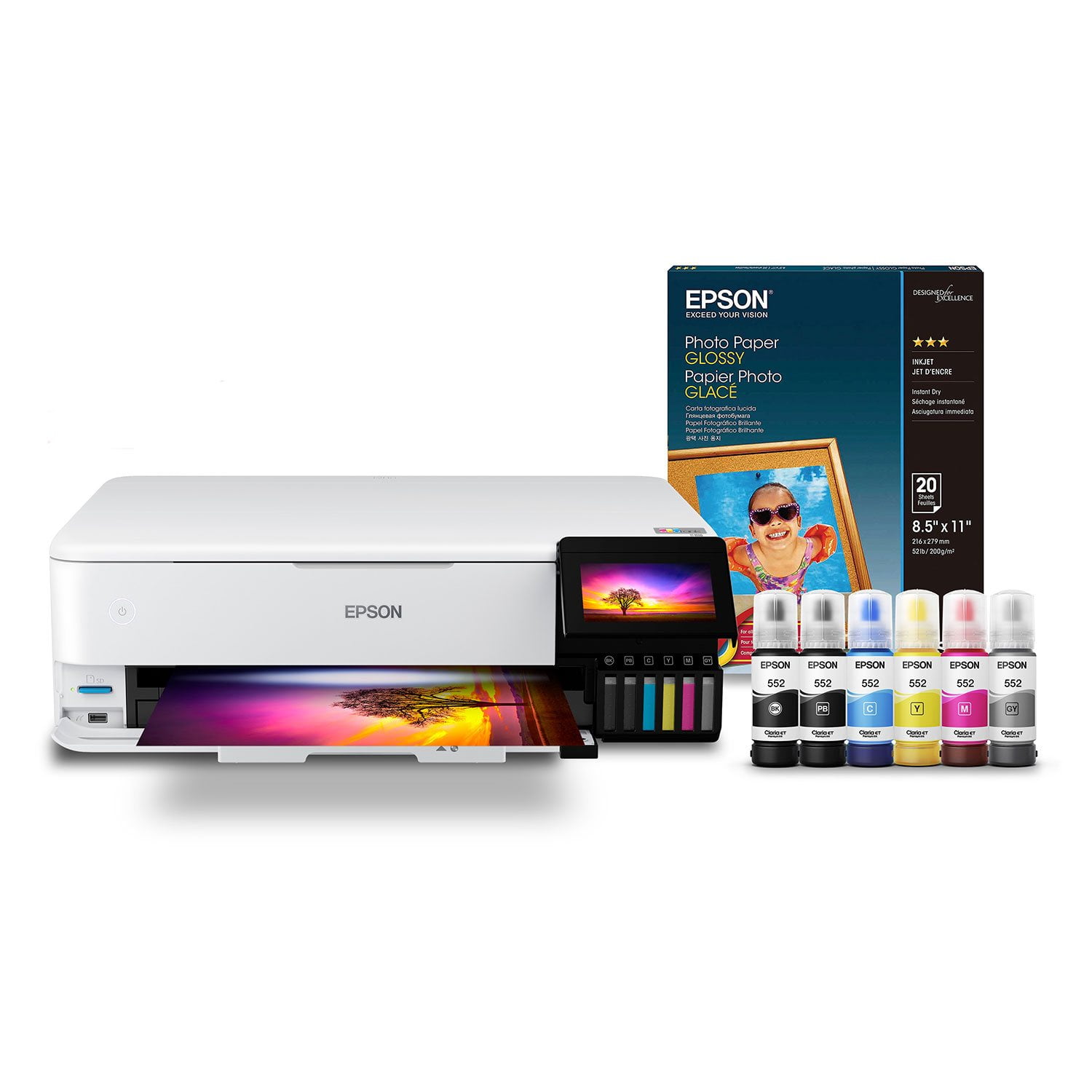
 Customer reviews for Epson EcoTank Photo ET-8550 Supertank Special Edition All-in-One Inkjet Printer, Bonus pack of Epson Photo Paper Glossy for
Amazing printer
This is a review for the Epson EcoTank Photo ET-8550 Wireless Printer that I received free of charge to do a beta test and review. I can't say enough about this printer and how far along Epson brand has become. While printers may be on the inexpensive side, ink cost alone will eat you alive it seems! This printer has the ability to cut that cost by more than half! Im incredibly impressed by the fact that I can refill my ink without having to replace ALL the ink at once. But before I get into that, let's look at the printer as a whole. It's sleek, sophisticated, not that heavy, and looks great in any home office. Set up took no more than 5 min or so from start to finish. Both my windows computer and android phone found the device instantly. I was ready to print in no time. From regular paper to different sized photos, I was very happy with the quality. Photos were vivid and bright without consuming much ink. Fonts in black ink were true black without any gray fading which some ink jets can fall victim to. Print time took seconds for word documents and slightly longer for photos by maybe 30-45 seconds give or take depending on the size (obviously it'll print a 4x7 faster than an larger photos). All in all I'm beyond estatic to review and try this printer. It exceeded many of my overall concerns I've had from other brands. The biggest take away is not having to spend an arm and a leg on ink and no annoying subscription on top of that. I highly recommend the Epson EcoTank.
Meh
Wish this printer was better. Perfectly fine for regular printing but using thicker art quality papers make the entire experience next to unbearable. Rear manual feeder is the only way to printer larger format without it jamming the printer. Manual feeder super particular and takes at least six tries to get it to print.
Eco-friendly printer
“This is a review for the Epson EcoTank Photo ET-8550 Wireless Printer that I received free of charge to do a beta test and review.” Let me start off with what blew my mind is that you can refill this printer with ink you do not need ink cartridges how awesome is that. I love that Epson is looking for new ways to become eco-friendly.that makes me so happy as a customer and also I love that in cartridges are not ending up in landfills. Also their ink is not expensive it is way cheaper than regular in cartridges. Really easy to fill up no struggle really fast. If I am purchasing a printer it is a Mustit must be wireless and that I can print from my mobile device and this is precisely what this printer does. Because nowadays computers and laptops takes so long to turn on and sometimes you just need a really quick print and now I can do that with my eco-tank printer how awesome. Also I have never seen a printer be able to scan or overall print a document that is size 13×19 It’s really comes in handy when you have to scan a copy print documents of that size.because I have struggled with regular size printers to get that done. Another really cool feature is there at touchpad screen. It gives it a really modern touch than traditional Boring printers. Also you can make CD and DVD labels directly from this printer. No making photos on this printer is really cheap first of all and also the The photos come out really clearly vibrant colors which is what I will most love that way.I can capture all those moments with my family and for a really cheap price which is most important.when they say all in one they really meant it.
Impressive features and amazing performance!
The EcoTank Photo ET-8550 Wireless All-In-One Wide-Format Supertank Printer is packed with many powerful features that have exceeded my expectations. This amazing printer has the capability to quickly produce economical high-volume professional quality prints right at home. As a Graphic Designer, this is very convenient for me. I’ve always had to outsource all of my printing which became very expensive. I can now save money by printing most of my graphics right at home. The EcoTank Photo ET-8550 functions as a printer, scanner and copier all-in-one. You can also instantly print from your mobile phone using the Epson Smart Panel app or by voice activation. Setting up this printer was breeze due to the clear and helpful pictorial instructions. You can choose between a wired (Ethernet) and wireless (Wi-Fi) connection. Either option only takes a few minutes to set-up. The large LCD touch screen offers many options for quick and easy navigation. This machine is very durable and sturdy. In the process of printing, it never shakes or moves. The overall design is sleek and user friendly. Instead of traditional ink cartridges, the ET-8550 utilizes six Claria premium ink bottles. These are replaceable ink bottles of various colors. Each ink bottle can yield thousands of pages or prints. Installing the ink is simple and mess free compared to cartridges. You simply fill each ink tank with its respective ink bottle. You can see when the ink is being filled by viewing the ink levels right on the machine itself. The ink takes 7 minutes to charge before you can begin printing. These ink bottles can last up to two years. The ET-8550 allows you to print with a wide range of options. You can print photos up to size 13” by 19”, as well as on different media such as cardstock and CD/DVDs. The print quality is very impressive! All of my prints and photos look professional, vivid, vibrant and rich. No pixelation or streaks. I get the perfect print every time. Text is always sharp and crisp. I also really appreciate that the ink dries quickly to prevent smudges. This is the perfect printer for everyday use. It can definitely handle high production. It has definitely exceeded my expectations and I highly recommend it! This is a review for the Epson EcoTank Photo ET-8550 Wireless Printer that I received free of charge to do a beta test and review.
So excited for long lasting ink
I am so excited to see this new method of ink bottles vs the same old cartridges. I travel to client houses all day and use my phone to print things so they are all ready to go when I get home. My old printer would constantly error out telling me it was out of colored ink even if I only wanted to print in black and white. I love that this Epson Ecotank connects right to my phone and I no longer have to worry about printer errors while I'm on the go. I am an amateur photographer too and I'm so happy with how crisp and clean the photos turn out. I am able to print off one big sheet vs having to tape smaller pages together or make my documents smaller which is super convenient as well. Unlike most printers where you run out of ink and just buy a new one because it's cheaper I am excited for years of use with this new printer. This is a review for the Epson EcoTank Photo ET-8550 Wireless Printer that I received free of charge to do a beta test and review.”
GREAT FEATURES
I received the package a day after the actual delivery. It is worth to wait for the Epson Printer and I am very excited to use it for my work and see the outcome of my work with the use of my new Epson Printer. It is very easy to Install and being a wireless it makes it more comfortable to make more printing without getting back and forth to operate the printer and it is also make a lot hassle free to connect all the wirings from the printer to my laptop. I don't have any problem to encounter upon setting up and getting a great photo result. I love this printer even though I just have it for a short time. it makes my job easy and more convenient with the use of my Epson Printer, I am glad that I have given a chance to be chosen to do a sample test of the Epson Printer. This is a review for the Epson Eco Tank Photo ET-8550 Wireless Printer That I have received free of charge to do a beta test and review.
Best printer on the market for the price.
The pop out tray is very sensitive. Bumped it walking by and it stopped working. Gears grind. I took it back to Staple they gave me a brand new one. I always buy extended warranty well worth the price. Love Epson printer. I love this printer because you can print great B%26W real quality B%26W. Well worth the money. I also have an L805 for smaller sizes. Love it too.
Love it ... but use the Smart App to set it up ...
I’ve been printing on a friend’s 8550 and finally got one of my own. Love this printer. It deserves 5 stars but the setup was somewhat of a headache. I left one bit of the packing wedges in the printer and when I tried to do the setup from the LCD screen it failed (as it should). I removed the wedge but the printer would not setup. It routinely failed following Step 2.2. (After selecting the language and before filling the ink tanks) Extremely frustrated after multiple tries of checking for more packing debris, tray out of alignment etc , I took a break. Then ... before calling support I decided to use the Epson Smart Panel App -- thinking maybe it would give me a visual of the problem. Turned out there was no problem. I guess there was something interrupting the manual sequence. Anyway it was super easy to follow the App. The downside is it should work from the LCD screen.
This is a review for the Epson EcoTank Photo ET-8550 Wireles
I received my printer to do a review for the Epson EcoTank Photo ET-8550 Wireless Printer that I received free of charge to do a beta test and review.” First I was emailed and texted about my delivery. It arrived sooner than my text message said it would. I was so excited to unbox it. It was delivered right to my front door, I signed for it and was very surprised how light weight it was. I started to unpack the Epson printer (ET-8500/ET-8550). Please make sure to read ALL instructions before beginning anything. ***Don't turn Printer Off during this entire process or you will have to start all over** You may need a USB cable just case, it is not included. I am not that text savy but I was able to follow the instructions and uploaded the app. I was very surprised how easy it was. The app will walk you through a very friendly smart panel setup. Once it located my printer it was ready for next step ink initializtion. It will guide you step by step. It can be used wired or wireless. Easy to fill ink cartridges. You will need paper to test the printer may 6 to 10 pages. After system setup is completed you are to start using it ASAP. I am so glad I was selected to set out this amazing product (This is a review for the Epson EcoTank Photo ET-8550 Wireless Printer that I received free of charge to do a beta test and review.”)
My new printer is a very expensive doorstop.
Never was able to complete setting it up, as it began throwing phantom paper jam errors. Following the steps to clear it revealed nothing inside, of course. All blue packing tape had been removed, and it had never fed so much as a single sheet. Extremely distressing.