
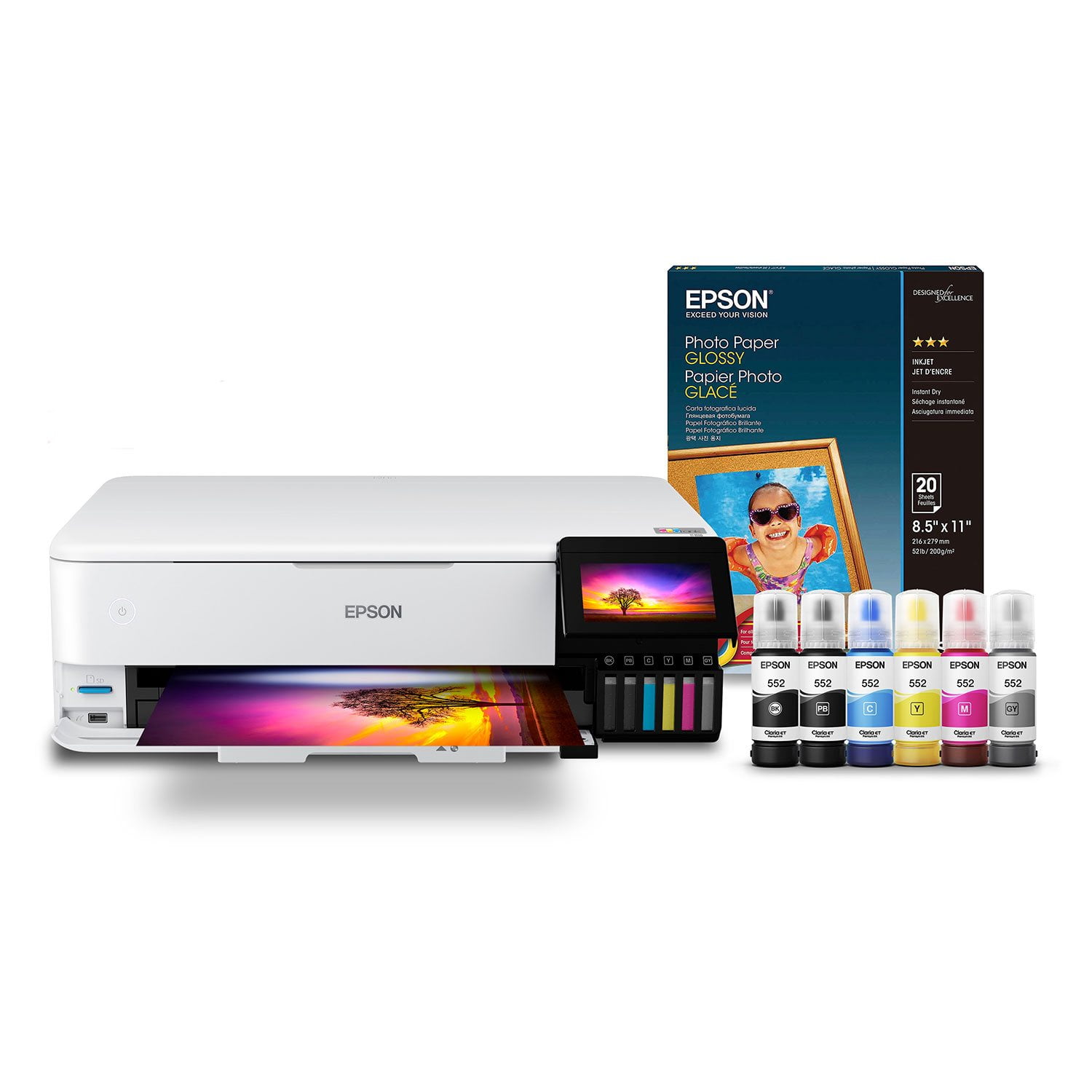
 Customer reviews for Epson EcoTank Photo ET-8550 Supertank Special Edition All-in-One Inkjet Printer, Bonus pack of Epson Photo Paper Glossy for
Best on the market!
First, let’s talk design: I immediately loved the wide, yet compact modern design, size, and weight of the scanner. The Control Panel window is in the perfect location for functionality. The Paper Tray is automatic!! The tray also has a light that turns on when printing, which adds a great touch to the design of the printer. The printer setup was pretty simple and straightforward. Both the computer setup screen and the printer setup screen were easy, guided instructions. The Network Setup was a breeze. I was able to connect my MacBook and phone within 10 minutes of the setup process. The Quick Send buttons are and added bonus! I am constantly on the go and it's so convenient to scan and send in a couple minutes compared to grabbing my laptop, scanning individually and saving, then upload it to attach and send. Even typing that now just seems like a lot. Another feature I really enjoyed is the transport capabillity. I scanned all the business cards I have collected from networking. Then I was able to turn those scanned cards into searchable PDFs so I can easily navigate through them. How cool is that! I can also make copies of receipts and temporary documents and store them with ease. This printer also has the capability to be set into transport mode for moving the printer to different locations. I I was promoted a few months back and I had to move offices and the printer I previously owned paper tray kept flapping open. I had to try to use tape which ultimately did not hold. love the concept and thinks its a thoughtful feature! Overall this is hands down the best printeR I have ever had. Highly recommend! This is a review for the Epson EcoTank Photo ET-8550 Wireless Printer that I received free of charge to do a beta test and review.
Wonderful
I got this a couple ago and I have done so much with the printer. Out of box experts i got the printer easily was able to fill the ink pots. It did take me a little bit to line up the nozzle heads. The printer works great have done at least 200 different craft pages such as stickers and temporary tattoos and the ink.pots haven't went down at all.,It prints in bright true to “This is a review for the Epson EcoTank Photo ET-8550 Wireless Printer that I received free of charge to do a beta test and review
This is a review for the Epson EcoTank Photo ET-8550 Wireles
I received my printer to do a review for the Epson EcoTank Photo ET-8550 Wireless Printer that I received free of charge to do a beta test and review.” First I was emailed and texted about my delivery. It arrived sooner than my text message said it would. I was so excited to unbox it. It was delivered right to my front door, I signed for it and was very surprised how light weight it was. I started to unpack the Epson printer (ET-8500/ET-8550). Please make sure to read ALL instructions before beginning anything. ***Don't turn Printer Off during this entire process or you will have to start all over** You may need a USB cable just case, it is not included. I am not that text savy but I was able to follow the instructions and uploaded the app. I was very surprised how easy it was. The app will walk you through a very friendly smart panel setup. Once it located my printer it was ready for next step ink initializtion. It will guide you step by step. It can be used wired or wireless. Easy to fill ink cartridges. You will need paper to test the printer may 6 to 10 pages. After system setup is completed you are to start using it ASAP. I am so glad I was selected to set out this amazing product (This is a review for the Epson EcoTank Photo ET-8550 Wireless Printer that I received free of charge to do a beta test and review.”)
Love it so far!!!
Epson really gives you a lot for your money with this printer. It's very nice looking and prints rather high quality photo prints. This is my first Epson printer after using HP printers for decades and I am really impressed with the build quality, ease of use, ease of setup, and the ink bottle system. I love how it connects to wifi, you can print right from the app, or from any computer on your local network easily. I love how it gives you so much flexibility in paper types and sizes and ways to feed paper through the printer as well. I definitely recommend this printer. One thing I will warn about -- DO NOT USE Walmart's "Pen+Gear" store brand photo paper in this printer!! It's very thin and can get caught in the rollers and dirty them up causing the printer to not be able to feed paper anymore without being cleaned. After cleaning the rollers twice I gave up and bought better paper and have not had a problem since.
Worst setup ever
The printer might work okay but I cannot get all of the features to work because it is the worst setup software I have ever encountered. I set up an account and now it will not let me login; stating the email is wrong. The printer is on my network and I can print to it but when I run the software it cannot find the printer. Cannot set up printer connect to make changes. Just the worst setup software ever.
Eco-friendly printer
“This is a review for the Epson EcoTank Photo ET-8550 Wireless Printer that I received free of charge to do a beta test and review.” Let me start off with what blew my mind is that you can refill this printer with ink you do not need ink cartridges how awesome is that. I love that Epson is looking for new ways to become eco-friendly.that makes me so happy as a customer and also I love that in cartridges are not ending up in landfills. Also their ink is not expensive it is way cheaper than regular in cartridges. Really easy to fill up no struggle really fast. If I am purchasing a printer it is a Mustit must be wireless and that I can print from my mobile device and this is precisely what this printer does. Because nowadays computers and laptops takes so long to turn on and sometimes you just need a really quick print and now I can do that with my eco-tank printer how awesome. Also I have never seen a printer be able to scan or overall print a document that is size 13×19 It’s really comes in handy when you have to scan a copy print documents of that size.because I have struggled with regular size printers to get that done. Another really cool feature is there at touchpad screen. It gives it a really modern touch than traditional Boring printers. Also you can make CD and DVD labels directly from this printer. No making photos on this printer is really cheap first of all and also the The photos come out really clearly vibrant colors which is what I will most love that way.I can capture all those moments with my family and for a really cheap price which is most important.when they say all in one they really meant it.
Fantastic Printer
This printer is an amazing value. I consider myself a hobbiest photographer. The first photo I printed off shocked me. I didn’t know really what to expect but the colors were so vibrant. It was also ready easy to setup. The accompanying app is cool also. One thing I wish they would fix is that it doesn’t behave well on WiFi where the same SSID is being broadcast on 2.4 and 5ghz channels as many whole home WiFi setups do by default now. All in all this printer is very good. It doesn’t really have a traditional paper tray, as it is top fed but I’m ok with that. This is a review for the Epson EcoTank Photo ET-8550 Wireless Printer that I received free of charge to do a beta test and review
I HATE MY PRINTER
I absolutely hate hate hate this printer. I’m so upset that I wasted so much money and time researching printers. I’m an artist who sells prints for some of my artwork. Despite buying Epson archival paper and other brands, all of my prints look like absolute garbage. I make sure the dpi is high enough etc. I edit in either PS or LR. I’ve tried AI editing as well. I have to paint the painting again, on top of the paper. Such a waste! Oh and I am printing on paper only 18” in length and it’s not printing the last inch.
Extraordinary...
I had to wait several months while the 8550 was subject to supply chain delays. So glad I did. This technological breakthrough in inkjet printing is revolutionary. Users with decades of experience making print can't stop raving about how printing images is now FUN. I gave away my prior pro-level printer and I'm glad I did. My single complaint is that the 2021 print driver build omitted the Ultra Premium Presentation Paper Matte from the driver's "Paper Type" print setup selection. This paper choice is widely referenced for use with Fine Arts quality papers. Whether it was a conscious decision due to its all-in-one status or inadvertent omission, the driver should be revisited and add this paper setup. Thank you.
Super efficient
I got this printer a few weeks ago, I was surprised of how nice this printer looks, is sleek and it looked great in my office . It has a display on the side that you can see all the functions . The set up was very easy , wireless . I got all the instructions on my phone and I followed step by step including adding ink to the EcoTanks . It was mess free and I still have some ink left to use in the future. I’ve been using the printer since I received , and I’ve been printing several projects and it works great , prints super fast and with a great quality . I’m very happy with my printer. This is a review for the Epson EcoTank Photo ET-8550 Wireless Printer that I received free of charge to do a beta test and review.