Skip to Main Content
Sam's Club
Sam's Club
All Departments
All Services
Customer reviews for Garmin Drive 53 5-inch Touchscreen GPS Navigator for
Garmin Drive 53 5-inch Touchscreen GPS Navigator
4.1 out of 5 stars
stars
213 ratings204 reviews
  1. 5 stars54% (116)
  2. 4 stars19% (40)
  3. 3 stars15% (32)
  4. 2 stars5% (11)
  5. 1 star7% (14)
Sort by |
Showing 141-150 of 204 reviews
Jan 18, 2025
JimHH
3 out of 5 stars review

Garmin Drive 53

Had it a couple of weeks, satisfied - not. Giving myself more time but, not happy at the moment. Was using it and it quit - sorta. The light leven went down to not readable, stayed that was for an hour or so and then suddenly, full bright. Worked for a couple of days, repeat, has done it a couple of times, working now but? Other menu items that I am not happy with, maybe learning curve?? Last, I will be getting one with a 7" screen, just hard to see. I had the 53 and I was OK with it until.... it quit. I like Garmin and want to stay with it, I'll see how things work out with the 7" when I get to it,

Review from Garmin
Helpful?28YIOL7YSDPG13961070394
Jun 14, 2023
Johnny12345
3 out of 5 stars review

Drive 53 not as good as the Nuvi

I bought the Drive 53 a few weeks ago, and I've not exactly been pleased with it. It is not nearly as user friendly as my old Nuvi 1450 was. It's a lot more confusing to find places and it's a lot less organized as far as routes and waypoints. The documentation for it is pretty poor too. Can't get much help there. Perhaps in time some of this will be sorted out. I hope so.

Review from Garmin
Helpful?28YIOL7YSDPG13961070394
Jan 6, 2025
KennyD
5 out of 5 stars review

The best feature is hidden

This is my second Garmin GPS purchase and replaces a Nuvi 42 that lasted for 13 years, and probably could have gone longer. If you dig into the settings, you can set a blue line to be drawn on routes you have traveled. This is especially useful if you are trying to find a parking spot and you need to circle back. Where was that road? Just go back to the Blue line. The screen is much improved and is bright and clear. I like that the next cross street is shown at the bottom, I tend to use the phone for directions and as I listen I watch the names of the cross streets. I thought about purchasing the version with traffic, but did not want to have it bluetoothed to my phone. The street accuracy is fairly good, and newer streets in my drive are on the maps correctly (with a few exceptions). I haven’t used this Garmin for directions much yet, but when I have, directions tend to route you to bigger streets and do not always find short cuts, but I’ve noticed that the apps on my phone do this as well, so you still need to do some short cuts seeking. Routing changes quickly if I miss a turn. In the Dallas area, the 635 construction rebuild is not in the maps correctly and the GPS usually thinks you are on the access road. I assume this will get fixed in a map upgrade.

Review from Garmin
Helpful?28YIOL7YSDPG13961070394
Oct 15, 2025
53 Garmin
1 out of 5 stars review

Just stopped working

I used the unit for about a month and it just stopped turning on and working

Review from Garmin
Helpful?28YIOL7YSDPG13961070394
reply from Care

If your Drive 53 is no longer powering on, please try the suggestions outlined here: http://ms.spr.ly/6429sfudW Please reach out to Garmin Support if you're still having trouble, as they will be able to assist you further. You can do so at 1-800-800-1020 Monday-Friday, 7am - 7pm Central.

Sep 20, 2025
crazedfox
4 out of 5 stars review

Functions.

Functions & does it’s job. ……………………………………………………………….

Review from Garmin
Helpful?28YIOL7YSDPG13961070394
Oct 14, 2025
MAT1
5 out of 5 stars review

Works great! Easy to add addresses!

Had it a month and am very pleased! I will use this every time I need directions!!

Review from Garmin
Helpful?28YIOL7YSDPG13961070394
Oct 3, 2025
Pjhytf
1 out of 5 stars review

Crap

Crap, difficult to get coverage, Difficult to setup, no traffic Alert!!, would not buy!!!! Go Away!

Review from Garmin
Helpful?28YIOL7YSDPG13961070394
reply from Care

We appreciate your feedback! I'm sorry to hear that you had trouble setting up your Drive 53. The Owner's Manual has some suggestions that should be helpful with this: http://ms.spr.ly/6429sxTBf With regard to traffic alerts, if a traffic event is detected during navigation that will cause a delay of 5 minutes or greater, the device will audibly announce the traffic event. If an event is detected while not navigating a route, the device will announce an alert if the event is within 10 miles. Only medium and severe traffic events will trigger an alert on the device. If you have questions, Garmin Support is happy to help and can be reached at 1-800-800-1020 Monday-Friday, 7am-7pm Central (closed weekends and holidays).

Aug 25, 2025
djoy
5 out of 5 stars review

Great features

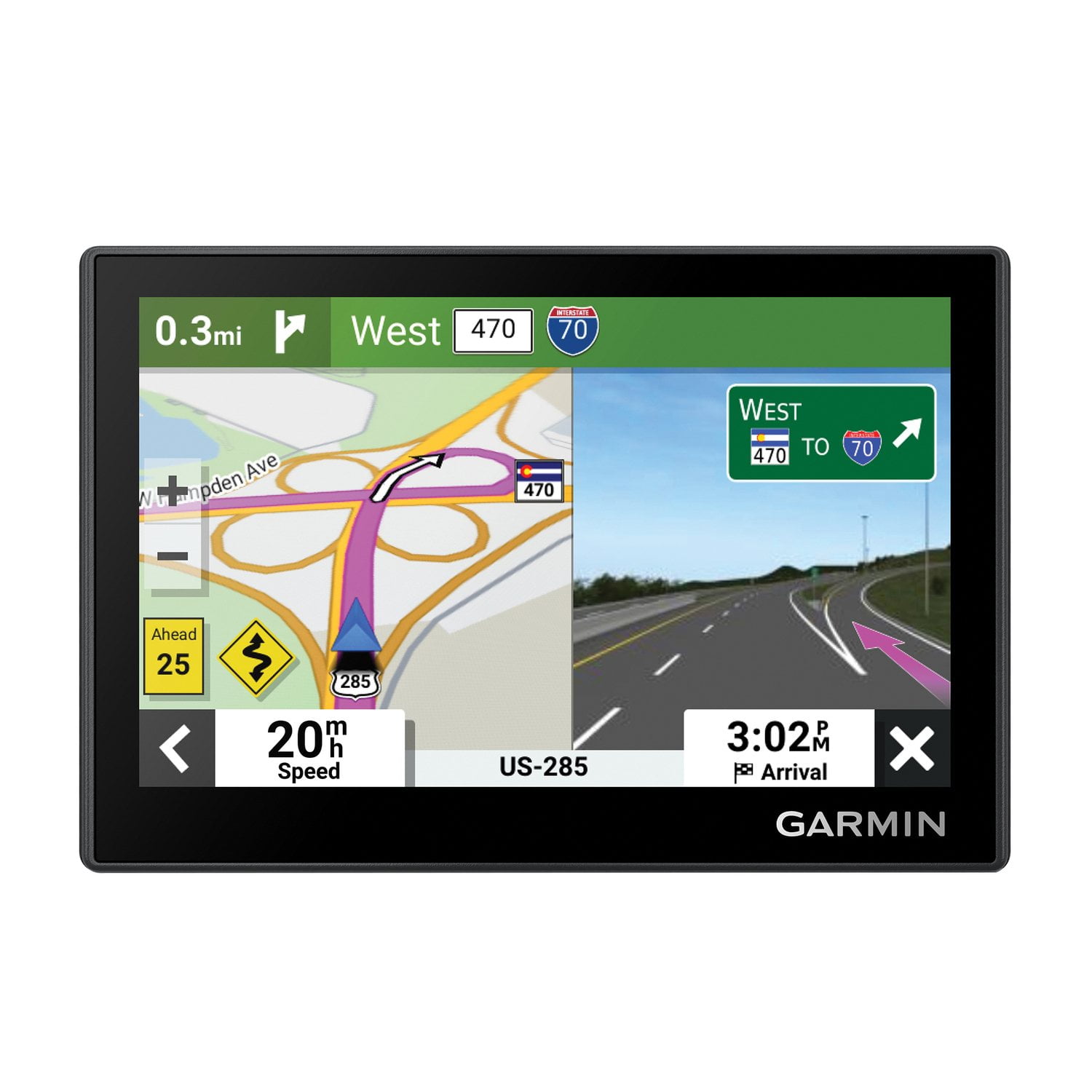
I love the route planner and the split screen real life road and signs for exits

Review from Garmin
Helpful?28YIOL7YSDPG13961070394
Aug 20, 2025
DJ 111
5 out of 5 stars review

Great GPS

This is one of the best Garmin that I have it is small and compact and very reliable.

Review from Garmin
Helpful?28YIOL7YSDPG13961070394
Nov 14, 2025
Genieman
5 out of 5 stars review

Super Great Features

I bought this more than a month ago and I am super happy with it.

Review from Garmin
Helpful?28YIOL7YSDPG13961070394