Skip to Main Content
Sam's Club
Sam's Club
All Departments
All Services
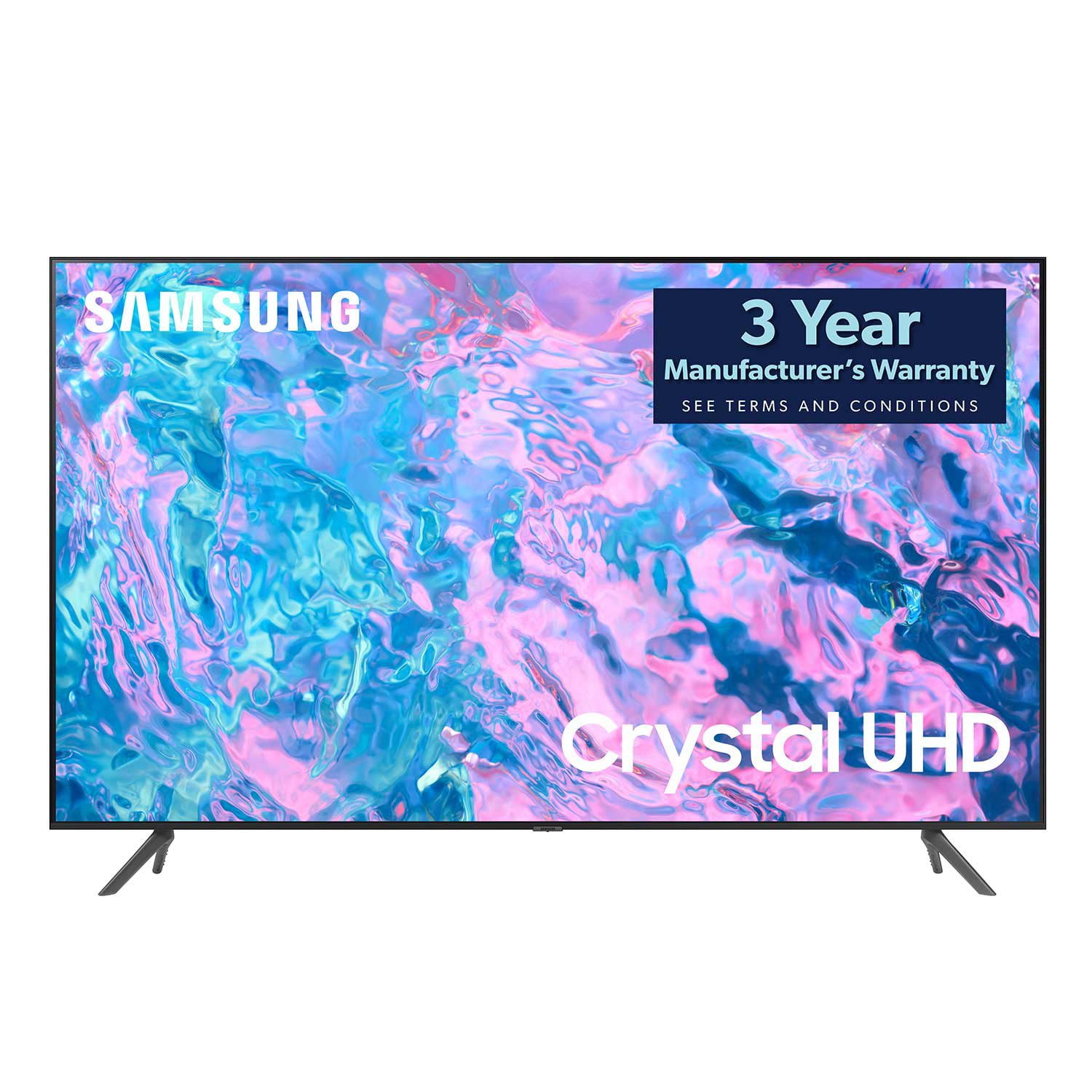
Customer reviews for SAMSUNG 65" Class CU7000-Series Crystal UHD 4K Smart TV with HDR - UN65CU7000DXZA for
SAMSUNG 65" Class CU7000-Series Crystal UHD 4K Smart TV with HDR - UN65CU7000DXZA
4.6 out of 5 stars
stars
1,820 ratings1,412 reviews
  1. 5 stars74% (1,339)
  2. 4 stars17% (309)
  3. 3 stars4% (76)
  4. 2 stars2% (29)
  5. 1 star4% (67)

Member photos

  • +319 images
Sort by |
Showing 981-990 of 1,412 reviews
May 31, 2024
Bubbagum
5 out of 5 stars review

Great TV and Experience

[This review was collected as part of a promotion.] This is my first smart television experience. Setup and navigation were easy to follow and finish. I like the added features of the Samsung plus stations.

Review from Samsung US
Helpful?6RZZK6GIRBUS13960862018
Jun 22, 2024
Momof407101214
5 out of 5 stars review

Best tv ever!!

[This review was collected as part of a promotion.] I would highly recommend this TV. The pictures are always crystal clear and when watching some movies it feels like you're actually in the movie!! The sound is amazing too!!

Review from Samsung US
Helpful?6RZZK6GIRBUS13960862018
Jun 28, 2023
Akjr
2 out of 5 stars review

Terrible sound

It wasn't easy to set up and the sound quality is terrible. This tv should be sold with a sound bar. In addition there was no manual so I could see how to connect dvd or sound bar

Review from Samsung US
Helpful?6RZZK6GIRBUS13960862018
reply from Samsung Brand Ambassador

Hi Akjr, Thank you for purchasing Samsung's CU7000D TV and for your feedback on the sound. To ensure you’ve got the latest sound quality updates, please confirm that your TV is up to date with the latest firmware version. You can check by going to: Home > Menu > Settings > Support > Software Update. If the sound is still not to your liking after updating firmware, there are several sound settings you can adjust to suit your personal preferences. You can choose from various Sound Modes that may better meet your personal preferences. Go to: Menu > Settings > All Settings > Sound > Sound Mode, or Expert Settings to fine-tune and customize your sound. Adaptive Sound will also further optimize sound quality by analyzing the viewing space and the acoustic components of the content. Go to: Menu > Settings > All Settings > General & Privacy > Intelligent Mode Settings. Should you choose to add a Samsung Soundbar to your TV, please know that our Q-Series Soundbars (such as the HW-Q600C) feature Q-Symphony which will synchronize with the speakers of your TV for an immersive 3D sound experience. To assist you with possible sound settings adjustments for a better audio experience or choosing a Samsung Soundbar to complement your viewing enjoyment, please reach out to us at 1-800-SAMSUNG, 8 AM - 12 AM EST, seven days a week. For additional support resources, visit us on the Samsung website and click on the ‘Support’ link in the upper right corner of the homepage for: 1. Chat with Us/Product Help: To begin a chat or find solutions, choose ‘TVs & Home Theater’ then select your model and topic. 2. Register a Product: For access to easy support, convenient opt-in to special promos and offers, faster troubleshooting, and quick notification of system updates. 3. Manuals, Software, & Warranty Info ~ Samsung Specialist

Oct 17, 2023
Joelyolley
5 out of 5 stars review

Great tv for price

[This review was collected as part of a promotion.] Great tv would recommend to people who are looking for a good tv with great picture quality at a good price. Thank u samsung for the great samsung cu7000b tv the sound quality is very goood too

Review from Samsung US
Helpful?6RZZK6GIRBUS13960862018
Jan 16, 2024
Customer review
1 out of 5 stars review

Broken unresponsive

Bought the tv and had picture for a few hours powered off came later to power on and had sound and no picture unless you had a flash light at the right angle you were able to see some image. Item was returned

Review from Samsung Canada
Helpful?6RZZK6GIRBUS13960862018
reply from Samsung Support Team

Hello, thank you for sharing your thoughts with us. We’re sorry to hear that you’re disappointed, and we will be sure to share your feedback with our teams so we can continually improve our products, services, and processes. Thanks again.

Jan 13, 2024
Cooltv
5 out of 5 stars review

Great features and easy to learn cool

Absolutely stunning ,Love it value for money great we live remote so 80precent of our entertainment is Tv so nice not to be disappointed 5 star for sure

Review from Samsung Canada
Helpful?6RZZK6GIRBUS13960862018
reply from Samsung Support Team

Hello, thank you for your 5 star review and feedback. We will pass your comments along to our store staff and hope you visit us again someday soon.

Aug 5, 2024
WinkOfWar
4 out of 5 stars review

Great picture

[This review was collected as part of a promotion.] Great picture with nice options for customization of said picture. Just wish it had more smart features and more settings for sound.

Review from Samsung US
Helpful?6RZZK6GIRBUS13960862018
Jul 2, 2024
Soozeeq
5 out of 5 stars review

Excellent purchase

[This review was collected as part of a promotion.] The picture is crisp and clean. The colors are vibrant and the television itself was an easy setup and user friendly.

Review from Samsung US
Helpful?6RZZK6GIRBUS13960862018
Sep 27, 2023
DK320
5 out of 5 stars review

Great TV so far

Works well, love all the additional features, especially the bluetooth. I can connect my headphones and not disturb anyone else. A lot of good internet features and apps.

Review from Samsung Canada
Helpful?6RZZK6GIRBUS13960862018
Oct 8, 2023
ALL4SVH
4 out of 5 stars review

Satisfied Purchase but......

Purchased less than 30 days ago and is still trying to learn all its features. Do not like the remote at all. Great picture quality but the sound could be better for a smart TV. Will purchase again.

Review from Samsung US
Helpful?6RZZK6GIRBUS13960862018