Skip to Main Content
Sam's Club
Sam's Club
All Departments
All Services
Customer reviews for SAMSUNG 65" Class CU7000-Series Crystal UHD 4K Smart TV with HDR - UN65CU7000DXZA for
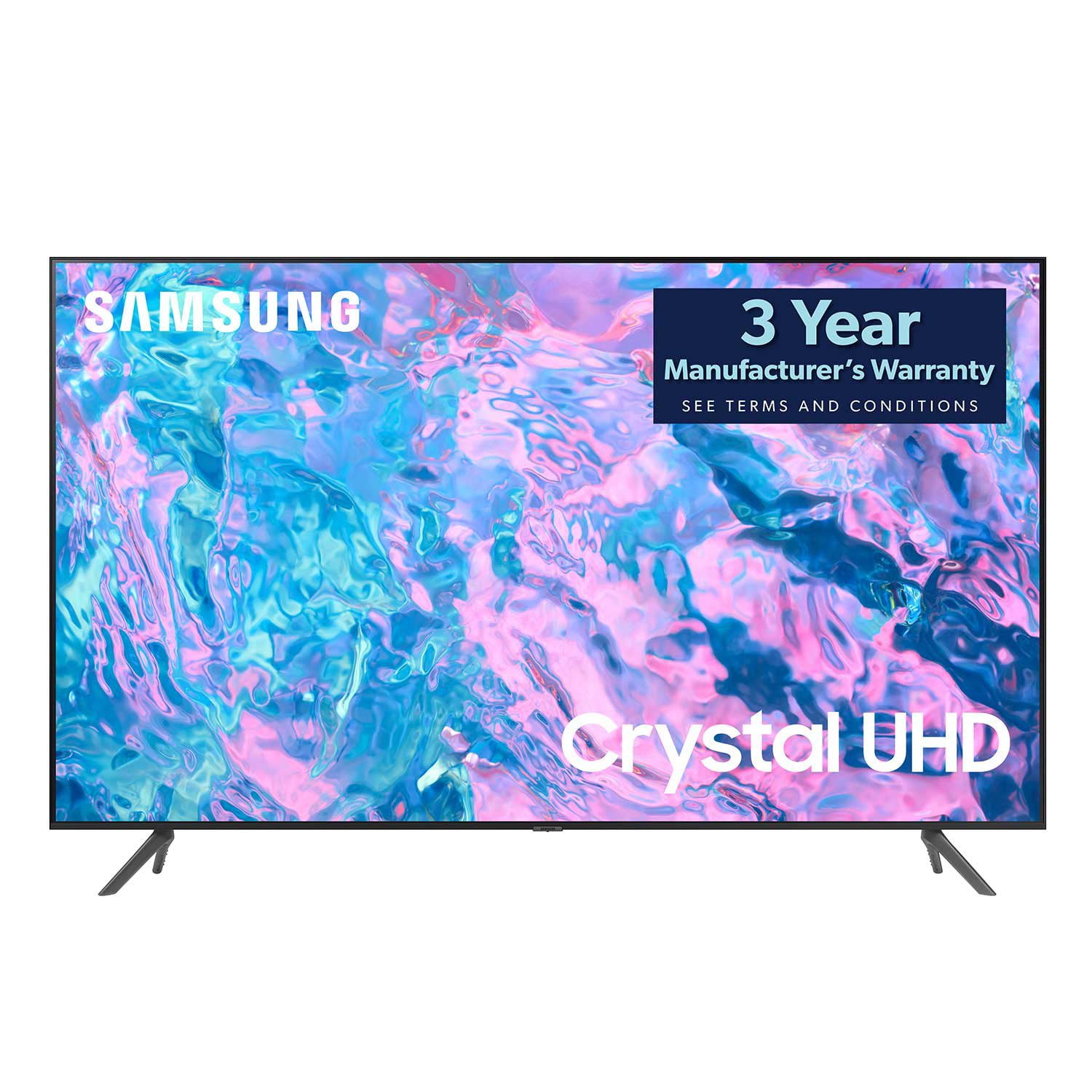
SAMSUNG 65" Class CU7000-Series Crystal UHD 4K Smart TV with HDR - UN65CU7000DXZA
4.6 out of 5 stars
stars
1,823 ratings1,415 reviews
  1. 5 stars74% (1,340)
  2. 4 stars17% (310)
  3. 3 stars4% (77)
  4. 2 stars2% (29)
  5. 1 star4% (67)

Member photos

  • +319 images
Sort by |
Showing 971-980 of 1,415 reviews
Jul 29, 2024
Reviewer name: swpz13
4 out of 5 stars
4 out of 5 stars review

Great picture

[This review was collected as part of a promotion.] Great picture quality. Wireless remote is very small. Phone application does not always connect. TV seems to have a mind of its own, and will lock up or change to default Samsung Channel.

Review from Samsung US
Helpful?6RZZK6GIRBUS13960862018
Jun 27, 2023
Reviewer name: Linda
2 out of 5 stars
2 out of 5 stars review

TV volume is seriously lacking.

It's a great Tv EXCEPT the sound. At 100 (the highest volume) it's not loud enough for certain things… movies. I am considering returning the TV because of this issue. Btw… I am NOT hard of hearing orca senior citizen who blasts their TV.

Review from Samsung US
Helpful?6RZZK6GIRBUS13960862018
reply from Samsung Brand Ambassador

Hi Linda, Thank you for sharing your experience with low volume on the CU7000 TV. I have a few recommendations that should help. There are several volume features you can adjust, which I have put below for you to troubleshoot. 1) Auto Volume automatically adjusts the sound to a certain level when changing channels or switching to another external input. Go to Settings > All Settings> Sound > Expert Settings > Auto Volume. 2) Adaptive Sound automatically adjusts to a specific volume level while watching TV. The TV analyzes your volume usage history by time period to automatically adjust the volume when you use an app or switch to an external input source. Go to Settings> All Settings> Sound> Sound Mode> Adaptive Sound. 3) Several Sound Modes are likewise available to meet your personal preferences: Home > Settings > All Settings> Sound > Sound Mode Also, some sources have their own volume control, which might need to be set higher. Please check the volume control of the external device (cable box or satellite box, DVD, Blu-ray, etc.) connected to your TV. Also, check the cable connection between an external device and the TV and then try the cable connection again. I hope this helps improve your audio experience. Should you need further assistance or have any questions, please contact Samsung Customer Support at 1-800-SAMSUNG, 8 AM - 12 AM EST, seven days a week. Our LiveChat agents are also available by clicking on the ‘Support’ link on our website. ~ Samsung Advisor

Sep 19, 2024
Reviewer name: Ponxex3
5 out of 5 stars
5 out of 5 stars review

Great tv for a good price

[This review was collected as part of a promotion.] Well designed tv. Colors and light levels are Great, Bluetooth is a great for late night movie. Watching movies in the dark are super satisfying.playing my Xbox looks excellent.

Review from Samsung US
Helpful?6RZZK6GIRBUS13960862018
Nov 24, 2023
Reviewer name: Bjarke 33788
5 out of 5 stars
5 out of 5 stars review

Exceeding my expectations for price

(This review was collected as part of a promotion.) This tv has been in our living room for a year new and we love it. Great picture great sound I do however prefer the old style remote.

Review from Caddle
Helpful?6RZZK6GIRBUS13960862018
Mar 25, 2024
Reviewer name: Gpops52
5 out of 5 stars
5 out of 5 stars review

Great features
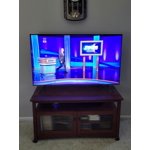
[This review was collected as part of a promotion.] Crystal clear lifelike picture. The Samsung TV app is great. Setting up was easy and using the tv is easy too. Connected to antenna for over the air broadcast and the internet for apps.

Review from Samsung US
Helpful?6RZZK6GIRBUS13960862018
Jan 13, 2024
Reviewer name: Cooltv
5 out of 5 stars
5 out of 5 stars review

Great features and easy to learn cool

Absolutely stunning ,Love it value for money great we live remote so 80precent of our entertainment is Tv so nice not to be disappointed 5 star for sure

Review from Samsung Canada
Helpful?6RZZK6GIRBUS13960862018
reply from Samsung Support Team

Hello, thank you for your 5 star review and feedback. We will pass your comments along to our store staff and hope you visit us again someday soon.

Dec 13, 2023
Reviewer name: Nadine9310
5 out of 5 stars
5 out of 5 stars review

Great Television

(This review was collected as part of a promotion.) Great TV with excellent picture quality. I really love it so much more than my old TV. The screen is a great size and the mount is perfect. The salespeople were also fantastic.

Review from Caddle
Helpful?6RZZK6GIRBUS13960862018
May 16, 2023
Reviewer name: RBender859
5 out of 5 stars
5 out of 5 stars review

Samsung LED TV

Good quality TV for the price. Like 3 HDMI inputs. I might be old fashioned but I prefer the standard buttons for use without a remote. The current setup is limited and difficult to use.

Review from Samsung US
Helpful?6RZZK6GIRBUS13960862018
Feb 21, 2024
Reviewer name: Timmskmw
3 out of 5 stars
3 out of 5 stars review

Sound going out.
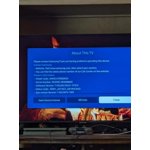
Bought this TV about 8 months ago and the sound has started going out, not sure what is going on. Waiting for Samsung to verify my warranty so I can get it fixed but it seems way too early for something to go wrong with it. Otherwise a great TV.

Review from Samsung US
Helpful?6RZZK6GIRBUS13960862018
reply from Samsung Advisor

Hi Timmskmw, We appreciate your review and for letting us know you are experiencing sound issues with your CU7000 TV. While you wait for Samsung service, you may want to try the below troubleshooting steps. First, you may want to ensure you are running the latest Firmware. Go to Settings> Support> Software Update. You can easily update from there. Next, we recommend you try a Sound Test under Support > Self Diagnosis > Start Sound Test. I hope your issue is resolved quickly. If you need more help, Samsung is here for you. Please call us at 1-800-SAMSUNG, 8 AM - 12 AM EST, seven days a week. Our LiveChat agents are also available by clicking on the ‘Support’ link on our website. ~ Samsung Advisor

Dec 25, 2023
Reviewer name: nanook
5 out of 5 stars
5 out of 5 stars review

So Bright and Clear

i absolutely love samsung televisions and the brand. my former samsung is smaller, but this 50” is perfect for the space. the sound is wonderfully clear and it's got all sorts of streaming possibilities. i'm always happy with the samsung brand!

Review from Samsung US
Helpful?6RZZK6GIRBUS13960862018