Skip to Main Content
Sams Club
Sams Club
Customer reviews for SAMSUNG 65" Class CU7000-Series Crystal UHD 4K Smart TV with HDR - UN65CU7000DXZA for
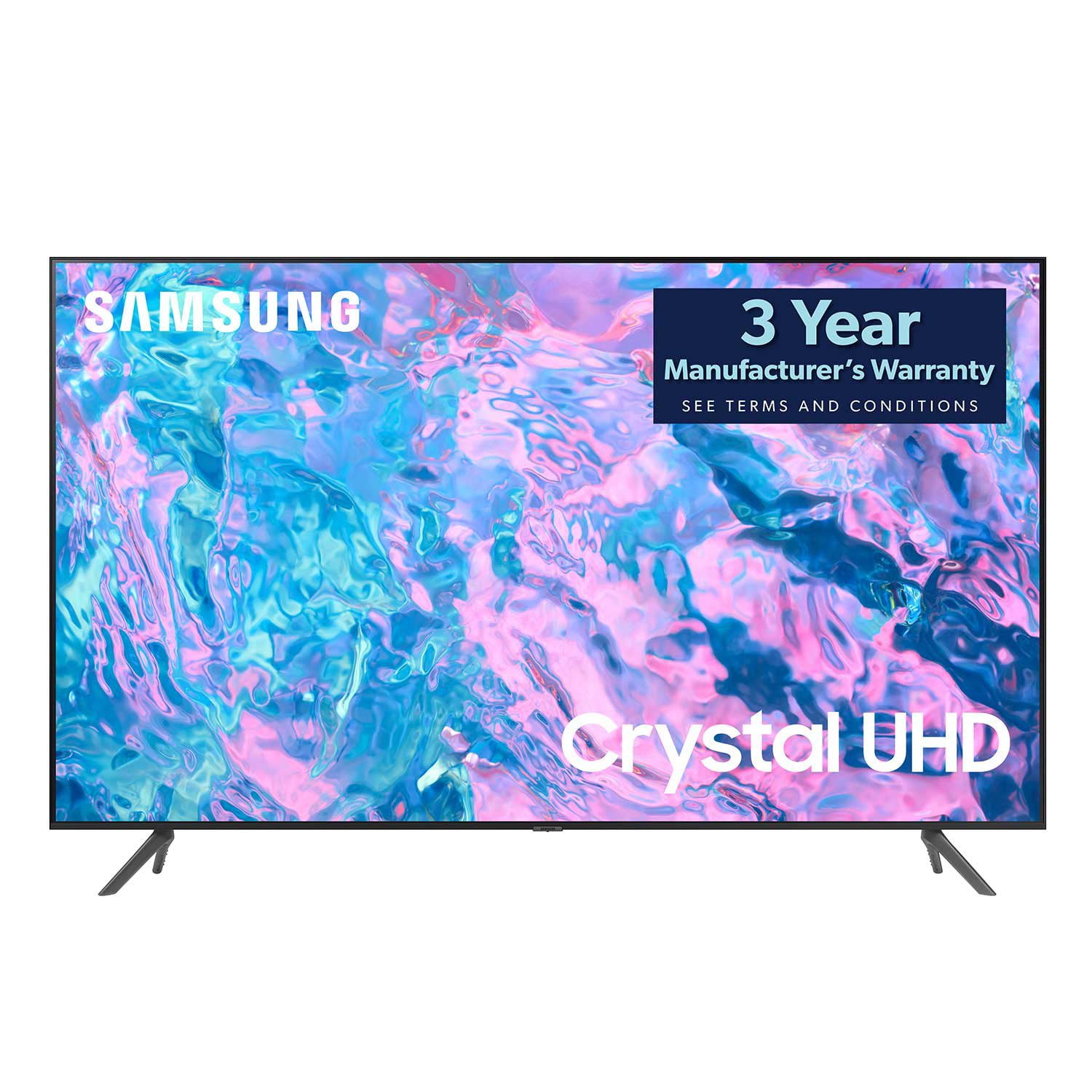
SAMSUNG 65" Class CU7000-Series Crystal UHD 4K Smart TV with HDR - UN65CU7000DXZA
4.6 out of 5 stars
stars1,820 ratings1,412 reviews
  1. 5 stars74% (1,339)
  2. 4 stars17% (309)
  3. 3 stars4% (76)
  4. 2 stars2% (29)
  5. 1 star4% (67)
Write a review

Customer photos

  • +319 images
Sort by |
Showing 931-940 of 1,412 reviews
Feb 6, 2024
Dean
3 out of 5 stars review

Crappy remote

Overall, it's pretty good. The picture quality is good. My three stars is based upon the very limited remote function. They need a bigger and more expensive remote to make this a five star TV.

Review from Samsung US
Helpful?6RZZK6GIRBUS13960862018
reply from Samsung Advisor

Hi Dean, Thank you for your feedback on the CU7000 TV remote. Please know that many of the buttons on your remote have multiple functions. For example, the Volume button is moved UP/DOWN to adjust the volume, and to MUTE the sound, you need to PRESS it in. If that same button is pressed for more than 1 second, the Accessibility Shortcuts appear. To learn more about the functions of your remote directly from your TV, go to Home> (left directional button) Settings> Support> Remote Control Guide. If you ever have questions or need help, Samsung is here for you! Give us a call at 1-800-SAMSUNG, 8 AM - 12 AM EST, seven days a week. Our LiveChat agents are also available by clicking on the ‘Support’ link on our website. Thanks for being a part of the Samsung family! ~ Samsung Advisor

Sep 11, 2023
Mernz
3 out of 5 stars review

Not very intuitive

I don't find it very intuitive. For example, each time I want to watch YouTubeTV for news I need to go to apps and find it if I watch a different streaming platform afterwards. I choose “Add” but this doesn't save.

Review from Samsung US
Helpful?6RZZK6GIRBUS13960862018
reply from Samsung Brand Ambassador

Hi Mernz, We appreciate your feedback on the CU7000 TV interface issues you are experiencing. Please know we are here to help. First, let's make sure you are running the latest Firmware Update. Go to Settings> Support> Software update. To add Apps to your Home Menu, please follow the below instructions. On your remote control, press the Home key. Scroll up and select Apps. Then press the down key and go to Downloaded App. Find YouTube TV, hold the return key, and press Add to Home. YouTube TV should now be on your Home Menu. If you continue to have issues, please give us a call so we can better support you. You can contact us at 1-800-SAMSUNG, 8 AM - 12 AM EST, seven days a week. Our LiveChat agents are also available by clicking on the ‘Support’ link on our website. ~ Samsung Advisor

May 28, 2023
Fcchelsea24
4 out of 5 stars review

Great Picture

[This review was collected as part of a promotion.] This TV has great picture quality. Always using it for family night. Apps are easy to access. Would highly recommend this to anyone looking for a quality TV.

Review from Samsung US
Helpful?6RZZK6GIRBUS13960862018
Aug 20, 2024
Karebear13
5 out of 5 stars review

So good I bought 2!

[This review was collected as part of a promotion.] This has been a very good model. The price was reasonable and I'm all about Samsung products. They really step up to the challenge.

Review from Samsung US
Helpful?6RZZK6GIRBUS13960862018
Mar 26, 2024
WizofOZ
5 out of 5 stars review

Great TVs

[This review was collected as part of a promotion.] Well house sitting for my niece. My TV at home got struck by lightning. My great nephew recommended this TV. And I'm really really pleased with the outcome and the TV it's great.

Review from Samsung US
Helpful?6RZZK6GIRBUS13960862018
Jul 2, 2024
disappointedcutomer
2 out of 5 stars review

Poor design for wall mount

[This review was collected as part of a promotion.] The TV will only support a wall mount made and sold by Samsung and the mount coat nearly as much as the TV. If I had known that prior, I would not have purchased the TV

Review from Samsung US
Helpful?6RZZK6GIRBUS13960862018
Mar 25, 2024
Gpops52
5 out of 5 stars review

Great features

[This review was collected as part of a promotion.] Crystal clear lifelike picture. The Samsung TV app is great. Setting up was easy and using the tv is easy too. Connected to antenna for over the air broadcast and the internet for apps.

Review from Samsung US
Helpful?6RZZK6GIRBUS13960862018
Sep 18, 2024
Fmartinez
5 out of 5 stars review

Great picture and good sound

[This review was collected as part of a promotion.] This is a device in our family room with really good picture, we like how easy is to use it and the remote is easy to navigate. Tv can use better speakers but it's loud enough for us

Review from Samsung US
Helpful?6RZZK6GIRBUS13960862018
Jun 2, 2024
loves heath app
4 out of 5 stars review

Samsung TV

Bought my TVast year. Works great. Love the health apps! Great pic and sound. Unfortunately is not compatible with Alexa — unless I don't know how to connect.

Review from Samsung Canada
Helpful?6RZZK6GIRBUS13960862018
Sep 19, 2024
Ponxex3
5 out of 5 stars review

Great tv for a good price

[This review was collected as part of a promotion.] Well designed tv. Colors and light levels are Great, Bluetooth is a great for late night movie. Watching movies in the dark are super satisfying.playing my Xbox looks excellent.

Review from Samsung US
Helpful?6RZZK6GIRBUS13960862018