Skip to Main Content
Sam's Club
Sam's Club
All Departments
All Services
Customer reviews for SAMSUNG 65" Class CU7000-Series Crystal UHD 4K Smart TV with HDR - UN65CU7000DXZA for
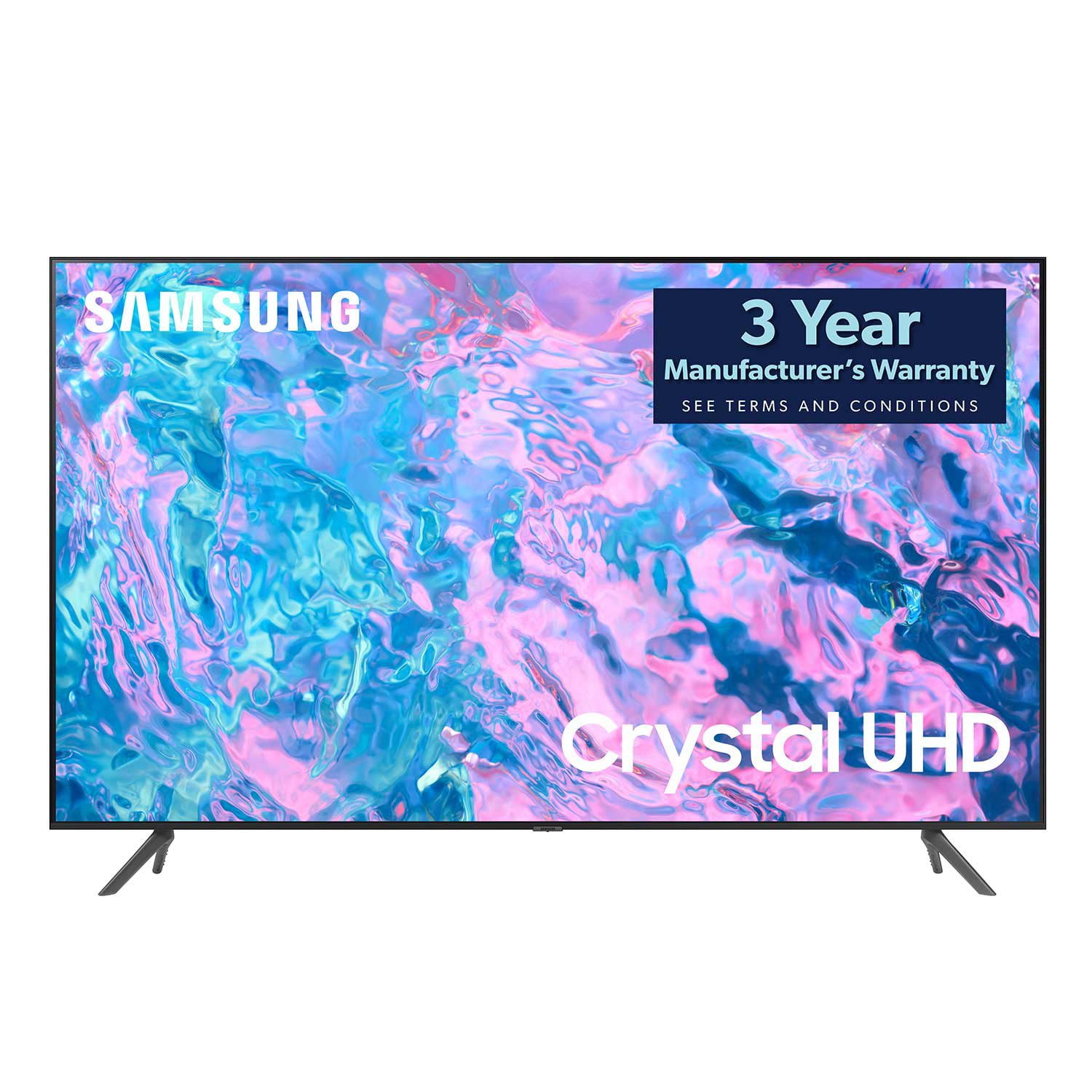
SAMSUNG 65" Class CU7000-Series Crystal UHD 4K Smart TV with HDR - UN65CU7000DXZA
4.6 out of 5 stars
stars
1,820 ratings1,412 reviews
  1. 5 stars74% (1,339)
  2. 4 stars17% (309)
  3. 3 stars4% (76)
  4. 2 stars2% (29)
  5. 1 star4% (67)

Member photos

  • +319 images
Sort by |
Showing 831-840 of 1,412 reviews
Oct 17, 2023
FranklinFamily
5 out of 5 stars review

This tv is AMAZING! worth the cost for Samsung

[This review was collected as part of a promotion.] We are using our TV for our main living room and absolutely love it! We were between the Samsung and a cheaper tv from another brand but we are so glad we went with the Samsung. The quality isn't to be compared! So pleased with the graphics, brightness, and overall user experience.

Review from Samsung US
Helpful?6RZZK6GIRBUS13960862018
Oct 18, 2023
Brandothabeast
5 out of 5 stars review

This product is of the most quality.

[This review was collected as part of a promotion.] I am a hardcore gamer and also a binge watch shows on Sundays. This exquisite product brings out high definition gameplay while also filling the room of an aroma to where I can say I am actually in the game itself or it the show right next to the characters. I had a Samsung tv before this one and I only switched because my sister needed a tv and I thought it was time to upgrade. This was perhaps the best decision of my life I could spend the entire afternoon watching movies with my girlfriend or be hardcore gaming on a Saturday night. My old tv also had some problems with heating the room. It would get a little warm after a while now the room stays the same temperature no matter how long it has been on. I look forward to when I need a new tv so I can buy the next most powerful Samsung tv.

Review from Samsung US
Helpful?6RZZK6GIRBUS13960862018
May 28, 2023
Johnnyboy
5 out of 5 stars review

Truly crystal clear

[This review was collected as part of a promotion.] I game and watch movies with my Samsung. The gaming works so well. The graphics are excellent. I have never had a better experience than with this TV. Everyone should watch there favorite Marvel movie with this. Doctor Strange was every bit as good as it was in the theater. The colors just pop and it is SOOO FAST! Never had a better TV than the Samsung Crystal series. I LOVE my Galaxy S21 and galaxy watch just as much. Thank you samsung for making my life a little better everyday!

Review from Samsung US
Helpful?6RZZK6GIRBUS13960862018
Jul 5, 2023
Rotoro
5 out of 5 stars review

Excellent device! Fast processor and clear images.

[This review was collected as part of a promotion.] I own 3 Samsung TVs. They are great for movies, games and sports!!! The quick response of the apps and the features makes them easy to navigate through the menu. Also the remote control is super easy to navigate even for my 4 years old kids (twins)

Review from Samsung US
Helpful?6RZZK6GIRBUS13960862018
Oct 17, 2023
TechnicalGuru94
5 out of 5 stars review

Beautiful TV & Great Value

[This review was collected as part of a promotion.] We use this TV for streaming, gaming, and listening to music. Thus far, we have not had a single complaint. The TV switched to "Game Mode" when opening a game on the Xbox, but leaves it off to conserve power when simply streaming. However, even when the game mode is not activated, we get crystal clear images in 4k. The connectivity features of this TV are amazing too. We frequently use Spotify and Youtube to listen to music. I am able to start playing videos or music from my phone, and seamlessly transfer over to the TV, no matter what app is currently open. For the money, I cannot think of another TV that provides the value that the UHD Crystal TV does. I bought this TV from BestBuy, and had it set-up and watching TV in less than 15 minutes (Assuming you don't need to create any accounts). The ability to download apps is also quite nice, as I can watch Netflix, Hulu, and Prime from the factory installed options. Furthermore, I was able to download additional apps like Funimation and Disney+ to expand our categories.

Review from Samsung US
Helpful?6RZZK6GIRBUS13960862018
Jun 5, 2023
Charlottesville555
5 out of 5 stars review

Great Picture, Great Interface, Easy to set up.

[This review was collected as part of a promotion.] We bought this for our basement game room to stream sports, movies and play games. We just built a house and bought 5 new TVs - but THIS TV is the easiest to set up. 10 minutes to unbox it, setup, power and set up your favorite apps. Easy-peasy. Picture is beautiful, no glare, remote is easy. I love it.

Review from Samsung US
Helpful?6RZZK6GIRBUS13960862018
Apr 22, 2023
corgi dog
3 out of 5 stars review

annoying

bought this a few weeks ago. the picture is amazing and it's easy on the eyes. it has bugs that the manual doesn't address. the screen keeps goig black and there's always an error message about samsung tv+. i have to keep playing with it. and also, even though ihave narrated turned off, it will suddenly start blabbing. very annoying

Review from Samsung US
Helpful?6RZZK6GIRBUS13960862018
reply from Samsung Brand Ambassador

Hi Corgi Dog, We appreciate your feedback on the CU7000D TV. Please know we are here to help and have a few troubleshooting steps that may improve your experience. First, if the Voice Guide is on, please make sure you have turned off the Settings below: To turn off Voice Guide, navigate to Settings> All Settings> General & Privacy Accessibility> Voice Guide Settings> Disable. I also recommend ensuring the Voice Assistant is also disabled. Go to Settings> All Settings> General & Privacy Voice> Voice Assistant> Disable. Next, if you see a blank screen, even when your TV is on, it's entirely possible it could be your external device and not your TV. Please try these troubleshooting steps for your blank screen issue: 1. Press the Home button on the remote. If the menu appears, the TV is powered on but is either not on the correct source or not receiving a signal. If the menu does not appear, the TV may have power issues. Check the red standby light, a little red light at the edge of the TV that you aim the remote at. In everyday use, the red standby light is on when the TV is off (indicating the TV is on standby), and the red standby light is off when the TV is in use (or doesn't have power). 2. Confirm that the TV is set to the same source as the external device. For instance, if your cable box is connected to HDMI 1, set the TV source to HDMI 1. If the TV is set to the correct source but there is still no image, unplug and reconnect the connections one cable at a time from both ends of each cable. If there's any damage to the cable, it will need to be replaced. After reconnecting the external device, please turn it off and back on. 3. Test the HDMI cable. Using HDMI Troubleshooting, you can check the connection to HDMI cables and external devices (takes approximately 2 minutes). Menu> Connected Devices> Connection Guide> Video Device> HDMI Troubleshooting. 4. Test different external devices. The final thing to rule out is the external device you're using. Try connecting a different device or using a different source port. If the TV can display a picture in any other setup, then you've ruled the TV out as the cause of the issue. Try various setups until you identify the device or cable that is not working and troubleshoot or replace it. If you continue to have issues after these steps, please call us so we can better assist you at 1-800-SAMSUNG, 8 AM - 12 AM EST, seven days a week. Our LiveChat agents are also available by clicking on our website's ‘Support’ link. ~ Samsung Advisor

May 8, 2023
Tvshopper22
3 out of 5 stars review

Great television for a low price

[This review was collected as part of a promotion.] This television was great quality and value for the price. Blacks are not well covered and yellow tints from the hd in spots can be distrating. Its a great basement tv. Upgrade to OLED for family room.

Review from Samsung US
Helpful?6RZZK6GIRBUS13960862018
reply from Samsung Brand Ambassador

Hi Tvshopper22, We appreciate you sharing your experience with the CU7000D TV. Your feedback regarding image quality is essential to us and will be shared with our internal teams. Please try adjusting the below image settings to improve your picture. Go to Home > Settings > All Settings > Picture > Picture Mode and select the mode that best fits your usage: 1) Standard: Default mode suitable for general viewing environments. 2) Natural: Reduces eye strain for a comfortable viewing experience. 3) Movie: Most suitable for watching TV or movies in a dark room. 4) Dynamic: Makes the picture brighter and clearer in bright viewing environments. 5) Filmmaker Mode: You can watch the source content (e.g., movie) as it is. If the image is defined as Filmmaker Mode, it will automatically switch to Filmmaker Mode while watching. You can also go to Settings > All Settings> Picture > Expert Settings > to manually fine-tune your image. If you need more help, Samsung is here for you. Call us at 1-800-SAMSUNG, 8 AM - 12 AM EST, seven days a week. Our LiveChat agents are also available by clicking on the ‘Support’ link on our website. ~ Samsung Advisor

Jun 1, 2024
50" Crystal UHD 4K Smart
5 out of 5 stars review

Excellent value for the money!

Our Samsung has completely satisfied all of our desired features in a 50" TV! This Smart TV is a perfect addition to our home, and the picture is incredibly crystal clear.The TV was so light, and the set-up was very easy. We were able to watch a program within a few minutes! We have enjoyed many of the apps that the TV has to offer. A great purchase!

Review from Samsung Canada
Helpful?6RZZK6GIRBUS13960862018
Oct 17, 2023
Kbodily
5 out of 5 stars review

This is the best tv I have ever owned!

[This review was collected as part of a promotion.] The picture is absolutely stunning! I always thought a TV is a TV until I got my Samsung! I watch TV and movies on this amazing TV. Also my kids enjoy playing games with the Xbox app this TV eliminated the need to buy a gaming console. Best TV ever!!!

Review from Samsung US
Helpful?6RZZK6GIRBUS13960862018