Skip to Main Content
Sams Club
Sams Club
Customer reviews for SAMSUNG 65" Class CU7000-Series Crystal UHD 4K Smart TV with HDR - UN65CU7000DXZA for
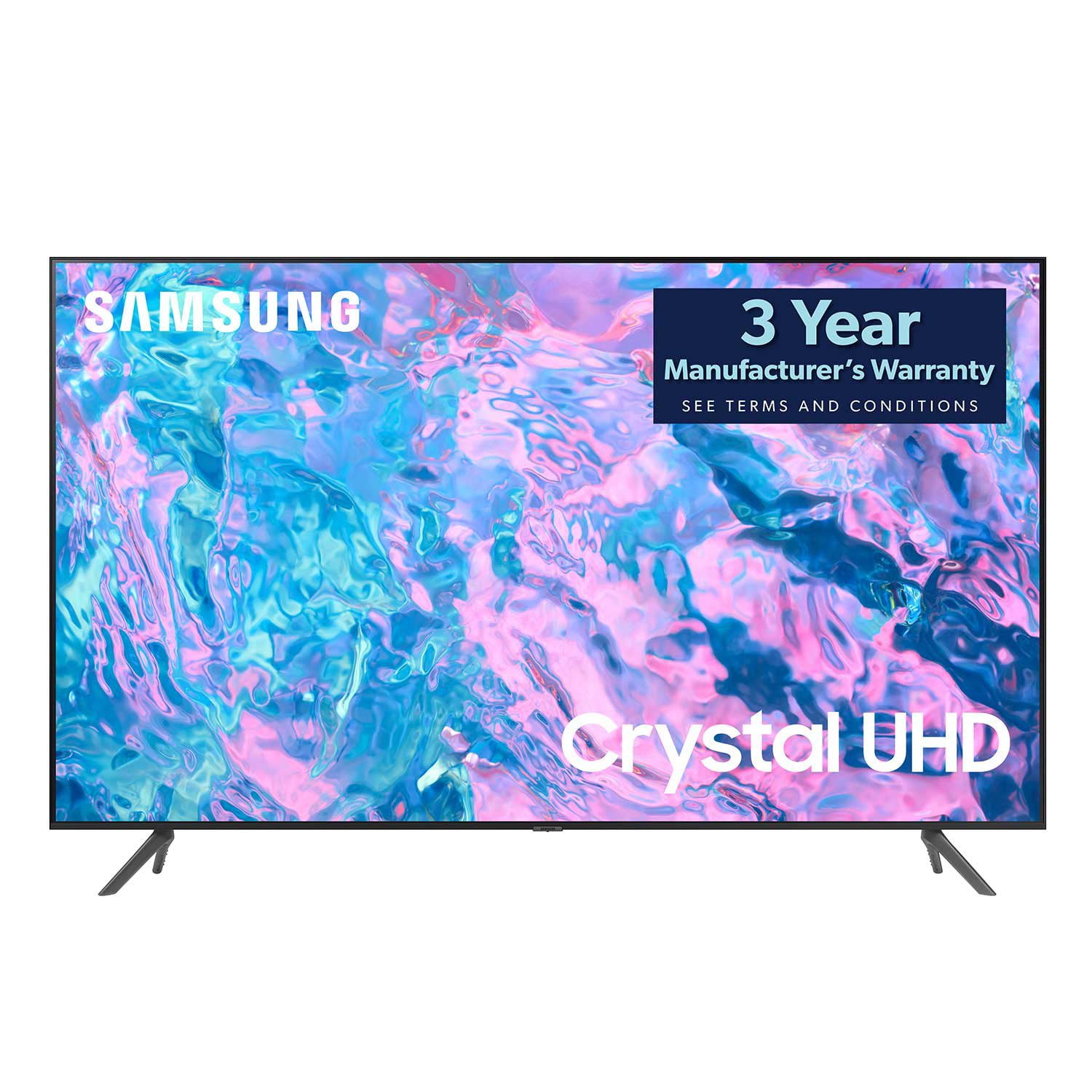
SAMSUNG 65" Class CU7000-Series Crystal UHD 4K Smart TV with HDR - UN65CU7000DXZA
4.6 out of 5 stars
stars1,820 ratings1,412 reviews
  1. 5 stars74% (1,339)
  2. 4 stars17% (309)
  3. 3 stars4% (76)
  4. 2 stars2% (29)
  5. 1 star4% (67)
Write a review

Customer photos

  • +319 images
Sort by |
Showing 1,331-1,340 of 1,412 reviews
Jul 15, 2024
TV Is Crap
1 out of 5 stars review

The pixels started to not work after only 3 months

Helpful?6RZZK6GIRBUS13960862018
Sep 27, 2023
Daisy Darling
5 out of 5 stars review

Smart TV - love it!!

Bought a month ago, with our sons help installed fairly easily.

Review from Samsung Canada
Helpful?6RZZK6GIRBUS13960862018
May 31, 2024
Vasile Papara
5 out of 5 stars review

Excelent tv it is the 3 rd tv in 15 years

I bought this tv last year,happy with it,using the second tv in family room

Review from Samsung Canada
Helpful?6RZZK6GIRBUS13960862018
Feb 2, 2024
Goniners
5 out of 5 stars review

Super clear!!

Love my TV! Super clear! I enjoy watching my favorite shows.

Review from Samsung US
Helpful?6RZZK6GIRBUS13960862018
Jul 6, 2023
Former Samsung purchaser
1 out of 5 stars review

Garbage

Smart hub software will not update TV is a piece of garbage

Review from Samsung US
Helpful?6RZZK6GIRBUS13960862018
reply from Samsung Brand Ambassador

Hi there, I'm very sorry that you are experiencing issues with your CU7000 TV Software. Please know we are here to help. First, let's try to run a cold boot on your TV. Hold down the power button on your TV remote until the TV shuts off and turns back on again. Then go to Settings> Support> Software Update. If you still cannot update your TV, you can download the update on a USB drive and manually update your TV: 1. On Samsung's website (upper right corner), go to Support > Manuals & Software > Find your TV model. 2. Download the update and extract it to the root of a USB thumb drive. (Do not put it in any folders on the thumb drive.) 3. Connect the USB thumb drive to a USB port on your TV. 4. Navigate to Settings > Support > Software Update, select Update Now, and then select Yes. 5. Follow the on-screen instructions to install the updated software. I hope this resolves your issue! If you continue to have issues, please call us at 1-800-SAMSUNG, 8 AM - 12 AM EST, seven days a week. LiveChat with an agent, as well as manuals, software, and warranty info, can be found at the ‘Support’ link on our Samsung website. ~ Samsung Advisor

Dec 20, 2023
Sparky68
5 out of 5 stars review

Great features and was easy to set up.

Very happy with the picture quality and was very easy to set up. Love the features.

Review from Samsung Canada
Helpful?6RZZK6GIRBUS13960862018
May 31, 2024
Classy Chic.
5 out of 5 stars review

Excellent features and beautiful colors.The pric.

This is our third Samsung tv,and it's quality never disappoints.

Review from Samsung Canada
Helpful?6RZZK6GIRBUS13960862018
Oct 16, 2023
livelaughlovin
4 out of 5 stars review

Love it but…

So happy with everything about this tv except for no voice control whatsoever

Review from Samsung US
Helpful?6RZZK6GIRBUS13960862018
Dec 5, 2023
Scott Ford
1 out of 5 stars review

Great Resolution

Gives me pleasure while re-watching my favourite movies in higj-definition.

Review from Samsung Canada
Helpful?6RZZK6GIRBUS13960862018
reply from Samsung Support Team

Hello, thank you for sharing your feedback. At Samsung.ca, we always aim to satisfy our valued customers and would love to help. Please feel free to contact us at 1-800-SAMSUNG or via live chat on our website (http://www.samsung.com/ca/support/) for assistance. Thanks!

Jun 29, 2023
Worko
5 out of 5 stars review

New TV

I bought it earlier this month and I am happy with it.

Review from Samsung US
Helpful?6RZZK6GIRBUS13960862018