Skip to Main Content
Sam's Club
Sam's Club
All Departments
All Services
Customer reviews for SAMSUNG 65" Class CU7000-Series Crystal UHD 4K Smart TV with HDR - UN65CU7000DXZA for
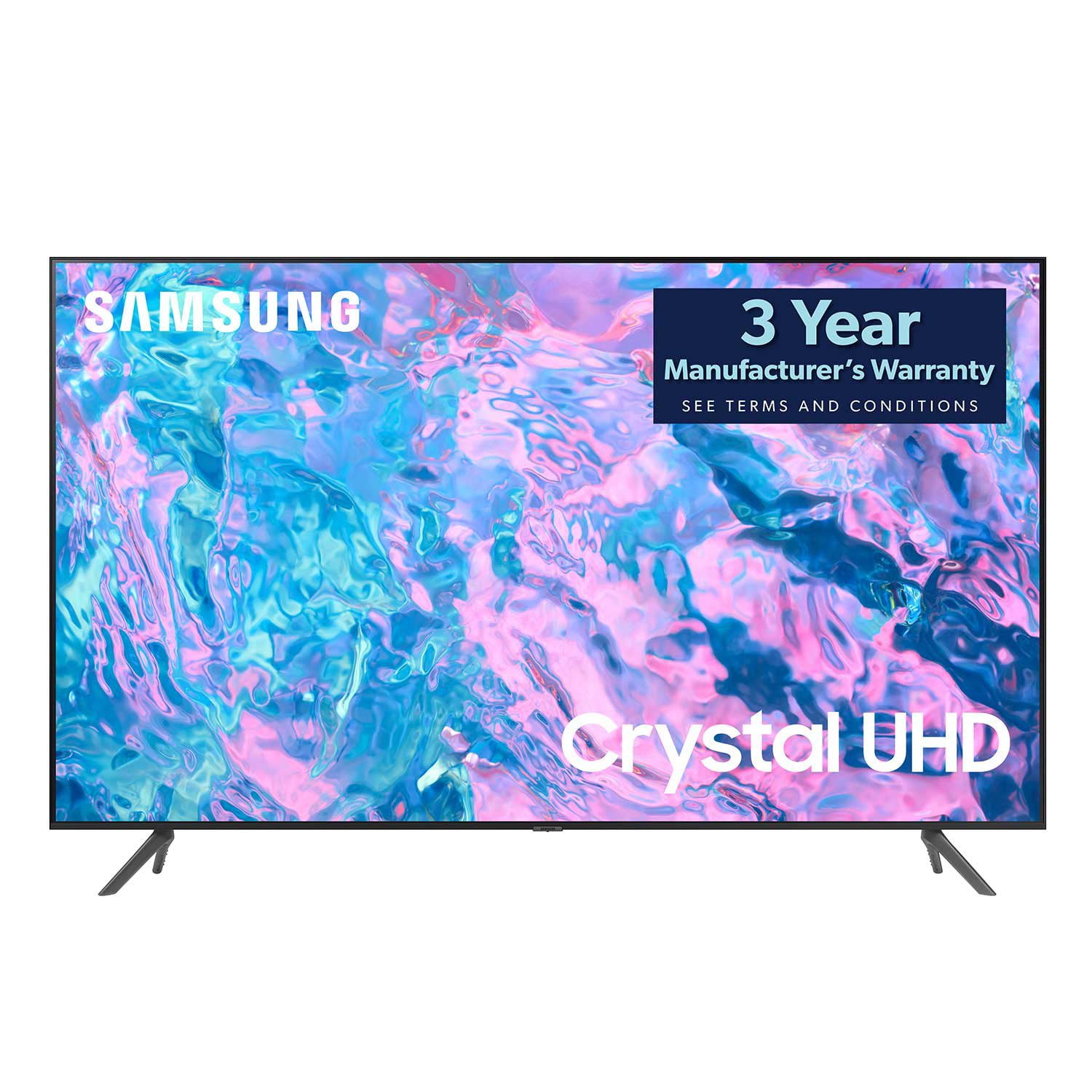
SAMSUNG 65" Class CU7000-Series Crystal UHD 4K Smart TV with HDR - UN65CU7000DXZA
4.6 out of 5 stars
stars
1,823 ratings1,415 reviews
  1. 5 stars74% (1,340)
  2. 4 stars17% (310)
  3. 3 stars4% (77)
  4. 2 stars2% (29)
  5. 1 star4% (67)

Member photos

  • +319 images
Sort by |
Showing 1,291-1,300 of 1,415 reviews
Jul 6, 2023
Reviewer name: Former Samsung purchaser
1 out of 5 stars
1 out of 5 stars review

Garbage

Smart hub software will not update TV is a piece of garbage

Review from Samsung US
Helpful?6RZZK6GIRBUS13960862018
reply from Samsung Brand Ambassador

Hi there, I'm very sorry that you are experiencing issues with your CU7000 TV Software. Please know we are here to help. First, let's try to run a cold boot on your TV. Hold down the power button on your TV remote until the TV shuts off and turns back on again. Then go to Settings> Support> Software Update. If you still cannot update your TV, you can download the update on a USB drive and manually update your TV: 1. On Samsung's website (upper right corner), go to Support > Manuals & Software > Find your TV model. 2. Download the update and extract it to the root of a USB thumb drive. (Do not put it in any folders on the thumb drive.) 3. Connect the USB thumb drive to a USB port on your TV. 4. Navigate to Settings > Support > Software Update, select Update Now, and then select Yes. 5. Follow the on-screen instructions to install the updated software. I hope this resolves your issue! If you continue to have issues, please call us at 1-800-SAMSUNG, 8 AM - 12 AM EST, seven days a week. LiveChat with an agent, as well as manuals, software, and warranty info, can be found at the ‘Support’ link on our Samsung website. ~ Samsung Advisor

Jun 29, 2023
Reviewer name: Worko
5 out of 5 stars
5 out of 5 stars review

New TV

I bought it earlier this month and I am happy with it.

Review from Samsung US
Helpful?6RZZK6GIRBUS13960862018
Sep 8, 2023
Reviewer name: Kaize25
5 out of 5 stars
5 out of 5 stars review

Awesome tv

Love this tv. I have recently purchased a 65 inch and a 75 inch

Review from Samsung US
Helpful?6RZZK6GIRBUS13960862018
Feb 25, 2024
Reviewer name: Srm6
5 out of 5 stars
5 out of 5 stars review

75” Samsung TV

Bought this TV a couple weeks ago and it has been amazing

Review from Samsung US
Helpful?6RZZK6GIRBUS13960862018
Jan 9, 2024
Reviewer name: Ajcq
3 out of 5 stars
3 out of 5 stars review

Netflix doesn't work

Netflix sometimes open and sometimes not. Works in other devices at sane time but not with this tx

Review from Samsung US
Helpful?6RZZK6GIRBUS13960862018
reply from Samsung Specialist

Ajcq, Thank you for sharing details of your experience with the Netflix app. This may be related to your network connection and quality. We suggest you try the following: 1. Use 5G Wi-Fi if possible 2. Try wired LAN if available 3. Try repositioning the router so there are no obstacles between your TV and the router Please also be sure you are running the latest firmware. You can check to see what software version your TV is using and if there is an available update through the settings on your TV. Go to: Settings > Support > Software Update. You may want to enable automatic updates for conveniences. Go to Settings > Support > Software Update, then select Auto Update. Additionally, to optimize the TV’s performance, please also try running Device Care, which improves your apps performance by freeing up unused cached memory and closes background apps. Go to: Settings > Support > Open e-Manual, then select Device Care. I hope these tips help improve your streaming experience. If you need further help, please call us at 1-800-SAMSUNG, 8AM - 12AM EST, 7 days a week. Our LiveChat agents are also available by clicking on the ‘Support’ link on our website. ~ Samsung Specialist

Sep 2, 2023
Reviewer name: Modunk
5 out of 5 stars
5 out of 5 stars review

43'er

Have a curved Samsung very pleased with so wanted another Samsung

Review from Samsung US
Helpful?6RZZK6GIRBUS13960862018
Jun 13, 2024
Reviewer name: Stephen elliott
4 out of 5 stars
4 out of 5 stars review

On USA instead of Canada

Can't use Netflix or prime or Disney because in USA can't find a way to switch it anywhere.

Review from Samsung Canada
Helpful?6RZZK6GIRBUS13960862018
Dec 13, 2023
Reviewer name: SAMSUNG REGULAR
5 out of 5 stars
5 out of 5 stars review

The Greatest!

great stations already on the tv from home shows to car shows

Review from Samsung US
Helpful?6RZZK6GIRBUS13960862018
Oct 16, 2023
Reviewer name: SingleLayerGake
5 out of 5 stars
5 out of 5 stars review

What I Need and Want

Bought a few months ago and it's great - no complaints.

Review from Samsung US
Helpful?6RZZK6GIRBUS13960862018
Apr 29, 2023
Reviewer name: Ayodoot
5 out of 5 stars
5 out of 5 stars review

Great features

Good Tv , very excellent channels . Good product. I love this machine.

Review from Samsung US
Helpful?6RZZK6GIRBUS13960862018