Skip to Main Content
Sams Club
Sams Club
Customer reviews for SAMSUNG 60" Class DU6900 Series UHD 4K Smart TV for
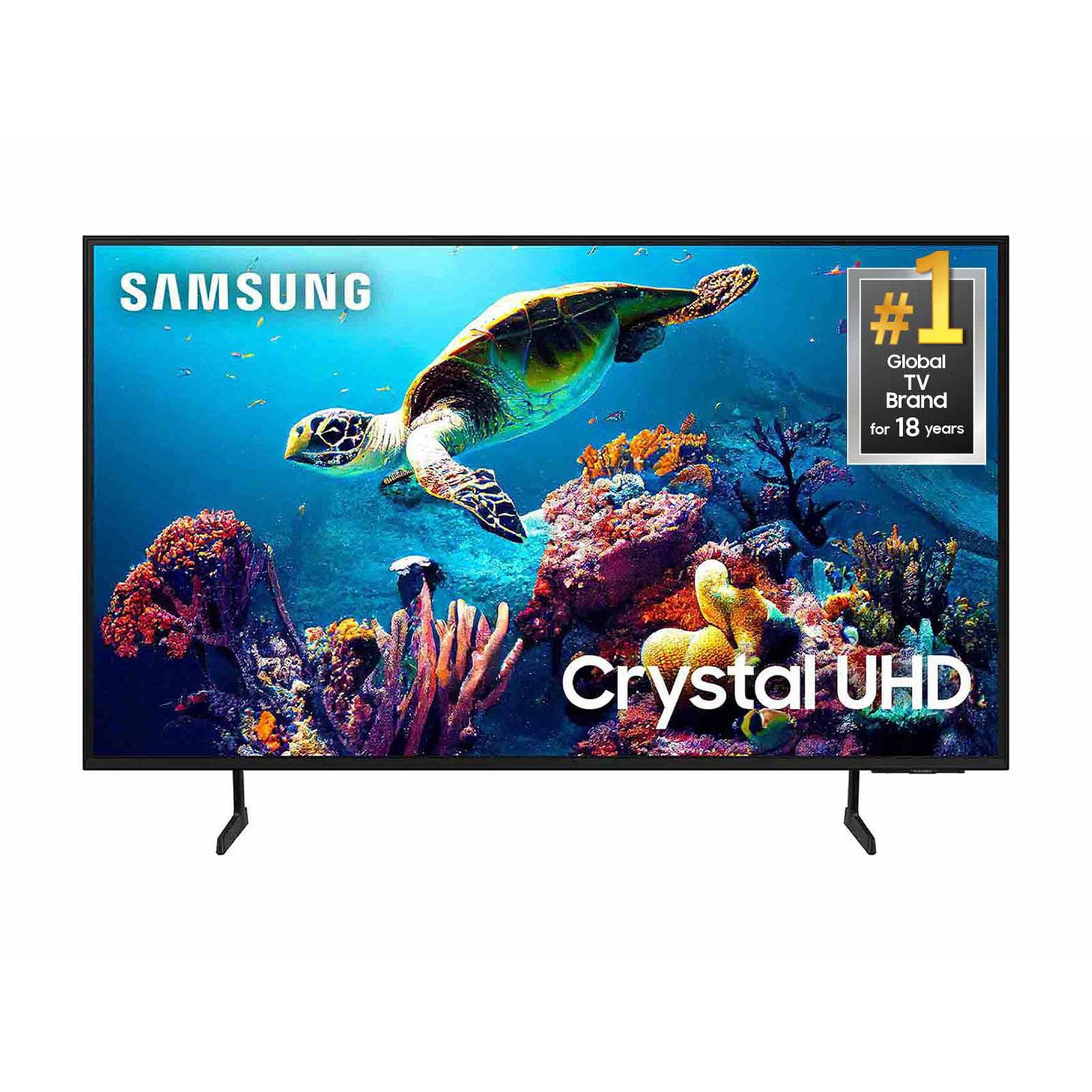
SAMSUNG 60" Class DU6900 Series UHD 4K Smart TV
4.4 out of 5 stars
stars2,026 ratings2,004 reviews
  1. 5 stars68% (1,372)
  2. 4 stars16% (330)
  3. 3 stars7% (145)
  4. 2 stars4% (77)
  5. 1 star5% (102)
Write a review

Customer photos

  • +505 images
Sort by |
Showing 431-440 of 2,004 reviews
Mar 5, 2025
Android
4 out of 5 stars review

Great picture...but...

I am impressed with the picture quality, but have had issues with my cable box intermittently not being recognized by the television. I did a complete reset after contacting Samsung support, and it seemed to resolve the issue, but then happened once again on turning on the set and getting a 'No Signal' message in the 'Comcast, last viewing' display. Checking for HDMI 1 connection was found okay. Turning on/off television resolved issue, but unsure again each time I turn on set if my cable will come through.

Review from Samsung US
Helpful?2944RFFI236513954163060
Feb 22, 2025
Entrepreneur401
3 out of 5 stars review

It's alright with a few tweeks could be better

Has a delay in it when powering on changes channels any remote function you must be patient and wait for your command or request to take place, and, almost no volume sounds to be the loudest I'd say a 4-5 volume level , other than that , states auto dimmer on HD, the color seems a little dull not bright. Light weight easy setup if you already have a Samsung account must download Roku if you have a Roku account must have a proper stand to fit its pretty large you're definitely get the size you were looking for

Review from Samsung US
Helpful?2944RFFI236513954163060
reply from Samsung Brand Ambassador

Entrepreneur401, Thank you for sharing your experience with the DU6900 TV. For optimal performance, we ask that you please ensure you've got the latest firmware version installed on your TV. You can check this by going to Home > Menu > Settings > Support > Software Update. You may also want to further optimize performance with the self-diagnostic tool, which checks memory, frees up unused cached memory, and closes background apps. Go to: Home > Menu > Settings > Support > Device Care > Start Device Care There are several volume features you can adjust, which may improve your audio experience. 1) Auto Volume automatically adjusts the sound to a certain level when changing channels or switching to another external input. Go to Settings > All Settings> Sound > Expert Settings > Auto Volume. 2) Adaptive Sound automatically adjusts to a specific volume level while watching TV. The TV analyzes your volume usage history by time period to automatically adjust the volume when you use an app or switch to an external input source. Go to Settings> All Settings> Sound> Sound Mode> Adaptive Sound. 3) Several Sound Modes are likewise available to meet your personal preferences: Home > Settings > All Settings> Sound > Sound Mode. Also, some sources have their own volume control, which might need to be set higher. Please check the volume control of the external device (cable box or satellite box, DVD, Blu-ray, etc.) connected to your TV. Also, check the cable connection between an external device and the TV and then try the cable connection again. I hope these tips help you enjoy your new product. You can contact us for further help at 1-800-SAMSUNG, 8 AM - 12 AM EST, seven days a week. Our LiveChat agents are also available by clicking on the ‘Support’ link on our website. ~ Samsung Pro

Mar 28, 2025
Samsung4life
5 out of 5 stars review

Love my new Samsung tv!!

[This review was collected as part of a promotion.] Beautiful!! Amazing crystal clear picture. Love the features it's nice to have one cord in the wall no more many cords for roku ect. And love that it's a Samsung iv always been a fan. All my phones have been Samsung and my watch and galaxy book. So it's nice to have smartthings on my tv to connect with all of my devices!! Good job Samsung!!

Review from Samsung US
Helpful?2944RFFI236513954163060
Mar 25, 2025
Wingz
4 out of 5 stars review

High Class

Relatively premium in display and preinstalled apps with Samsung TV obviating the need for a traditional cable service gives a solid start from initial setup leaving the user with minimal to work to on their own perhaps aside from the option to automatically install updates. Graphics are crisp, the SmartThings app is a godsend and the pegs make it not compulsory to have the widescreen not mounted on a wall. Smart Tv's are Samsungs expertise and the one area of the tech sector this company is head/shoulders beyond its adversaries. I'm hopeful that this will be eligible for ai functionality when future updates are presentable but that's up to three stars whether they'll ingrain that feature in this unit.

Review from Samsung US
Helpful?2944RFFI236513954163060
Mar 5, 2025
Rev1313
3 out of 5 stars review

Solid “meh” - 3/5 stars

Bought this for my mom. Runs really slow and the remote has difficulty connecting. Started out ok - now it's annoying at best. Remote is not really intuitive for an elderly person - and some of the controls are not clearly marked for even a “not elderly” person. It works, picture is nice. Would possibly set this up with a Roku or some other, better interface. Installed User interface is… odd at best. Solid 3-5 stars. Not sure if I'd buy again.

Review from Samsung US
Helpful?2944RFFI236513954163060
reply from Samsung Brand Ambassador

Rev1313, We appreciate your feedback on the response time, and for optimal performance, we ask that you please ensure you've got the latest firmware version installed on your TV. You can check this by going to Home > Menu > Settings > Support > Software Update. You may also want to further optimize performance with the self-diagnostic tool, which checks memory, frees up unused cached memory, and closes background apps. Go to: Home > Menu > Settings > Support > Device Care > Start Device Care Please know that many of the buttons on your remote have multiple functions. For example, the Volume button is moved UP/DOWN to adjust the volume, and to MUTE the sound; you need to PRESS it in. If that same button is pressed for more than 1 second, the Accessibility Shortcuts appear. You can find more information regarding the remote on pages 22-24 of the full user manual. If you or your mom ever have questions or need help, Samsung is here for you! Give us a call at 1-800-SAMSUNG, 8 AM - 12 AM EST, seven days a week. Our LiveChat agents are also available by clicking on the ‘Support’ link on our website. ~ Samsung Pro

Feb 5, 2025
Knowmezo
5 out of 5 stars review

EyeMayZing Details

This was one of the best decisions that I've made in a long time. The price was within my budget. It is very well made with clean designs. And, the very best part is the color and quality of the pictures. I can almost see the textures on the fabrics of my DIY shows. Bonus,,easy to maneuver

Review from Samsung US
Helpful?2944RFFI236513954163060
Feb 6, 2025
Grandma
3 out of 5 stars review

Sound

I'm very disappointed in the tv, I'm a senior, I live in an apartment complex, I have a little hard time hearing the sound. In the daytime it's ok to have the volume up, but in the evening I use the tv ears to hear it better and not disturb anyone else. Samsung has removed the way to plug the tv ears connection into the back of the set! If I had known this I would have purchased another brand! TV ears said Samsung is the only company doing this!

Review from Samsung US
Helpful?2944RFFI236513954163060
reply from Samsung Brand Ambassador

Grandma, Thank you for taking the time to provide feedback on your DU6900 TV. Please know that your feedback will be shared with our internal product teams. We take pride in our products and are sorry to hear that your experience was not up to our high standards. Please know that the DU6900 TV is Bluetooth enabled, so you can pair compatible audio devices wirelessly to the TV. If we can further help with any other issues, we are happy to help. Just call us at 1-800-SAMSUNG, 8 AM - 12 AM EST, seven days a week. Our LiveChat agents are also available by clicking on the ‘Support’ link on our website. ~ Samsung Pro

Mar 5, 2025
Stonepony
5 out of 5 stars review

Great value at this price point.

We bought this Samsung television before Christmas. Have had no issues so far. We love that the price was exceptional making it a no brainer to purchase. The wifi and Bluetooth on the unit work flawlessly. And the picture quality is amazing for a tv at this price point. We also like the feature of the built-in Fire TV.

Review from Samsung US
Helpful?2944RFFI236513954163060
Feb 5, 2025
Snuggles987654321
3 out of 5 stars review

Great pucture

Everything is pretty good. The big issue I have is the sound. When you turn it on and choose what you want to run the sound almost hurts your ears. Then you get into movie or program and it is much quieter. Also feel the remote is hard to learn to use.

Review from Samsung US
Helpful?2944RFFI236513954163060
reply from Samsung Brand Ambassador

Snuggles987654321, Thank you for sharing your experience with volume. There are several volume features you can adjust, which may improve your audio experience. 1) Auto Volume automatically adjusts the sound to a certain level when changing channels or switching to another external input. Go to Settings > All Settings> Sound > Expert Settings > Auto Volume. 2) Adaptive Sound automatically adjusts to a specific volume level while watching TV. The TV analyzes your volume usage history by time period to automatically adjust the volume when you use an app or switch to an external input source. Go to Settings> All Settings> Sound> Sound Mode> Adaptive Sound. 3) Several Sound Modes are likewise available to meet your personal preferences: Home > Settings > All Settings> Sound > Sound Mode. Also, some sources have their own volume control, which might need to be set higher. Please check the volume control of the external device (cable box or satellite box, DVD, Blu-ray, etc.) connected to your TV. Also, check the cable connection between an external device and the TV and then try the cable connection again. If you need further assistance, we would be happy to help! Please feel free to contact Samsung Support at 1-800-SAMSUNG, available from 8 AM to 12 AM EST, seven days a week. You can also chat with us on Samsung.com for immediate assistance. ~Samsung Pro

Mar 20, 2025
AyeYoLavish
5 out of 5 stars review

Awesome and affordable

[This review was collected as part of a promotion.] What can I say but bravo Samsung has really out done themselves with this t.v from the picture quality to the cloud game apps it all makes you feel like they spared no expense on comfort and utilities thanks again for this experience

Review from Samsung US
Helpful?2944RFFI236513954163060