Skip to Main Content
Sam's Club
Sam's Club
All Departments
All Services
Customer reviews for SAMSUNG 60" Class DU6900 Series UHD 4K Smart TV for
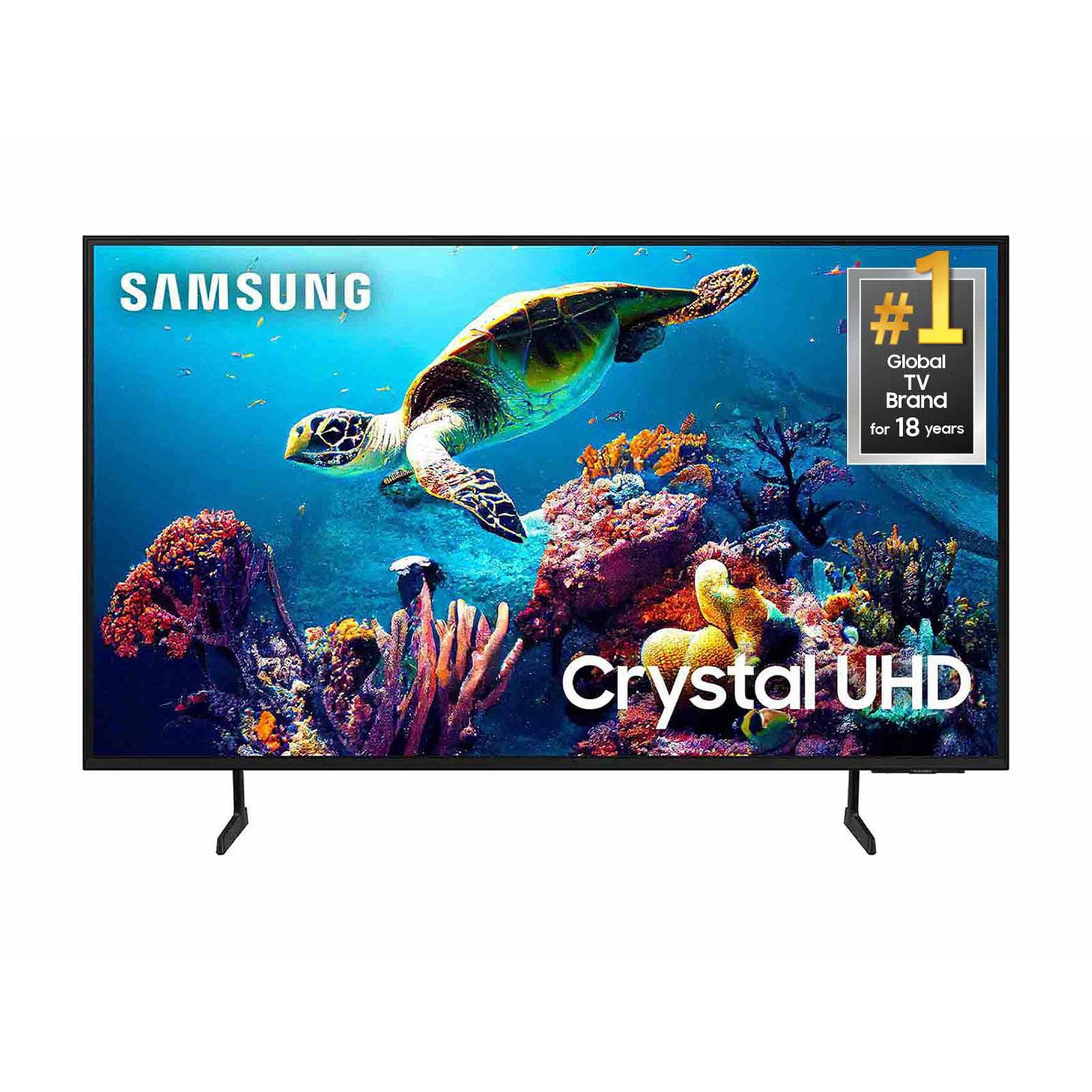
SAMSUNG 60" Class DU6900 Series UHD 4K Smart TV
4.4 out of 5 stars
stars
2,031 ratings2,009 reviews
  1. 5 stars68% (1,380)
  2. 4 stars16% (331)
  3. 3 stars7% (142)
  4. 2 stars4% (77)
  5. 1 star5% (101)

Member photos

  • +508 images
Sort by |
Showing 421-430 of 2,009 reviews
Mar 20, 2025
Brittney
4 out of 5 stars
4 out of 5 stars review

I like the tv

[This review was collected as part of a promotion.] I really love the tv channels and things offered on Samsung plus the only thing I would say I don't like is that I can't link my direct tv to it so the quality of the viewing it is not as good. I feel like the tv use to be more vibrant but I got use to it.

Review from Samsung US
Helpful?2944RFFI236513954163060
Mar 9, 2025
JKK77
5 out of 5 stars
5 out of 5 stars review

A pleasant surprise

I bought this TV about 3 months ago to replace the second of two Vizio TVs I had in my bedroom (they were awful, don't recommend those). But I'm pleasantly surprised by the Samsung. Works flawlessly and even has a built-in tile for my local cable company provider which makes it so easy to watch, record into my 'library', and view on-demand content from them. When the other Vizio in my home fails I will be replacing it with a Samsung.

Review from Samsung US
Helpful?2944RFFI236513954163060
Feb 5, 2025
Susan
3 out of 5 stars
3 out of 5 stars review

Don't like

I can't figure out how to make it louder, I have it up to 100 often and it's still not that loud. I also don't like the fact that there's no Unsubscribe link on the bottom of all the emails I get from Samsung. It's also slow to come on full screen once I turn it on.

Review from Samsung US
Helpful?2944RFFI236513954163060
reply from Samsung Brand Ambassador

Susan, Thank you for sharing your experience with low volume. There are several volume features you can adjust, which may improve your audio experience. 1) Auto Volume automatically adjusts the sound to a certain level when changing channels or switching to another external input. Go to Settings > All Settings> Sound > Expert Settings > Auto Volume. 2) Adaptive Sound automatically adjusts to a specific volume level while watching TV. The TV analyzes your volume usage history by time period to automatically adjust the volume when you use an app or switch to an external input source. Go to Settings> All Settings> Sound> Sound Mode> Adaptive Sound. 3) Several Sound Modes are likewise available to meet your personal preferences: Home > Settings > All Settings> Sound > Sound Mode. Also, some sources have their own volume control, which might need to be set higher. Please check the volume control of the external device (cable box or satellite box, DVD, Blu-ray, etc.) connected to your TV. Also, check the cable connection between an external device and the TV and then try the cable connection again. For optimal performance, we ask that you please ensure you've got the latest firmware version installed on your TV. You can check this by going to Home > Menu > Settings > Support > Software Update. You may also want to further optimize performance with the self-diagnostic tool, which checks memory, frees up unused cached memory, and closes background apps. Go to: Home > Menu > Settings > Support > Device Care > Start Device Care If you need further assistance, we would be happy to help! Please feel free to contact Samsung Support at 1-800-SAMSUNG, available from 8 AM to 12 AM EST, seven days a week. You can also chat with us on Samsung.com for immediate assistance. ~Samsung Pro

Feb 20, 2025
ARC1
2 out of 5 stars
2 out of 5 stars review

Get rid of the lady voice.

I love my new TV!!! Can't stand the creepy lady voice that announces everything that happens when I push a button. Can't figure out how to get her off. You would get a five star if you would take her off!! Drives me bonkers!! Makes me angry 🤬 Disturbs my peace ☮️

Review from Samsung US
Helpful?2944RFFI236513954163060
reply from Samsung Advisor

Hi ARC1, If your TV is announcing everything you do, then Voice Guide is turned on. Voice Guide is an accessibility function to assist users who are visually impaired. It is possible that you have turned it on by accident by holding down the volume button on your TV remote. To turn off Voice Guide, navigate to Home > Settings > All Settings> General > Accessibility > Voice Guide Settings > Voice Guide. If you need more help, Samsung is here for you! Please call us at 1-800-SAMSUNG, 8 AM - 12 AM EST, seven days a week. Our LiveChat agents are also available by clicking on the ‘Support’ link on our website. ~ Samsung Advisor

Mar 28, 2025
Tellystrong
5 out of 5 stars
5 out of 5 stars review

Durable and smart

[This review was collected as part of a promotion.] I've moved twice since this purchase and this TV has withstood bumps, curves, sliding, dropping, falling and not a scratch or mark to prove it. It responds quickly and does everything i expect from a modern television and more. Great tv

Review from Samsung US
Helpful?2944RFFI236513954163060
Mar 5, 2025
65 in of joy
5 out of 5 stars
5 out of 5 stars review

Glad I came back

For the last 5 years I have had a TCL Roku tv. The wife bought it when my older Samsung finally died. From the first time I turned it on I didn't like it .So 5 years later the wife went on a trip while I was home alone and just like that that tv died and I finally got my 65 in Samsung

Review from Samsung US
Helpful?2944RFFI236513954163060
Mar 21, 2025
BOLIGEE
4 out of 5 stars
4 out of 5 stars review

As a senior I began to think I had made a mistake

[This review was collected as part of a promotion.] The more time I spend learning about the many feature the more I see that the WORLD has places I can travel to , tour the tourist spots and not spend a dime . Now I can read and work for hours and have more endorphins at end than I began ….. with soothing STINGRAY beach or nature elements and animals living in background

Review from Samsung US
Helpful?2944RFFI236513954163060
Mar 17, 2025
Qualitylover24
5 out of 5 stars
5 out of 5 stars review

The best tv I have ever owned!!!

[This review was collected as part of a promotion.] I used to own a much cheaper tv and decided to get one of these samsung tvs and let me tell you just how much different the quality is overall. When watching movies the quality is so smooth and seamless it feels like you're in a movie theater, and paired with the samsung speakers I bought I no longer go to the movies because of how amazing the sound and picture quality is. Movie nights are so much better and I will definitely never go back to any other tv.

Review from Samsung US
Helpful?2944RFFI236513954163060
Mar 20, 2025
TeddyBear40
5 out of 5 stars
5 out of 5 stars review

Amazing TV

[This review was collected as part of a promotion.] This is the first brand new TV I've ever bought , after having a Plasma TV for the last 15 years this new Samsung feels like I'm in the tv lol. The picture is so crisp on it and it's so easy to setup and operate.

Review from Samsung US
Helpful?2944RFFI236513954163060
Feb 6, 2025
JLS46
3 out of 5 stars
3 out of 5 stars review

Excellent - most of the time

While the picture and sound are excellent, there appear to be recurring software issues. One day everything is fine, the next the system does not understand voice commands and fails to connect to the internet. I have four other TVs in my home (two of them Samsung) and there are no issues.

Review from Samsung US
Helpful?2944RFFI236513954163060
reply from Samsung Brand Ambassador

JLS46, We appreciate your feedback on the Samsung DU6900 TV. I'm sorry to hear you are experiencing issues with your Wi-Fi disconnecting from the TV. First, let's ensure you are running the latest Firmware. Go to Settings> Support> Software Update. I recommend enabling auto-updates to ensure you do not miss any Firmware Updates. Go to Settings> Support> Software Update> then select Auto Update. Next, let's try running a cold boot on your TV. To do so, hold down the Power button on the Samsung TV remote until the TV turns off and then on again. This should take about 5 seconds. I hope these tips help resolve your concerns. If you need further assistance, we would be happy to help! Please feel free to contact Samsung Support at 1-800-SAMSUNG, available from 8 AM to 12 AM EST, seven days a week. You can also chat with us on Samsung.com for immediate assistance. ~Samsung Pro