Skip to Main Content
Sam's Club
Sam's Club
All Departments
All Services
Customer reviews for SAMSUNG 60" Class DU6900 Series UHD 4K Smart TV for
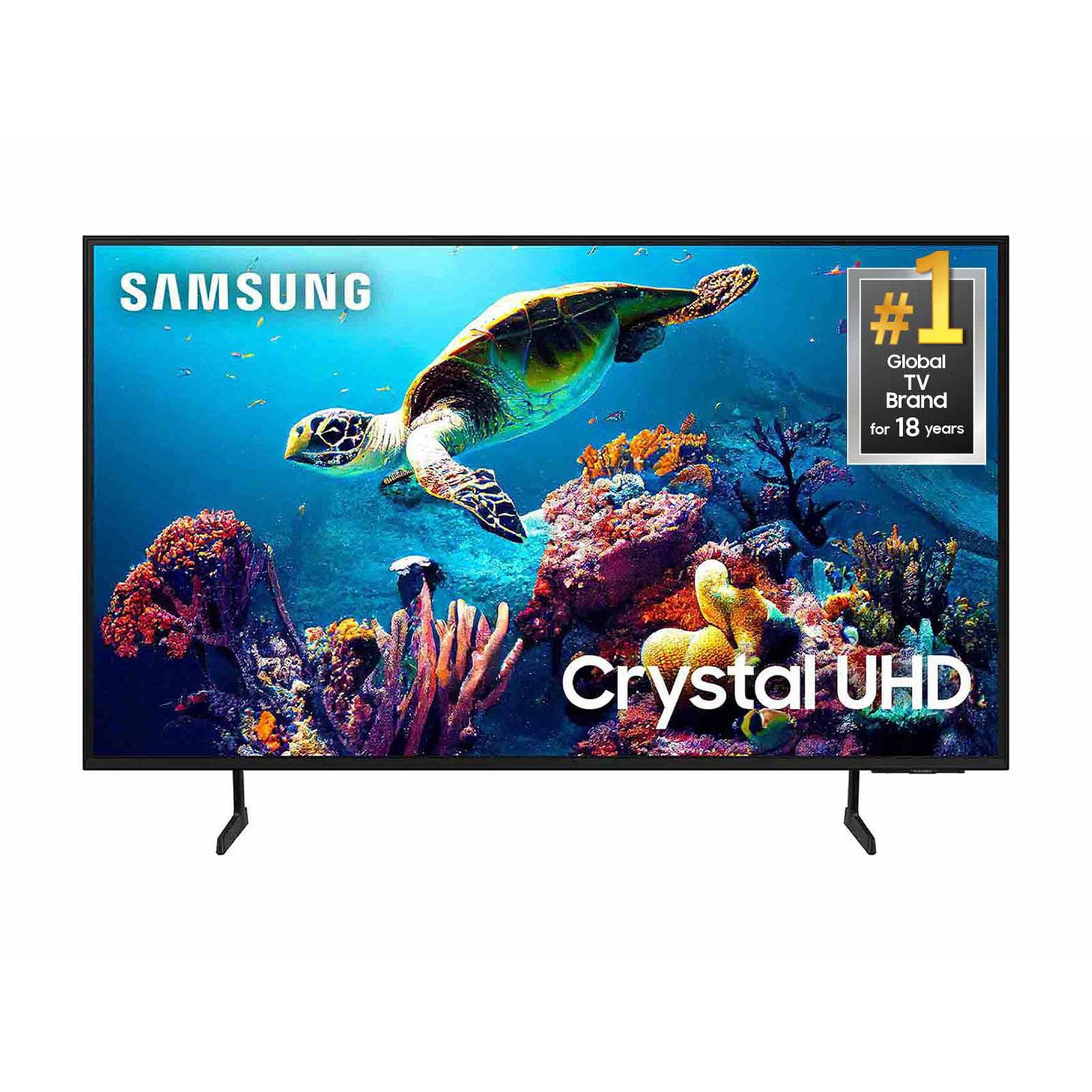
SAMSUNG 60" Class DU6900 Series UHD 4K Smart TV
4.4 out of 5 stars
stars
2,031 ratings2,009 reviews
  1. 5 stars68% (1,380)
  2. 4 stars16% (331)
  3. 3 stars7% (142)
  4. 2 stars4% (77)
  5. 1 star5% (101)

Member photos

  • +508 images
Sort by |
Showing 1,421-1,430 of 2,009 reviews
Mar 18, 2025
Ivaylo
5 out of 5 stars
5 out of 5 stars review

Great TV great price
[This review was collected as part of a promotion.] Amazing picture for the price deff would recommend

Review from Samsung US
Helpful?2944RFFI236513954163060
Mar 21, 2025
Dominique
5 out of 5 stars
5 out of 5 stars review

The best tv ever

[This review was collected as part of a promotion.] I love this tv. The picture are so perfect and clear. Best sound.

Review from Samsung US
Helpful?2944RFFI236513954163060
Feb 5, 2025
Ericabeth
4 out of 5 stars
4 out of 5 stars review

Volume is not loud enough at its highest

I am happy with this TV and picture quality but the volume doesnt seem to go loud enough even at 100.

Review from Samsung US
Helpful?2944RFFI236513954163060
Mar 30, 2025
MyBoyfriend25
5 out of 5 stars
5 out of 5 stars review

Great quality, great video,volume is excellent,
[This review was collected as part of a promotion.] Great 4k number one tv in my house, Best TV I've ever had

Review from Samsung US
Helpful?2944RFFI236513954163060
Mar 5, 2025
Tvwatcher
3 out of 5 stars
3 out of 5 stars review

Sound Quality

Very happy with the picture quality of my new tv but the audio is very poor. My last TV was a Sony with great audio.

Review from Samsung US
Helpful?2944RFFI236513954163060
reply from Samsung Brand Ambassador

Tvwatcher, Thank you for sharing your thoughts regarding the DU6900 TV’s sound quality. We recommend adjusting the Sound Settings to improve your experience. You can change the Sound Mode by going to Settings > All Settings> Sound > Sound Mode. You can also customize the sound with Expert Settings by going to Settings > All Settings> Sound > Expert Settings. To assist you with possible sound settings adjustments for a better audio experience or choosing a Samsung Soundbar to complement your viewing enjoyment, please reach out to us at 1-800-SAMSUNG, 8 AM - 12 AM EST, seven days a week. Our LiveChat agents are also available by clicking on the ‘Support’ link on our website. ~ Samsung Pro

Mar 20, 2025
Great2tv
5 out of 5 stars
5 out of 5 stars review

Great tv!!!

[This review was collected as part of a promotion.] Great picture Great sound!! Love it!!! No Screensaver tho.

Review from Samsung US
Helpful?2944RFFI236513954163060
Mar 5, 2025
Skip
4 out of 5 stars
4 out of 5 stars review

Too much frufru

I bought before Christmas. Picture is great. Unhappy there is no audio jack and the HDMI 2 cable dors not seem to provide audio.

Review from Samsung US
Helpful?2944RFFI236513954163060
May 20, 2026
Johndoy
5 out of 5 stars
5 out of 5 stars review

Love this sound love the color and I'll always buy

[This review was collected as part of a promotion.] No, I do not have any feedback on this, but as I said previous, I will always buy a Samsung

Review from Samsung US
Helpful?2944RFFI236513954163060
Apr 19, 2025
JimmyB
1 out of 5 stars
1 out of 5 stars review

Stopped working after 2 Months

[This review was collected as part of a promotion.] I purchased 2 of these TV's and one of them stopped working on Super Bowl Sunday, just two months after we started using it. I would not purchase again.

Review from Samsung US
Helpful?2944RFFI236513954163060
reply from Samsung Brand Ambassador

JimmyB, I’m sorry to hear about the issues you’ve experienced with Samsung’s DU6900 TV. Your feedback is important to us and will be shared with our product teams. Samsung is committed to providing the best possible product experience, quality, and value. We back this Samsung TV with a 1-year limited manufacturer's warranty, including authorized repair for manufacturer defect, if purchased brand-new directly from an authorized seller. You can see the full details of your warranty on Samsung's website. Go to Support (upper right corner) and select Warranty information. This will allow you to search for your product and view the full details of the included warranty. Please give us the chance to make this right by contacting Samsung Customer Support at 1-800-SAMSUNG, 8 AM - 12 AM EST, seven days a week. Our LiveChat agents are also available by clicking on the ‘Support’ link on our website. ~Samsung Pro

Dec 4, 2024
old man
1 out of 5 stars
1 out of 5 stars review

NOT HAPPY

The tv works great, but I,m old school, I want a tv that I turn on, select a channel and watch a show I don,t like that I have to go through 450 channels to find the one I want. last night I wanted to watch the news after the show I was watching. the news was half over befor I could find it.

Review from Samsung US
Helpful?2944RFFI236513954163060
reply from Samsung Brand Ambassador

old man, Samsung TV Plus can be disabled, which removes the channels from your default guide. Should you want to disable TV Plus, follow the steps below: 1) Navigate to the Samsung TV Plus app and press and hold the enter or select button on the remote. This will bring up two options. ‘Move’ and ‘Remove.’ 2) Navigate to ‘Remove’ and select. This option brings up the ability to remove the app icon or disable the service. 3) Navigate to ‘Disable’ and select. This will remove the service from the launcher bar and the channels from the TV Guide. Alternatively, you can leave TV Plus enabled and utilize the Autorun Last App feature to automatically start the last app you used once the TV is turned on. To enable this feature, follow the steps below: 1) Navigate to Settings > All Settings> General > Smart Features > Autorun Smart Hub 2) Enable the Autorun Smart Hub feature 3) Navigate to Settings > General > Smart Features > Autorun Last App 4) Enable the Autorun Last App feature If you need further assistance, we would be happy to help! Please feel free to contact Samsung Support at 1-800-SAMSUNG, available from 8 AM to 12 AM EST, seven days a week. You can also chat with us on Samsung.com for immediate assistance. ~Samsung Pro