Skip to Main Content
Sams Club
Sams Club
Customer reviews for SAMSUNG 60" Class DU6900 Series UHD 4K Smart TV for
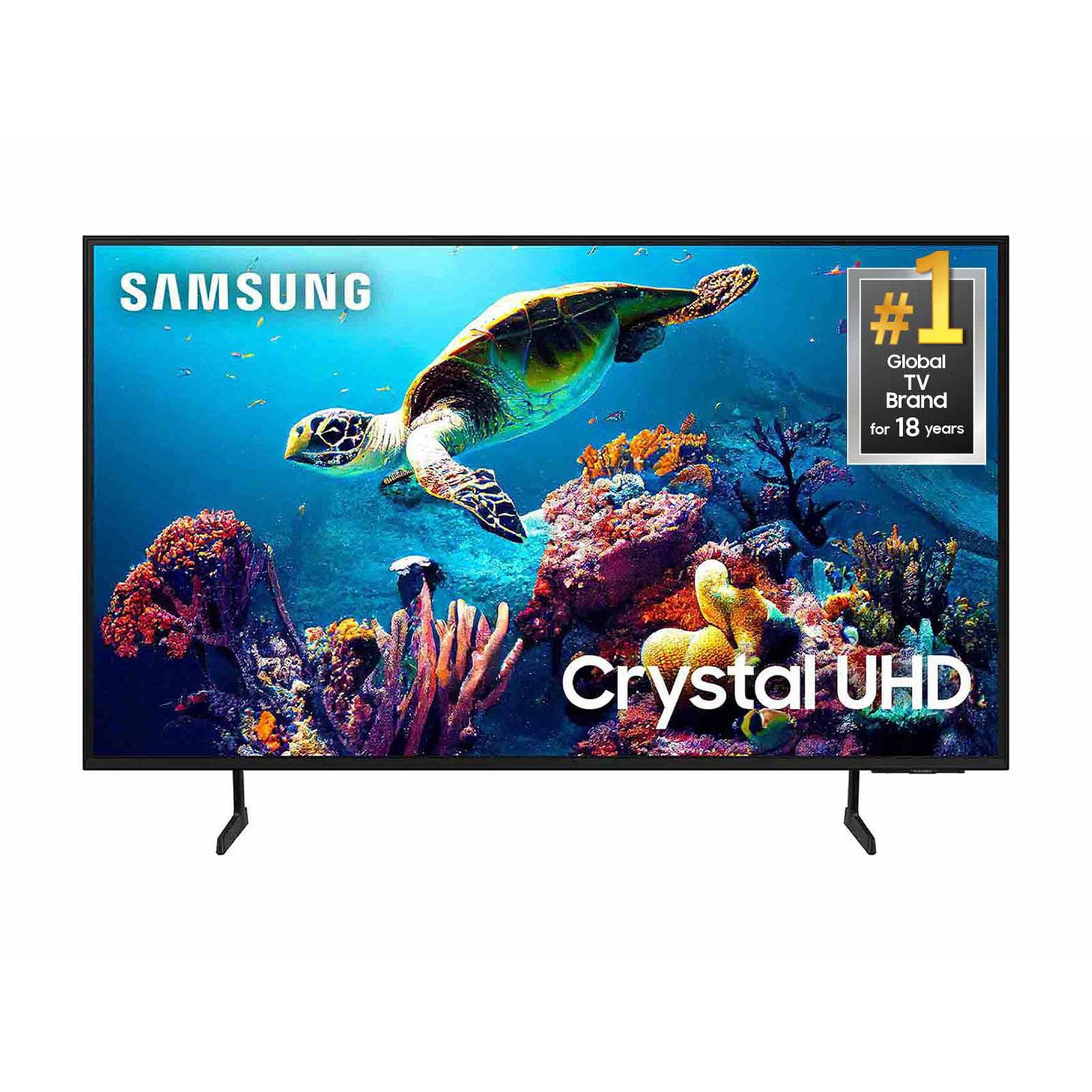
SAMSUNG 60" Class DU6900 Series UHD 4K Smart TV
4.4 out of 5 stars
stars2,026 ratings2,004 reviews
  1. 5 stars68% (1,372)
  2. 4 stars16% (330)
  3. 3 stars7% (145)
  4. 2 stars4% (77)
  5. 1 star5% (102)
Write a review

Customer photos

  • +505 images
Sort by |
Showing 1,411-1,420 of 2,004 reviews
Mar 28, 2025
Shurashops
5 out of 5 stars review

Love my samsung tv

[This review was collected as part of a promotion.] Great screen and easy use Apps. Will buy 1 for bedroom.

Review from Samsung US
Helpful?2944RFFI236513954163060
Feb 6, 2025
Carland
2 out of 5 stars review

NOT enough HDMI ports

Didn't research prior to purchase only to get it home and realize there are only 2 HDMI ports - not enough.

Review from Samsung US
Helpful?2944RFFI236513954163060
reply from Samsung Brand Ambassador

Carland, Thank you for choosing the Samsung DU6900 TV and for taking the time to provide us with detailed feedback on your experience. Your opinion is important to us and will be shared with our internal product teams. The DU6900 TV offers 2 HDMI ports and is Bluetooth and Wi-Fi capable, allowing a seamless connection across multiple devices at a time. If you require additional ports, we recommend utilizing converters or splitters. If you need further assistance, we would be happy to help! Please feel free to contact Samsung Support at 1-800-SAMSUNG, available from 8 AM to 12 AM EST, seven days a week. You can also chat with us on Samsung.com for immediate assistance. ~Samsung Pro

Mar 20, 2025
Lati73
5 out of 5 stars review

This product looks great love it

[This review was collected as part of a promotion.] Settings are easier really like it and looking to get another one for my daughter room

Review from Samsung US
Helpful?2944RFFI236513954163060
Mar 20, 2025
Love2shopSamsung
5 out of 5 stars review

Love it always like Samsung my first choice

[This review was collected as part of a promotion.] ❤️✔️👍Great Quality Love it always like Samsung my first choice

Review from Samsung US
Helpful?2944RFFI236513954163060
Mar 6, 2025
Shaun
4 out of 5 stars review

Family room TV

Love our new 50” Samsung. Picture and sound are fantastic. The control is simpler than our older Samsungs.

Review from Samsung US
Helpful?2944RFFI236513954163060
Mar 20, 2025
Pablouno
5 out of 5 stars review

Great TV for the price

[This review was collected as part of a promotion.] I like the TV still trying to figure some stuff out but overall it does what I need.

Review from Samsung US
Helpful?2944RFFI236513954163060
Mar 6, 2025
ppspends19
5 out of 5 stars review

Nice product

I brought this product a week ago. I still have a lot to learn, but I feel very comfortable trying to learn.

Review from Samsung US
Helpful?2944RFFI236513954163060
Mar 20, 2025
JLCPCC
3 out of 5 stars review

blurry on sports

[This review was collected as part of a promotion.] Longer shots on sports games are blurry, otherwise its a good picture

Review from Samsung US
Helpful?2944RFFI236513954163060
reply from Samsung Brand Ambassador

JLCPCC, Thank you for sharing your experience with the DU6900 TV’s image quality. Motion smoothing features eliminate ghosting and blurring that occurs from fast-moving images. On Samsung TVs, these are known as Auto Motion Plus or Picture Clarity. These motion smoothing settings look great on live TVs, like sporting events or parades, which are filmed at 30 frames per second. To Change Motion smoothing settings on your TV: Navigate to Settings > All Settings > Picture > Expert Settings > Auto Motion Plus Settings (Picture Clarity Settings). 1. The default setting is Auto. This means the feature automatically turns on and off based on the type of program being watched. 2. Select Auto Motion Plus (Picture Clarity) to change the setting to either Off or Custom. If you select Custom, three additional options are available: - Blur Reduction: Use the directional keys on the remote to adjust the Blur setting. - Judder Reduction: Use the directional keys on the remote to adjust the Judder setting. - LED Clear Motion: This option allows you to configure the LED backlight to sharpen fast-moving images. Select to turn On or Off. If you’d like more help with settings, we are always happy to help! Call us at 1-800-SAMSUNG, 8 AM - 12 AM EST, seven days a week. Or visit us on the Samsung website and click on the ‘Support’ link for: 1) LiveChat 2) Manuals, Software, & Warranty Info ~ Samsung Pro

Mar 5, 2025
Skonk
5 out of 5 stars review

Nice for the price!

I bought this about 8 months ago. It's working well. Speakers and what you expect from a TV so I use a soundbar

Review from Samsung US
Helpful?2944RFFI236513954163060
Mar 21, 2025
Dominique
5 out of 5 stars review

The best tv ever

[This review was collected as part of a promotion.] I love this tv. The picture are so perfect and clear. Best sound.

Review from Samsung US
Helpful?2944RFFI236513954163060