Join Now
Skip to Main Content
Sam's Club
Sam's Club
All Departments
All Services
Customer reviews for SAMSUNG 55" Class CU7000D Crystal UHD Smart TV - UN55CU7000DXZA for
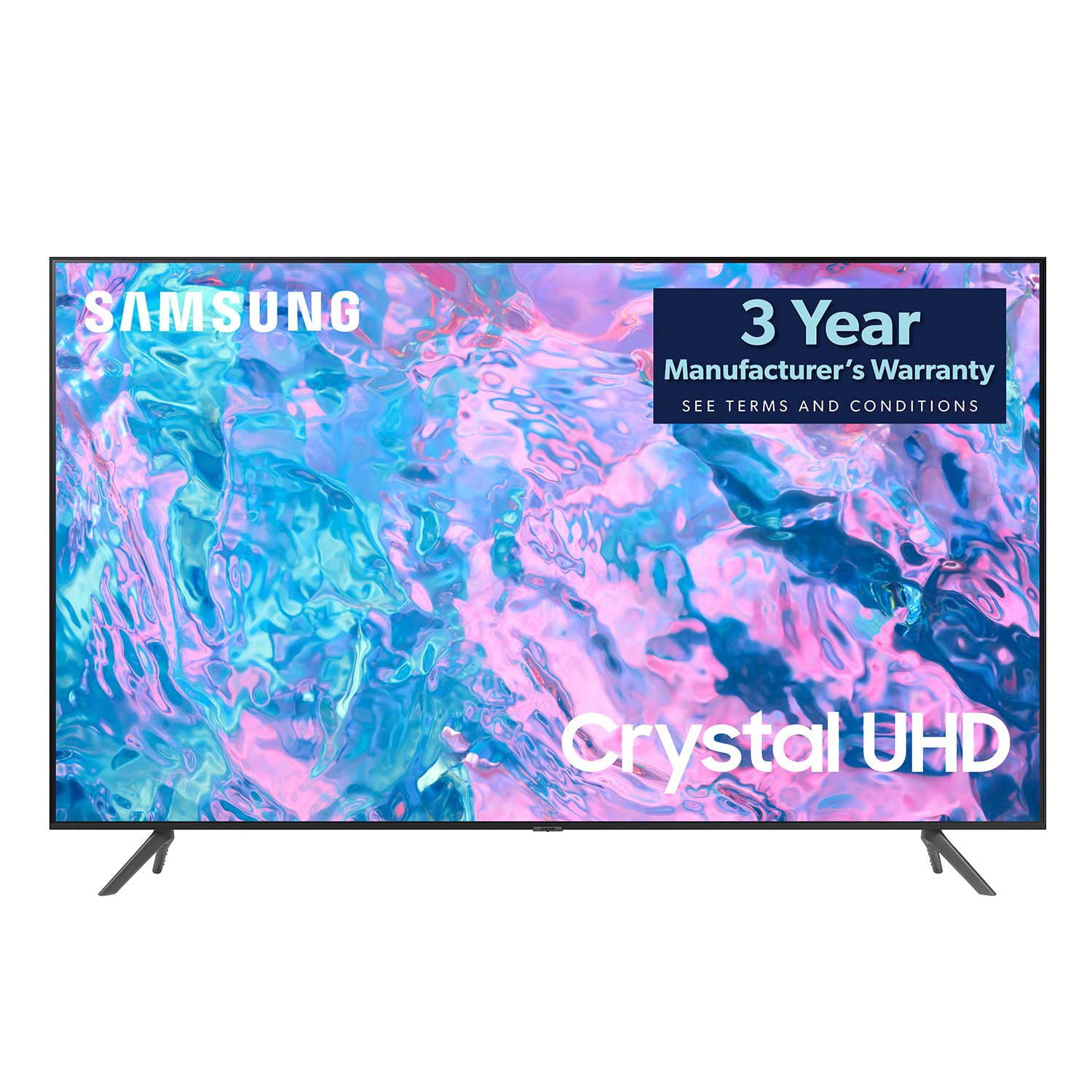
SAMSUNG 55" Class CU7000D Crystal UHD Smart TV - UN55CU7000DXZA
4.6 out of 5 stars
stars
662 ratings575 reviews
  1. 5 stars72% (474)
  2. 4 stars20% (133)
  3. 3 stars4% (27)
  4. 2 stars1% (7)
  5. 1 star3% (21)

Member photos

  • +123 images
Sort by |
Showing 531-540 of 575 reviews
Dec 5, 2023
Reviewer name: Dennis Crake
5 out of 5 stars
5 out of 5 stars review

Great tv

We bought this tv 6 weeks ago and it is great the picture is incredible

Review from Samsung Canada
Helpful?1QJ37B7FTXIJ13935724563
reply from Samsung Support Team

Hello, thank you for your 5 star review and feedback. We will pass your comments along to our store staff and hope you visit us again someday soon.

Sep 28, 2023
Reviewer name: Jerry I
5 out of 5 stars
5 out of 5 stars review

55 inch Samsung tv

The tv as a very clear picture with a awesome sound

Review from Samsung Canada
Helpful?1QJ37B7FTXIJ13935724563
Dec 14, 2023
Reviewer name: NickP 67
5 out of 5 stars
5 out of 5 stars review

55 inch Smart TV.

So far I'm very happy with this television. Nice clear, sharp picture, easy set-up.

Review from Samsung US
Helpful?1QJ37B7FTXIJ13935724563
Feb 21, 2024
Reviewer name: Nath
3 out of 5 stars
3 out of 5 stars review

N

You tube app not really good And this tv take WiFi slow.

Review from Samsung US
Helpful?1QJ37B7FTXIJ13935724563
reply from Samsung Advisor

Hi Nath, We appreciate your feedback on the Samsung CU7000 TV. I'm sorry to hear you are experiencing issues with your Wi-Fi being slow and the YouTube app not performing well. Please try the below troubleshooting steps to help resolve these issues. First, let's ensure you are running the latest Firmware. Go to Settings> Support> Software Update. To ensure you do not miss any Firmware Updates, I recommend enabling Auto Updates. Go to Settings> Support> Software Update> then select Auto Update. Next, let's try running a cold boot on your TV. To do so, hold down the Power button on the Samsung TV remote until the TV turns off and then on again. This should take about 5 seconds. I hope these tips help resolve your concerns. If you need more help, Samsung is here for you. Please call us at 1-800-SAMSUNG, 8 AM - 12 AM EST, seven days a week. Our LiveChat agents are also available by clicking on the ‘Support’ link on our website. ~ Samsung Advisor

Jun 2, 2024
Reviewer name: John ducharme
5 out of 5 stars
5 out of 5 stars review

Tv

Excellent product good Price and will recommend to family

Review from Samsung Canada
Helpful?1QJ37B7FTXIJ13935724563
Nov 23, 2024
Reviewer name: Kswede
5 out of 5 stars
5 out of 5 stars review

Really enjoying this TV

I am really enjoying this TV. It has been all that I could have asked for without the extra cost.

Review from Samsung Canada
Helpful?1QJ37B7FTXIJ13935724563
Nov 16, 2024
Reviewer name: Canadian Bro
4 out of 5 stars
4 out of 5 stars review

Easy to access everything

Easy to use menus and setting makes switching apps and inputs a breeze.

Review from Samsung Canada
Helpful?1QJ37B7FTXIJ13935724563
Nov 12, 2024
Reviewer name: AviM1977
5 out of 5 stars
5 out of 5 stars review

Speakers

Everything was good except the speakers they are weak

Review from Samsung Canada
Helpful?1QJ37B7FTXIJ13935724563
Jan 20, 2024
Reviewer name: Working man
5 out of 5 stars
5 out of 5 stars review

TV

Impressed!!! Great service!!!! Well worth it!!!! Definitely would recommend it!!!!

Review from Samsung Canada
Helpful?1QJ37B7FTXIJ13935724563
reply from Samsung Support Team

Hello, thank you for your 5 star review and feedback. We will pass your comments along to our store staff and hope you visit us again someday soon.

Apr 7, 2023
Reviewer name: Tony G
5 out of 5 stars
5 out of 5 stars review

Everything was outstanding.

The tv was fast and easy to set up. Samsung you did a great job.

Review from Samsung US
Helpful?1QJ37B7FTXIJ13935724563
reply from Samsung Brand Ambassador

Hi Tony G, Thank you for your review of the 43" CU7000D TV. I'm glad you are enjoying the TV's Crystal Processor with 4K UHD Upscaling, allowing you to watch the content you love upgraded to dazzling 4K resolution. If there's anything we can do to help you, please do not hesitate to reach out to us. Call us at 1-800-SAMSUNG, 8 AM - 12 AM EST, seven days a week. LiveChat with an agent as well as manuals, software, and warranty info, can be found at the ‘Support’ link on our Samsung website. ~ Samsung Advisor