Skip to Main Content
Sam's Club
Sam's Club
All Departments
All Services
Customer reviews for SAMSUNG 55" Class CU7000D Crystal UHD Smart TV - UN55CU7000DXZA for
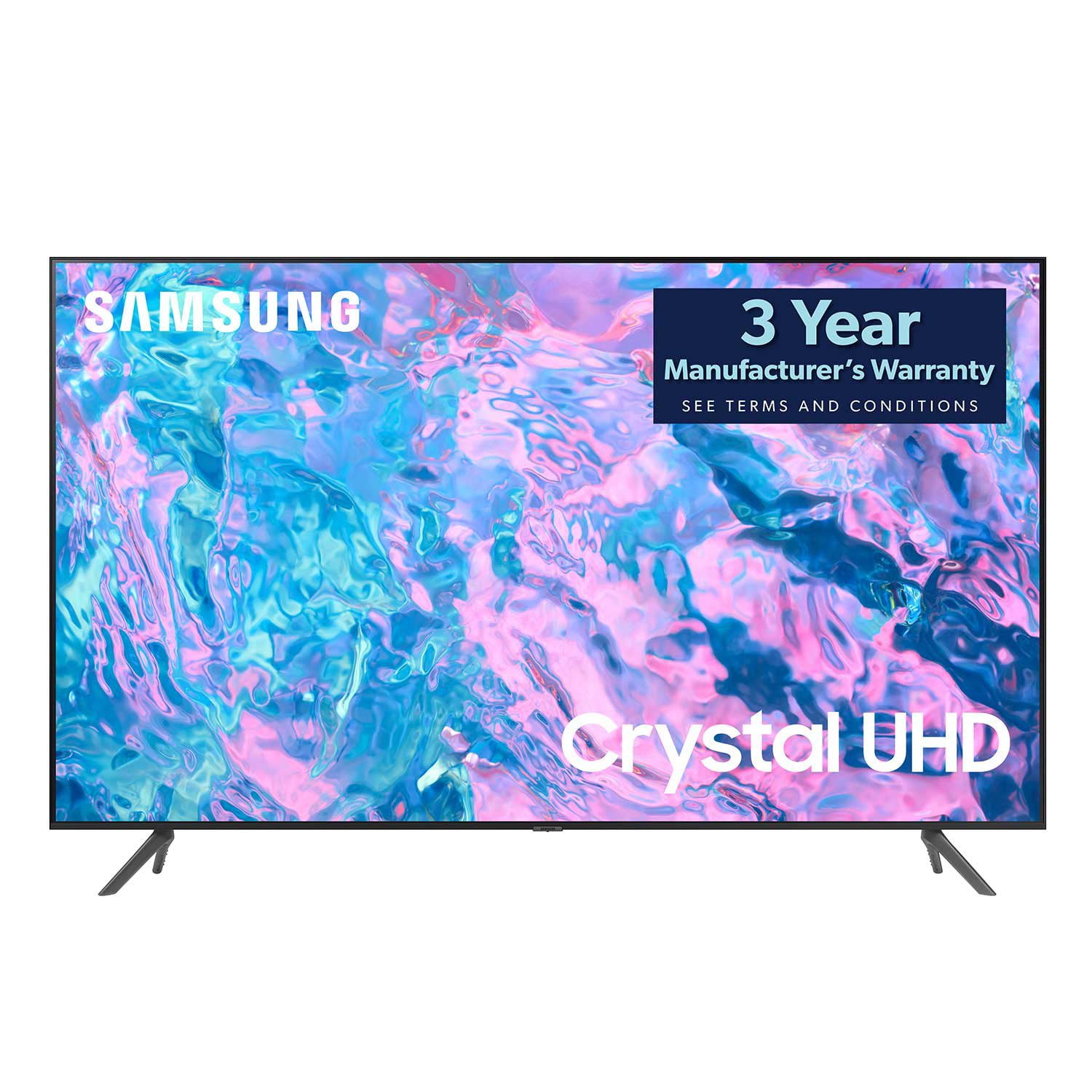
SAMSUNG 55" Class CU7000D Crystal UHD Smart TV - UN55CU7000DXZA
4.6 out of 5 stars
stars
659 ratings572 reviews
  1. 5 stars72% (473)
  2. 4 stars20% (132)
  3. 3 stars4% (26)
  4. 2 stars1% (7)
  5. 1 star3% (21)

Member photos

  • +123 images
Sort by |
Showing 541-550 of 572 reviews
Nov 12, 2024
Reviewer name: AviM1977
5 out of 5 stars
5 out of 5 stars review

Speakers

Everything was good except the speakers they are weak

Review from Samsung Canada
Helpful?1QJ37B7FTXIJ13935724563
May 31, 2024
Reviewer name: Insiderinfo
5 out of 5 stars
5 out of 5 stars review

Great 4k tv for the price

So far so good… still quite new… but enjoying so far

Review from Samsung Canada
Helpful?1QJ37B7FTXIJ13935724563
Jan 29, 2024
Reviewer name: Golfer25
3 out of 5 stars
3 out of 5 stars review

Just ok

Picture is ok. Not happy with sound. Remote is too small and hard to use.

Review from Samsung US
Helpful?1QJ37B7FTXIJ13935724563
reply from Samsung Advisor

Hi Golfer25, We appreciate you sharing your experience with the CU7000 TV. Your feedback regarding image quality is essential to us and will be shared with our internal teams. Please try adjusting the below image settings to improve your picture. First, go to Home > Settings > All Settings > Picture > Picture Mode and select the mode that best fits your usage: 1) Standard: Default mode suitable for general viewing environments. 2) Natural: Reduces eye strain for a comfortable viewing experience. 3) Movie: Most suitable for watching TV or movies in a dark room. 4) Dynamic: Makes the picture brighter and clearer in bright viewing environments. 5) Filmmaker Mode: You can watch the source content (e.g., movie) as it is. If the image is defined as Filmmaker Mode, it will automatically switch to Filmmaker Mode while watching. You can also go to Settings > All Settings> Picture > Expert Settings > to manually fine-tune your image. For sound adjustments, go to Settings> All Settings> Sound. You can also learn how to use your remote directly from your TV. Just go to Home> (left directional button) Settings> Support> Remote Control Guide. If you’d like more help with settings, please know we’re here to help! Call us at 1-800-SAMSUNG, 8 AM - 12 AM EST, seven days a week. Or visit us on the Samsung website and click on the ‘Support’ link for: 1) LiveChat 2) Manuals, Software, & Warranty Info ~ Samsung Advisor

Jan 16, 2024
Reviewer name: Stall
5 out of 5 stars
5 out of 5 stars review

Love it

great picture, i would recommend getting a soundbar however

Review from Samsung US
Helpful?1QJ37B7FTXIJ13935724563
Sep 28, 2023
Reviewer name: Love to Cruise
5 out of 5 stars
5 out of 5 stars review

Perfect size for my space

Very pleased with my purchase Reasonable price Easy to set up

Review from Samsung Canada
Helpful?1QJ37B7FTXIJ13935724563
Dec 28, 2023
Reviewer name: Superboarder
5 out of 5 stars
5 out of 5 stars review

Great TV

Second Samsung TV. Great value for such exceptional quality!

Review from Samsung Canada
Helpful?1QJ37B7FTXIJ13935724563
Dec 6, 2023
Reviewer name: Brett14
5 out of 5 stars
5 out of 5 stars review

Great TV for family and kids

Adaptive and simple for anyone in the family. Picture quality is great for every day use and gaming

Review from Samsung Canada
Helpful?1QJ37B7FTXIJ13935724563
reply from Samsung Support Team

Hello, thank you for your 5 star review and feedback. We will pass your comments along to our store staff and hope you visit us again someday soon.

Aug 3, 2023
Reviewer name: Prophatman
3 out of 5 stars
3 out of 5 stars review

Needs louder speakers

Same as my 50. Beautiful picture and terrible sound

Review from Samsung US
Helpful?1QJ37B7FTXIJ13935724563
reply from Samsung Brand Ambassador

Hi Prophatman, Thank you for sharing your thoughts regarding the CU7000 TV’s sound quality. We recommend adjusting the Sound Settings to improve your experience. You can change the Sound Mode by going to Settings > All Settings> Sound > Sound Mode. You can also customize the sound with Expert Settings by going to Settings > All Settings> Sound > Expert Settings. To assist you with possible sound settings adjustments for a better audio experience or choosing a Samsung Soundbar to complement your viewing enjoyment, please reach out to us at 1-800-SAMSUNG, 8 AM - 12 AM EST, seven days a week. Our LiveChat agents are also available by clicking on the ‘Support’ link on our website. ~ Samsung Advisor

Jun 1, 2024
Reviewer name: Kymeh
5 out of 5 stars
5 out of 5 stars review

best television made

Samsung knows how to make electronics! This is the most user friendly TV i have ever used!

Review from Samsung Canada
Helpful?1QJ37B7FTXIJ13935724563
Nov 16, 2024
Reviewer name: Canadian Bro
4 out of 5 stars
4 out of 5 stars review

Easy to access everything

Easy to use menus and setting makes switching apps and inputs a breeze.

Review from Samsung Canada
Helpful?1QJ37B7FTXIJ13935724563