Skip to Main Content
Sams Club
Sams Club
Customer reviews for LG 75" Class UR8000 Series LED 4K Smart TV for
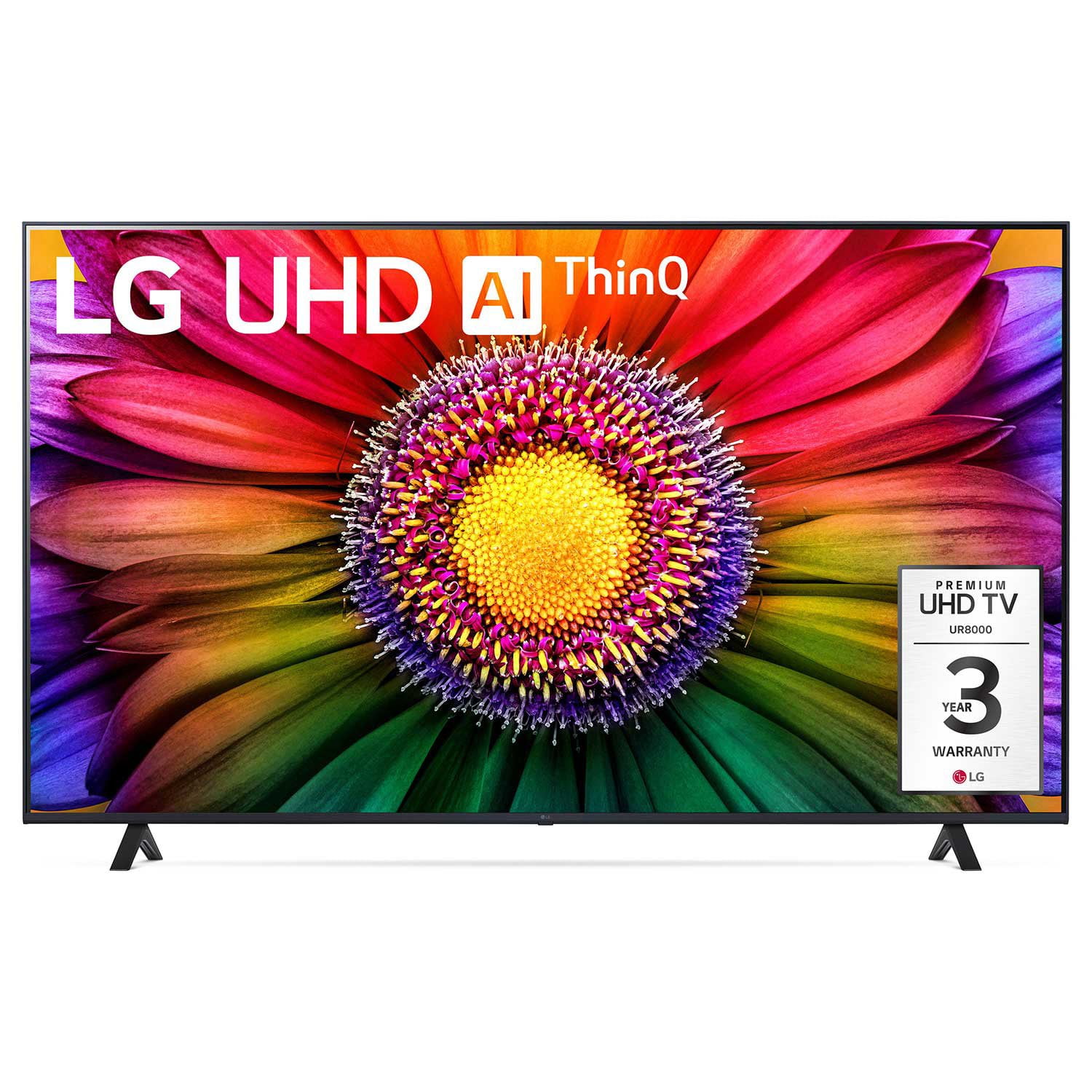
LG 75" Class UR8000 Series LED 4K Smart TV
4.4 out of 5 stars
stars1,060 ratings939 reviews
  1. 5 stars65% (690)
  2. 4 stars21% (218)
  3. 3 stars7% (73)
  4. 2 stars3% (29)
  5. 1 star5% (50)
Write a review

Customer photos

  • +3 images
Sort by |
Showing 891-900 of 939 reviews
Aug 18, 2024
ODavidB
5 out of 5 stars review

The look, the price and the quality.

This TV was a great buy, I need a TV that would fill my wall and give my room a great look at the same time; and it does that nicely.

Review from lg.com
Helpful?110C0H5WPT1Y13935100523
reply from LG

Hello! We appreciate your wonderful review of your LG TV. It’s great to hear that it not only fills your wall perfectly but also elevates the entire look of your room. A big, beautiful display can really transform a space, and we’re glad it delivered exactly what you were hoping for! For more feedback or questions, please send us an email at lgdigitalcare@lg.sprinklrsupport.com. Thanks for choosing LG! #LifesGood ^James

Apr 3, 2025
uchiha90
1 out of 5 stars review

do not buy

this tv is to slow this is my second day whit it and it so slow, i try to watch netflix but it dosent stream the video

Helpful?110C0H5WPT1Y13935100523
reply from LG Digital Customer Care

Hi, there. Thanks for sharing your experience with us. We understand your concern about your LG TV (75UR8000AUA) being a bit slow and having trouble streaming Netflix. We really want to make sure you have a great viewing experience with our products. To help things run a bit smoother, maybe check your internet connection to see if it’s stable and fast enough for streaming. You could also try restarting the TV and reinstalling the Netflix app to fix any little hiccups. If you need more help, feel free to visit https://www.lg.com/us/support/help-library/lg-tv-netflix-is-not-working--1423685795027.For more help, just send us a private message on social media @LGUSSupport, and our team will be more than happy to assist you further with this issue. We really appreciate your feedback and are here for you. ^Juvy

Jul 3, 2024
Omg66
5 out of 5 stars review

Awesome Picture Definition

Absolutely amazing realistic clarity of pictures and ease of using remote for access to many streaming services and live TV.

Review from lg.com
Helpful?110C0H5WPT1Y13935100523
Jan 2, 2025
Jerry197512
5 out of 5 stars review

Terrific TV

[This review was collected as part of a promotion.] This TV is awesome. Sound definition and picture quality are amazing. I love it!

Review from lg.com
Helpful?110C0H5WPT1Y13935100523
reply from LG Digital Care Team

Hey there jerry! It's awesome how much you've been enjoying your LG TV so you can bring the movie theater experience to the comfort of your home. If you ever need help with it in the future, we're just a private message away on social media at @LGUSSupport, and we'll be here for you! *Josh

Dec 28, 2024
Sandydc99
5 out of 5 stars review

Amazing brand

I was not sure about the brand but now that I have it I have to say that I was wrong. By far this TV had exceeded my expectations.

Review from lg.com
Helpful?110C0H5WPT1Y13935100523
reply from LG Digital Care Team - Diego

Hey there. So glad to hear the TV has exceeded your expectations! It's great when a product surprises you in such a positive way. Hope you continue enjoying it! ^ Diego

Apr 6, 2025
Johnny Unitas
5 out of 5 stars review

Best deal on Quality TV

This is an incredible TV at a fantastic price, vibrant colors, easy to use remote to access all movie apps, no reason to buy cable TV. Great Buy .

Helpful?110C0H5WPT1Y13935100523
Jun 27, 2024
Fonebone
3 out of 5 stars review

Need to improve screen selections and remote

The on screen interface is difficult to navigate. The remote with the cursor is not accurate. I went back to my Roku interface and remote.

Review from lg.com
Helpful?110C0H5WPT1Y13935100523
reply from LG

Hi there. Thank you for reaching out to us and sharing your feedback on the LG TV (50UR8000AUA) model. We understand that navigating through the interface should be effortless and that the cursor on the remote should be accurate. We strive to provide reliable, high-quality products and ensure a smooth and seamless viewing experience. We take your feedback seriously and will work diligently to improve these aspects of our product. If you would consider giving our product another chance in the future, we would be more than happy to assist you in finding a solution that meets your needs and expectations. You can reach out to us on social media @LGUSSupport if you need further assistance. ^Juvy

Jun 20, 2024
guabi
4 out of 5 stars review

[This review was collected as part of a promotion.] I bought a month ago but in general is good. Only don’t have a split screen like other models.

Review from lg.com
Helpful?110C0H5WPT1Y13935100523
Jan 16, 2024
Hazrin90
5 out of 5 stars review

Great features, Good Product and friendly used

[This review was collected as part of a promotion.] Good Product, friendly used and excellent experience. It's also have wise a great features.

Review from lg.com
Helpful?110C0H5WPT1Y13935100523
Jan 3, 2025
Kp32
2 out of 5 stars review

Okay for the price, but can be frustrating

Picture is fine, but the operating system is very slow and a bit clunky. Remote responsiveness and range is bad.

Helpful?110C0H5WPT1Y13935100523
reply from LG Digital Customer Care

Hi, there. Thank you for sharing your experience with the LG TV (75UR8000AUA) model. We’re glad to hear you’re satisfied with the picture quality, but we understand your concerns about the operating system and remote functionality. We strive to provide reliable, high-quality products that exceed our customer's needs and expectations.To improve performance, we suggest ensuring your TV’s firmware is up-to-date by navigating to Settings > All Settings > Support > Software Update and checking for the latest version. For the remote, make sure there are no obstructions between the remote and the TV and try re-pairing it by holding the Home and Back buttons simultaneously for a few seconds. For more help, you may visit https://www.lg.com/us/support/help-library/lg-tv-how-to-troubleshoot-your-lg-magic-remote--1427121727809.If the issue persists, please send us a private message on social media @LGUSSupport, and we’ll be happy to provide further assistance. We appreciate your feedback and are here to help enhance your experience. ^Juvy