Skip to Main Content
Sam's Club
Sam's Club
All Departments
All Services
Customer reviews for LG 75" Class UR8000 Series LED 4K Smart TV for
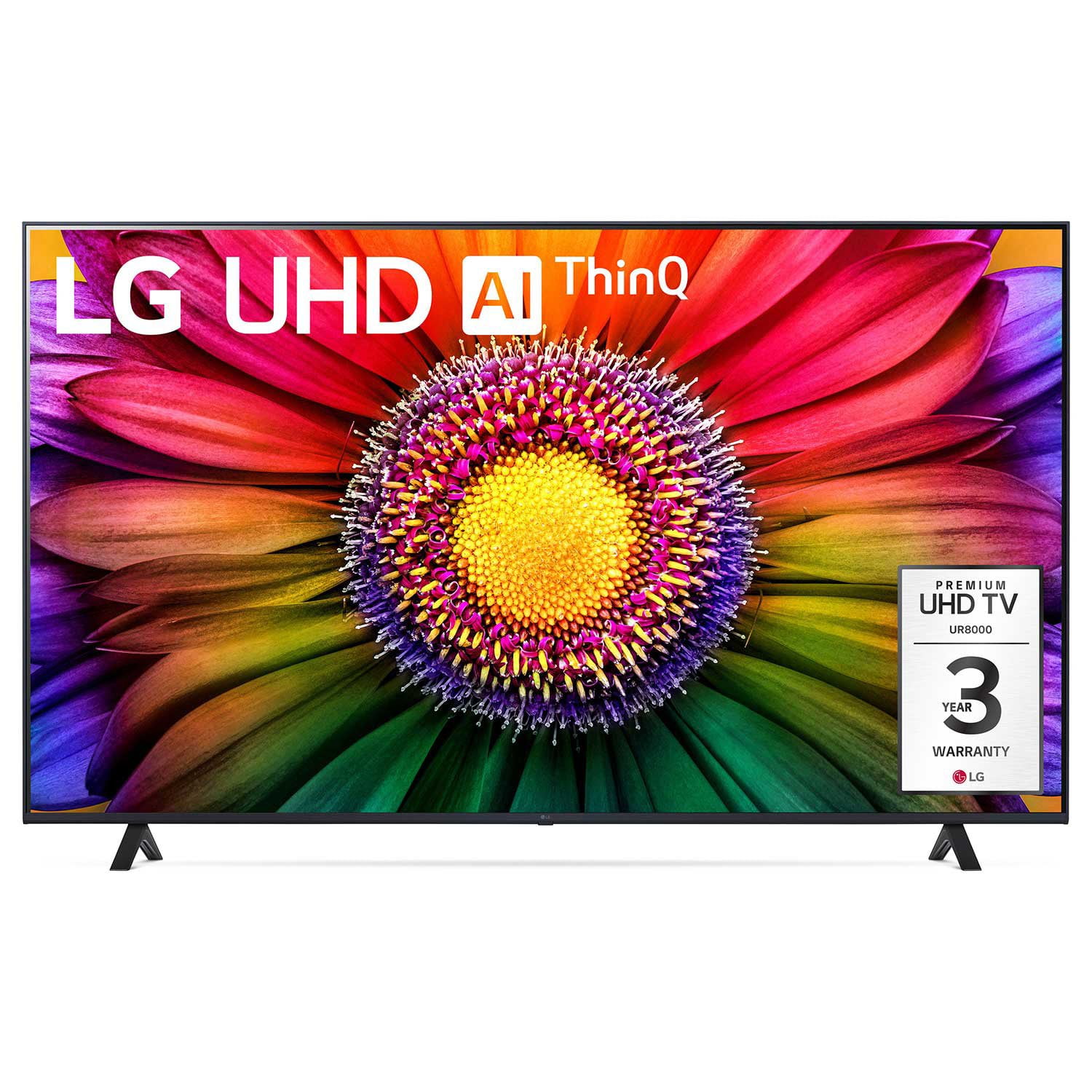
LG 75" Class UR8000 Series LED 4K Smart TV
4.4 out of 5 stars
stars
1,061 ratings940 reviews
  1. 5 stars65% (690)
  2. 4 stars21% (218)
  3. 3 stars7% (73)
  4. 2 stars3% (29)
  5. 1 star5% (51)

Member photos

  • +3 images
Sort by |
Showing 931-940 of 940 reviews
Jun 16, 2024
Reviewer name: Anonymous
5 out of 5 stars
5 out of 5 stars review

great geatures

i have had this th about once me month. Pic is great and I have not had any issues

Review from lg.com
Helpful?110C0H5WPT1Y13935100523
Dec 14, 2024
Reviewer name: BigBry077
5 out of 5 stars
5 out of 5 stars review

Remarkable picture

Had this tv for 3 weeks now and I love it. Picture is clear and sound is great.

Review from lg.com
Helpful?110C0H5WPT1Y13935100523
reply from LG

Hi, Bryan. Thank you for sharing your thoughts about your LG TV. We’re delighted to hear how much you’re enjoying the clear picture and great sound — it’s wonderful to know it’s been such a positive addition over the past few weeks. For more feedback or questions, please send us an email at lgdigitalcare@lg.sprinklrsupport.com. Thanks for choosing LG! #LifesGood ^James.

Oct 8, 2023
Reviewer name: Ad
1 out of 5 stars
1 out of 5 stars review

75 inch uhd Samsung

I had this TV for 2 weeks and it already has a red vertical line on the right side of the tv

Helpful?110C0H5WPT1Y13935100523
reply from LG Digital Customer Care

Hi, Ad. Thank you for bringing this to our attention, and we're truly sorry to hear that you're experiencing issues with your TV just after two weeks of use, particularly the red vertical line on the right side. This is certainly not the quality we aim to provide, and we understand your frustration. Please send us a private message on Facebook or X at @LGUSSupport, we will do our best to assist you in resolving this issue. ^Jayne

Dec 31, 2023
Reviewer name: Nkem
5 out of 5 stars
5 out of 5 stars review

Great Product

Great product. I love it because it has all I need in a smart tv.

Review from lg.com/uk
Helpful?110C0H5WPT1Y13935100523
Dec 29, 2024
Reviewer name: KDthekid
4 out of 5 stars
4 out of 5 stars review

Good picture

Picture is good but it is slow to retrieve apps and remote is awkward

Review from lg.com
Helpful?110C0H5WPT1Y13935100523
reply from LG Digital Care Team

Hi KD, thank you for sharing your experience with the 55UR8000AUA. Great to hear the picture quality is standing out for you. For the slower app loading and remote feel, checking for the latest software and app updates can help improve responsiveness. This guide walks through helpful steps: https://www.lg.com/us/support/help-library/lg-tv-troubleshooting-low-memory-notifications-and-apps-not-working--20153165912773 If you’d like help reviewing your settings, feel free to email lgdigitalcare@lg.sprinklrsupport.com. #LifesGood ❤️ LG Digital Care Team ^Rich

Aug 16, 2024
Reviewer name: Mark Fillhouer
5 out of 5 stars
5 out of 5 stars review

Love it

Very pleased with the picture quality. Installation and start up was easy.

Review from lg.com
Helpful?110C0H5WPT1Y13935100523
reply from LG

Hi, Mark. Thank you for sharing your experience with the LG TV (86UR8000AUA) model. It’s wonderful to hear that the picture quality impressed you and that installation and startup were a breeze. This model is known for its vibrant 4K clarity, wide viewing angles, and the easy‑to‑navigate webOS platform, making it a strong choice for both everyday watching and larger living spaces. If you need further assistance, feel free to email lgdigitalcare@lg.sprinklrsupport.com. #LifesGood ❤️ LG Digital Care Team ^Juvy

Jul 7, 2024
Reviewer name: TrentonD
1 out of 5 stars
1 out of 5 stars review

Screen went out

I bought this TV a bit over 90 days and the screen went black with no sound.

Review from lg.com
Helpful?110C0H5WPT1Y13935100523
reply from LG

Hi, there. Thank you for reaching out to us and sharing your feedback on your LG TV (70UR8000AUA) model. We understand how important it is to have a television that functions flawlessly. We strive to provide high-quality products that meet your needs and expectations. To fix this, check the power. Ensure the TV is properly plugged in and the outlet is working. Check the cables, check the source, try a different input, check the menu, check the remote, reboot the LG TV, and check for software updates. If you need further assistance, please reach out to us on social media @LGUSSupport. ^Juvy

Dec 7, 2024
Reviewer name: Ruben U
5 out of 5 stars
5 out of 5 stars review

Easy to use

I wanted to feel like I was at a mini movie theater at home and with this TV I got just that.

Review from lg.com
Helpful?110C0H5WPT1Y13935100523
reply from LG Digital Care Team

Hi Ruben, thanks for sharing your experience with the LG 86 Inch Class UR8000 Series LED 4K UHD Smart TV, model 86UR8000AUA. It’s great to hear it delivers that mini‑theater feel you were looking for right at home. If you need further assistance, feel free to email lgdigitalcare@lg.sprinklrsupport.com. ^Rich #LifesGood ❤️

Oct 22, 2024
Reviewer name: Tv room tv
1 out of 5 stars
1 out of 5 stars review

Lines on screen

The mounted tv stopped working (lines on the screen)

Review from lg.com
Helpful?110C0H5WPT1Y13935100523
reply from LG Digital Care Team

Hi there! Your LG TV is the center of movie nights, show binges, and everything you love most for your home entertainment. Luckily, we have the perfect troubleshooting for your TV display on our site here: http://spr.ly/6428qILxE. You can also connect with our amazing team on social media @LGUSSupport. We'd love to chat and make sure you have the best experience possible! *Chey

Feb 8, 2025
Reviewer name: Rca
2 out of 5 stars
2 out of 5 stars review

Apps keep shutting off
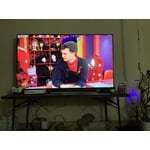
The apps keep shutting off. Watching a movie and out of no where it goes back to the LG Home Screen.

Helpful?110C0H5WPT1Y13935100523
reply from LG Digital Customer Care

Hi there, Rca. Thank you for sharing your experience with us regarding your LG 75UR8000AUA. We understand your situation with the apps shutting off unexpectedly while you’re enjoying your movie. As a first step, please try performing a power cycle on your TV by unplugging it from the power outlet for about 60 seconds and then plugging it back in. This can help refresh the system and clear temporary glitches that might be affecting the app performance. Additionally, if the issue continues, we recommend deleting the affected app (by long-pressing the wheel button on your remote in app edit mode) and then reinstalling it from the LG Content Store. These steps can often resolve issues with apps crashing or returning to the home screen unexpectedly.LG TV - Troubleshooting Premium Apps | LG USA Support - https://www.lg.com/us/support/help-library/lg-tv-troubleshooting-premium-apps--1434403325217For further assistance and to explore additional troubleshooting steps tailored to your situation, please send us a private message on Social Media @LGUSSupport. We appreciate your feedback and are here to help ensure you have the best viewing experience with your LG product.—Renzo