Skip to Main Content
Sams Club
Sams Club
Customer reviews for LG 75" Class UR8000 Series LED 4K Smart TV for
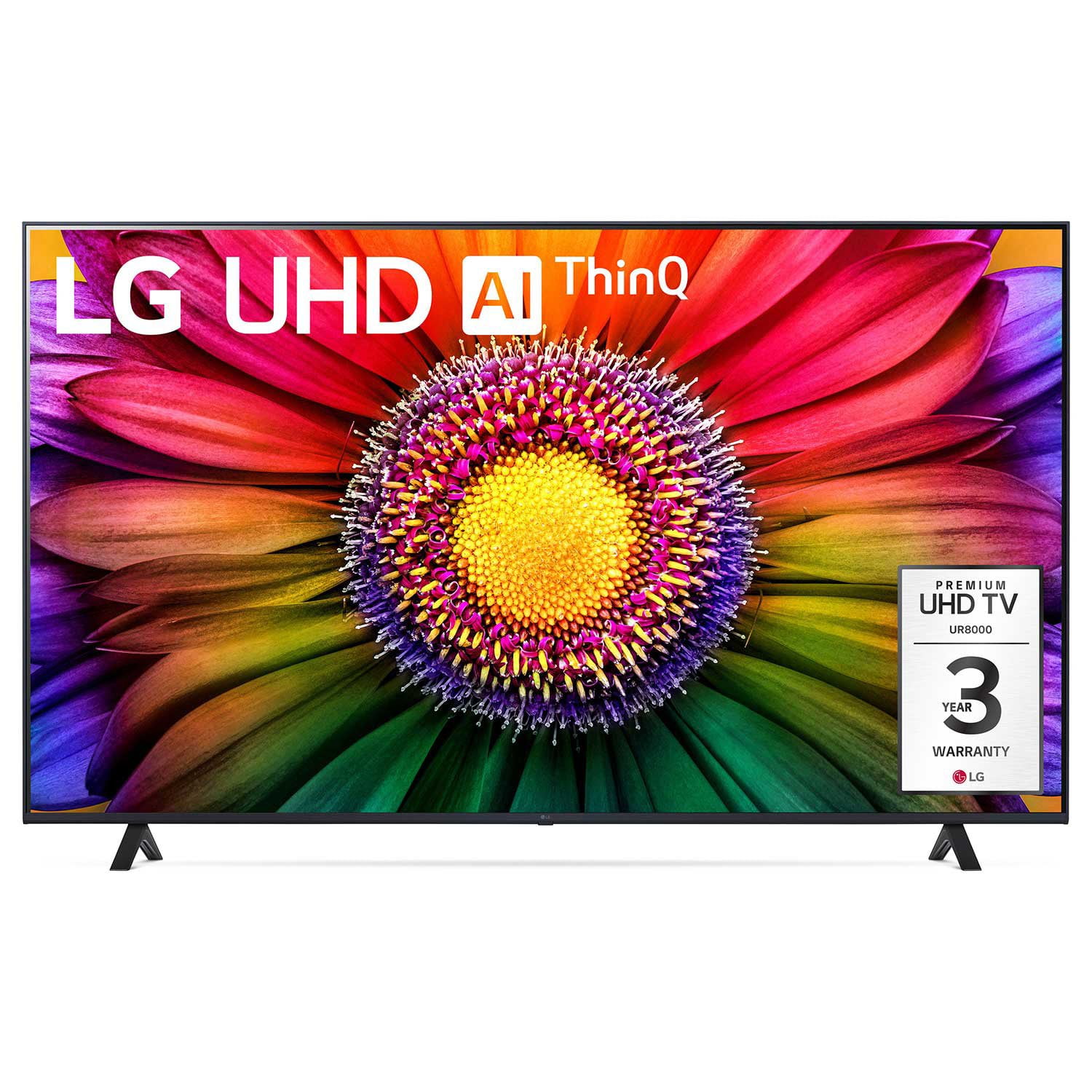
LG 75" Class UR8000 Series LED 4K Smart TV
4.4 out of 5 stars
stars1,060 ratings939 reviews
  1. 5 stars65% (690)
  2. 4 stars21% (218)
  3. 3 stars7% (73)
  4. 2 stars3% (29)
  5. 1 star5% (50)

Member photos

  • +3 images
Sort by |
Showing 241-250 of 939 reviews
Mar 10, 2024
Rik B
5 out of 5 stars review

Verified Purchase

Very happy with my purchase!

[This review was collected as part of a promotion.] Picture: great. Remote: great. Smart TV aps: great. Ease of use: great. Really nice TV of that size for a very reasonable price.

Review from lg.com
Helpful?110C0H5WPT1Y13935100523
reply from LG Digital Care Team

Hi Rik, we understand and appreciate you sharing your feedback. It’s great to hear how much you’re enjoying the picture quality, smart features, and overall ease of use on the LG 43 Inch Class UR8000 Series LED 4K UHD Smart TV 43UR8000AUA. It’s a strong value for its size, and we’re glad it’s been such a solid fit for you. If you need further assistance, feel free to email lgdigitalcare@lg.sprinklrsupport.com. LG Digital Care Team ^Rich #LifesGood ❤️

Mar 16, 2024
I hate the remote
2 out of 5 stars review

Verified Purchase

Hate the remote

I hate the remote - I cannot control the pointer-it moves all over. Wish I could make it go away and just have it respond up or down and right to left like my oldone

Review from lg.com
Helpful?110C0H5WPT1Y13935100523
reply from LG Digital Care Team

Hey there. We can help you turn off the cursor on your LG Magic remote. To disable or hide the cursor on your device, you need to access the "General" or "Additional Settings" options in your settings. Scroll down to find the "Cursor" or "Pointer" settings within the menu. Once you locate it, select the option to access the settings. Within the "Cursor" or "Pointer" settings, you should be able to find an option to turn off or hide the cursor. For more questions, private message us on social media @LGUSSupport. We are just a DM away! ^David

Apr 12, 2024
GarlandTX
5 out of 5 stars review

Verified Purchase

Phenomenal TV

[This review was collected as part of a promotion.] We've had this TV for weeks now. It is fantastic. The picture is phenomenal. the features arre nice. We are very happy

Review from lg.com
Helpful?110C0H5WPT1Y13935100523
Jul 27, 2023
Anonymous
5 out of 5 stars review

Verified Purchase

[This review was collected as part of a promotion.] Im happy with my LG tv but I can not program my tv with my direct tv box I try different way but dont work

Review from lg.com
Helpful?110C0H5WPT1Y13935100523
Nov 24, 2023
DglennK
5 out of 5 stars review

Verified Purchase

What can I say? The picture quality is fantastic!

Love the picture quality and reputation of the TV. The "Magic Remote" is another matter. The user guide is pretty much useless and the buttons are small and not designed for a senior citizen with arthritis to use. .

Review from lg.com
Helpful?110C0H5WPT1Y13935100523
Jul 25, 2023
LG 75 and 50 inch
5 out of 5 stars review

Verified Purchase

Great TV... Great Color and love the built in apps

[This review was collected as part of a promotion.] We purchased a 75 and 50 inch LG tv's... Love what they did with the built in apps and easy to use remote....

Review from lg.com
Helpful?110C0H5WPT1Y13935100523
Aug 6, 2023
Deniseacq12
5 out of 5 stars review

Verified Purchase

Nice T V

[This review was collected as part of a promotion.] I am very happy with my new LG T.V. It has a very nice sharp picture, and great sound.. it was very easy to set up. I definitely would recommend this t.v. it is a great value for what you receive.

Review from lg.com
Helpful?110C0H5WPT1Y13935100523
Dec 30, 2023
Fiorita
5 out of 5 stars review

Verified Purchase

Easy to usr

It was time to up grade to a new and better TV. We are so pleased with it, so easy to use, a great picture on the TV. We knew that we wanted a LG TV as we had done some research on TV. It has not disappointed us.

Review from lg.com
Helpful?110C0H5WPT1Y13935100523
Dec 27, 2023
JH71
5 out of 5 stars review

Verified Purchase

Nice tv.

[This review was collected as part of a promotion.] I bought this tv for our bedroom to run YouTube tv and it works perfect, and has a nice picture very happy with this purchase.

Review from lg.com
Helpful?110C0H5WPT1Y13935100523
Jan 14, 2024
Jo3e
3 out of 5 stars review

Verified Purchase

Sign on

Picture and sound are nice but no matter what I try (following tech service advice) I can not sign on my new tv because it says that it's registered in a non-us country, which it's not!

Review from lg.com
Helpful?110C0H5WPT1Y13935100523
reply from LG Digital Care Team

Hi there, thank you for reaching out to us. We'll need to go over a few things with you. Have you downloaded the LG ThinQ App? If you have not please do so. On the other hand, if you have already you need to log out of your current ThinQ app account. 2. After logging out, set your language and region as below on the login page. “Region/Language ”(e.g. USA/English) and language from the list of the selected region and language settings. Go to the settings menu>all settings>general then select locations>ok then change the country to US. The LG TV will restart, and then you should have full access. Here is a quick tutorial for reference: http://spr.ly/6429rQBox. ~Tanisha