Skip to Main Content
Sams Club
Sams Club
Customer reviews for SAMSUNG 85” Class Q80D Series 4K QLED Smart TV for
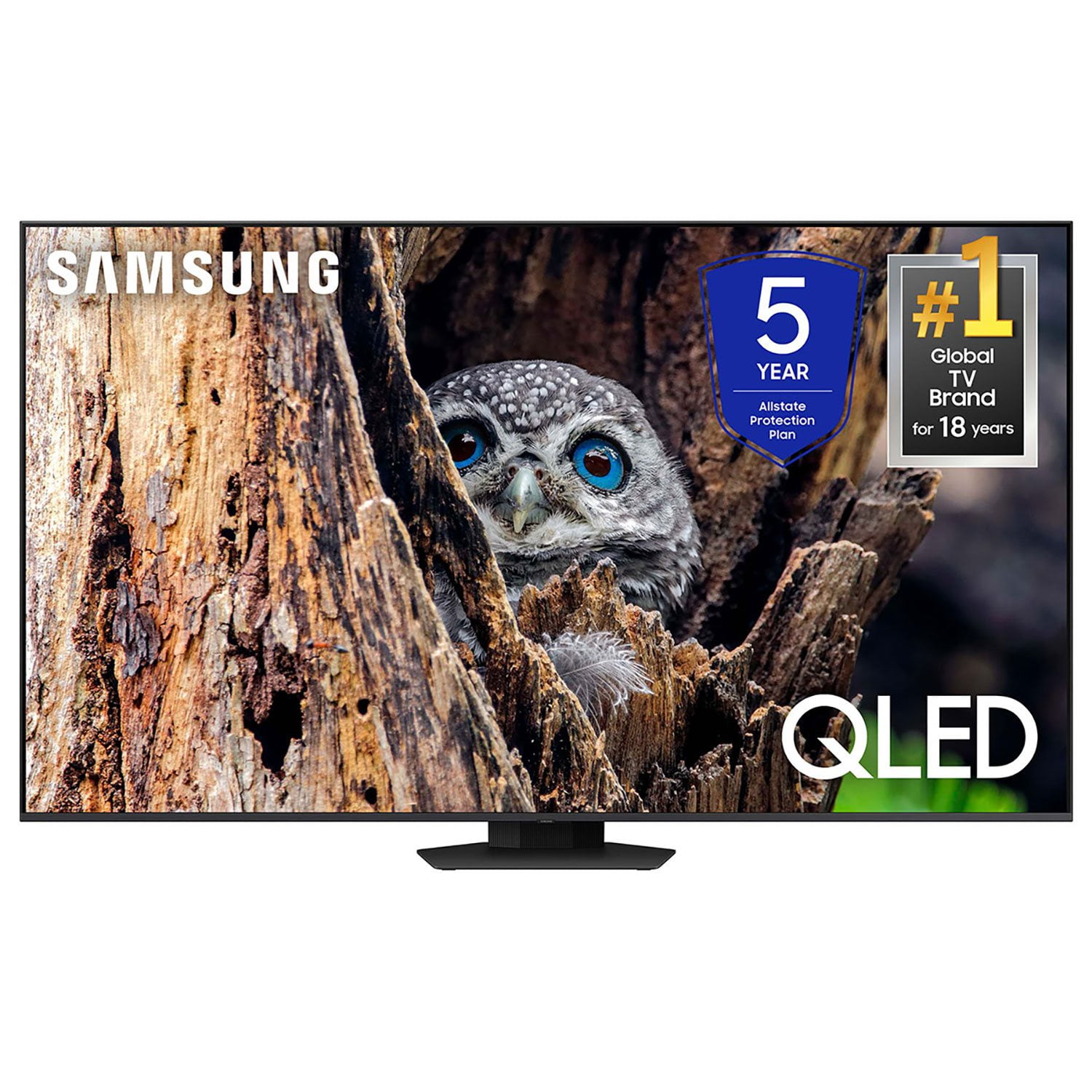
SAMSUNG 85” Class Q80D Series 4K QLED Smart TV
4.5 out of 5 stars
stars469 ratings433 reviews
  1. 5 stars73% (343)
  2. 4 stars13% (62)
  3. 3 stars5% (24)
  4. 2 stars3% (16)
  5. 1 star5% (24)

Member photos

  • +117 images
Sort by |
Showing 281-290 of 433 reviews
Jul 5, 2024
Funyygal
5 out of 5 stars review

Great tv to watch

[This review was collected as part of a promotion.] Love this television. Picture is the best quality. We love watching movies with it. The sound is crisp and clear.

Review from Samsung US
Helpful?6N90SMS72AV513911760135
Mar 29, 2025
Missmywife
5 out of 5 stars review

The image is crystal clear

[This review was collected as part of a promotion.] The screen on this TV is immaculate. It is super clear no matter what you are doing, watching TV or even playing video games.

Review from Samsung US
Helpful?6N90SMS72AV513911760135
Mar 20, 2025
Bear1965
5 out of 5 stars review

Great quality TV

[This review was collected as part of a promotion.] The picture quality is incredible, same for the sound. I love all the features the TV has. Samsung always produces great TV's The purchase was well worth it.

Review from Samsung US
Helpful?6N90SMS72AV513911760135
Apr 19, 2025
TalA
2 out of 5 stars review

Good picture, bad apps

The apps on this platform do not work well, they take too long to load and many times have to reboot to get to work. Have considered going back to fire cube.

Review from Samsung US
Helpful?6N90SMS72AV513911760135
reply from Samsung Specialist

TalA, We appreciate your feedback on the response time, and for optimal performance, we ask that you please ensure you've got the latest firmware version installed on your TV. You can check this by going to: Home > Menu > Settings > Support > Software Update. You may also want to further optimize performance with the self-diagnostic tool, which checks memory, frees up unused cached memory, and closes background apps. Go to: Home > Menu > Settings > Support > Device Care > Start Device Care I hope these tips help. You can always contact us for further help at 1-800-SAMSUNG, 8AM - 12AM EST, 7 days a week. Our LiveChat agents are also available by clicking on the ‘Support’ link on our website. ~ Samsung Specialist

Apr 19, 2025
koolt1325
5 out of 5 stars review

Great features & picture quality

The TV & price are excellent along with the picture. I purchased two of them & if I needed another TV I would purchase another one but I have 4 TV's & both samsung TV's are great.

Review from Samsung US
Helpful?6N90SMS72AV513911760135
Dec 27, 2024
Zman372
5 out of 5 stars review

Zman likes Samsung

[This review was collected as part of a promotion.] I live the tv. The picture is great. I wish the remote had a few more options. Overall very happy!!

Review from Samsung US
Helpful?6N90SMS72AV513911760135
Feb 20, 2025
Top spin
5 out of 5 stars review

Excellent tv

My tv upstair is 8 years old and still works fine but decided to update with a QLED. I am very happy with this new tv and replaced sound bar as well.

Review from Samsung US
Helpful?6N90SMS72AV513911760135
Feb 5, 2025
Rich
2 out of 5 stars review

Sharpness of tv

Bought around Thanksgiving of 2024, 65” qled 4k , have fiddled around with the brightness and contrast adjustments several times. Pictures not as sharp as I expected it to be. Disappointed!

Review from Samsung US
Helpful?6N90SMS72AV513911760135
reply from Samsung Specialist

Rich, Thank you for sharing your thoughts on the picture quality of your Q80D TV. To ensure you’ve got the latest image quality updates, please confirm that your TV is up to date with the latest firmware version. You can check by going to: Home > Menu > Settings > Support > Software Update. If the picture you’re seeing is still not to your liking after updating firmware, there are several picture settings you may want to try adjusting. Go to Home > left direction button > Settings > All Settings > Picture > Picture Mode ...and select the mode that best fits your usage: 1. Standard: Is the default mode suitable for general viewing environments 2. Dynamic: Makes the picture brighter and clearer in bright viewing environments 3. Eco: Provided to save energy 4. Movie: Suitable for watching TV or movies in a dark room 5. Filmmaker Mode: Provides source content just as the creators intended. If the image is defined as Filmmaker Mode, it’ll automatically switch to Filmmaker Mode while watching. You can also fine-tune your picture with expert settings such as brightness, contrast, sharpness and more (All Settings > Picture > Expert Settings). For further assistance with settings adjustments, please contact Samsung Customer Support at 1-800-SAMSUNG, 8AM - 12AM EST, 7 days a week. Or visit us on the Samsung website and click on the ‘Support’ link for: • LiveChat • Manuals, Software, & Warranty Info ~ Samsung Specialist

Mar 27, 2025
Fabybaby
5 out of 5 stars review

Very good and clear pictures and audio.

[This review was collected as part of a promotion.] The TV is really great. The audio quality and picture is really clear. I love the features it comes with and it's very easy to navigate.

Review from Samsung US
Helpful?6N90SMS72AV513911760135
Apr 19, 2025
Marsrover
5 out of 5 stars review

The TV's technology is superior.

My wife and I bought a 65" class QLED 4K Q80DD as a Christmas present to each other. The visual quality in our 24x24 foot living room was a perfect match. Adding a sound bar increased the experience two fold.

Review from Samsung US
Helpful?6N90SMS72AV513911760135