Join Now
Skip to Main Content
Sam's Club
Sam's Club
All Departments
All Services
Customer reviews for SAMSUNG 85” Class Q80D Series 4K QLED Smart TV for
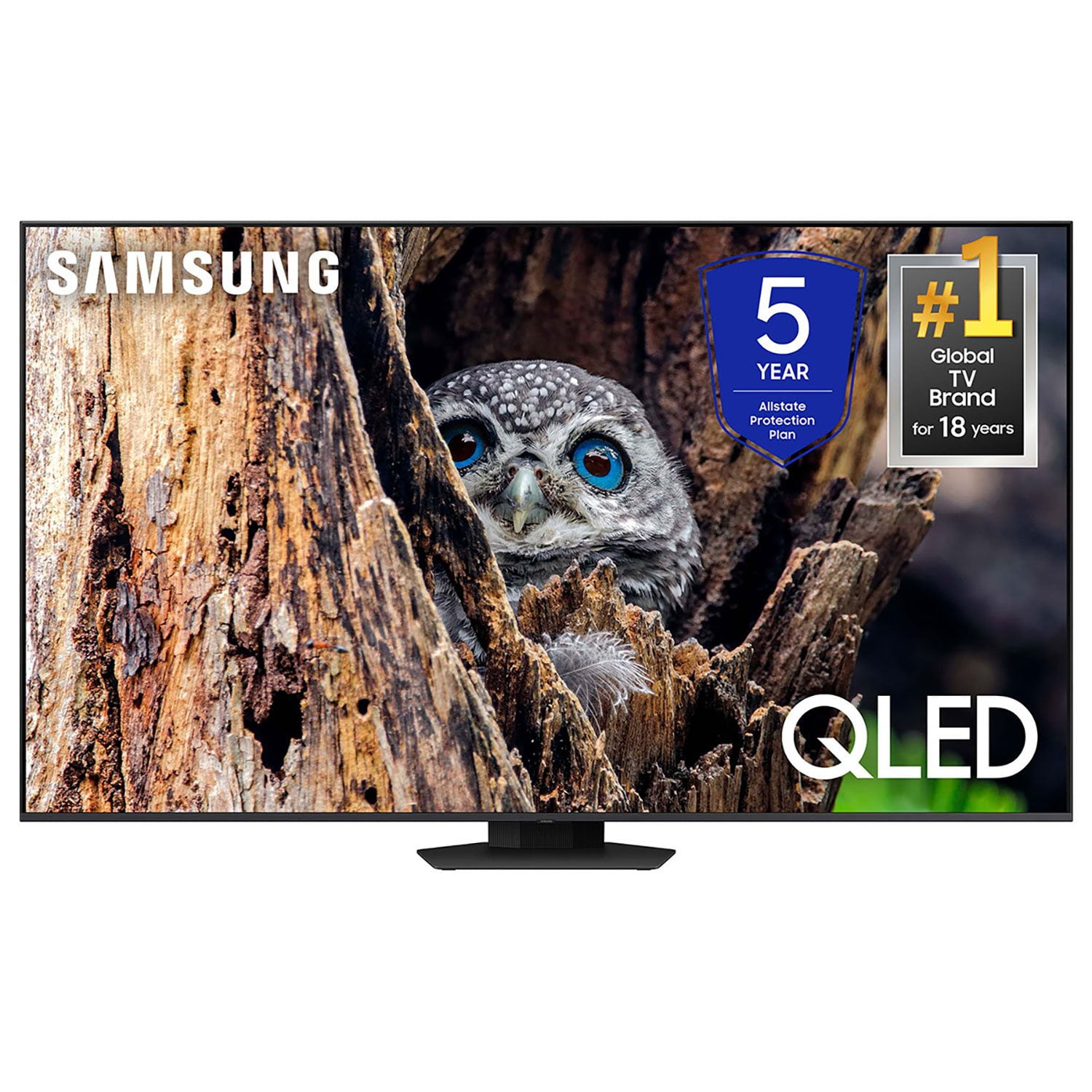
SAMSUNG 85” Class Q80D Series 4K QLED Smart TV
4.5 out of 5 stars
stars
473 ratings437 reviews
  1. 5 stars73% (347)
  2. 4 stars13% (62)
  3. 3 stars5% (24)
  4. 2 stars3% (16)
  5. 1 star5% (24)

Member photos

  • +119 images
Sort by |
Showing 431-437 of 437 reviews
Mar 30, 2025
Reviewer name: Irish73
5 out of 5 stars
5 out of 5 stars review

Awesome purchase

Beautiful picture and easy to setup and use definitely recommend this tv

Review from Samsung Canada
Helpful?6N90SMS72AV513911760135
Nov 22, 2024
Reviewer name: H & D Dyck
5 out of 5 stars
5 out of 5 stars review

Wonderful addition to Family Room

Have had this TV mounted on the wall for 2 weeks - everything works great!

Review from Samsung Canada
Helpful?6N90SMS72AV513911760135
Mar 8, 2025
Reviewer name: BigScreenBaller
5 out of 5 stars
5 out of 5 stars review

The largest TV I've owned.

I'm very excited about the great resolution of sound and clear picture quality.

Review from Samsung US
Helpful?6N90SMS72AV513911760135
Apr 19, 2025
Reviewer name: Greg
5 out of 5 stars
5 out of 5 stars review

Excellent TV with superb picture & sound quality!

TV is excellent! Outstanding picture and sound quality!

Review from Samsung US
Helpful?6N90SMS72AV513911760135
Feb 20, 2025
Reviewer name: AV8TOR
5 out of 5 stars
5 out of 5 stars review

Great features!

Purchased in December 2024, very happy with the picture quality.

Review from Samsung US
Helpful?6N90SMS72AV513911760135
Jun 6, 2025
Reviewer name: Anonymous
3 out of 5 stars
3 out of 5 stars review

Volume control

TV is very good except the volume increases on its own during a program This is very annoying.

Review from Samsung US
Helpful?6N90SMS72AV513911760135
reply from Samsung Specialist

Johnnybuck, Thank you for sharing your experience with volume fluctuations. Please try the following which may help resolve this: 1. Turn off the Sound Sensor switch by using the button at the bottom of the TV, beneath the Samsung logo. With the TV on, you can push the button to the left to turn the sound sensor on or to the right to turn it off. 2. Try disabling some of the TV's intelligent functions, as these will automatically analyze and adjust your sound which may cause your volume to fluctuate. Go to Settings > All Settings > General & Privacy > Intelligent Mode Settings and select Intelligent Mode to turn off all the functions or select each option to turn it off. 3. Please also make sure your TV’s firmware is updated. You can check this by going to: Menu > Settings > Support > Software Update. I hope these tips help. If you need further assistance, please reach out to Samsung Support at 1-800-SAMSUNG, 8AM - 12AM EST, 7 days a week. Or visit us on the Samsung website and click on the ‘Support’ link for: • LiveChat • Manuals, Software, & Warranty Info ~ Samsung Specialist

Feb 5, 2025
Reviewer name: Nick
5 out of 5 stars
5 out of 5 stars review

Great features

I bought this a month ago and I’m rather pleased with it.

Review from Samsung US
Helpful?6N90SMS72AV513911760135