Skip to Main Content
Sams Club
Sams Club
Customer reviews for SAMSUNG 85” Class DU7200 Series 4K Smart TV for
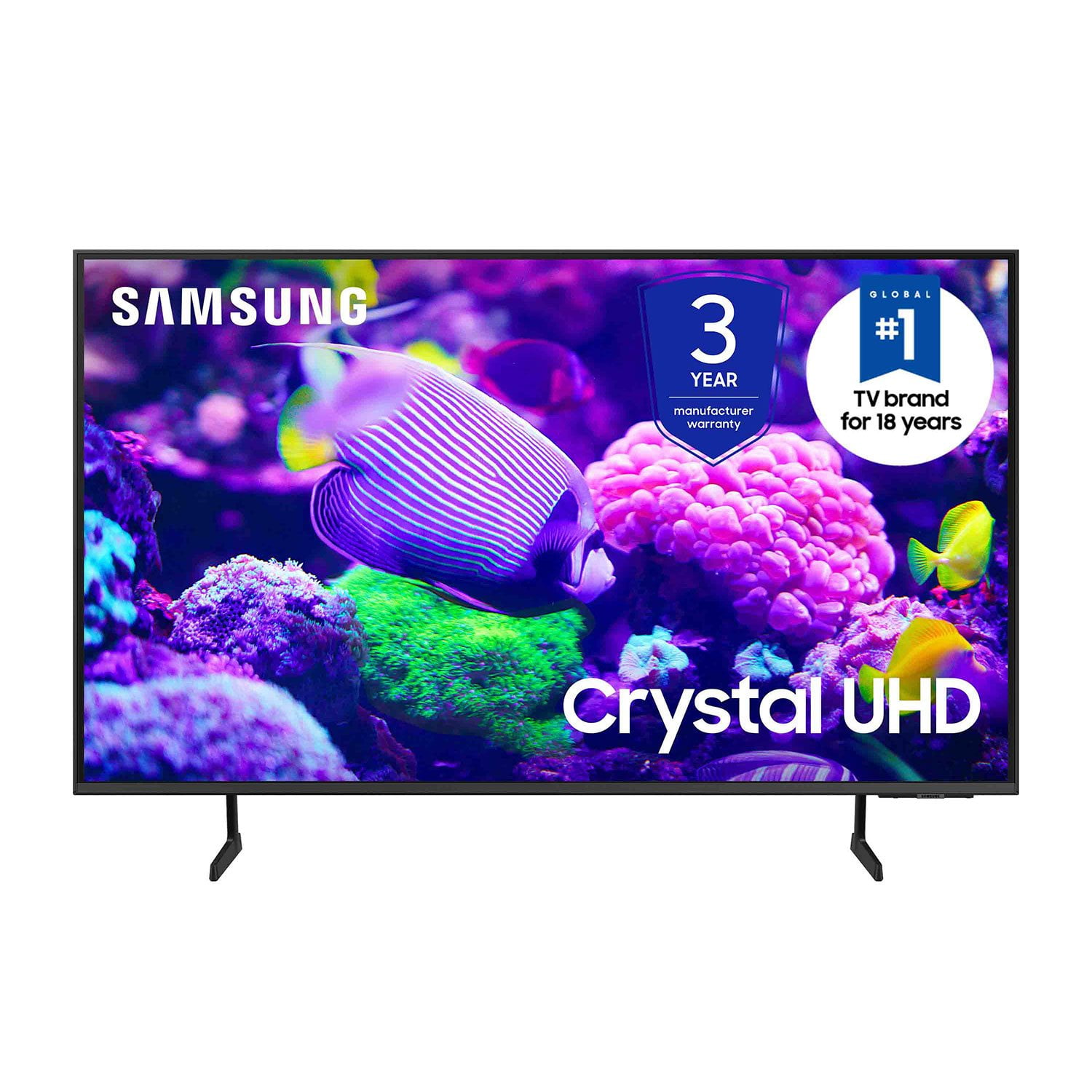
SAMSUNG 85” Class DU7200 Series 4K Smart TV
4.3 out of 5 stars
stars1,177 ratings1,030 reviews
  1. 5 stars63% (744)
  2. 4 stars18% (208)
  3. 3 stars8% (98)
  4. 2 stars5% (58)
  5. 1 star6% (69)
Write a review

Customer photos

  • +174 images
Sort by |
Showing 301-310 of 1,030 reviews
Nov 18, 2024
Apollo
5 out of 5 stars review

Samsung is always Awesome

[This review was collected as part of a promotion.] This tv has the best picture, easy to set up and I am using Bose surround sound speakers and a Samsung soundbar. I also use it for my Xbox and streaming movies . I have always bought Samsung Televisions and never disappointed. I actually have 3 Samsung televisions, two 65inch and now a 75 inch.. cannot go wrong!

Review from Samsung US
Helpful?1RMTE3JL1NV513893753801
Oct 24, 2024
Iansouthca
4 out of 5 stars review

Great TV at great price

[This review was collected as part of a promotion.] Overall I am very happy with the quality of the TV at bargain price. Samsung live comes with many programs, I use mostly music related channels. The only issue I have is the speed of the Apps. For example, if I go back to an APP that I previously ran, it takes a while to response.

Review from Samsung US
Helpful?1RMTE3JL1NV513893753801
Apr 28, 2025
Ray73
3 out of 5 stars review

Extremely slow startup

This TV has great sound and a very nice picture. The main problem I have with all Samsungs is that the remote keeps changing. I own several Samsungs now and every remote is different. Even though they are Smart TVs, I use a ROKU on all of them. With the ROKUs, I don't have to explain to the wife or kids (over and over) how each remote functions. We just use the ROKU remotes to control them all, and they are all the same. This particular TV also takes a ridiculously long time to start up. Early on, I kept thinking I forgot to press the power button. In addition to that, it takes a long time to recognize that something is connected to the HDMI 1 port. My other Samsungs start up quickly and go directly to the HDMI port where the ROKU is installed. Even without the ROKU, I think the slow startup will bother most people.

Review from Samsung US
Helpful?1RMTE3JL1NV513893753801
reply from Samsung Advisor

Hi Ray73, We appreciate your feedback on the response time, and for optimal performance, we ask that you please ensure you've got the latest firmware version installed on your DU7200 TV. You can check this by going to Home > Menu > Settings > Support > Software Update. You may also want to further optimize performance with the self-diagnostic tool, which checks memory, frees up unused cached memory, and closes background apps. Go to: Home > Menu > Settings > Support > Device Care > Start Device Care. If you need more help, Samsung is here for you! Please call us at 1-800-SAMSUNG, 8 AM - 12 AM EST, seven days a week. Our LiveChat agents are also available by clicking on the ‘Support’ link on our website. ~ Samsung Advisor

Feb 20, 2025
BrandyC
4 out of 5 stars review

Nice picture but...

This TV has a great picture, but we seem to be having a recurring problem with at least one streaming provider - Peacock - in which the TV seems to be hung while attempting to search Peacock for a show title. Only way to clear the hang is to physically unplug the TV from the wall; merely turning it off with the remote doesn't do the job. We are researching how to properly manage firmware updates for this beast.

Review from Samsung US
Helpful?1RMTE3JL1NV513893753801
Mar 6, 2025
Alan
4 out of 5 stars review

poor remote design, your tech department stinks!

You smart remote is a joke! The thing is too complicated to use. A person with large fingers, most senior citizens and our grandchildren hate the design. The "ring" is so touchy that if not touched exactly it takes you some where else! Do you have a regular remote that will work? Also, I have a Samsong A10 cell phone that worked perfectly until the TV was set up. Now many feathers on the phone do not work Says Cloud, Google is constantly closing and I cannot access the camera and storage is closing. Spectrum said call your tech department which I have done 3 times and each time your tech hangs up! .

Review from Samsung US
Helpful?1RMTE3JL1NV513893753801
Dec 27, 2024
Joseph
3 out of 5 stars review

Great looking TV with drawbacks

[This review was collected as part of a promotion.] I realize that obtaining people’s personal information is a major plus for your organization, but for the customer, it is completely unnecessary and should never be a part of the purchase of a television. You cannot get full functionality without submitting this information and that’s disgusting. The opening screen with all the little windows is not useful and quite annoying. Just let the TV start with the most recent input and let the user make the change when they are ready. Trying to hook up a soundbar is not easy. There is basically nothing in the paperwork about it. Of course, there’s plenty of information about connecting a Samsung soundbar. Eliminating the digital optical input is absolutely ridiculous, and I almost repacked the TV and brought it back when I saw that. Changing the threads for the TV mount from models sold a few years ago was also a problem. As usual, you did this to encourage people to buy a Samsung TV mount. I have purchased 4 Samsung TVs over the last decade, but this most recent will be the last. The TVs have a beautiful picture, but you have gone too far with invading our privacy, and forcing additional products on us. Thank you the opportunity to submit feedback.

Review from Samsung US
Helpful?1RMTE3JL1NV513893753801
reply from Samsung Advisor

Hi Joseph, Thank you for taking the time to provide us with detailed feedback regarding the setup and connection of external devices on the DU7200 TV. Please know your opinion will be shared with our internal teams. We understand sometimes there is a learning curve when you get a new TV! This is why we created step-by-step guides, to make it easier for you. To learn about your TV go to https://www.samsung.com/us/support/answer/ANS00062199/. Please know, you can choose what your TV does when you turn it on by going to Settings > All Settings> General > Smart Features. When you set Autorun Smart Hub to be on, the TV displays the Home Screen automatically when you turn the TV on. If Autorun Last App is set to on, the last used app automatically runs when you turn on the TV. You can turn this function on or off. Regarding mounting your TV, please know your TV should work with most universal mounts. You may need to purchase new screws, which can be found at your local hardware store. For your DU7200, you will need 4 x M8 screws, 20-22mm length, and 1.25mm pitch. I hope these tips help. If you need more assistance, Samsung is here for you! Please call us at 1-800-SAMSUNG, 8 AM - 12 AM EST, seven days a week. Our LiveChat agents are also available by clicking on the ‘Support’ link on our website. ~ Samsung Advisor

Oct 24, 2024
QuantQuiltingQueen85
5 out of 5 stars review

This TV has amazing features

[This review was collected as part of a promotion.] The product we use in the family room. The picture quality is mesmerizing. Amazing features. We are able to stream our favorite Netflix series. Then easily to access apps as well as switch over to gaming for the boys.

Review from Samsung US
Helpful?1RMTE3JL1NV513893753801
Apr 20, 2025
62Dart
3 out of 5 stars review

Was great tv now, not so much but I am stuck

It asked me if I wanted to update and I did. I do not like the new format and the way it works. It did say if I updated that I coul not go back. So no I am stuck with a tv I don’t like. The newer one I bought for the other house is great but I will never update your tv’s again

Review from Samsung US
Helpful?1RMTE3JL1NV513893753801
reply from Samsung Advisor

Hi 62Dart, Thanks for sharing your thoughts. If there's anything we can do to improve your experience, please reach Samsung Support at 1-800-SAMSUNG, 8AM - 12AM EST, 7 days a week. Or visit us on the Samsung website and click on the ‘Support’ link for: • LiveChat • Manuals, Software, & Warranty Info ~ Samsung Advisor

May 11, 2024
RCMC01
5 out of 5 stars review

Wonderful TV

[This review was collected as part of a promotion.] I love both of my Samsung TVs, newer 60" in my living room and the 50" on my bedroom. They offer great picture quality with clear, sharp images, accurate colors, and excellent flow on a tin sequences. I could not be happier with my Samsung TVs.

Review from Samsung US
Helpful?1RMTE3JL1NV513893753801
Mar 5, 2025
Nanaof6
2 out of 5 stars review

Poor sound

I bought this because I wanted to get a larger TV. I’m pleased with the size and the color, but I am not pleased with the volume. Some channels will blow your ears off while others. You have to turn it up to a maximum level to even hear you never know which way it’s going to be.

Review from Samsung US
Helpful?1RMTE3JL1NV513893753801
reply from Samsung Advisor

Hi Nanaof6, I apologize for the inconvenience you have had with the inconsistent sound volume. Please try adjusting the following Settings to improve your experience. The Auto Volume function automatically adjusts the sound to a certain level when changing channels or switching to another external input. Go to Settings > All Settings> Sound > Expert Settings > Auto Volume = On. You may also want to perform a Sound Test under Support > Self Diagnosis > Start Sound Test. If the issue persists, please reach out to us so that we can provide further troubleshooting. If you need more help, Samsung is here for you! Please call us at 1-800-SAMSUNG, 8 AM - 12 AM EST, seven days a week. Our LiveChat agents are also available by clicking on the ‘Support’ link on our website. ~ Samsung Advisor