Skip to Main Content
Sams Club
Sams Club
Customer reviews for SAMSUNG 85” Class DU7200 Series 4K Smart TV for
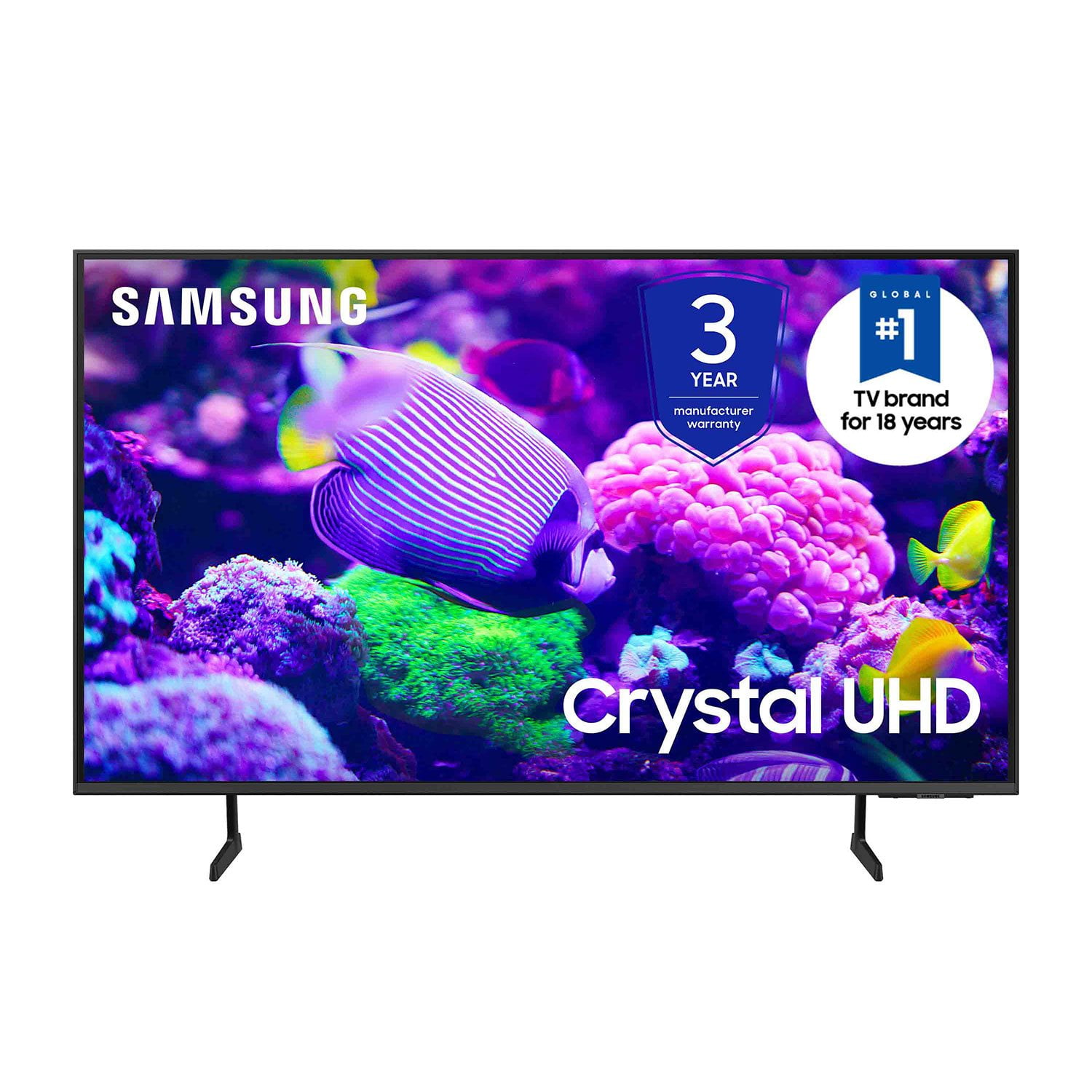
SAMSUNG 85” Class DU7200 Series 4K Smart TV
4.3 out of 5 stars
stars1,177 ratings1,030 reviews
  1. 5 stars63% (744)
  2. 4 stars18% (208)
  3. 3 stars8% (98)
  4. 2 stars5% (58)
  5. 1 star6% (69)
Write a review

Customer photos

  • +174 images
Sort by |
Showing 281-290 of 1,030 reviews
Dec 27, 2024
HappyFamily
5 out of 5 stars review

Crystal UHD is a MUST have!

[This review was collected as part of a promotion.] My husband and I have always been huge fans of Samsung products, we have been wanting to upgrade our family TV for quite some time now but didn’t really want to rush into buying just anything, UNTIL we saw this Samsung tv - 85” crystal UHD while out shopping and we knew that this tv was the one. It did not disappoint! It’s very clear and you can certainly tell it’s a high def., smart tv. We love it! We find ourselves having more family time watching movies. Thank you Samsung

Review from Samsung US
Helpful?1RMTE3JL1NV513893753801
Jan 16, 2025
Lynn
2 out of 5 stars review

Don't buy

Crappy remote. Why no Mic? No access to mic. What was the reason? A basic feature that has been around for a very long time. Can be used with Alexa, oh goody. A device that gets things wrong a large percentage of the time and conversations end with yelling, so yay, put two lacking devices together so a company can save a few pennies. Also nothing intuitive about this interface, regret purchase is a challenge everyday.

Review from Samsung US
Helpful?1RMTE3JL1NV513893753801
reply from Samsung Advisor

Hi Lynn, We appreciate your purchase and understand your frustration. We are sorry for any confusion regarding voice assistants. You are correct, the DU7200 does not have voice assistants built in. However, they do work with Alexa. You can connect them to your existing Alexa device to ask them to turn on your TV, change channels, control volume, and more. Our DU8000 TV Series and above offer voice command and built-in voice assistants. We also understand there can be a learning curve when you get a new TV! This is why we have built a guide built into the TV that teaches you how to use your remote. You can learn how to use your Samsung Remote by going to Home> (left directional button) Settings> Support> Remote Control Guide. If you need assistance connecting your external Alexa device or if there’s anything we can ever help with, please call us at 1-800-SAMSUNG, 8 AM - 12 AM EST, seven days a week. Or visit us on the Samsung website and click on the ‘Support’ link for: 1) LiveChat 2) Manuals, Software, & Warranty Info ~ Samsung Advisor

Mar 6, 2025
LisaT
2 out of 5 stars review

Not completely satisfied.

My spouse bought this several months ago Khe thought we needed a bigger screen)& so far have not been completely satisfied. Not enough ports on back of TV: No port for external sound system we used on old TV, so spouse bought complete new external speakers (extra expense). Cable box uses 1 HDMI port. DVD player uses 2nd HDMI port. No ports for WII game console. Had to purchase a converter to HDMI & then have to unplug either the cable box or the DVD player to plug game consoles in. External antenna port only tunes 1 channel at a time. Have to perform a new search each time we want to watvch a different channel from the external antenna. (Same external antenna used on old TV which scanned in 14 different channels at one time) Can't figure out how to use the the streaming channels preprogrammed on TV. (Not user friendly for senior citizens) If it was up to me I would have returned this TV & used the old one we had until it croaked.

Review from Samsung US
Helpful?1RMTE3JL1NV513893753801
reply from Samsung Specialist

LisaT, Thank you for sharing your thoughts on the input selection - we'll be sure to pass this feedback along to our design teams. To assist in learning the various functions, please know you can download the DU7200D TV's User Manual, e-Manual, Remote Control Leaflet, and Quick Setup Guide on Samsung's website under Support > Manuals & Software > TVs & Home Theater. You can search for and select the DU7200D TV to download the guides you would like. The e-Manual and Remote Guide are both also embedded into your TV itself under Menu > Settings > Support > Open e-Manual. If you need more help, Samsung is here for you. Please call us at 1-800-SAMSUNG, 8AM - 12AM EST, 7 days a week. Our LiveChat agents are also available by clicking on the ‘Support’ link on our website. ~ Samsung Specialist

Apr 19, 2025
Samsung Fan
2 out of 5 stars review

Way off with your interface/software!

Ok, the picture is fantastic, but the o/s is crap. It’s a jumbled mess with a bunch of automated switching and preloaded Samsung-provided (marketing) apps and content. There a bunch of people narrative political shows and Fox News with no easy way to remove. Controls for audio are buried and I still can’t find them…after months. I’m in my fifties, no, not a boomer. I’m no dummy. The HUI or whatever is junk. They tried to do something neat, but failed. As much as I don’t want to give Bezos any money, I gotta go back to the Amazon interface. It’s dummy proof and works fine, you’re dancing with the devil. Please do better. It’s so annoying I want to get rid of the tv.

Review from Samsung US
Helpful?1RMTE3JL1NV513893753801
reply from Samsung Advisor

Hi, Thanks for sharing your thoughts. If there's anything we can do to improve your experience, please reach Samsung Support at 1-800-SAMSUNG, 8AM - 12AM EST, 7 days a week. Or visit us on the Samsung website and click on the ‘Support’ link for: • LiveChat • Manuals, Software, & Warranty Info ~ Samsung Advisor

Apr 19, 2025
Cjb1
3 out of 5 stars review

Sound features not as good

Liked my old Samsung much better. The speaker in this is not nearly as good. Have to turn the volume Up over 60 to 70 on most programs to even be able to hear. And no, I’m not hard of hearing! Still have my other Samsung and like that TV much better. Not sure if it’s because they’re making them so much thinner that the speakers aren’t the quality that they used to be. My old one is not that old and definitely better quality. Disappointed in this one.

Review from Samsung US
Helpful?1RMTE3JL1NV513893753801
reply from Samsung Advisor

Hi Cjb1, Thank you for sharing your experience with low volume. There are several volume features you can adjust, which may improve your audio experience. 1) Auto Volume automatically adjusts the sound to a certain level when changing channels or switching to another external input. Go to Settings > All Settings> Sound > Expert Settings > Auto Volume. 2) Adaptive Sound automatically adjusts to a specific volume level while watching TV. The TV analyzes your volume usage history by time period to automatically adjust the volume when you use an app or switch to an external input source. Go to Settings> All Settings> Sound> Sound Mode> Adaptive Sound. 3) Several Sound Modes are likewise available to meet your personal preferences: Home > Settings > All Settings> Sound > Sound Mode. Also, some sources have their own volume control, which might need to be set higher. Please check the volume control of the external device (cable box or satellite box, DVD, Blu-ray, etc.) connected to your TV. Also, check the cable connection between an external device and the TV and then try the cable connection again. If you need more help, Samsung is here for you! Please call us at 1-800-SAMSUNG, 8 AM - 12 AM EST, seven days a week. Our LiveChat agents are also available by clicking on the ‘Support’ link on our website. ~ Samsung Advisor

Dec 27, 2024
TVguyretired
5 out of 5 stars review

Superb picture quality

[This review was collected as part of a promotion.] As a former TV commercial and program producer, picture quality has always been important to me. The Samsung 65” is clearly superior. I was amazed at the 4k upconversion of older programs. I watched an I Love Lucy episode and saw details that gave the impression of a live camera production! The Samsung was purchased for a downstairs living room in a basement apartment. Im considering replacing other big screens in my home!

Review from Samsung US
Helpful?1RMTE3JL1NV513893753801
Apr 19, 2025
Truxton72
5 out of 5 stars review

GREAT TV HIGHLY RECOMMEND

I absolutely love this television, GREAT PICTURE, GREAT SOUND, smart TV Features work great, like navigating through the apps, I wish I could of purchased there oled model but I did not have enough money, I highly recommended this television, EXCELLENT PURCHASE. Oh, and it’s GREAT for video games, NO LAG AT ALL.

Review from Samsung US
Helpful?1RMTE3JL1NV513893753801
Dec 27, 2024
Happygrandma90
5 out of 5 stars review

This product is easy to use its features.

[This review was collected as part of a promotion.] I use my TV to see the daily news, for streaming, using different apps and it works excellently. It Smart feature helps me in using only one remote control for everything. Now I don’t have to be looking around which remote I have to use. It was an excellent choice when I selected this TV among so many other brands.

Review from Samsung US
Helpful?1RMTE3JL1NV513893753801
Dec 17, 2024
Opinions4free
5 out of 5 stars review

I looooove samsung

[This review was collected as part of a promotion.] This TV and as a matter of fact all samsung products that I have from kitchen appliances, washer and dryer, my telephone and my tvs.. we don't do anything else but samsung! They stick by their products and make sure value comes first! Thanks samsung!

Review from Samsung US
Helpful?1RMTE3JL1NV513893753801
Apr 21, 2025
Maggi
5 out of 5 stars review

Repeat purchaser

This is our second Samsung television. We purchased one for a bedroom and two years later, a second one for the master bedroom. It's easy to navigate and we love the Smart Things app that lets us know when laundry is finished, the oven is preheated, and someone left the refrigerator door open. I think our house may be smarter than the people living in it these days. If another TV dies, we will likely replace it with another Samsung.

Review from Samsung US
Helpful?1RMTE3JL1NV513893753801