Skip to Main Content
Sams Club
Sams Club
Customer reviews for SAMSUNG 85” Class DU7200 Series 4K Smart TV for
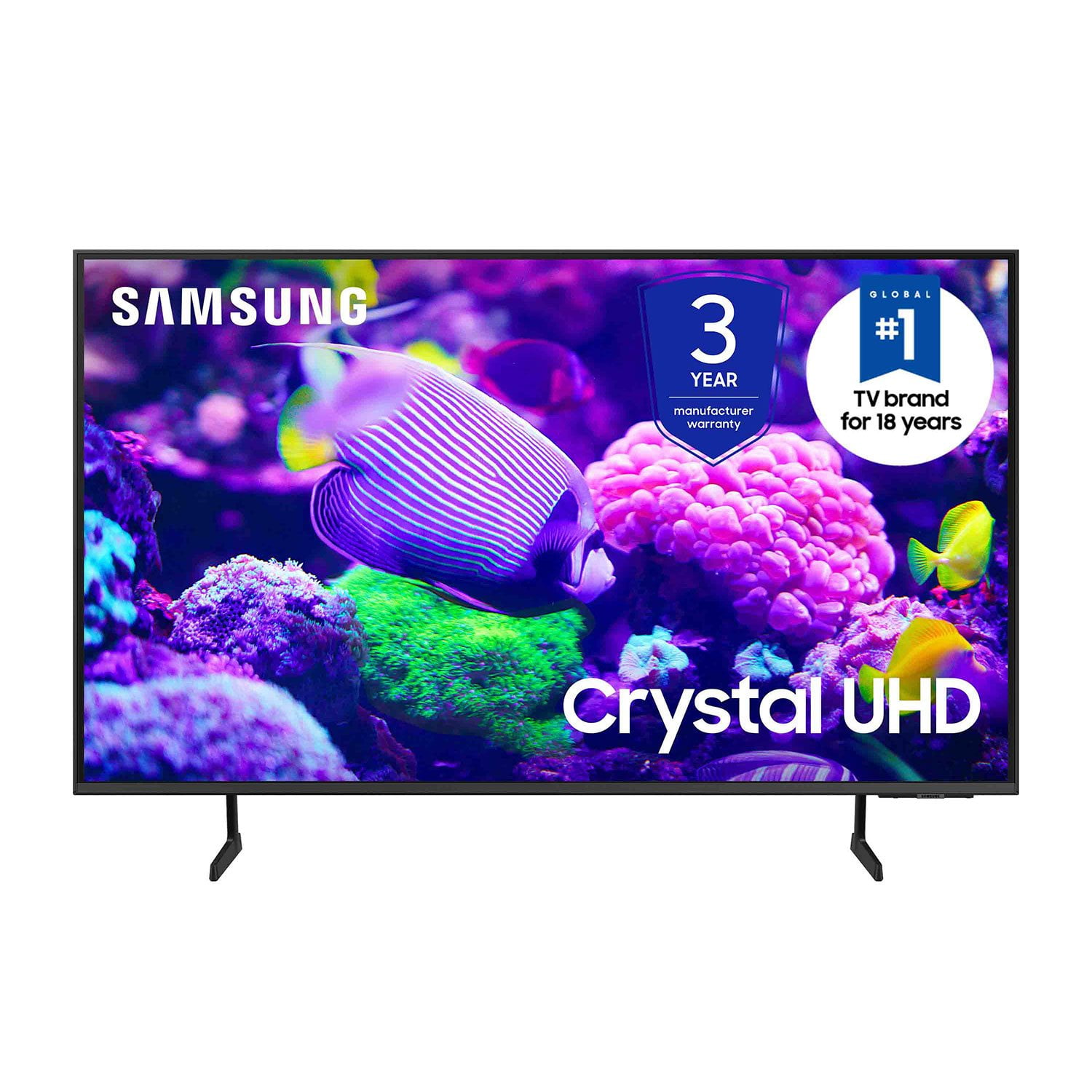
SAMSUNG 85” Class DU7200 Series 4K Smart TV
4.3 out of 5 stars
stars1,177 ratings1,030 reviews
  1. 5 stars63% (744)
  2. 4 stars18% (208)
  3. 3 stars8% (98)
  4. 2 stars5% (58)
  5. 1 star6% (69)
Write a review

Customer photos

  • +174 images
Sort by |
Showing 181-190 of 1,030 reviews
Feb 21, 2025
noteableburn
3 out of 5 stars review

Not that happy with this tv.

We've always liked Samsung products. This time, we bought a 65 inch crystal screen tv. The picture is great. However, the sound has to be turned up high (35-50, or more) to comfortably listen to. Movies are much worse. I learned that the volume limit is 100. We've had in the high 80s for movies. I'm very disappointed in this aspect.

Review from Samsung US
Helpful?1RMTE3JL1NV513893753801
reply from Samsung Advisor

Hi noteableburn, Thank you for sharing your experience with low volume. There are several volume features you can adjust, which may improve your audio experience. 1) Auto Volume automatically adjusts the sound to a certain level when changing channels or switching to another external input. Go to Settings > All Settings> Sound > Expert Settings > Auto Volume. 2) Adaptive Sound automatically adjusts to a specific volume level while watching TV. The TV analyzes your volume usage history by time period to automatically adjust the volume when you use an app or switch to an external input source. Go to Settings> All Settings> Sound> Sound Mode> Adaptive Sound. 3) Several Sound Modes are likewise available to meet your personal preferences: Home > Settings > All Settings> Sound > Sound Mode. Also, some sources have their own volume control, which might need to be set higher. Please check the volume control of the external device (cable box or satellite box, DVD, Blu-ray, etc.) connected to your TV. Also, check the cable connection between an external device and the TV and then try the cable connection again. I hope this helps improve your audio experience. Should you need further assistance or have any questions, please contact Samsung Customer Support at 1-800-SAMSUNG, 8 AM - 12 AM EST, seven days a week. Or visit us on the Samsung website and click on the ‘Support’ link for: 1) LiveChat 2) Manuals, Software, & Warranty Info ~ Samsung Advisor

Feb 20, 2025
Sister
1 out of 5 stars review

Turner

It’s not recognizing my initial set up. Says I don’t have an account. I’m just having to use my fire stick and Amazon prime. Can’t get help when I call. I had to create whole new account and it wants to charge me again for what I’m already paying. Crazy

Review from Samsung US
Helpful?1RMTE3JL1NV513893753801
reply from Samsung Advisor

Hi Sister, I'm sorry you are experiencing issues with your DU7200 TV. Please know you should not have to pay for anything when signing into your TV. So we can better assist you, please reach out to us at 1-800-SAMSUNG, 8 AM - 12 AM EST, seven days a week. Our LiveChat agents are also available by clicking on the ‘Support’ link on our website. ~ Samsung Advisor

Dec 28, 2024
Tvjunkie
5 out of 5 stars review

This TV has great picture clarity

[This review was collected as part of a promotion.] This is my second Samsung tv for my home. I bought this one for the master bedroom because I loved the other one so much which was in the living room. I enjoy watching tv in the bedroom so this new tv replaced a perfectly good tv already there, but I can’t imagine any other brand in the house, so I bought another Samsung tv to watch in the bedroom. Love it!

Review from Samsung US
Helpful?1RMTE3JL1NV513893753801
Oct 14, 2024
AB2024Willowgrv
5 out of 5 stars review

Great Samsung TV

[This review was collected as part of a promotion.] My family has not purchased a TV in many years. Our old TV that were replacing was one of the first LED Samsung and has been excellent since we purchased it. So certainly I wanted to take a look at the newer Samsung and what they had to offer. And comparing to other brands, the Samsung that we chose offered just as good or if not better quality enhancements for TV viewing and pleasure. We purchased a new house and certainly had space for a nice 65 inch TV. We’ve had the TV for about a month and I’m extremely pleased. The overall picture quality is excellent and the sound quality is a lot better than I expected. The ease of use and instructions was very helpful and setting up this TV. I do like the Wi-Fi smart TV enhancement. You don’t have to see wires to actually watch TV. This has been a good purchase for our family and the T.V. has been exceptional

Review from Samsung US
Helpful?1RMTE3JL1NV513893753801
Feb 5, 2025
SAMSUNG FAN
5 out of 5 stars review

Love my smart tv

Love the HD images and all features that Samsung had put into the tv. For me. The only downside is the remote control that doesn't have traditional bottoms and makes some of my household members frustrated. Always need to go to rescue them when they are looking to change channels or deal with tv volume 🤔

Review from Samsung US
Helpful?1RMTE3JL1NV513893753801
May 5, 2025
nofyvm
4 out of 5 stars review

Great television, but...

Great television. I am frustrated with the processing speeds, when Samsung has the best processor in the world known as "Snapdragon". Well then it should be in your television markets as well. Other than that issue, I have been a Samsung television owner for years, and will continue...

Review from Samsung US
Helpful?1RMTE3JL1NV513893753801
Dec 27, 2024
Joseph
3 out of 5 stars review

Great looking TV with drawbacks

[This review was collected as part of a promotion.] I realize that obtaining people’s personal information is a major plus for your organization, but for the customer, it is completely unnecessary and should never be a part of the purchase of a television. You cannot get full functionality without submitting this information and that’s disgusting. The opening screen with all the little windows is not useful and quite annoying. Just let the TV start with the most recent input and let the user make the change when they are ready. Trying to hook up a soundbar is not easy. There is basically nothing in the paperwork about it. Of course, there’s plenty of information about connecting a Samsung soundbar. Eliminating the digital optical input is absolutely ridiculous, and I almost repacked the TV and brought it back when I saw that. Changing the threads for the TV mount from models sold a few years ago was also a problem. As usual, you did this to encourage people to buy a Samsung TV mount. I have purchased 4 Samsung TVs over the last decade, but this most recent will be the last. The TVs have a beautiful picture, but you have gone too far with invading our privacy, and forcing additional products on us. Thank you the opportunity to submit feedback.

Review from Samsung US
Helpful?1RMTE3JL1NV513893753801
reply from Samsung Advisor

Hi Joseph, Thank you for taking the time to provide us with detailed feedback regarding the setup and connection of external devices on the DU7200 TV. Please know your opinion will be shared with our internal teams. We understand sometimes there is a learning curve when you get a new TV! This is why we created step-by-step guides, to make it easier for you. To learn about your TV go to https://www.samsung.com/us/support/answer/ANS00062199/. Please know, you can choose what your TV does when you turn it on by going to Settings > All Settings> General > Smart Features. When you set Autorun Smart Hub to be on, the TV displays the Home Screen automatically when you turn the TV on. If Autorun Last App is set to on, the last used app automatically runs when you turn on the TV. You can turn this function on or off. Regarding mounting your TV, please know your TV should work with most universal mounts. You may need to purchase new screws, which can be found at your local hardware store. For your DU7200, you will need 4 x M8 screws, 20-22mm length, and 1.25mm pitch. I hope these tips help. If you need more assistance, Samsung is here for you! Please call us at 1-800-SAMSUNG, 8 AM - 12 AM EST, seven days a week. Our LiveChat agents are also available by clicking on the ‘Support’ link on our website. ~ Samsung Advisor

Dec 24, 2024
Svnguy
5 out of 5 stars review

Excellent & Happy with the purchase

[This review was collected as part of a promotion.] The TV looks nice. Pictures and contrast look great. Size 75 is perfect for larger room. I cannot tell the difference between 120HZ vs. 60Hz as we only use TV to watch TV, YouTube and mirror screen. It works fine for almost 6 months. Happy with the purchase and the price.

Review from Samsung US
Helpful?1RMTE3JL1NV513893753801
Dec 27, 2024
Mikecarp
5 out of 5 stars review

Awesome picture at a Great price!

[This review was collected as part of a promotion.] I love the new start screen interface, and the apps load faster than my previous model. Same great sound and I love the picture quality. All of his at a reasonable price... Thank you Samsung for continued quality products!

Review from Samsung US
Helpful?1RMTE3JL1NV513893753801
Oct 14, 2024
BetsyAnn
5 out of 5 stars review

SAMSUNG TV

[This review was collected as part of a promotion.] We upgraded our older Samsung TV to a larger Samsung model. We are very happy with the quality..the clarity of the picture.. the color and built in streaming options in this TV. We added a new sound bar..also Samsung and the sound is amazing. It’s like a movie theatre experience. Read the reviews… there’s a reason that Samsung is highly rated. There is no competition. We highly recommend Samsung. In our opinion it’s unparalleled in all aspects for what we were looking for in a TV!

Review from Samsung US
Helpful?1RMTE3JL1NV513893753801