Skip to Main Content
Sams Club
Sams Club
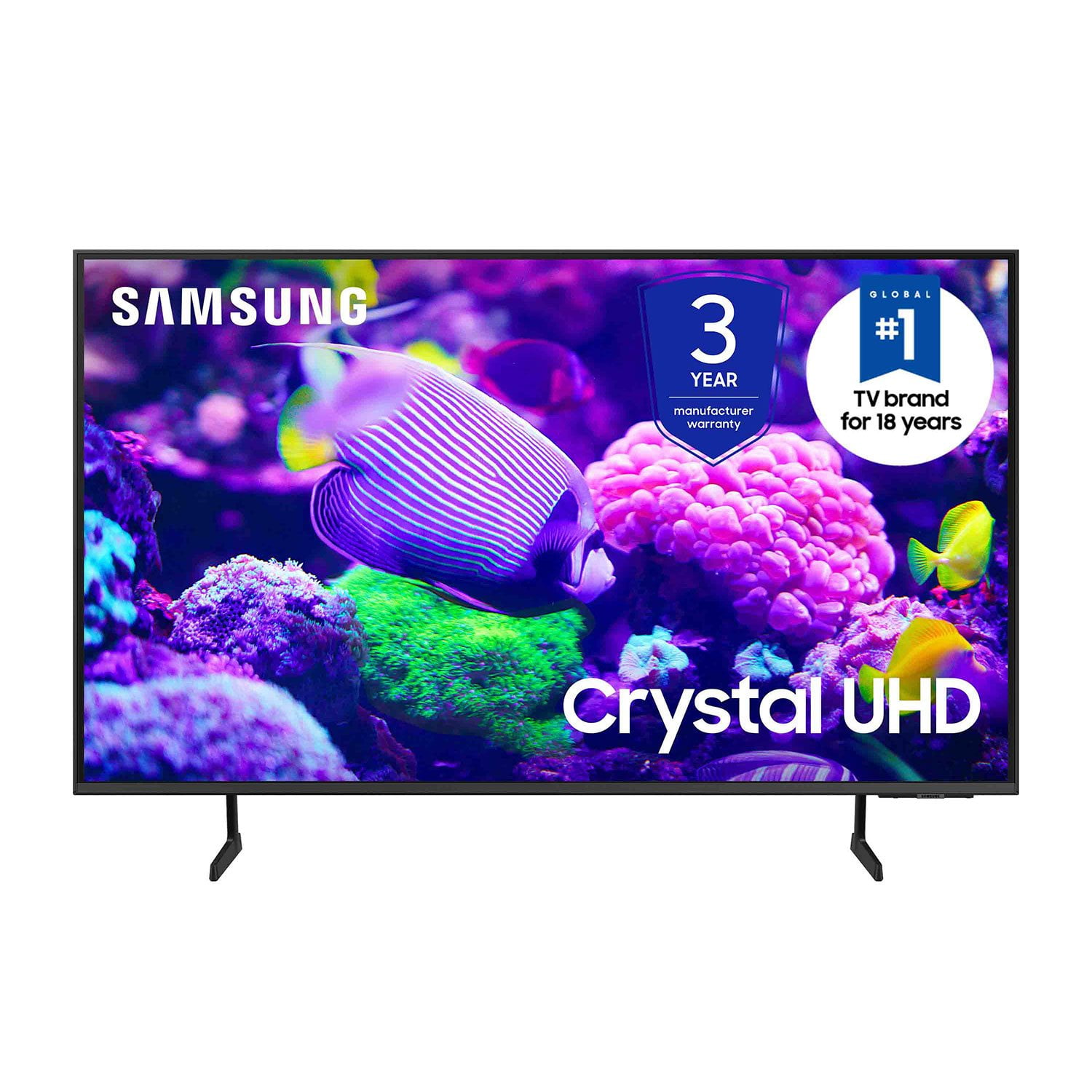
Customer reviews for SAMSUNG 85” Class DU7200 Series 4K Smart TV for
SAMSUNG 85” Class DU7200 Series 4K Smart TV
4.3 out of 5 stars
stars1,177 ratings1,030 reviews
  1. 5 stars63% (744)
  2. 4 stars18% (208)
  3. 3 stars8% (98)
  4. 2 stars5% (58)
  5. 1 star6% (69)
Write a review

Customer photos

  • +174 images
Sort by |
Showing 141-150 of 1,030 reviews
Dec 13, 2024
Mebe
5 out of 5 stars review

Like the stand width of just over 26 inches.

Only 43 inch TV that had stand narrow enough to fit my table. Time-consuming but simple set up. Excellent prompts, on screen user guide. Nice picture. Antenna picks up more stations on this TV than with my former Samsung. Like the Samsung plus TV choices.

Review from Samsung US
Helpful?1RMTE3JL1NV513893753801
Feb 6, 2025
Robin
1 out of 5 stars review

Extremely Disappointed

The size and price of the television was a good value. However, the remote control is extremely difficult to use and actually prevents us from watching the television at all. We purchased this one for our bedroom and we’re going to get a larger for our family room. We definitely won’t be buying another disaster like this.

Review from Samsung US
Helpful?1RMTE3JL1NV513893753801
reply from Samsung Advisor

Hi Robin, Thank you for your feedback. Samsung remotes are designed to be convenient and useful, but we understand if you’d prefer to use a third-party remote, whether it’s a universal remote, a game controller, or something else! Whether you are replacing a lost remote or using an alternative remote to help reduce clutter, a third-party remote is a great option to use to control your Samsung TV. If you need more help, Samsung is here for you! Please call us at 1-800-SAMSUNG, 8 AM - 12 AM EST, seven days a week. Our LiveChat agents are also available by clicking on the ‘Support’ link on our website. ~ Samsung Advisor

Dec 3, 2024
Upset
3 out of 5 stars review

Cannot connect soundbar no audio port

I recently purchased a tcl 55” tv. Had to return it because I could not get certain channels we really love to watch. Returned and purchases a Samsung Crystal UHD 7200D tv. We Cannot connect our soundbar. Why why why ???? On earth do you remove certain things people really use? So we have to spend more money?? This world is ridiculous and businesses just go along with it. Sorry. I needed to rant a little but really why?

Review from Samsung US
Helpful?1RMTE3JL1NV513893753801
reply from Samsung Advisor

Hi Upset, Thank you for choosing the Samsung DU7200 TV and for taking the time to provide us with detailed feedback on your experience. Your opinion is important to us and will be shared with our internal product teams. The DU72000F TV offers 3 HDMI ports and is Bluetooth and Wi-Fi capable, allowing a seamless connection across multiple devices at a time. If your external device requires an Optical port, we recommend utilizing an HDMI to Optical Converter. These can be found at your local electronics store. Please also keep in mind that an Optical port can be found on our DU8000F Series and above. We apologize for any confusion. If you ever have questions or need help, Samsung is here for you! Give us a call at 1-800-SAMSUNG, 8 AM - 12 AM EST, seven days a week. Our LiveChat agents are also available by clicking on the ‘Support’ link on our website. Thanks for being a part of the Samsung family! ~ Samsung Advisor

Apr 22, 2025
Anonymous
4 out of 5 stars review

Excellent visual experience. Good quality.

I bought my tv a couple of months ago and am happy with this purchase but I with I had bought a Roku tv. I hate the remote that came with this tv. It is too skinny and I don't like how it moves through the channels. Unless you have super skinny fingers it's too easy to mess up what you are trying to do. I tried to purchase a different remote but they are all the same for this particular TV. Ugh.

Review from Samsung US
Helpful?1RMTE3JL1NV513893753801
May 20, 2024
Greg321
4 out of 5 stars review

Beautiful picture

[This review was collected as part of a promotion.] Love everything about the television. Great price, picture, and slim profile. Knocked off one star because the volume is very low when connected to our TIVO. Volume is fine on our old TV though.

Review from Samsung US
Helpful?1RMTE3JL1NV513893753801
reply from Samsung Advisor

Hi Greg321, Thank you for your purchase of the DU7200 and for sharing your experience with us. Thank you for sharing your experience with low volume. There are several volume features you can adjust, which may improve your audio experience. 1) Auto Volume automatically adjusts the sound to a certain level when changing channels or switching to another external input. Go to Settings > All Settings> Sound > Expert Settings > Auto Volume. 2) Adaptive Sound automatically adjusts to a specific volume level while watching TV. The TV analyzes your volume usage history by time period to automatically adjust the volume when you use an app or switch to an external input source. Go to Settings> All Settings> Sound> Sound Mode> Adaptive Sound. 3) Several Sound Modes are likewise available to meet your personal preferences: Home > Settings > All Settings> Sound > Sound Mode. Also, some sources have their own volume control, which might need to be set higher. Please check the volume control of the external device (cable box or satellite box, DVD, Blu-ray, etc.) connected to your TV. Also, check the cable connection between an external device and the TV and then try the cable connection again. I hope these tips help you enjoy your new product. You can contact us for further help at 1-800-SAMSUNG, 8 AM - 12 AM EST, seven days a week. Our LiveChat agents are also available by clicking on the ‘Support’ link on our website. ~ Samsung Advisor

Apr 21, 2025
DfamOf5
3 out of 5 stars review

Nice tv, but cuts out while gaming

This is a great tv, but we have one major problem with it. When my family is playing video games, the screen will randomly go black for a few seconds, then come back on. It's like it switches itself off of game mode by itself. Very frustrating, but other than that, it has been a nice tv. Wish there was a way to fix this problem.

Review from Samsung US
Helpful?1RMTE3JL1NV513893753801
reply from Samsung Advisor

Hi DfamOf5, If you've switched on your TV and the sound comes through fine, but you do not see any picture, there are three potential issues. 1) A connection issue is the most common problem where there is a bad connection, faulty cables, or improper installation. 2) An issue with the device connected to the TV. There may be a video output setting on the device that you must set properly before it will output to the TV. 3) There is something wrong with the TV, requiring a technician to assess the TV and find a solution. Please give us the opportunity to assist you by contacting Samsung Customer Support via any of the following options: 1-800-SAMSUNG, 8AM - 12AM EST, 7 days a week. Or visit us on the Samsung website and click on the ‘Support’ link for: • LiveChat • Manuals, Software, & Warranty Info ~Samsung Advisor

May 6, 2025
Sassy Shar
5 out of 5 stars review

Best I’ve had so far.

I usually have a very good experience with Samsung products. I do not like to give a rating of 5 because I feel there is always some room for improvement. But couldn’t give like a 4.6 or similar. This TV has more features than any I’ve had. I just need to revisit the instructions.

Review from Samsung US
Helpful?1RMTE3JL1NV513893753801
May 8, 2025
Simple Simón
3 out of 5 stars review

Picture is good, but remote is a mystery

So far, the tv is great, but the remote is a mystery. It says speak into it for quick program access, but I can’t find the microphone. The sleep timer is a function I like to use, but so far I can’t locate it and the manual does little to help me understand the remote’s capabilities. I think I will have to invest more time than desired to figure out how to use this tv.

Review from Samsung US
Helpful?1RMTE3JL1NV513893753801
reply from Samsung Brand Ambassador

Simple Simón: We appreciate your review of the DU7200 TV. To learn how to use your Samsung remote and understand the settings on your TV, please use your remote to access the remote guide. Go to Home> (left directional button) Settings> Support> Remote Control Guide. If you need more help, Samsung is here for you. Please call us at 1-800-SAMSUNG, 8 AM - 12 AM EST, seven days a week. Our LiveChat agents are also available by clicking on the ‘Support’ link on our website. - Samsung Ambassador

Oct 24, 2024
LoveSamsungproducts
5 out of 5 stars review

Awesome TV

[This review was collected as part of a promotion.] I bought 2 of these TVs. One for the basement for my son to play his video games and the other for outside on my covered deck. We love these TVs. Great picture and color and the refresh rate works perfectly for playing video games and watching sports.

Review from Samsung US
Helpful?1RMTE3JL1NV513893753801
May 8, 2025
Love Colors
4 out of 5 stars review

Beautiful, vivid colors

I bought my TV a month ago. I love the vivid color and the size of the screen I purchased. I do wish Samsung would design their remote with elderly or persons with arthritis in mind. The remote is so small & trim that it is difficult to hold & press the buttons without hitting 2 buttons at a time. I purchased a universal remote that I can operate with less difficulties.

Review from Samsung US
Helpful?1RMTE3JL1NV513893753801