Join Now
Skip to Main Content
Sam's Club
Sam's Club
All Departments
All Services
Customer reviews for SAMSUNG 60" Class DU7200 Series 4K Smart TV for
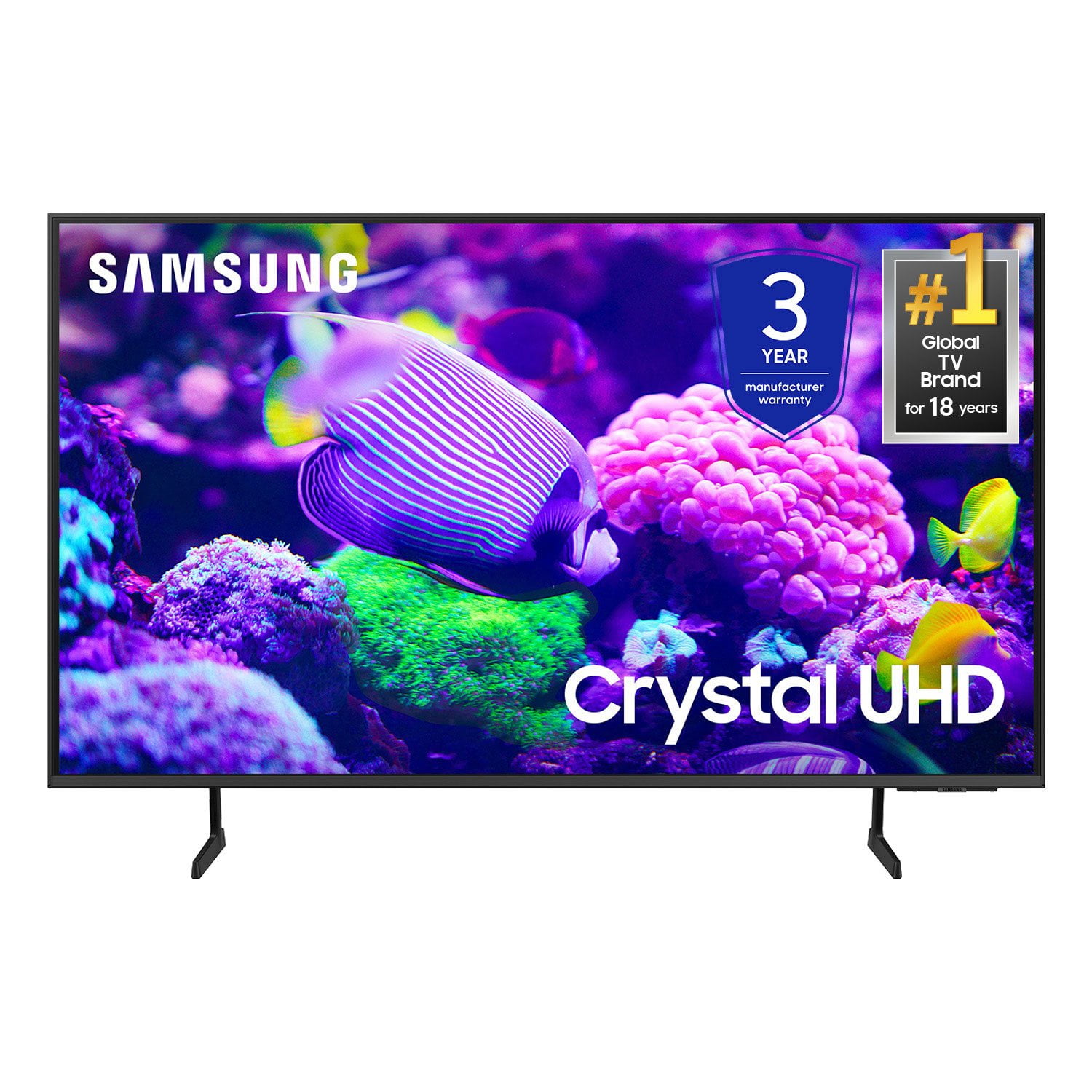
SAMSUNG 60" Class DU7200 Series 4K Smart TV
4.2 out of 5 stars
stars
1,028 ratings965 reviews
  1. 5 stars61% (626)
  2. 4 stars20% (201)
  3. 3 stars9% (92)
  4. 2 stars5% (49)
  5. 1 star6% (60)

Member photos

  • +150 images
Sort by |
Showing 961-965 of 965 reviews
Mar 5, 2025
Reviewer name: gary
4 out of 5 stars
4 out of 5 stars review

okay

I bought the tv not knowing it didn't have a hook up for sound bar.

Review from Samsung US
Helpful?39HMRPI2C1I113892053645
Feb 22, 2025
Reviewer name: Gary
3 out of 5 stars
3 out of 5 stars review

Picture quality is not great but is ok

Picture quality is just OK but not great I would not buy this model of TV again

Review from Samsung US
Helpful?39HMRPI2C1I113892053645
reply from Samsung Advisor

Hi Gary, It’s unfortunate to hear you’re not fully satisfied with your DU7200 TV’s image quality. Below are a few settings that I recommend adjusting: Go to Home > Settings > All Settings > Picture > Picture Mode and select the mode that best fits your usage: 1) Standard: Default mode suitable for general viewing environments. 2) Natural: Reduces eye strain for a comfortable viewing experience. 3) Movie: Most suitable for watching TV or movies in a dark room. 4) Dynamic: Makes the picture brighter and clearer in bright viewing environments. 5) Filmmaker Mode: You can watch the source content (e.g., movie) as it is. If the image is defined as Filmmaker Mode, it will automatically switch to Filmmaker Mode while watching. You can also go to Settings > All Settings> Picture > Expert Settings > to manually fine-tune your image. If you need more help, Samsung is here for you. Call us at 1-800-SAMSUNG, 8 AM - 12 AM EST, seven days a week. Our LiveChat agents are also available by clicking on the ‘Support’ link on our website. ~ Samsung Advisor

Apr 19, 2025
Reviewer name: Milly
5 out of 5 stars
5 out of 5 stars review

Love it.

Love that I have all my apps in one place. My cable company also is on this tv.

Review from Samsung US
Helpful?39HMRPI2C1I113892053645
Feb 27, 2025
Reviewer name: Frustrated
2 out of 5 stars
2 out of 5 stars review

Good Luck

Remote is horrible, ready to pack it up and take it back!

Review from Samsung US
Helpful?39HMRPI2C1I113892053645
reply from Samsung Advisor

Hi Frustrated, We appreciate your review of the DU7200 TV. To learn how to use your Samsung remote and understand the settings on your TV, please use your remote to access the remote guide. Go to Home> (left directional button) Settings> Support> Remote Control Guide. We also understand if you’d prefer to use a third-party remote, whether it’s a universal remote, a game controller, or something else! Whether you are replacing a lost remote or using an alternative remote to help reduce clutter, a third-party remote is a great option to use to control your Samsung TV. If you ever have questions or need help, Samsung is here for you! Give us a call at 1-800-SAMSUNG, 8 AM - 12 AM EST, seven days a week. Our LiveChat agents are also available by clicking on the ‘Support’ link on our website. Thanks for being a part of the Samsung family! ~ Samsung Advisor

Mar 6, 2025
Reviewer name: TV watcher
4 out of 5 stars
4 out of 5 stars review

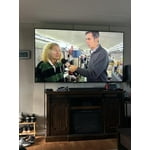
Beautiful picture

Love the picture. Wish I could figure out voice control

Review from Samsung US
Helpful?39HMRPI2C1I113892053645