Join Now
Skip to Main Content
Sam's Club
Sam's Club
All Departments
All Services
Customer reviews for SAMSUNG 60" Class DU7200 Series 4K Smart TV for
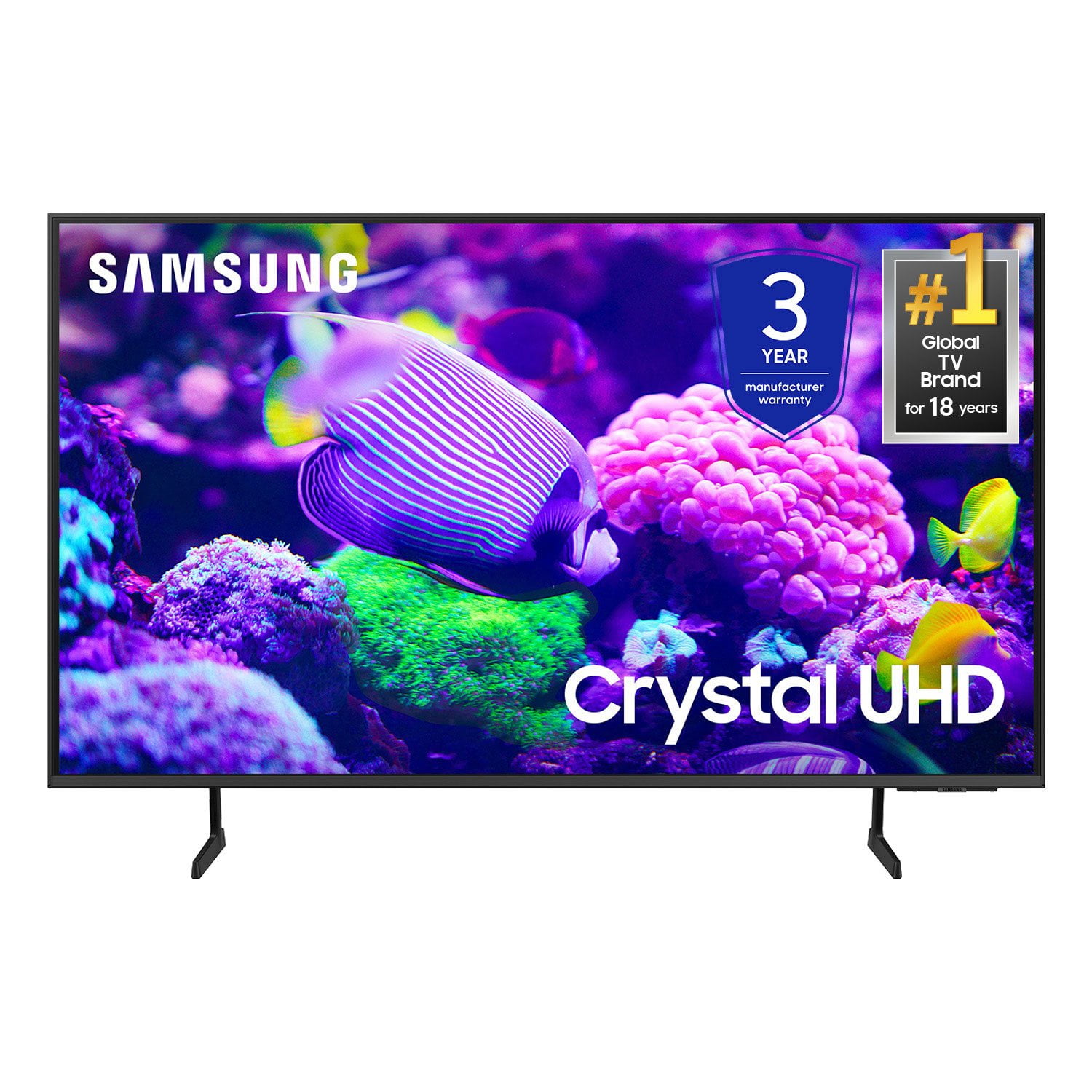
SAMSUNG 60" Class DU7200 Series 4K Smart TV
4.2 out of 5 stars
stars
1,028 ratings965 reviews
  1. 5 stars61% (626)
  2. 4 stars20% (201)
  3. 3 stars9% (92)
  4. 2 stars5% (49)
  5. 1 star6% (60)

Member photos

  • +150 images
Sort by |
Showing 941-950 of 965 reviews
Oct 15, 2024
Reviewer name: BoBo
5 out of 5 stars
5 out of 5 stars review

Superb!

Excellent picture! The Bluetooth features are great!

Helpful?39HMRPI2C1I113892053645
May 5, 2025
Reviewer name: Erica
5 out of 5 stars
5 out of 5 stars review

Fabulous TV

Great picture, very easy to use, many apps already installed, and very affordable price!

Review from Samsung US
Helpful?39HMRPI2C1I113892053645
Feb 20, 2025
Reviewer name: herrong
5 out of 5 stars
5 out of 5 stars review

Great features.

I bought this tv a month ago and I love everything about it.

Review from Samsung US
Helpful?39HMRPI2C1I113892053645
Feb 21, 2025
Reviewer name: Lang
3 out of 5 stars
3 out of 5 stars review

Not good sound

My previous TV set volume 30 New Samsung you have to set to 80 to hear

Review from Samsung US
Helpful?39HMRPI2C1I113892053645
reply from Samsung Advisor

Hi Lang, Thank you for sharing your experience with low volume. There are several volume features you can adjust, which may improve your audio experience. 1) Auto Volume automatically adjusts the sound to a certain level when changing channels or switching to another external input. Go to Settings > All Settings> Sound > Expert Settings > Auto Volume. 2) Adaptive Sound automatically adjusts to a specific volume level while watching TV. The TV analyzes your volume usage history by time period to automatically adjust the volume when you use an app or switch to an external input source. Go to Settings> All Settings> Sound> Sound Mode> Adaptive Sound. 3) Several Sound Modes are likewise available to meet your personal preferences: Home > Settings > All Settings> Sound > Sound Mode. Also, some sources have their own volume control, which might need to be set higher. Please check the volume control of the external device (cable box or satellite box, DVD, Blu-ray, etc.) connected to your TV. Also, check the cable connection between an external device and the TV and then try the cable connection again. If you’d like more help with settings, we are always happy to help! Call us at 1-800-SAMSUNG, 8 AM - 12 AM EST, seven days a week. Or visit us on the Samsung website and click on the ‘Support’ link for: 1) LiveChat 2) Manuals, Software, & Warranty Info ~ Samsung Advisor

Feb 5, 2025
Reviewer name: Terita
5 out of 5 stars
5 out of 5 stars review

Beautiful crisp picture

We bought this TV exactly a month ago, and we are loving it!

Review from Samsung US
Helpful?39HMRPI2C1I113892053645
Feb 20, 2025
Reviewer name: BIGBADWOOD
5 out of 5 stars
5 out of 5 stars review

GREAT TV

ONE OF THE BEST TV'S FOR THE DOLLAR A TRUELY WONDERFULL UNIT !

Review from Samsung US
Helpful?39HMRPI2C1I113892053645
Feb 5, 2025
Reviewer name: Moemoney
5 out of 5 stars
5 out of 5 stars review

Five star value

Great value for your money you won’t be disappointed

Review from Samsung US
Helpful?39HMRPI2C1I113892053645
Mar 5, 2025
Reviewer name: GW6531
4 out of 5 stars
4 out of 5 stars review

Great features. Great picture. Many good apps

Have had for a few months and it works well. I wish I could add Xfinity streaming app.

Review from Samsung US
Helpful?39HMRPI2C1I113892053645
Mar 5, 2025
Reviewer name: dcelevatd
5 out of 5 stars
5 out of 5 stars review

Awesome TV

I bought this 5 months ago and I LOVE it!!!!!!!!!!

Review from Samsung US
Helpful?39HMRPI2C1I113892053645
Feb 5, 2025
Reviewer name: Bettyb
5 out of 5 stars
5 out of 5 stars review

Awesome

Great tv,amazing picture, love this purchase, would buy again

Review from Samsung US
Helpful?39HMRPI2C1I113892053645