
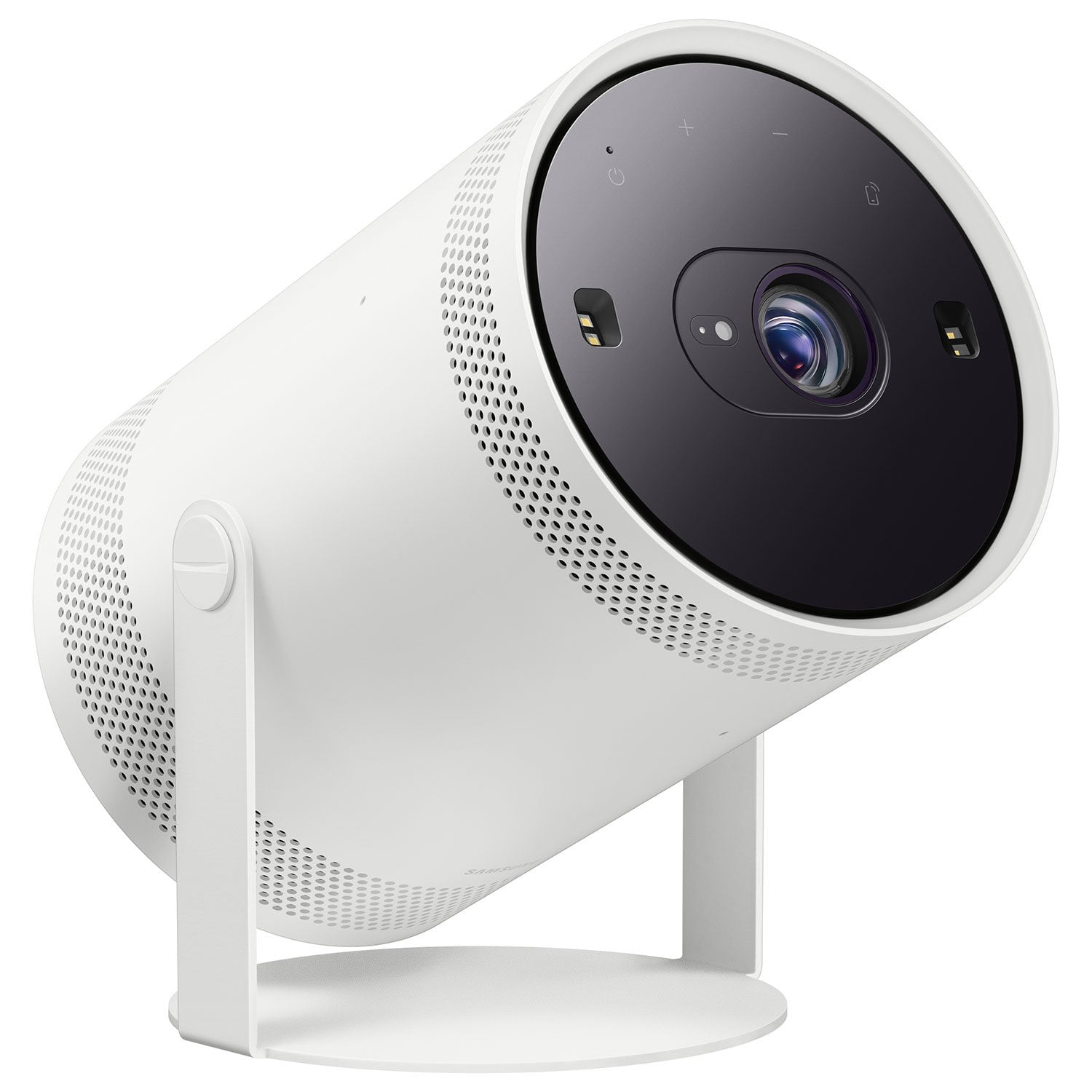
 Customer reviews for SAMSUNG 30"-100" The Freestyle Gen 2 with Gaming Hub, FHD HDR Smart Portable Projector - SP-LFF3CLAXXZA for
Member photos




 +105 images
Second time around is the best
[This review was collected as part of a promotion.] I own the first version and comparing the second one to it, it is a definitive upgrade. I love that Samsung packs A LOT of features in their devices. People need to check out the features. I still find new things. This proyector is super portable and loud enough. I definitively recommend this proyector. Did you know you can adjust the picture to match the color of the wall so the colors are not merged? No more need for a white background. Woohoo!
Awesome projector, just a bit sluggish
[This review was collected as part of a promotion.] I love the image quality and how easy is to set up. My only gripe is how sluggish the interface can be at times and I havent found a way to make it faster. Sometimes it is very responsive and sometimes it's just a pain. But once you select what you wanted to watch it works great. Also for xbox and to mirror phonebworks amazing andbthe lag is barely there. I also wish it was brighter, but once the room is dark enough it is an awesome picture quality
Excellent device with excellent features.
When I purchased this a few weeks ago it was an impulse buy. I truly didn't think it would have much use in my home other than some occasional entertainment. From the second I turned the lights off and started up a Netflix show I was mesmerized. I've never owned a projector before and was really astounded by the picture quality. Navigating the menus and apps was a breeze as I also own the QN800B TV. The possibilities for gaming are also exciting. I had discovered my old SNES while helping a family member move. Lying back on my bed and playing Chrono Trigger on the ceiling was the most intense nostalgia I've felt in years. I'm extremely satisfied with this impulse buy and will be for some time to come.
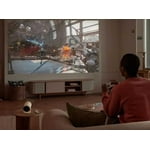
I LOVE the idea, but not the end product
[This review was collected as part of a promotion.] I LOVE what Samsung is going for and their innovation, but the lack of needed improvements from the last model, disappointing image quality, no included additional accessories make this a deal breaker for me. I won't talk about price or directly compare this to any other projector, but discuss the value of this model compared to the value in other projectors in its class. At the MSRP of this unit at launch, there are many options that include an internal battery (vs paying additional for this one), 4k options, better lumens, features. If portability is more important then image quality, this product MIGHT work for you. However, the added cost for a battery accessory is substantial and there are other options out there at this cost that include them. Samsung will certainly have an advantage of better software, better apps, probably easier to use, but you need to prioritize your needs when making a decision. I wanted to use this in my bedroom and on my patio outside while in a hot tub. In the bedroom, light control isn't an option and this unit did pretty well. Things like the type of ceiling, fans, placement options, etc all come into play. It needs to be centered, which isn't ideal unless you have a shelf above your headboard. I managed to make it work on my opposite side of the bed but despite decent hdr, auto focus and color, the picture remains gainy and just not enjoyable. Outside: Here's where the lack of a battery really comes into play. I use all of my outlets so I have to switch one out when I bring this with me. If you want to use it farther out, you'll need an extension cord or pony up for a battery. IF it came with one, I might be satisfied. But I have an older 1080p projector that's only slightly bigger that provides a sharper, larger, more pleasant picture I'll be using. All in all, I love the idea but feel the lack of needed improvements (many reviewers out there highlight the same shortfalls), make this not an ideal option for the price at launch. I would unfortunately not recommend this for indoor or outdoor use. What I like: - Size and portability - Auto focus - Available accessories and options - Software, apps, responsiveness - The price has been reduced from last year's release - Smart and Smartthings integration - Smart calibration (but not perfect) What I don't like: - Image quality - Brightness - No lens shift - Lack of value in this range of projectors - no included battery - Kinda loud
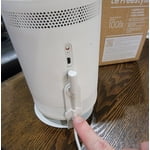
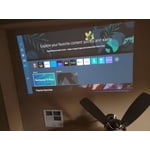
OKCSteve1, Thank you for your review. Your thoughts on the design of The Freestyle 2nd Gen are appreciated and will be shared with our internal teams. If the image is too dim, try adjusting Picture Mode, Contrast, Brightness, or Sharpness settings. Go to Home > Menu > Settings > All Settings > Picture > Picture Mode ...and select the mode that best fits your usage: Dynamic: Makes the picture brighter and clearer in bright viewing environments. Standard: Is the default mode suitable for general viewing environments Movie: Is suitable for watching Projector or movies in a dark room. You can also manually fine tune your image under Expert Settings. Go to: Home > Menu > Settings > All Settings > Picture > Expert Settings I hope these tips help you enjoy your new product. You can always contact us for further help at 1-800-SAMSUNG, 8AM - 12AM EST, 7 days a week. Our LiveChat agents are also available by clicking on the ‘Support’ link on our website. ~ Samsung Specialist
Still haven't found a better option!
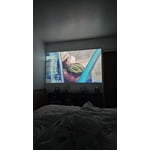
I've never owned a portable projector so I did a lot of research before nabbing this 2nd gen and I love it so far! It's portable with pretty amazing sound and I don't have to connect any external device(s) to access content. The "point and auto-adjust" isn't perfect, but it's good enough and not an issue since I can adjust the picture size/angle/etc manually. It's runs a little loudly, but you tune it out eventually. It's not the brightest projector out there, but that's hasn't been a huge issue. Any darkened room with smooth wall works well enough as a screen. I use my hotspot so it's super easy to get set up. I'm sure you could use a portable power bank to really take it off grid (as long as the hotspot deal isn't an issue). I've used the Xbox remote play feature and it's fine, but I'll stick to my console for playing. All in all, for the cost, I feel like I got a solid projector that does what it's meant to do and does it well. It's not the best photo attached, but the screen was probably set to somewhere around 70-75in (corner to corner) and being projected on a white bedroom wall.
Samsung Freestyle Is Amazing!
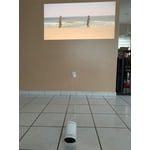
[This review was collected as part of a promotion.] Wow. That is the one word I would use to describe this product. This product is absolutely amazing. From how easy it is to set up to the beautiful picture quality it displays to the sound that comes from the unit itself, each component is 10 out of 10. My wife and I were able to set up a movie date night right at our house! What made it even more special was that we enjoyed the experience with our pups which we would typically never be able to do in the theaters. I would highly recommend this product to a friend or family member if they were looking for something in the projection realm. Can't wait to play games on this!
samuraipiggy, It's fantastic to hear The Freestyle 2nd Gen provided you and your wife with an excellent at-home date night! Just place it, tilt it and watch content come to life with your new smart theater that makes it simple. Take it to go for all your travels, whether it's across the country, or just across the yard! And with the cradle stand, you get floor-to-ceiling flexibility with a 180 degree rotation - always giving you the best view. If there’s anything we can ever help with, please call us at 1-800-SAMSUNG, 8AM - 12AM EST, 7 days a week. For additional support resources, visit us on the Samsung website and click on the ‘Support’ link in the upper right corner of the homepage for: 1. Chat with Us/Product Help: To begin a chat or find solutions, choose ‘TVs & Home Theater’ then select your model and topic. 2. Register a Product: For access to easy support, convenient opt-in to special promos and offers, faster troubleshooting, and quick notification of system updates. 3. Manuals, Software, & Warranty Info ~ Samsung Specialist
Great, but..
[This review was collected as part of a promotion.] We use our Freestyle for watching movies and games when there are a lot of guests over. Especially around football season, the guys will project it onto our outdoor screen. We've noticed lately that it runs hot and that it's not performing as well as it did. Given that we don't use it very often, I'm not particularly pleased with that aspect. It is a convenient little device. I wish it could be cordless for.more functionality and autonomy, but it works for what it works for.

LifewithLexi, Thank you for your review of The Freestyle 2nd Gen. Watching content for an extended period of time can cause the unit to generate heat, which is released through the vents on the projector. The vents may feel hot to the touch when the projector has been used for an extended period of time. This heat, however, is not a defect and doesn’t affect functionality. When in use, make sure you maintain a distance of at least 4 inches between the projector and other objects (walls, cabinet sides, etc.) to ensure proper ventilation. Please also keep in mind that with voice recognition always enabled, the projector’s Wi-Fi and microphone modules remain active even when the power is turned off. If you feel heat even when the device is off, turn off AoV (Always on Voice) Mode. To disable this setting, go to: Menu > Settings > General & Privacy > Voice - Alexa: Turn off Voice Wake-Up - Bixby: Under Bixby wake-up options, select “Only use the Bixby button” or “Additionally saying ‘Hi Bixby’”. If you need more help, Samsung is here for you. Please call us at 1-800-SAMSUNG, 8AM - 12AM EST, 7 days a week. Our LiveChat agents are also available by clicking on the ‘Support’ link on our website. ~ Samsung Specialist
Good projector with a flaw
It is a good projector for it's size and prize. I also like the way it can integrate with Smart Things and also being portable. But, I hate the way it is leaving a transparent light on the borders of the actual image/picture. I would like to request to release a new software update in which the transparent border will be removed which is so annoying to look at.
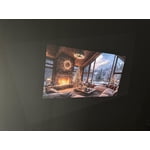
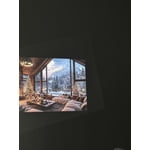
Podishetti, Thank you for sharing your review. To improve the Keystone Correction performance, please check the following: 1. Remove the film covering the lens, as this can affect performance. 2. Position the device with the “Samsung” logo on the bottom of the unit. 3. Make sure you've got the latest firmware updates installed. Go to: Home > Menu > Settings > Support > Software Update > Update Now If you need more help, Samsung is here for you. Please call us at 1-800-SAMSUNG, 8AM - 12AM EST, 7 days a week. Our LiveChat agents are also available by clicking on the ‘Support’ link on our website. ~ Samsung Specialist
Works as expected
[This review was collected as part of a promotion.] Picked this up to replace a kodak projector which never worked right so I was hoping for a better experience with this project. Which it is light years better. Not to mention the smart feature integration is much much much better than the kodak.
Perfect for projects and entertainment
[This review was collected as part of a promotion.] I purchased this to help my wife with a presentation she had to do. It worked perfectly as a monitor for our laptop. Image is nice and clear and the auto adjust made it easy for her to set up. Also is really good for a large screen when playing video games.