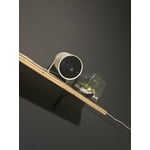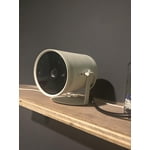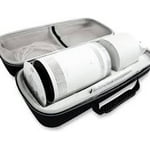
Excellent in low light
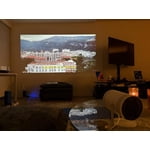
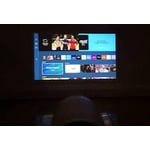
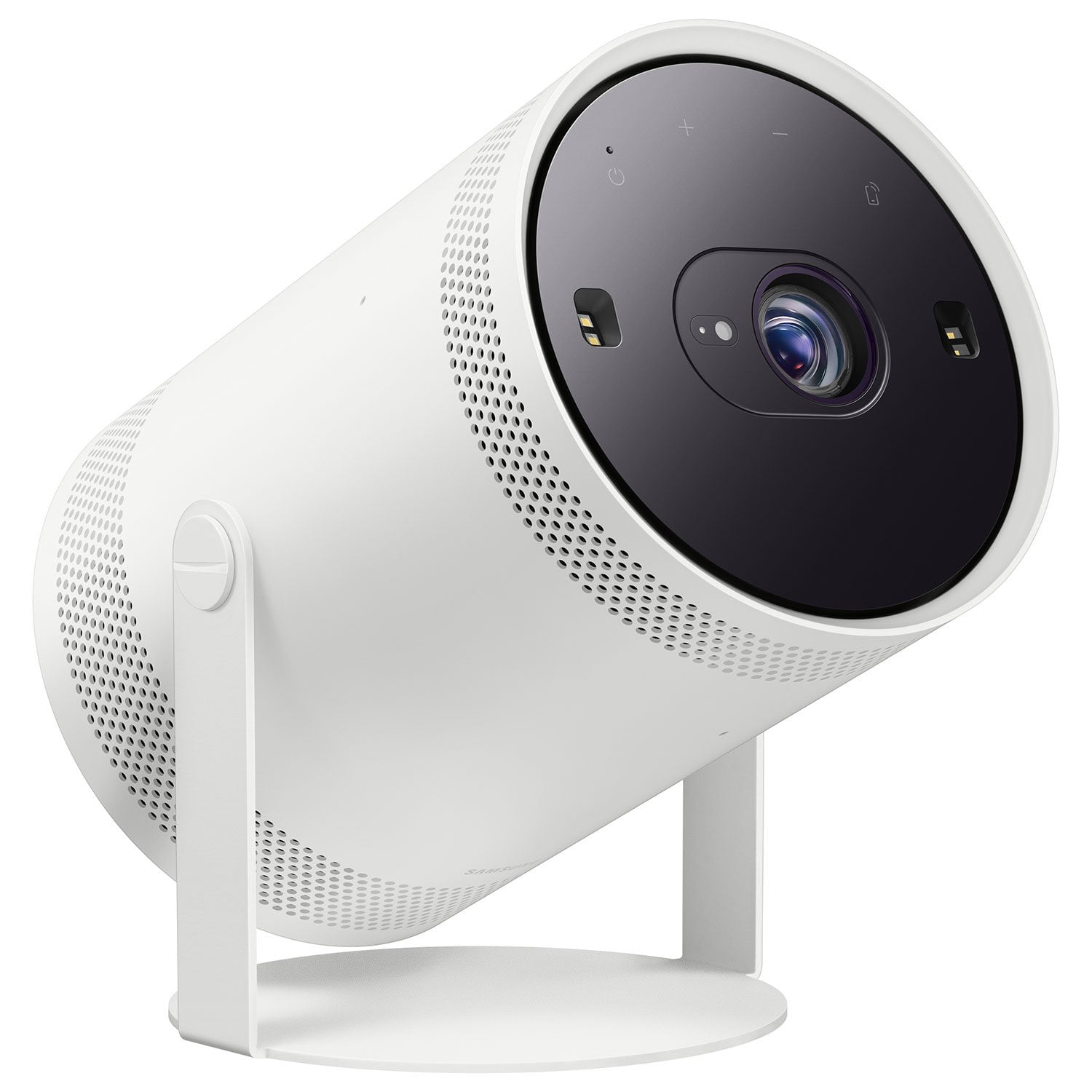
[This review was collected as part of a promotion.] Picture: This project produces a fantastic picture! It’s difficult to describe what aspect of the pictures is so clear and crisp. We were watching it outside at night and were highly impressed it. We have a OLED TV that produces a great an excellent view and this project creates a view that is the same or even better in some ways than our TV
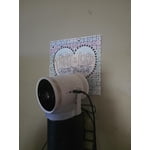
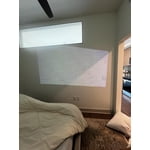
Projection Surfaces and Features: This project has so many useful features when it comes to creating a good picture on whatever surface you are using as a backdrop. It automatically adjusts the screen after you have settled on your surface. If the screen is too large, the total picture size can be reduced within the software. You are also able to move the screen to a particular area if you have it reduced if the place you have your projector resting isn’t mobile or the places you can set it are limited. There are also features to adjust the image to be able to account for the angle of the surface.
Sound: The speaker is fantastic for a projector speaker. You also have the option to connect a Bluetooth speaker option which we have done just to test it out.
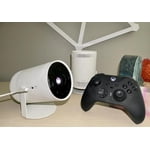
Remote Control: It’s a unique concept that is solar powered. I like the idea of not needing a battery. The functions on the remote are like a google chromecast with even more options. I thought the extra options were welcome for quick navigation
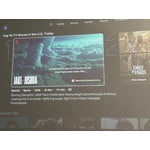
Software: I highly recommend you get the Samsung Smart Things account setup and registered to this device. You can use your phone vs the remote. The Bixby voice commands worked well with getting various apps download like ESPN, Plex, Spectrum TV, Prime Video, Netflix, etc. There are several different modes where you can create a ambiance environment for parties when paired with music can really create a fun background for any occasion.
“The Bad” – The only feature that I would complain about is that this projector doesn’t do well in daylight conditions. The lumen rating isn’t all the high and it suffers quite a bit in outdoor environments where there is still a decent amount of daylight remaining. I tried to use this in shaded areas of our backyard in the evening when the sun was setting, and it was still difficult to see the pictures.
Conclusion: The picture, portability, sound, and all-in-one package makes this projector a very compelling option for a media option. The only area I do not recommend is for use in bright light environments.
reply from Samsung Brand Ambassador
jharmon203,
We're delighted to hear you're enjoying the picture quality of The Freestyle 2nd Gen! With 1920x1080 resolution, you can sit up closer than with HD, making everything larger, crisper and clearer. Games become grander, movies more magical and sports more sensational with full HD quality.
To ensure you've got the latest image enhancements, please do check to make sure your unit is running the latest firmware update. You can check this by going to: Home > Menu > Settings > Support > Software Update.
While The Freestyle 2nd Gen with Gaming Hub works best in dimly lit rooms, there are a few image adjustments you can try to brighten your picture:
1. Go to Picture settings and adjust the picture mode, contrast, brightness, and sharpness
- Home > Menu > Settings > All Settings > Picture > Picture Mode
- Home > Menu > Settings > All Settings > Picture > Expert Settings
2. If the screen still appears too dim, try fully resetting under Reset Picture
- Home > Menu > Settings > All Settings > Picture > Expert Settings > Reset Picture
I hope these tips help improve your enjoyment! If there’s anything we can further assist with, please call us at 1-800-SAMSUNG, 8AM - 12AM EST, 7 days a week. Or visit us on the Samsung website and click on the ‘Support’ link for:
• LiveChat
• Manuals, Software, & Warranty Info
~ Samsung Specialist