Skip to Main Content
Sam's Club
Sam's Club
All Departments
All Services
Customer reviews for SAMSUNG 85" Class AU800D-Series Crystal Ultra HD 4K Smart TV - UN85AU800DFXZA for
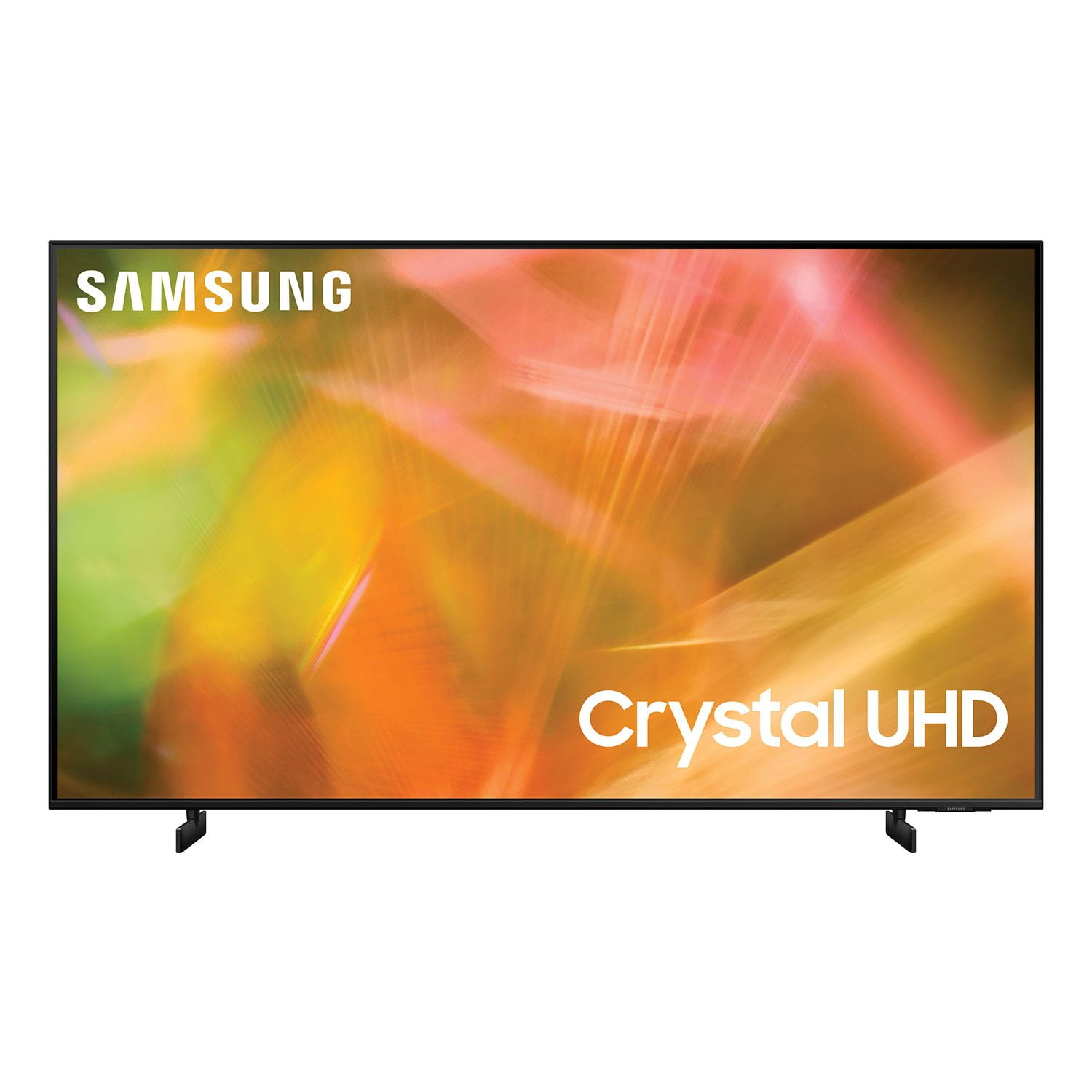
SAMSUNG 85" Class AU800D-Series Crystal Ultra HD 4K Smart TV - UN85AU800DFXZA
4.5 out of 5 stars
stars
3,839 ratings3,753 reviews
  1. 5 stars73% (2,818)
  2. 4 stars17% (650)
  3. 3 stars4% (162)
  4. 2 stars2% (71)
  5. 1 star4% (138)
Sort by |
Showing 271-280 of 3,753 reviews
Jul 25, 2021
Reviewer name: Greg
5 out of 5 stars
5 out of 5 stars review

I like all the options

[This review was collected as part of a promotion.] I love the clear picture when I watch movies and tv show's. I can't wait for football season!

Review from Samsung US
Helpful?603WXSAQV1T013869809408
Apr 28, 2022
Reviewer name: rambler
5 out of 5 stars
5 out of 5 stars review

tv

all good except remote is to small for bigger hands and or twitching or shaking .. rmote stle leaves lots to be desirred

Review from Samsung Canada
Helpful?603WXSAQV1T013869809408
reply from Operations

Thank you, rambler! We love to hear positive feedback and we’re delighted you’re enjoying your new Samsung 4K Smart TV. 

Jul 24, 2021
Reviewer name: llalla
5 out of 5 stars
5 out of 5 stars review

Great picture

[This review was collected as part of a promotion.] I am very happy with this television very satisfied. So I like to watch Chucky movies. I am learning to stream Netflix and prime video of here and I enjoy my at home theater.

Review from Samsung US
Helpful?603WXSAQV1T013869809408
Oct 3, 2022
Reviewer name: Bdubz85
5 out of 5 stars
5 out of 5 stars review

Best big screen

[This review was collected as part of a promotion.] Sits I'm our living room. Great for football or movie night. Such great detail and easy on the eyes

Review from Samsung US
Helpful?603WXSAQV1T013869809408
Jun 26, 2021
Reviewer name: Undxfeated
4 out of 5 stars
4 out of 5 stars review

Pretty cool

[This review was collected as part of a promotion.] I use it mostly for watching movies or youtube videos casting from my mobile device its prety cool imo

Review from Samsung US
Helpful?603WXSAQV1T013869809408
Oct 25, 2022
Reviewer name: BADTV1
1 out of 5 stars
1 out of 5 stars review

THIS PRODUCT IS BAD

[This review was collected as part of a promotion.] THIS TV JUST WENT OUT ON ME. THIS IS MY 3RD SAMSUNG TV AND ALL 3 OFTHEM DIDNT LAST VERY LONG. VERY DISAPOINTED WITH THIS TV!! VERY DISAPOINTED!

Review from Samsung US
Helpful?603WXSAQV1T013869809408
reply from Samsung Brand Ambassador

Hi there, We are very sorry to hear about your experience with the AU8000 TV. Your feedback is important to us and will be shared with our product teams. Samsung is committed to providing the best possible product experience, quality, and value. We back this Samsung TV with a 1-year limited manufacturer's warranty, including authorized repair for manufacturer defect, if purchased brand-new directly from an authorized seller. You can see the full details of your warranty on Samsung's website. Go to Support (upper right corner) and select Warranty information. This will allow you to search for your product and view the full details of the included warranty. Please give us the opportunity to assist you by contacting Samsung Customer Support at 1-800-SAMSUNG, 8 AM - 12 AM EST, seven days a week. LiveChat with an agent, as well as manuals, software, and warranty info, can be found at the ‘Support’ link on our Samsung website. ~ Samsung Advisor

Jan 14, 2023
Reviewer name: Sadaboutmytv
2 out of 5 stars
2 out of 5 stars review

Lasted a month after the warranty ended

Was nice while it lasted. A month after the warranty ended the tv screen went black, turns off and on by itself. No troubleshooting fixed it, the tv died.

Review from Samsung US
Helpful?603WXSAQV1T013869809408
reply from Samsung Brand Ambassador

Hi there, I’m sorry to hear about your experience with Samsung’s AU8000 TV. If your TV is out of the 1-year Manufacturer's Warranty, you can locate a service center in your area on Samsung's website. Go to Support (upper right corner) and select Schedule a Service Appointment. This will allow you to find a location nearest you to help you with your repair. If you need more help, Samsung is here for you. Please call us at 1-800-SAMSUNG, 8 AM - 12 AM EST, seven days a week. Our LiveChat agents are also available by clicking on the ‘Support’ link on our website. ~ Samsung Advisor

Dec 22, 2021
Reviewer name: Maebee
3 out of 5 stars
3 out of 5 stars review

Low audio

only complaint is the sound. i had to purchase a soundbar because i can hardly hear the tv at 20. i tried every function and nothing improves the sound.

Review from Samsung US
Helpful?603WXSAQV1T013869809408
reply from Samsung Brand Ambassador

Hi Maebee, Thank you for purchasing the AU8000 Crystal UHD TV and for sharing your feedback regarding the sound quality. There are several sound settings you can adjust to suit your personal sound preferences. Change the Sound Mode by going to: Settings > Sound > Sound Mode You can also customize the sound with Expert Settings by going to: Settings > Sound > Expert Settings Another possible cause for the low volume is the source. Some sources have their own volume control which might be set too low. Please check the volume control of the external device (cable box or satellite box, DVD, Blu-ray, etc.) connected to your TV. Also, check the cable connection between an external device and the TV and then try cable connection again. I hope this helps improve your audio experience. To assist you further with possible sound settings adjustments for a better audio experience, or choosing a Samsung Soundbar to complement your viewing enjoyment, please reach out to us at 1-800-SAMSUNG (ask for TVs), available 8AM - 12AM EST, 7 days a week. For additional support resources, visit us on the Samsung website and click on the ‘Support’ link in the upper right corner of the homepage for: 1) Chat with Us/Product Help: To begin a chat or find solutions, choose ‘TVs & Home Theater’ and select your model & topic. 2) Register a Product: For access to easy warranty support, convenient opt-in to special promos and offers, faster troubleshooting and service, and quick notification of system updates. 3) Manuals & Software 4) Warranty Info 5) Contact Us ~ Samsung Solutions

Apr 27, 2022
Reviewer name: Stewart G S
5 out of 5 stars
5 out of 5 stars review

easy to set up from the box

I have had this TV for about one month , so far so happy with it , after having a 60 LG that was unrepairable after 6 months this TV is a dream , the sound is not the best as the speakers at at the rear but a sound bar has it sorted

Review from Samsung Canada
Helpful?603WXSAQV1T013869809408
reply from Operations

Hi Stewart G S, thanks so much for your kind words! We sincerely appreciate your feedback and will share this with our team. We hope you enjoy many years of great entertainment with your Samsung TV! 

Sep 27, 2022
Reviewer name: CONNIE
1 out of 5 stars
1 out of 5 stars review

Liked Until it Stopped Working

[This review was collected as part of a promotion.] The TV was great until it was just a black screen and wouldn't work. I tried all suggestions for the problem but nothing worked.

Review from Samsung US
Helpful?603WXSAQV1T013869809408
reply from Samsung Brand Ambassador

Hi Connie, Thank you for your review and feedback on the AU8000 TV screen going black. Please know we are here to help you. If you haven't already, please try these steps to resolve your issue. If your TV has a black screen even when it's on, it's entirely possible it could be your external device and not your TV. Please try these troubleshooting steps for your blank screen issue: 1. Press the Home button on the remote. If the menu appears, the TV is powered on but is either not on the correct source or not receiving a signal. If the menu does not appear, the TV may have power issues. Check the red standby light, a little red light at the edge of the TV that you aim the remote at. In everyday use, the red standby light is on when the TV is off (indicating the TV is on standby), and the red standby light is off when the TV is in use (or doesn't have power). 2. Confirm the TV is set to the same source as the external device. For instance, if your cable box is connected to HDMI 1, set the TV source to HDMI 1. If the TV is set to the correct source but there is still no image, unplug and reconnect the AV connections one cable at a time from both ends of each cable. If there's any damage to the cable, it will need to be replaced. After you've reconnected the external device, could you turn it off and back on? 3. Test the HDMI cable. Some TVs have an HDMI cable test. Some models only have this test after a software update, and older models do not have it. If your model does not have this test or is not connected by HDMI, skip to the next step. The test is designed for HDMI cords less than 6 feet long and may not give accurate results on longer cords. To perform the test, make sure the TV's source is still on the HDMI setting for the cable you want to test, and then navigate to Settings > Support > Self Diagnosis > Signal Information > HDMI Cable Test > Start Test. If the test says, the cable is bad, replace the cable. Service is not required. 4. Test different external devices. The final thing to rule out is the external device you're using. Try connecting a different device or using a different source port. I If the TV can display a picture in any other setup, then you've ruled the TV out as the cause of the issue. Keep trying various setups until you identify the device or cable that is not working and troubleshoot or replace it. If the issue persists after these steps, then the TV will need service. We back this TV with a 1-year year limited manufacturer's warranty, including authorized repair for manufacturer defects if purchased brand-new directly from an authorized seller. Please contact us so that we can better investigate your issue and assist you with a solution or replacement. Call us at 1-800-SAMSUNG, 8 AM - 12 AM EST, seven days a week. Or visit us on the Samsung website and click on the ‘Support’ link for: 1) LiveChat with an agent 2) Manuals, Software, & Warranty Info ~ Samsung Advisor