Skip to Main Content
Sam's Club
Sam's Club
All Departments
All Services
Customer reviews for SAMSUNG 65" Class QN85BD-Series Neo QLED 4K Smart TV - QN65QN85BDFXZA for
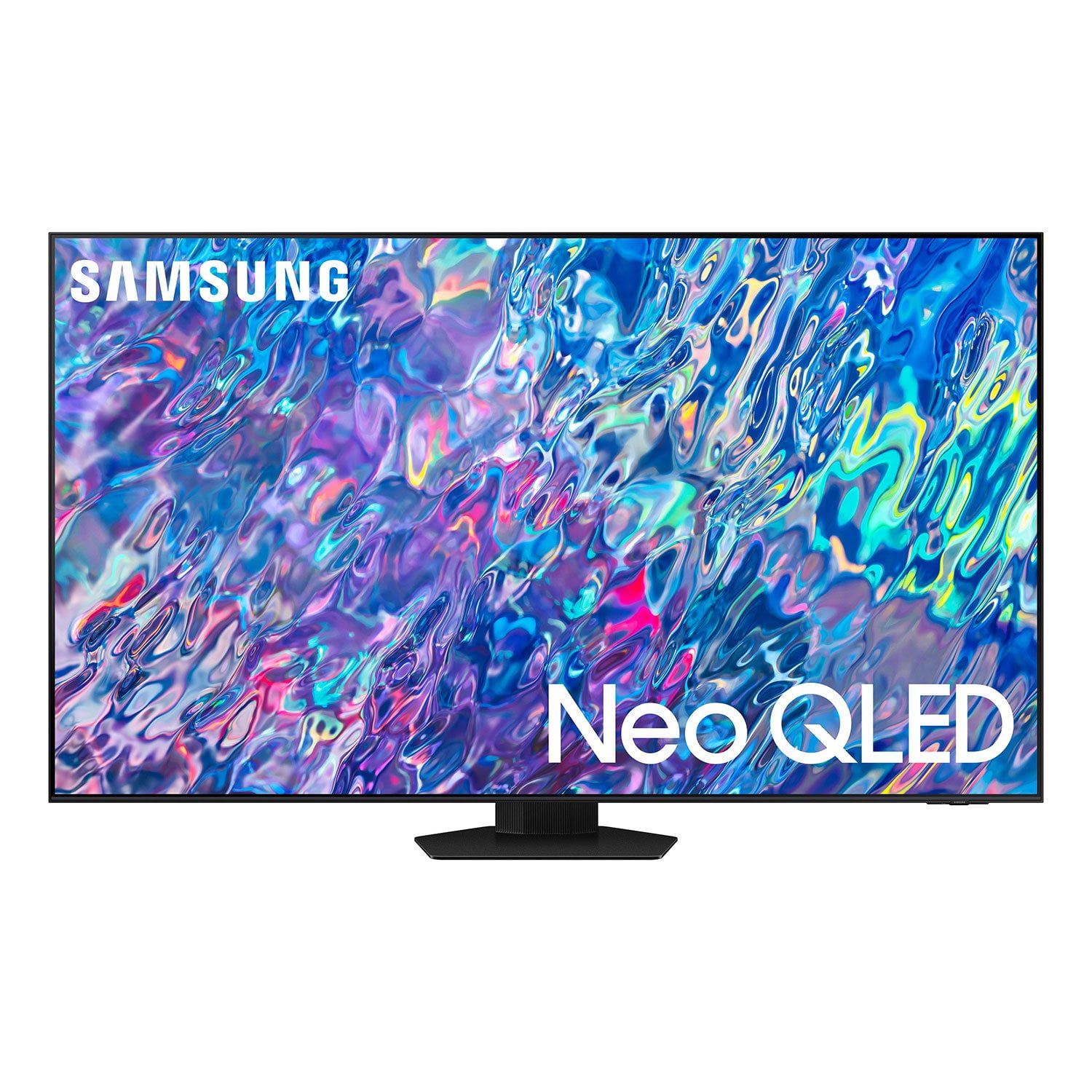
SAMSUNG 65" Class QN85BD-Series Neo QLED 4K Smart TV - QN65QN85BDFXZA
4.7 out of 5 stars
stars
736 ratings672 reviews
  1. 5 stars82% (604)
  2. 4 stars13% (93)
  3. 3 stars3% (19)
  4. 2 stars1% (6)
  5. 1 star2% (14)

Member photos

  • +187 images
Sort by |
Showing 31-40 of 672 reviews
Jul 28, 2022
Reviewer name: Bdborah
5 out of 5 stars
5 out of 5 stars review

Samsung 65” Neo Q led smart tv

[This review was collected as part of a promotion.] Tv has an awesome picture with brilliant colors , best tv that I've ever owned by far . Also has magnificent sound!

Review from Samsung US
Helpful?6MSFCO3SMOG113868809341
Aug 23, 2022
Reviewer name: Surferbro
3 out of 5 stars
3 out of 5 stars review

User unfriendly

[This review was collected as part of a promotion.] For watching sports and tv shows. The navigation sucks, too much clicking to get where I want to go.

Review from Samsung US
Helpful?6MSFCO3SMOG113868809341
reply from Samsung Brand Ambassador

Surferbro, Please know you can quickly access your TV Settings by pressing the Settings/Number/Color button (below the power button) on your remote. After using the below pathway a few times, pressing this button will remember and quickly configure frequently used functions. 1. Press the Settings/Number/Color button on your remote. 2. Press the UP directional button on your remote. When you press this button, the Settings menu/Virtual number pad/Color pad are displayed. 3. From the Settings menu, you can quickly set the options of your frequently used functions. For advanced settings, select All Settings. I hope this tip helps improve your enjoyment. For more help, please call us at 1-800-SAMSUNG, 8AM - 12AM EST, 7 days a week. LiveChat with an agent as well as manuals, software, and warranty info can be found at the ‘Support’ link on our Samsung website. ~ Samsung Specialist

Oct 5, 2022
Reviewer name: Richard
5 out of 5 stars
5 out of 5 stars review

Fantastic Tv.

[This review was collected as part of a promotion.] I was in doubt between a projector or a TV. This 85-inch is really amazing with the image quality and its brightness. Satisfied with the purchase.

Review from Samsung US
Helpful?6MSFCO3SMOG113868809341
Dec 21, 2022
Reviewer name: Biglott
5 out of 5 stars
5 out of 5 stars review

Verified Purchase

Exceptional

Everything I wanted in clarity.

Helpful?6MSFCO3SMOG113868809341
Nov 22, 2022
Reviewer name: James
3 out of 5 stars
3 out of 5 stars review

Verified Purchase

TV

Mu h more difficult to operate than my previous Samsung 55" tv.

Helpful?6MSFCO3SMOG113868809341
reply from Samsung

James,I'm sorry to hear of your experience with your new QN85BD TV. To assist you in learning the various features, functions, and settings of your TV and remote, you can download your TV's User Manual, e-Manual, Remote Control Leaflet, and Quick Setup Guide on Samsung's website under Support (top right corner) > Manuals & Software > TVs & Home Theater. From there, you can select the QN85BD TV under Samsung Neo QLED 4K > B Model Lineup to download the guides you would like. The e-Manual and Remote Guides are also both embedded into the TV itself under Menu > Settings > Support.If you need further assistance, please contact Samsung Customer Support, and a representative will gladly help you. You can reach us at 1-800-SAMSUNG, 8AM - 12AM EST, 7 days a week. Our LiveChat agents are also available by clicking on the ‘Support’ link on our website.~ Samsung Specialist

Feb 13, 2023
Reviewer name: Jake
3 out of 5 stars
3 out of 5 stars review

Verified Purchase

Missing partsl

Im missing 4 screws to attach the base so I have not been able to us it yet

Helpful?6MSFCO3SMOG113868809341
reply from Samsung

Jake,We appreciate your feedback regarding hardware missing from your QN85BD TV. If purchased brand-new and unopened, please contact Samsung Customer Support and a representative will gladly help you. If purchased in open-box condition, we recommend contacting Sam's Club directly for assistance. We hope your issue is resolved in a timely manner.Should you have questions on the usage or setup of your TV once your issue is resolved, please call us at 1-800-SAMSUNG, 8AM - 12AM EST, 7 days a week. Or visit us on the Samsung website and click on the ‘Support’ link for:• LiveChat• Manuals, Software, & Warranty Info~ Samsung Specialist

Jan 27, 2023
Reviewer name: Kimmie01
5 out of 5 stars
5 out of 5 stars review

Verified Purchase

Gret picture

Great picture on this television, and it was so easy to set up.

Helpful?6MSFCO3SMOG113868809341
Nov 20, 2022
Reviewer name: Dick
5 out of 5 stars
5 out of 5 stars review

Verified Purchase

Very good TV.

I am very happy with this TV. The picture quality is excellent. The sound is good.

Helpful?6MSFCO3SMOG113868809341
Oct 17, 2022
Reviewer name: Ladym
5 out of 5 stars
5 out of 5 stars review

Verified Purchase

SAMSUNG 65” 4K

This television is great…wonderful picture and easy to follow instructions.

Helpful?6MSFCO3SMOG113868809341
Dec 17, 2022
Reviewer name: Kristy
5 out of 5 stars
5 out of 5 stars review

Verified Purchase

Awesome

Great picture and love the ease of hooking up cable box and sound bar using only one remote

Helpful?6MSFCO3SMOG113868809341