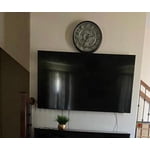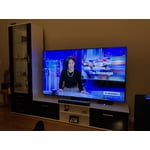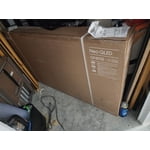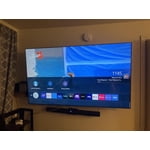
Good TV but spend more on a better model.
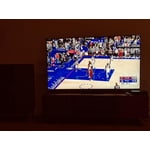
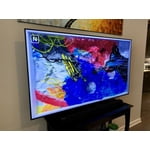
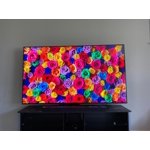
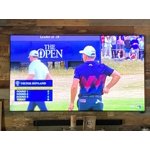
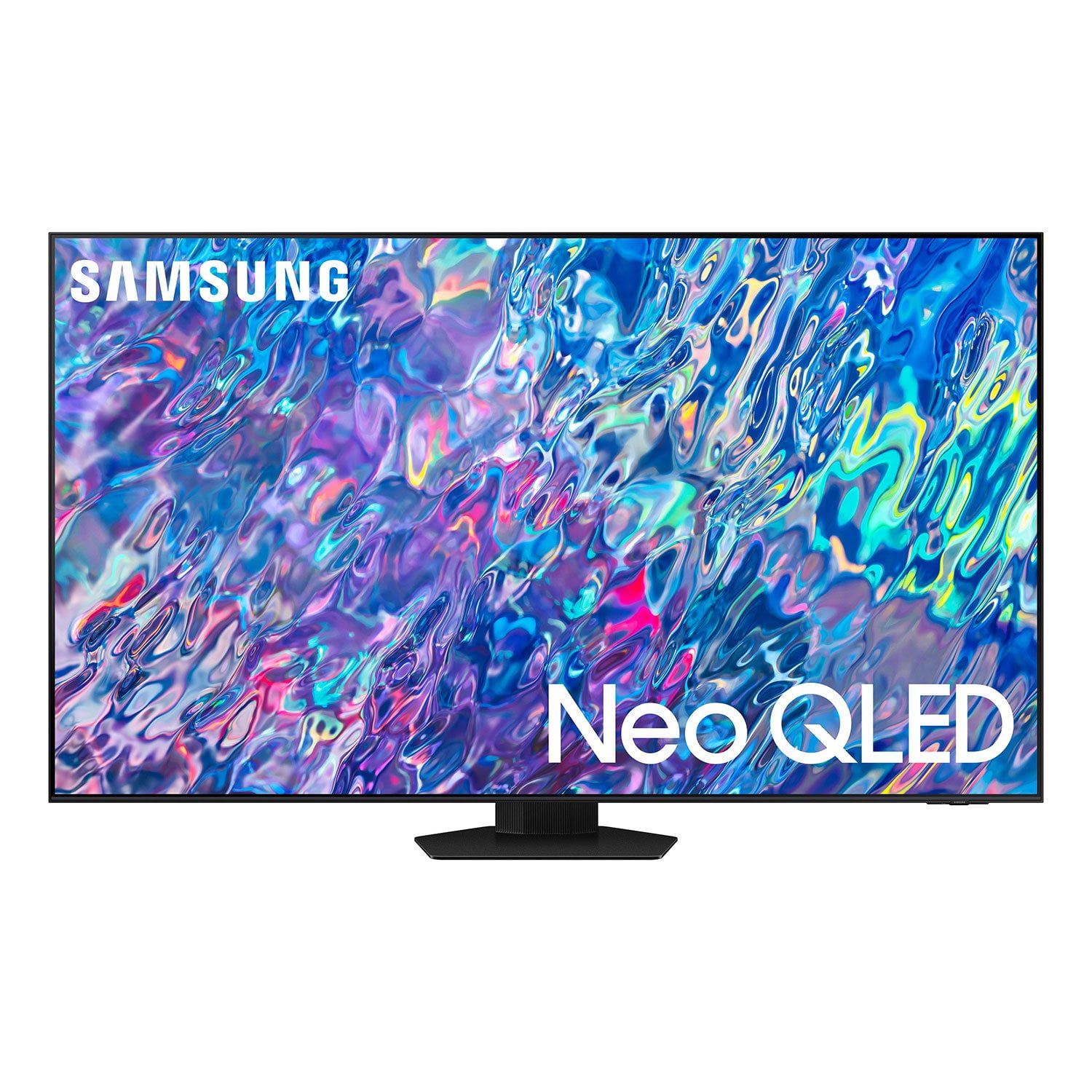
I bought this right after Christmas 2022 and I am overall happy with it. This replaced a Samsung 65" NU8000 4K Crystal LED tv I bought back in 2018. While I do love the picture quality of the new QN LED I bought, it seriously wasn't very much of an improvement over the my older model. The biggest improvement that I noticed was the image quality was a little better for moving objects than my older model. When I watch 4k videos, the clarity of of the new QN85 really is not any better than what I already had. The sound quality is better but the interactive screen with all the apps is really sub-par compared to what was on the NU8000. The menu and apps on the NU8000 always worked flawlessly and they were easy to look through while the program I was watching was still running in the background. The new layout cuts out whatever I am watching until I choose another app or exit out to the last open app. I have also had tons of issues with getting some apps to open. Netfilx has been hit or miss since day one. When I open the Netflix app, I have to press the enter button twice or it will not open. I also run into this issue with YouTube and Paramount Plus. I am hoping that Samsung releases some kind of firmware update or software update soon. Would I reccomend this TV for others, yes and no. If possible, go to a store and look at the TV's and their picture in person. My situation, my older TV was actually better than what I purchased since it never gave me any issues and the picture quality was equal to what this TV puts out. If you are moving up from just a 1080i or 1080p TV or just one of the cheap low end manufacture TV's, Yes this TV is worth it. If I had to make this decision again, I would have either gone with the QN90 or 95. Another big difference between the two TV's that I have is that my old NU8000 had a VA panel which gives the best contrast ratio vs the IPS panel that is on the QN85B. Sure the IPS panel is brighter and has better viewing angles but the VA panel gives almost triple the contrast and the viewing angle is just fine unless you sitting 160 degrees angled from the screen.
reply from Samsung Brand Ambassador
AJB399,
We appreciate you sharing details of your experience with apps, and for optimal performance, we ask that you please ensure you've got the latest firmware version installed on your QN85B TV. You can check this by going to: Home > Menu > Settings > Support > Software Update.
You may also want to check to see if any of these apps have available updates. To check this, go to: Home > Apps > Settings
You may also want to further optimize performance with the self-diagnostic tool, which checks memory, frees up unused cached memory, and closes background apps. Go to: Home > Menu > Settings > Support > Device Care > Start Device Care
If the picture you’re seeing is still not to your liking after updating firmware, there are several picture settings you may want to try adjusting.
Go to Home > Menu > Settings > All Settings > Picture > Picture Mode
...and select the mode that best fits your usage:
1) Standard: Is the default mode suitable for general viewing environments.
2) Movie: Is suitable for watching TV or movies in a dark room.
3) Dynamic: Makes the picture brighter and clearer in bright viewing environments.
4) Filmmaker Mode: You can watch the source content (e.g., movie) as it is. If the image is defined as Filmmaker Mode, it will automatically switch to Filmmaker Mode while watching.
You can also go to: Home > Menu > Settings > All Settings > Picture > Expert Settings to manually fine tune your image.
I hope these tips help you enjoy your new product.
You can always contact us for further help at 1-800-SAMSUNG, 8AM - 12AM EST, 7 days a week. Our LiveChat agents are also available by clicking on the ‘Support’ link on our website.
~ Samsung Specialist