Skip to Main Content
Sam's Club
Sam's Club
All Departments
All Services
Customer reviews for SAMSUNG 65" Class QN85BD-Series Neo QLED 4K Smart TV - QN65QN85BDFXZA for
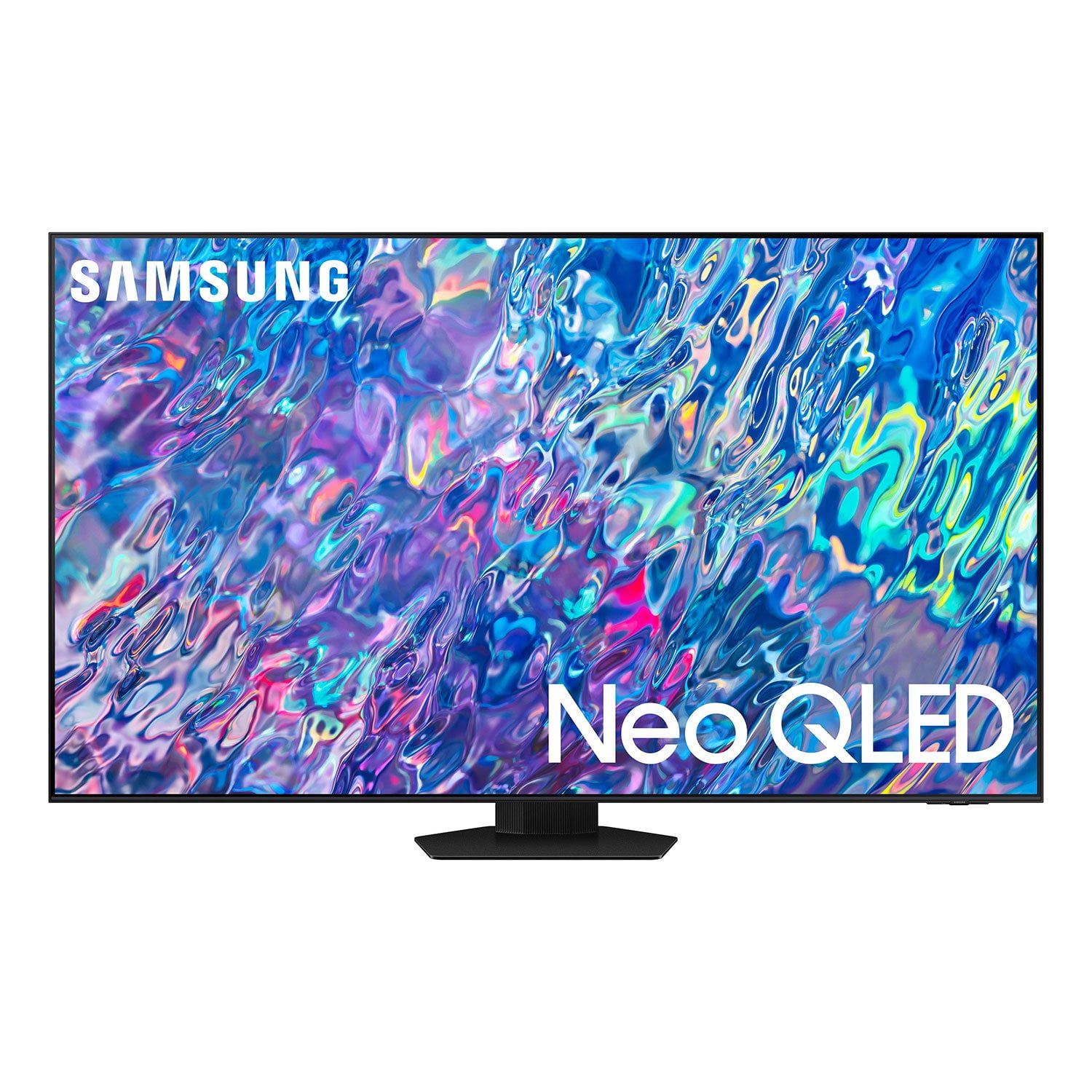
SAMSUNG 65" Class QN85BD-Series Neo QLED 4K Smart TV - QN65QN85BDFXZA
4.7 out of 5 stars
stars
736 ratings672 reviews
  1. 5 stars82% (604)
  2. 4 stars13% (93)
  3. 3 stars3% (19)
  4. 2 stars1% (6)
  5. 1 star2% (14)

Member photos

  • +187 images
Sort by |
Showing 121-130 of 672 reviews
Oct 25, 2022
Reviewer name: TheaterExperience
5 out of 5 stars
5 out of 5 stars review

This TV couples nicely with Samsung sound system
[This review was collected as part of a promotion.] After buying the TV we bought the sound system to match. It is as close to a theater experience as I think you can get in the comfort of your home. Love the smart features and remote without the need for the FireTV box.

Review from Samsung US
Helpful?6MSFCO3SMOG113868809341
Oct 26, 2022
Reviewer name: webcatcher
4 out of 5 stars
4 out of 5 stars review

Great TV/Great Features

[This review was collected as part of a promotion.] Overall, I am very impressed with this new TV. The features are great, and the user interface is super easy to use. Setup was very simple as well, and it integrated perfectly with our Dish. One small issue that I have is the red coloring. Most reds are a little too much. Some shows even have skin tone as too red. This may just be a setting that I need to adjust, but I have not had a chance to do much fine-tuning yet.

Review from Samsung US
Helpful?6MSFCO3SMOG113868809341
reply from Samsung Brand Ambassador

webcatcher, Thank you for sharing your thoughts on the picture quality of your QN85B TV. To ensure you’ve got the latest image quality updates, please confirm that your TV is up to date with the latest firmware version. You can check by going to: Home > Menu > Settings > Support > Software Update. If the picture you’re seeing is still not to your liking after updating firmware, there are several picture settings you may want to try adjusting. Go to Home > Menu > Settings > All Settings > Picture > Picture Mode ...and select the mode that best fits your usage: 1) Standard: Is the default mode suitable for general viewing environments. 2) Movie: Is suitable for watching TV or movies in a dark room. 3) Dynamic: Makes the picture brighter and clearer in bright viewing environments. 4) Filmmaker Mode: You can watch the source content (e.g., movie) as it is. If the image is defined as Filmmaker Mode, it will automatically switch to Filmmaker Mode while watching. You can also go to: Menu > Settings > All Settings > Picture > Expert Settings and configure the TV settings to your taste with functions such as Brightness, Contrast, Sharpness, Color, Tint (G/R), and many more. If you would like further assistance with settings adjustments or have any questions, please contact Samsung Support at 1-800-SAMSUNG, 8AM - 12AM EST, 7 days a week. Our LiveChat agents are also available by clicking on the ‘Support’ link on our website. ~ Samsung Specialist

Oct 6, 2022
Reviewer name: Catfish
5 out of 5 stars
5 out of 5 stars review

Crisp video in big room; remote a bit touchy
[This review was collected as part of a promotion.] We're adventure, nature, sports watchers -- the more "live feel" the better. I wanted this offer a showcase video in a large living room. It sure does, and more. Now I want to buy a Samsung sound system to complement it. The remote is finicky, and very small -- easily to lose one's grip. I bought this for the presence of a powerful video -- and this model Samsung delivers

Review from Samsung US
Helpful?6MSFCO3SMOG113868809341
Oct 5, 2022
Reviewer name: TexTroop
5 out of 5 stars
5 out of 5 stars review

Greatness ! Love this Samsung TV

[This review was collected as part of a promotion.] I use this TV for Movies and sports. Once in a while gaming. The picture is clear and the navigation tool is easy to use with all the apps. I heard initially that the set up was difficult, but after getting it set up that's not true easy to get going.

Review from Samsung US
Helpful?6MSFCO3SMOG113868809341
Oct 5, 2022
Reviewer name: DrSteelHammer
4 out of 5 stars
4 out of 5 stars review

Good features

[This review was collected as part of a promotion.] We enjoy using our TV mainly to stream serials or sports. The Alexa feature on the TV is very helpful, especially when we forget where we placed the remote and want to turn the TV off or adjust the volume. One minor problem is the rainbow lines/ reflection when the lights in our kitchen (when faces the TV) are switched on. For us, this is a rare issue since we usually watch TV with lights off. We placed the TV using the stand (not wall mounted), and have had no issues with it. The TV volume is very good. We also like the different brightness modes (Dynamic, Natural, Movie maker, etc) and also the fact that we can set a minimum brightness. The TV also has multiple HMDI ports. We have used this a few times, and it works very smooth.

Review from Samsung US
Helpful?6MSFCO3SMOG113868809341
Oct 5, 2022
Reviewer name: Akitamom
4 out of 5 stars
4 out of 5 stars review

Mostly a Great TV

[This review was collected as part of a promotion.] We use this TV to watch TV, movies and sports. I love everything except one thing. On many programs, the actors mouth and the sound aren't together so you see their mouth move but the sound is off by a couple seconds - Very Distracting.

Review from Samsung US
Helpful?6MSFCO3SMOG113868809341
Aug 23, 2022
Reviewer name: NorthNate
5 out of 5 stars
5 out of 5 stars review

A Great choice for home theatre.

[This review was collected as part of a promotion.] This TV is a great centerpiece to complete our home theatre experience. It really is immersive! Colors pop, lighting is amazing, and the darks are truly dark! You can't go wrong with this model for your home theatre needs.

Review from Samsung US
Helpful?6MSFCO3SMOG113868809341
Oct 6, 2022
Reviewer name: Session2Musician
5 out of 5 stars
5 out of 5 stars review

How I Imagined a future TV to be!!

[This review was collected as part of a promotion.] This television is definitely the blueprint for what future TV sets should strive for. The dynamics of each setting available is second to none. Watching movies with this Gem is a phenomenal experience. And yes, I'm including the sound as well. Other renditions struggle to reach the level of these, because of their unwillingness to go beyond a less than modest budget. Samsung, it looks like you will continue to be the leader in this industry for a while to come yet..

Review from Samsung US
Helpful?6MSFCO3SMOG113868809341
Aug 23, 2022
Reviewer name: LighTBright
4 out of 5 stars
4 out of 5 stars review

Great color but weird light adjustments

[This review was collected as part of a promotion.] Let me start off by saying that this is overall a great tv. Watching movies on it is fantastic. The picture is amazing, the colors pop and the blacks are deep blacks with very little light bleeding into them which makes movies look amazing. The only issue I have with this tv is that I occasionally notice it trying to adjust the brightness while watching tv in the dark and it continues to dim and brighten randomly. At first I thought it was the light in the house but I started noticing it more when watching movies in the dark. Not sure how to fix it but it gets annoying sometimes and really ruins the experience.

Review from Samsung US
Helpful?6MSFCO3SMOG113868809341
reply from Samsung Brand Ambassador

LighTBright, We appreciate you sharing details of the dimming issue you’ve experienced on your QN85B TV. Please try disabling some of the TV's energy efficiency functions, as these will automatically adjust your picture and may cause your screen to appear brighter or darker than preferred. Check to see if Contrast Enhancer has been enabled. This setting automatically adjusts your TV's brightness so the difference between bright and dark areas is not excessive. Go to: Home > Menu > Settings > All Settings > Picture > Expert Settings > Contrast Enhancer If Contrast Enhancer hasn’t been enabled, please see if Brightness Optimization, Brightness Reduction, or Motion Lighting have been enabled and disable them. - Menu > Settings > All Settings > General & Privacy > Power and Energy Saving > turn off Brightness Optimization, Brightness Reduction, and Motion Lighting Please also be sure your TV’s firmware is up to date with the latest version. You can check this by going to: Home > Menu > Settings > Support > Software Update > Update Now I hope these tips help. Should you need further assistance, please call us at 1-800-SAMSUNG, 8AM - 12AM EST, 7 days a week. Or visit us on the Samsung website and click on the ‘Support’ link for: • LiveChat • Manuals, Software, & Warranty Info ~ Samsung Specialist

Oct 5, 2022
Reviewer name: Marcus1258
4 out of 5 stars
4 out of 5 stars review

This is an awesome TV!

[This review was collected as part of a promotion.] This is now our primary TV in our living room and used for all type of viewing: news, sports, sitcom, movies, streaming channels, - It does it all. The sound is great , but wish it had better choices of soundbars and home theatre connectivity.

Review from Samsung US
Helpful?6MSFCO3SMOG113868809341