Skip to Main Content
Sams Club
Sams Club
Customer reviews for Google Battery-powered Nest 1080p HD Security Camera for
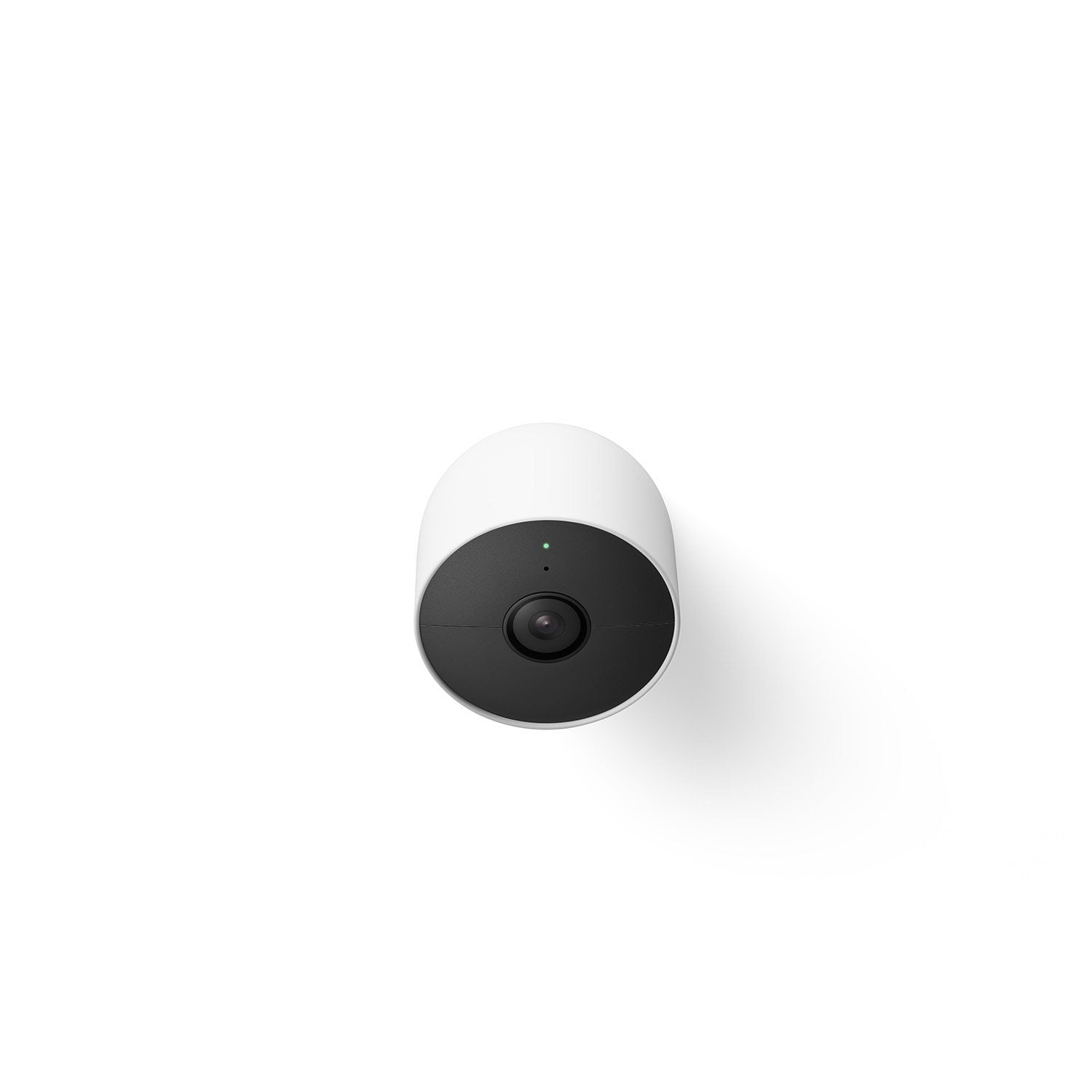
Google Battery-powered Nest 1080p HD Security Camera
4.4 out of 5 stars
stars359 ratings354 reviews
  1. 5 stars74% (265)
  2. 4 stars11% (40)
  3. 3 stars4% (16)
  4. 2 stars5% (17)
  5. 1 star6% (21)

Member photos

  • +73 images
Sort by |
Showing 71-80 of 354 reviews
Jul 2, 2023
Marcello
5 out of 5 stars review

Verified Purchase

Love how easy it was to install!

Review from walmart.com
Helpful?68SZIG50EPRV13867824192
Dec 17, 2023
carrie
4 out of 5 stars review

Verified Purchase

Love the Camera

I loved everything about the camera except the don’t stay charged up long….

Review from walmart.com
Helpful?68SZIG50EPRV13867824192
reply from Nest Support

Hi there, Carrie! We appreciate that you love the Nest Cam (battery), and we hear your concern about its battery life. We suggest adjusting the camera settings like the video quality, length of video clips, time between recorded events, or to use activity zones to monitor specific areas that can extend the battery life of your camera. Check this link for more tips: https://support.google.com/googlenest/answer/10901611<br /><br />If the battery life is significantly lower than expected, we can help you check for other reasons why the camera is behaving differently. Please contact us anytime here: https://support.google.com/googlenest/gethelp

Apr 23, 2023
WalmartCustomer
5 out of 5 stars review

Verified Purchase

[This review was collected as part of a promotion.] Good quality and competitive price

Review from walmart.com
Helpful?68SZIG50EPRV13867824192
Oct 25, 2024
Catomax
5 out of 5 stars review

Verified Purchase

Things I like: appearance, easy of use and setup. All the latest features.

Review from walmart.com
Helpful?68SZIG50EPRV13867824192
Dec 5, 2024
Artie
5 out of 5 stars review

Verified Purchase

Quality video

Google nest cameras are absolutely amazing. Clear precise video quality

Review from walmart.com
Helpful?68SZIG50EPRV13867824192
Sep 14, 2024
Oceanbnd
4 out of 5 stars review

Verified Purchase

The battery on this has been as advertised 2-3 weeks before it needed a charge.

Review from walmart.com
Helpful?68SZIG50EPRV13867824192
reply from Google Nest Support

Hi there. The battery life you get depends on several things, like how much activity is recorded and your settings in the app. If your Nest Camera or Doorbell needs to be charged more often than you&#39;d like, check out this article for some steps you can try:https://support.google.com/googlenest/answer/10901611

Mar 25, 2024
Christina
5 out of 5 stars review

Verified Purchase

Easy set up.

We have ADT and it was east to add on.

Review from walmart.com
Helpful?68SZIG50EPRV13867824192
Aug 21, 2023
TT
5 out of 5 stars review

Verified Purchase

Great Service!

The service was GREAT! Thank you!

Review from walmart.com
Helpful?68SZIG50EPRV13867824192
Jun 11, 2024
Claude
5 out of 5 stars review

Verified Purchase

Seems to be a good camera

Review from walmart.com
Helpful?68SZIG50EPRV13867824192
Sep 3, 2023
Sheri
3 out of 5 stars review

Verified Purchase

not perfect

the camera doesn't always capture humans.

Review from walmart.com
Helpful?68SZIG50EPRV13867824192
reply from Nest Support

Hi there, Sheri. Thanks for sharing the issue with us. We&#39;re sorry to hear that your Nest Cam (battery) doesn&#39;t always capture people.<br /><br />The Nest Cam (Battery) makes use of algorithms to process video and audio data to determine whether it detected something you might want to know about. Video recording can be triggered by motion detection, and this can also be influenced by changes in light levels and the movement of shadows across the frame, such as when a cloud passes in front of the sun. To enhance the recognition of people and improve the video recording feature, we recommend trying the following steps:<br />- Adjust Activity Zones: Modify the Activity Zones on your camera. You can delete your existing Activity Zone and create a new one in any area within your camera&#39;s field of view. Just ensure that none of the zones you create overlap.<br />- Consider Camera Angle and Lighting: Change the angle of your camera and take into account the lighting conditions in the surrounding area.<br />- Restart Your Camera: Try restarting your camera to refresh its settings and configurations.<br /><br />We are here to help with your support needs. Please consider reaching out to our support team for further assistance via this help page: https://support.google.com/googlenest/gethelp