
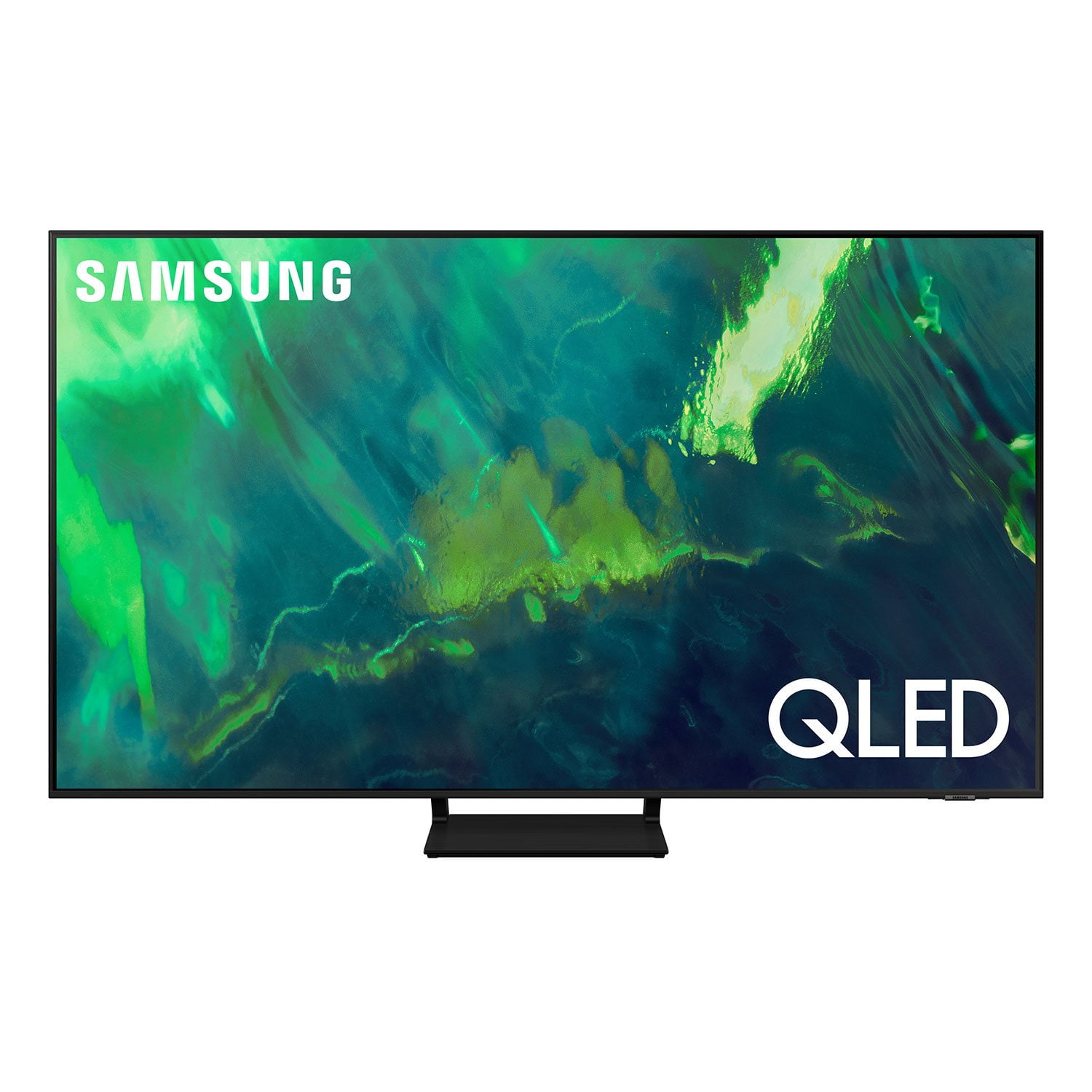
 Customer reviews for SAMSUNG 65" Class Q7-Series 4K Ultra HD Smart QLED TV QN65Q7DAAFXZA for
Verified Purchase
Good quality
The only complaint that I have is that the remote is hard to get used to. But to be fair I didn't bother to read the directions right away. The quality of the picture is outstanding. Maneuvering through the different channel's and local TV is not too bad. All-in-all, I would recommend this TV
Verified Purchase
SUPER PURCHASE!
Purchased a new 65" TV from Sams Club online. TV arrived on time and no damage. Price was better than other places I've researched. Plus with Sams Plus shipping was free. Very happy with our purchase.
Verified Purchase
Samsung QLED
Picture is great. Was very easy to set up. Don't like the remote control that came with the TV. Very hard to figure out how to use. They should just include a standard remote like they use to. My other Samsung 55" came with same type of remote and they are hard to use.
Verified Purchase
Great picture and easy to operate
Beautiful picture, easy to setup and operate.great picture from all angles. I have many windows so the room is very bright. The picture is completely visible in bright as well as dim lighting. I am very happy with my purchase and recommend this TV.
Verified Purchase
Daniesue
Awesome, clear picture,,,and the 4 year Protection Plan is what actually sold it for us,,,129.99 value for $0,,,couldn't be better!
Verified Purchase
Beautiful Picture With 1 Remote to Rule Them All
I've had this TV about a month now, and I love this upgrade from our 10+ year old Samsung 1080p 3D TV. But to be fair, if my old 3D unit had been 4K or there was a 4K 3D TV currently being produced, I would have purchased that instead. That being said, I would've loved to give this TV a 5 star rating, the remote alone deserves its own 5 stars, but Samsung makes that impossible. This TV has an amazing picture quality, but it only took me a week of fooling with it every day to get it where it wasn't overly bright, to red, blue or green, and find the sweet spot with the complete lack of helpful basic information from Samsung. My 10+ year old Samsung 55" 3D TV was upgraded by this Q7, and Samsung quality hasn't slipped a bit in my opinion, but their inclusion of certain things that made setting up their TVs for the common user has fallen off a cliff. Pros: Picture Quality - Absolutely one of the most beautiful pictures for TV, movies, sports, or gaming that you can find. Connectivity - I had absolutely no trouble connecting with my network, PS5, and the Samsung soundbar with subwoofer we added. Everything works together flawlessly and easily. Remote Control - One remote runs everything, and I do mean everything! After adjusting the speaker bar, those batteries came out and that remote is in a drawer. The TV remote uses NO batteries, just flip it over when not in use to let any light keep the "solar" cell charged up. If you forget, the TV gives a helpful reminder when the remote runs low. This remote even operates the basic functions on my PS5. So we can operate the viewing choices while watching Blu-ray movies, live TV through Hulu, and switch apps all with the Samsung remote while using the PS5. Application Options - There are so many available apps on this interface. I'll explain why this is also a con below, but there are more apps here than I knew even existed. Cons: NOT a user friendly interface - The UI (user interface) could use quite a bit of work. Once you figure out the nuances of it, the UI isn't bad, however it will take you a bit to figure it out. Simple things like, pressing and holding the center button on an app icon will bring up options and the ability to move said app on your menu so you can reorder your apps. My biggest gripes with the UI are not being able to remove apps that you don't want like the QVC app, and having almost zero instruction available for reference. Picture Settings - While the picture is absolutely beautiful, especially once you figure every adjustment option out and get is set for your environment, neither the automatic picture control or preset settings do the capabilities of this TV justice. Then there are numerous settings, with numerous overall options that the average user won't know about without either some reference material or a LOT of trial and error. In summary, I'm pleased with my purchase of this TV. I do wish Samsung would update the software with the ability to remove some apps, that I don't want and will never use, but the sheer amount of apps available makes up for the control issues. The remote does an amazing job and it's so nice only having one remote out for everything. However the main detractor is the fact that this is a difficult TV to get the settings just right, and an almost total lack of reference materials from Samsung for the average user. I'd recommend this Q7 to anyone that wants a solid high-quality entertainment setup without breaking the bank.
Verified Purchase
VIBRANT & SHARP TV
It's a beautiful TV with lots of apps and SamsungTV was a nice addition and surprise to add to my viewing choices. It's a little pricey compared to other models and I wonder if I could have just gone with one that was $600 less. My only issue is that the sound is not as dynamic as I would like and doesn't allow for me to adjust the equalizer. Maybe I need to explore more, but it certainly isn't an intuitive adjustment like the video is. Very thin profile which is quite appealing, and I also like that the base is centered rather than prong like feet on other side. Colors are vibrant and sharp right up to the edges. Overall, I'm very please with this TV despite the price.
Verified Purchase
65” Samsung 4K TV.
Out of stock in the store, so we ordered and had it shipped to us. It seemed fine when looking it over, but when we turned it on it was broken on the inside. Lines all over the picture screen. Had to send it back. Sam's Club customer service was excellent though. They are sending a replacement. I hope this one is OK. Won't be ordering a third.
Verified Purchase
Disappointing Blurry Images
There was noticeable pixelation with background images that made things quite blurry. Called Samsung and they suggested a factory reset, which was done, but didn't really help much. The high clarity I expected, was not consistent at all. Don't know if this is common for the QLED in comparison with OLED, but will be returning this TV since it has not gotten any better, and Samsung can't seem to offer any other fix. Quite disappointing for spending almost $1000.
KJ, I am very sorry you are experiencing issues with a distorted picture. The issue may be due not connecting correctly with an external device. Please check your connection with these steps: 1. Disconnecting and reconnecting the power cables and HDMI cables on the back of your TV, then unplug the power cord and plug it back into the wall outlet 2. If the external device supports UHD video, use a dedicated HDMI cable (4K) for HDMI video playback. 3. If a component cable is used, make sure that the colored connectors are connected to the matching connectors on the external device and the TV. 4. If you are using a set-top box, check the cable connection. The cable you need to check depends on the type of set-top box. 5. Make sure that your access point is connected to the Internet. If not, disconnecting and reconnecting its power cable may be required. 6. If the problem persists, check the video output settings in the settings menu of the external device, and ensure that your TV supports the video output mode. Should you need further assistance with settings, features, or functions, please contact Samsung Customer Support at 1-800-SAMSUNG, 8AM - 12AM EST, 7 days a week. Our LiveChat agents are also available by clicking on the ‘Support’ link on our website. ~ Samsung Specialist
Verified Purchase
What warranty?
The tv is fine. It was advertised as coming with an extended warranty and I was somehow unable to put that warranty into my shopping cart once I switched to pickup rather than delivery. So I still don't have a warranty. The ladies in the store when I picked it up also didn't understand why I didn't have it and didn't know how to fix it. There is actually a ticket that was opened for the issue that Sam's never answered to.
JSabs,I'm sorry to hear of your experience. Please follow up directly with Sam's Club for assistance in correcting this situation. We hope your issue is resolved in a timely manner. If you’re experiencing specific issues which caused you to give your Q7DA TV a 2-star rating, please know Samsung Customer Support is here to help. You can reach us at 1-800-SAMSUNG, 8AM - 12AM EST, 7 days a week. Our LiveChat agents are also available by clicking on the ‘Support’ link on our website.~ Samsung Specialist