Skip to Main Content
Sams Club
Sams Club
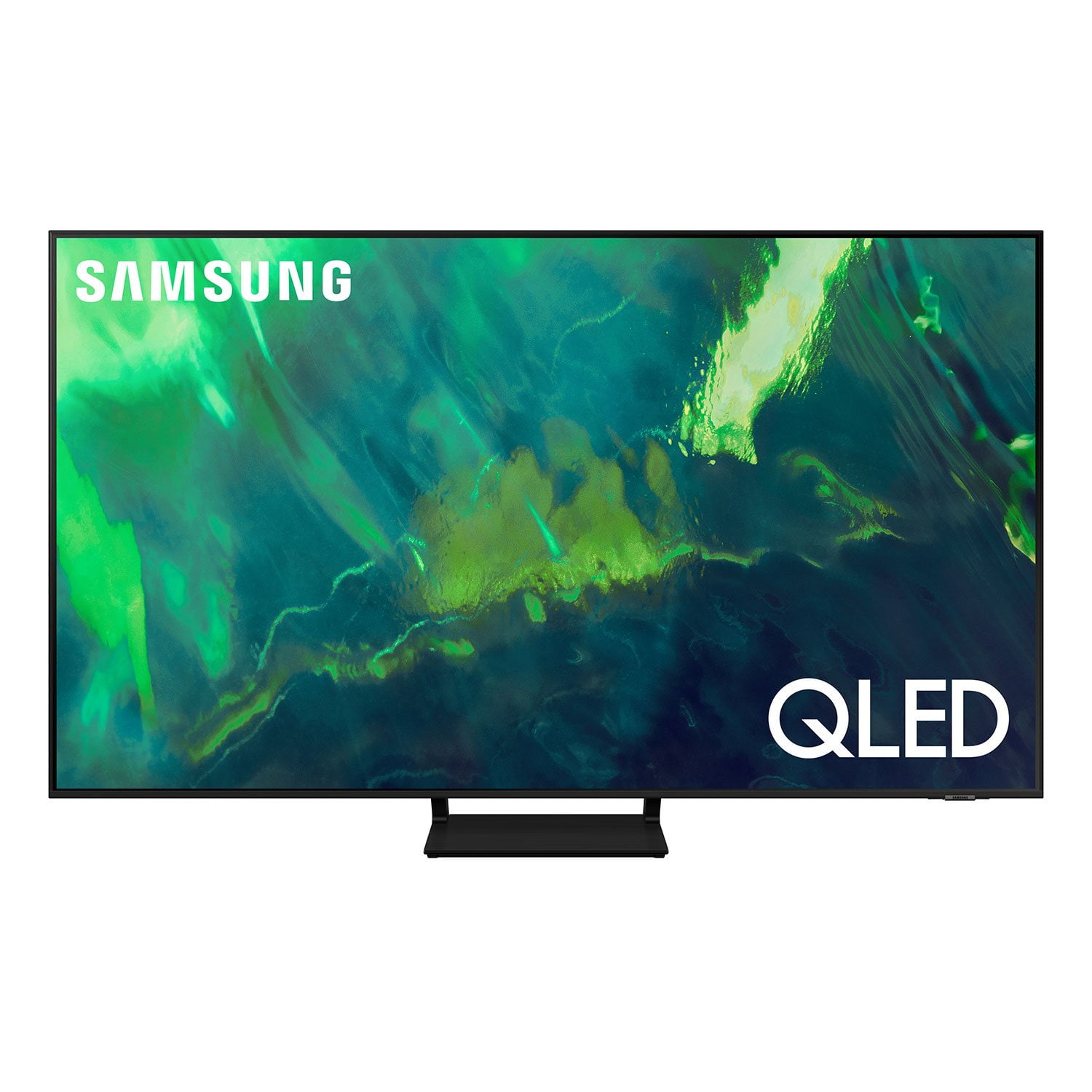
Customer reviews for SAMSUNG 65" Class Q7-Series 4K Ultra HD Smart QLED TV QN65Q7DAAFXZA for
SAMSUNG 65" Class Q7-Series 4K Ultra HD Smart QLED TV QN65Q7DAAFXZA
4.7 out of 5 stars
stars2,039 ratings1,959 reviews
  1. 5 stars80% (1,630)
  2. 4 stars15% (303)
  3. 3 stars3% (52)
  4. 2 stars1% (30)
  5. 1 star1% (24)
Write a review
Sort by |
Showing 21-30 of 1,959 reviews
Jan 3, 2023
Dawson
5 out of 5 stars review

Verified Purchase

Samsung 65" 4K Q7 Smart TV

We are enjoying the sharpness and crispness of the picture!! It was very easy to set this 65" 4K Q7 smart tv on a mount, placed on the wall, for mobility.

Helpful?7ENH4H8TEGBK13740406124
Dec 30, 2022
DT
5 out of 5 stars review

Verified Purchase

Nice TV

Very happy with picture. Easy to set up. Only drawback is some of my older home theater equipment will not connect. Doesn't have component jacks. Either going to need to upgrade those or try to find adapters,

Helpful?7ENH4H8TEGBK13740406124
Oct 5, 2021
Tim
4 out of 5 stars review

Verified Purchase

Beautiful TV and great features.

Beautiful TV, with plenty of features. Great sound when connected to Q700A sound bar, but doesn't play sound on 4K Apple TV all the time… kind of weird.

Helpful?7ENH4H8TEGBK13740406124
Mar 22, 2022
Danielle
5 out of 5 stars review

Verified Purchase

Beautiful picture

Beautiful picture! Really brilliant. Sound is pretty good too. Love the ease of using apps and Alexa directly from the tv. Eliminated the need for a fire stick.

Helpful?7ENH4H8TEGBK13740406124
Jun 29, 2022
Cheryle
5 out of 5 stars review

Verified Purchase

Samsung tv

Great picture quality. Once you get used to the menu to select apps and navigate is user friendly. Enjoying my new tv. Probably more in the winter though.

Review from Samsung Canada
Helpful?7ENH4H8TEGBK13740406124
reply from Operations

So glad to hear you're enjoying your Samsung TV, Cheryle!

Jun 12, 2022
Anonymous
5 out of 5 stars review

Verified Purchase

Remote not working

The TV remote has stopped working on me. Doesnt get charged by either solar power or USB. Only works when plugged in with charger. Please send a replacement remote.

Review from Samsung Canada
Helpful?7ENH4H8TEGBK13740406124
reply from Operations

Hi Amritpal, thank you for reaching out. We're here to help. Could you please tell us more about the situation? Get in touch at 1-800-SAMSUNG or via live chat on our website (http://www.samsung.com/ca/support/)Ā 

Jan 19, 2023
Todd948
5 out of 5 stars review

Verified Purchase

QLED is the best!

QLED is awesome. Deep blacks like an OLED, vivid bright colours, a lower price than an OLED, and no threat or burn in like an OLED if I leave the TV on all night!

Review from Samsung Canada
Helpful?7ENH4H8TEGBK13740406124
Jan 8, 2023
Kahousto
3 out of 5 stars review

Great features but lots of white clouding...

Significant white clouding in dark scenes. Don't get me wrong it is a great TV and the image quality is great; however, compared to my 7 year old Samsung the blacks aren't as black. I have attempted all of the picture settings to remedy fix it but nothing gets rid of the white showing through. The rechargeable remote is a great feature and it is nice to be able to use the Samsung apps again to stream! For reference I have had this TV for about a week. I needed a television for my bedroom so I purchased this to replace my living room 7 year old Samsung so I could move it into my bedroom. The blacks are so black on the old model that I have high expectations in that area. Overall I would recommend it but if the white clouding will get to you.... move one.

Review from Samsung US
Helpful?7ENH4H8TEGBK13740406124
reply from Samsung Brand Ambassador

Kahousto, Thank you for sharing your thoughts on the picture quality of your Q70A TV. To ensure you’ve got the latest image quality updates, please confirm that your TV is up to date with the latest firmware version. You can check by going to: Home > Menu > Settings > Support > Software Update. I see that you have already tried adjusting your image, but I did want to share the following adjustments with you, just in case: Go to Home > Menu > Settings > All Settings > Picture > Picture Mode ...and select the mode that best fits your usage: 1) Standard: Is the default mode suitable for general viewing environments. 2) Movie: Is suitable for watching TV or movies in a dark room. 3) Dynamic: Makes the picture brighter and clearer in bright viewing environments. 4) Filmmaker Mode: You can watch the source content (e.g., movie) as it is. If the image is defined as Filmmaker Mode, it will automatically switch to Filmmaker Mode while watching. You can also go to: Home > Menu > Settings > All Settings > Picture > Expert Settings to manually fine tune your image. For further assistance with settings adjustments, please contact Samsung Customer Support at 1-800-SAMSUNG, 8AM - 12AM EST, 7 days a week. Or visit us on the Samsung website and click on the ā€˜Support’ link for: • LiveChat • Manuals, Software, & Warranty Info ~ Samsung Specialist

May 2, 2021
Tabitha1405
3 out of 5 stars review

Great color and size

[This review was collected as part of a promotion.] This TV is used for regular viewing and streaming. The color is great and the 55 inch screen is perfect for our room. The most disappointing feature is the remote control. Sometimes we have to put the channel in four or five times before it picks up the numbers correctly. It also cuts out the sound sometimes. I am not sure if it is due to the cable connection or the TV. Some good features, some not so good.

Review from Samsung US
Helpful?7ENH4H8TEGBK13740406124
reply from Samsung Brand Ambassador

Tabitha1405: Thank you for your review of Samsung’s Q70A QLED TV and for sharing your experience with your remote not working as expected. Please try following steps to reset your remote: 1) Long press the RETURN key and ENTER key together for about 10 seconds you’re your remote was once paired already with the TV, you do not need to re-pair it again. However, if it was not paired with the TV, pairing must be done after the reset. 2) The RETURN key is on the left side of your remote and looks like a curved, backwards pointing arrow. 3) The ENTER key is the button in the center of your directional ring. If your sound is cutting out when connected via HDMI, the HDMI cable is most likely the cause. We recommend you replace the HDMI cable with a High-Speed cable with Ethernet Channel, labeled as HEC or HEAC on the cable. If this is not the case, we ask that you contact us so can better understand your setup scenario and provide appropriate assistance. You can reach us at 1-800-SAMSUNG (ask for TVs), available 8AM -12AM EST, 7 days a week. Or text HELP to 62913. For additional support resources, visit us on the Samsung website and click on the ā€˜Support’ link in the upper right corner of the homepage for: 1) More ā€˜Contact Us’ options – LiveChat, Facebook, Twitter, Samsung Community, Samsung Members app 2) Manuals & Software 3) Warranty Info 4) Product Registration: For access to easy warranty support, convenient opt-in to special promos and offers, faster troubleshooting and service, and quick notification of system updates. ~ Samsung Solutions

Jun 29, 2021
Specificjosh
4 out of 5 stars review

Fantastic color

[This review was collected as part of a promotion.] I won't lie, I was bummed to find a dead pixel when I received the unit. However, with a screen this size, some dead pixels are expected. And from a distance, you don't even notice the pixel. Now, with the bad out of the way... Wow! This TV has been fantastic!! I even paired it with the Q800A Soundbar and the Q-Symphony is amazing! The picture clarity and the HDR10+ give this TV a beautiful and deep picture. Then, to top it off, it has HDMI 2.1 so you can game on the new consoles at 120fps at 4k. Unfortunately, a lot of the new games don't take advantage of that display. But, it still looks beautiful!

Review from Samsung US
Helpful?7ENH4H8TEGBK13740406124