Skip to Main Content
Sam's Club
Sam's Club
All Departments
All Services
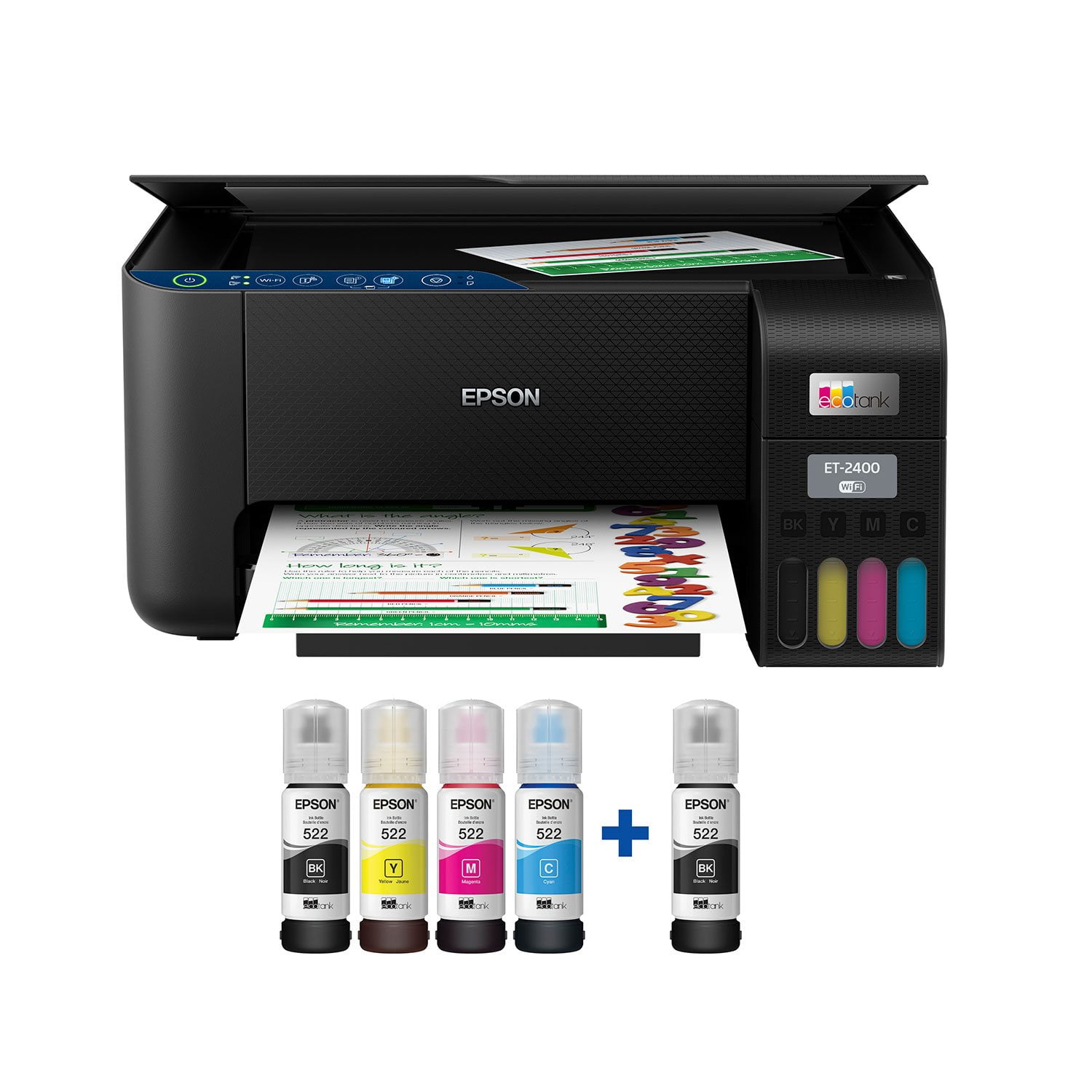
Customer reviews for Epson EcoTank ET-2400 Special Edition All-in-One Inkjet Printer, 1 Bonus Black Ink Bottle for
Epson EcoTank ET-2400 Special Edition All-in-One Inkjet Printer, 1 Bonus Black Ink Bottle
3.5 out of 5 stars
stars
1,032 ratings875 reviews
  1. 5 stars49% (509)
  2. 4 stars10% (105)
  3. 3 stars9% (88)
  4. 2 stars8% (81)
  5. 1 star24% (249)

Member photos

Sort by |
Showing 721-730 of 875 reviews
Mar 13, 2025
Brittany
2 out of 5 stars review

Worst printer I’ve ever owned.

This is probably one of the most frustrating printers I have ever owned. It rarely- if ever- works right the first time. The ink is spotty and it constantly jams. I had zero issues with my Canon printer, it just got damaged during our move and I thought this one would be a good option with the cartridge-free design. It’s a miracle I haven’t thrown this thing out the window yet, I am SO sick of not being able to print without fighting this thing for a whole hour to get one page done.

Review from walmart.com
Helpful?6TBS3KBVF6I113724301252
reply from Epson

Hi Brittany, we are sorry to hear you are having issues with your Epson printer. Your ET-2400 includes a 1-year limited warranty plus free technical support for the life of your product. Our Epson Support Team would be happy to hear from you and can be reached at (562) 276-4382; Hours: Monday – Friday, 7 a.m. to 4 p.m. (PT). Sincerely, Joseph – The Epson Team.

Oct 8, 2023
Riobravofan
1 out of 5 stars review

In the trash after 6 months

The printer came up with an error. Called Epson, they said i had to take to service center that was 3 hours away in the middle of nowhere (Weahitchca, Fl) Looked up the error online, said paper jam. So tried to look in the machine but there is no way, and no screws to remove. So it to the trash.

Review from walmart.com
Helpful?6TBS3KBVF6I113724301252
Oct 22, 2022
mtmfish88
4 out of 5 stars review

Perfect for your office!

This is a review for the Epson EcoTank ET-2400 Wireless Color Printer that I received free of charge to do a beta test and review. Set up is always the part that I never look forward to. The instructions are either too detailed and it takes forever to read or they are confusing and it take forever to set up because you are not sure what is going on. However, in this case, set up was a breeze. It took no time at all which already makes your experience a positive one. Installing the software was easy but I had one part that was tricky. It would not connect to my wifi right away. I did have to turn it off and back on for a second and then it was able to connect.  The ink was the easiest part of the whole process. No leaks, no spills and it will last for a long time depending on how often you print. I am an elementary school teacher and real estate business owner, so I make a bunch of color copies so my printer ink may not last as long as someone who doesn't print that much. After the installation was set up and the wifi was completed, I wanted to see if it would work or if the printing worked. I had to do it a couple times but now it is printing perfectly. I have used a lot of printers and this one is pretty good. It would be a perfect office printer or home printer. 

Review from epson.com
Helpful?6TBS3KBVF6I113724301252
Nov 20, 2022
Michael
2 out of 5 stars review

Disappointing

Set up was more difficult than what I would expect. It failed to connect to WiFi the first time using the app, I restarted the process and it worked the 2nd time. First time printing the paper jammed, even though it was not. Deal breaker for me is that it does not have AirPrint for Apple, you have to use their app to print from an iPhone, I returned the product as a result.

Review from walmart.com
Helpful?6TBS3KBVF6I113724301252
Jul 18, 2023
brandi
1 out of 5 stars review

Don’t ever buy wouldn’t even give this one star

This printer is the worst!!! Had for two weeks won’t work ! All lights keep coming on. Google’s it it says a sensor or something keeps saying paper jam when nothing in it and out of in when it’s full! When it did work it printed line and I would rather a cheap printer over this $200 down the drain!

Review from walmart.com
Helpful?6TBS3KBVF6I113724301252
Jan 28, 2024
PHXTri
1 out of 5 stars review

Terrible Product

This is a terrible, basic and buggy product. It has minimal features. The printing quality is sub-par. The set-up and connectivity problems make it an absolute deal breaker. After three days of trying to keep this device to stay connected to my network, have my computers recognize it, and just get basic network printing functions to work, it was sent back. Look no farther than the phone app you use to set up it up. It has this strange, chat style process. It's just terrible.

Review from epson.com
Helpful?6TBS3KBVF6I113724301252
Oct 5, 2023
Sabrina
1 out of 5 stars review

Don't buy!

i have only had this since March. I converted it to sublimation like everyone else, printed 3-4 times a week filled ink up and was ready for my biggest order and it just kept saying error, something is at its life end. with ink filled and orders to do I was so disappointed because it's not that old.

Review from walmart.com
Helpful?6TBS3KBVF6I113724301252
Jan 21, 2024
Cruisellama
3 out of 5 stars review

Printing is fine - but very basic functions/capabilities

As a mac user, I was disappointed with the hoops required to download the correct driver packages for my OS. It's a very lightweight printer and surprised how much it moves during a print session. Very basic - no document feeder or 2-sided printing, so I'm downgraded in that aspect from previous Epson cartridge printer. If it works well, I'll consider upgrading. Definitely a low end printer. I believe its priced too high for the lack of features.

Review from epson.com
Helpful?6TBS3KBVF6I113724301252
Feb 21, 2025
Motospamber
4 out of 5 stars review

does great, but not brilliant colors

I had an epson 2800 (which does use a different ink bottle) and a piece of copper came out of it, but my son had knocked it down and it stopped feeding paper. I went ahead and got this model out of urgency, it does just fine! It's even using HP paper without being finicky. Every now and then i get a little sludgey smear of ink. I print once a week because my 2800 got clogged on blue and running the cleaning commands use a lot of printer life, especially power clean. Scanner works well snd the epson app is really helpful

Helpful?6TBS3KBVF6I113724301252
Mar 21, 2024
TommyVi
2 out of 5 stars review

Very disappointed

When you print photos on good glossy quality paper, the sheet get stucked inside the printer and you have to start one again, with waste of ink and paper. And when the print goes through, sometimes it shows colored stripes at the bottom of the page. This happens 2 out of 5 times you try to print a photo. It works fine only when you print regular documents, but not photos. Very disappointed

Review from epson.com
Helpful?6TBS3KBVF6I113724301252