Customer reviews for Epson EcoTank ET-4850 Special Edition Inkjet Printer, 1 Bonus Black Ink Bottle forCustomer photos
Great Printer but the ADF rarely works and always jams
Print quality awesome, ink usage awesome, Speed is adequate, love the small footprint and the software is so much easier to use than HP's bloatware. However, the automatic document feeder sucks. 90% of the time it jams and I always end up having to use the glass and scan each page at a time.
Truly a value product
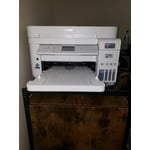
I've been using Epson supertank printers for quite some time now. I must say that my expectations were set really high. And boy, this printer really pleased me. Epson has continued the tradition of delivering great product which are a lot of value for the user. I've been a fan of the supertank life without cartridges. Gives me a sense of freedom and peace of mind. The included ink bottles last a long time...fill it, shut it, forget it. And when it's done, just repeat. Coming to the ET-4850, I got a white one and the subtle design patterns make it look good. The touchscreen is better as compared to the ET-4750. Setting up the printer was a breeze. Really like the bot experience. Appreciate that the bot didn't serialize everything (process engineering at work :-)) The print quality is great, and the option for duplex makes it convenient. You'll also find convenience in the scanning department, where you can choose to scan to computer or cloud. And did I mention that you can print by sending an email to the 'printer'. Looks like Epson is out to cut all the wires...except the power cord I suppose. This is a review for the Epson EcoTank ET-4850 Wireless Color Supertank Printer that I received free of charge to do a beta test and review.
We've had one for years and LOVE IT
We have a ET-4760 (which I believe is an older model.) It's for our home. It has never let us down. It prints FOREVER on a single fill. It does excellent copy and scan. We have had this copier for several years and I've bought more ink ONCE. The fill process is very simple and there's no mess. The only downside is that the function screen is very small.
Spend the money for the printer, the ink will save you money
.I owned this printer for a few years and absolutely loved it. Never realized till now, just how much I did. My house burned down Xmas Eve and I lost everything. No insurance and so I can't replace it right now. Am using the printer where I am staying and detest the fact that I can't print 2-sided, being an inkjet it is more costly and it doesn't have the copy scan features. I had everything I needed for home and office with my Epson and the ink was very inexpensive in comparison with an inkjet. Never had a problem with the Epson. Miss my computer and printer. Will repurchase when I can!!!
Total Beast - Has Never Disappointed!
I have no idea what these negative reviews are on about, I've had this thing for almost 2 years now, and printed a ton, lots of edge to edge photos, hundreds upon hundreds of full color documents, and I've still got nearly half the ink left. Best printer I've ever owned, by a mile. Do wish there was some kind of up to date, "Best Practices" guide or something though, I had to figure out a lot on my own.
Stay away
Nothing but problems with this printer from day one. Smudges, connection issues abound. Was happy with my previous all-in-one Epson printer/scanner/copier. This one is hitting the trash can tomorrow and I’ll be shopping for another brand. Seems Epson is not what it once was.
Excellent home office printer/scanner.
I purchased this ET-4850 (January 2024) for my home office to replace my older Work Force printer, which finally died after many years of service. This new ET printer was very easy to set up (I used the iPhone app, and it was a clear step-by-step process), the WiFi connection is solid, and the print quality is excellent. The scan to computer feature also works very well. I am confused by the posted negative reviews, as my experience with this computer is thus far all positive.
EcoTank is Incredible. Believe the HYPE. Love this Printer.
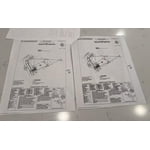
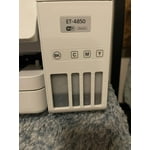
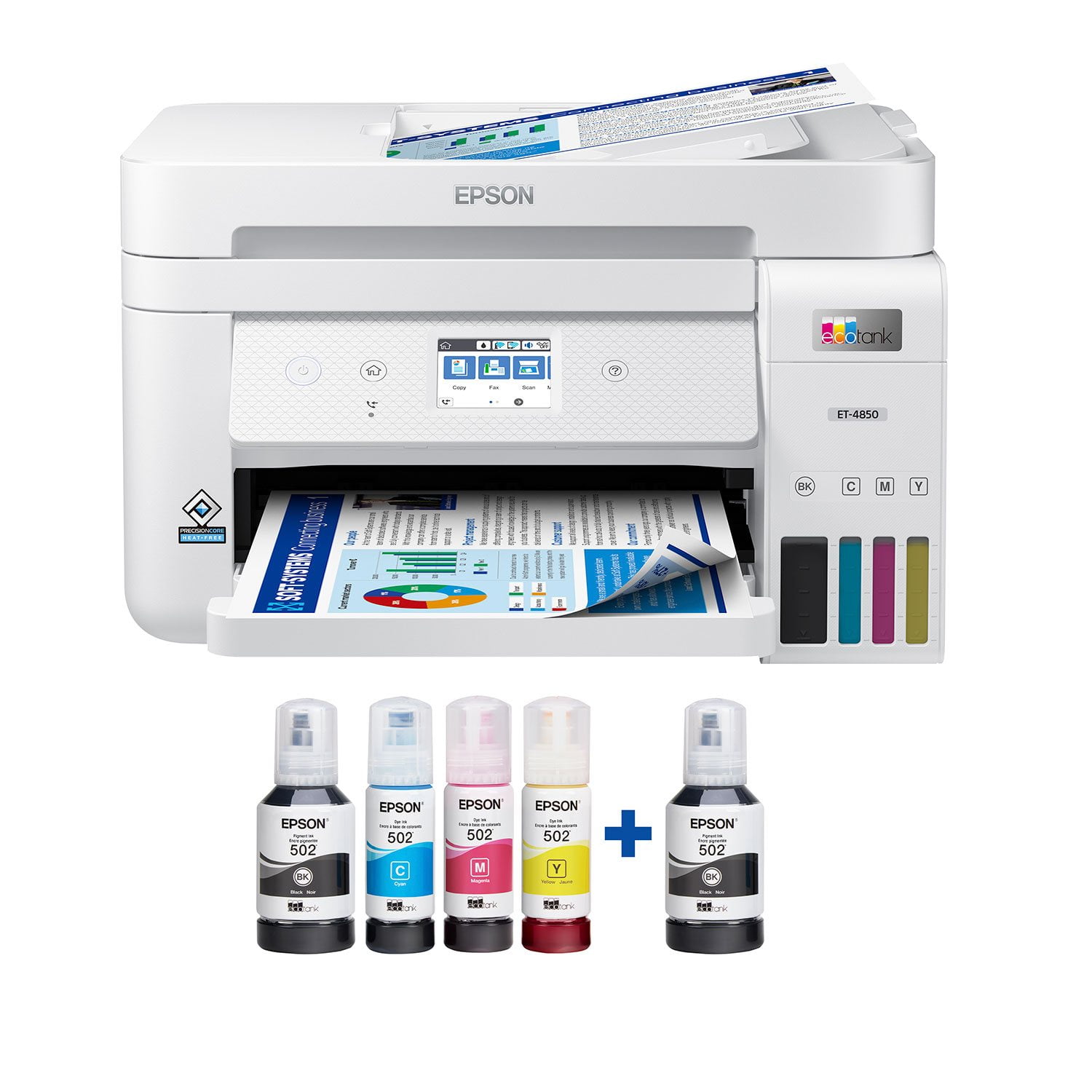
I will be the first to admit that I had heard of EcoTank, but always thought it was some kind of marketing gimmick. I had heard ads on NPR about Epson EcoTank and how it can save you on dozens of ink cartridges. I thought “why would Epson want to destroy their profits by selling fewer cartridges”? I was a doubter. After having used the Epson ET-4850 for the past two weeks, I can tell you BELIEVE THE HYPE. EcoTank really is a game-changer, when I opened that box and saw these generous four large bottles of ink, I was blown away. It was way more than I imagined, and for the first time in a long time with a printer, I was excited. I could print color pages without “ink anxiety”. In years past, I would never print things in color because it was only for emergencies, it was too precious and rare to use my color ink. Now that anxiety is slowly fading away. **Love about the ET-4850** Easy to fill ink bottles. At first sight of the Ink bottles, I was intimidated, I was worried they would leak everywhere and it was going to be a huge mess. Anyone who has bought a bottle of ink and tried to refill a standard ink cartridge in a printer knows what I am talking about. These EcoTank bottles are pretty much idiot-proof. They have special fit nozzles that only open when put into the correct slot on the printer, you are not going to get ink on your hand or table or anything. Plus each color has a specially shaped nozzle so you can’t mess them up and get the wrong color ink in the wrong tank. It is so easy and with zero mess. I love EcoTank. Printing quality. Wow, the quality of what I was able to print off was simply astonishing. I printed some very high-definition drawings and you could not even see the pixels, my wife thought I had taken pages out of a professionally printed book. They look that good. I have never owned a printer that was able to print to the very edge of a paper, with zero borders and this thing can do it flawlessly, and it looks incredible. I haven’t had the chance to print off any photos yet, but I imagine they would look just as good. In terms of print quality, just outstanding. 5 out of 5. Speed. For an inkjet printer and the high quality of the images, I was very impressed. Make no mistake this is not a laser printer, so don’t come expecting laser printer speeds. But the speed with which it prints images is pretty good, and for home use with a family or even a small office, this is a great printer. Just don’t go expecting to print off large batches of documents with minutes to spare. Amazing scanning. This printer has the best scanner I have ever owned. For years I have used the scanner on my Brother laser printer for scanning. I know am thinking about rescanning all those old photos over again because this scanner is just that much better. I’m just blown away at the super high resolution and color accuracy of the scans. The best scanner I could have asked for. Connectivity. I was able to initially set up the printer entirely from my iPhone. Was able to add it to my wifi network and follow the onscreen instructions in the Epson app to fill the ink and do some printing tests. It worked really well. Once it was on my wifi network, I was able to use Apple AirPrint from my iPhone to print directly to the printer with no additional setup. I love it. Physical Pinter. The printer is a good size, it’s not going to overtake your desk, but you would be best putting it on its own shelf. I have the write version, so I hope the plastic does not yellow over the years, if you place it near a window, you may want to get the black version. The scanner, buttons, and hinges feel very solid. The touch screen is not a capacitive touch screen like you know from your phones or iPad, it uses the older resistive touch screen technology. That being said, it still works pretty well and responds to my touches and I am able to use the UI with one finger. Just don’t go in expecting iPhone-level touch controls. The paper tray takes a 1/2 ream of paper, which is decent. I would have preferred a full ream of paper, but that would have added about another inch to the high of the machine. Seeing as this is not a laser printer, 250 sheets is going to last you a long time. **Room for Improvement** Connectivity and apps. To put it bluntly, connecting the printer to outside services like Dropbox is a pretty clunky experience. It can’t be done on the Printer Screen itself, or on the Printer App, you have to print off a physical paper on the printer that gives you a special password, and then you have to go to some other Epson website outside the app to find setup the service. It’s not very seamless and really has some serious room for improvement. I was confused about the process and nearly gave up after 20 minutes. Epson does not make it easy having so many different apps in the App Store. Scanner Presets. Another thing I would love to see is saved presets for Scanning on the printer. The scanner is fantastic and very high quality, but every time I want to go in and scan a photo, I have to changes it from PDF to JPEG and change all number of other settings on the printer. I really wish there was an ability to save a preset of settings for “Scan Photo” or “Scan Document” Ink tank LEDs. On the box, the actual tank for the EcoTank looks really colorful and vibrant. In reality, the windows on the tank are very muted and dark. This is a very minor complaint, but one that I would love to see regardless. That is, I would love to see an LED light in the back of the EcoTank so you can clearly see the different colors of ink and their levels. This is a review for the Epson EcoTank ET-4850 All-in-one printer that I received free of charge to do a beta test and review.
This is how you do it!
On first appearances, the ET-4850 resembles a standard AIO printer with a narrow footprint and sleek form factor. On closer look you can see the reservior where the magic happens, as this is a cartridge-free printer with ink storage in a fantastic step forward to reducing plastic waste. An environmentally conscious decision by Epson and one most consumers can appreciate as a larger storage also means more pages per ink purchase. The unit has black quoted at 7,500 pages per tank, with color at about 6,000. Staggeringly high when you consider the days of a few hundred per cartridge, families will be sure to appreciate this as school gets rolling again. The unit itself is relatively quiet, with the usual print head shudder and movement. Print speed is around 15 ppm black, 8ppm color. Scanning is quick and efficient with a fairly standard resolution of 1200x2400, no real surprises in store here. Document feeder on top of the unit and a 250 page paper storage brings some of that business utility to the home office, reducing hands on time with the printer so you can get work done efficiently! All in all, this is a pleasant surprise by Epson and a huge step forward in sustainability and business practices. This is a review for the Epson EcoTank ET-4850 Wireless Color Supertank Printer that I received free of charge to do a beta test and review.
Poor print quality, ADF always jams
I purchased this ET-4850 because of the features and the ink tank, but the printer itself is one of the worst printers I have owned. Every print is poor quality with lines through the font despite multiple alignments and head cleanings, and the ADF has never worked for a scan or copy, it jams the first page halfway through feeding, regardless of number of sheets. Highly disappointed