Skip to Main Content
Sams Club
Sams Club
Customer reviews for Epson EcoTank ET-4850 Special Edition Inkjet Printer, 1 Bonus Black Ink Bottle for
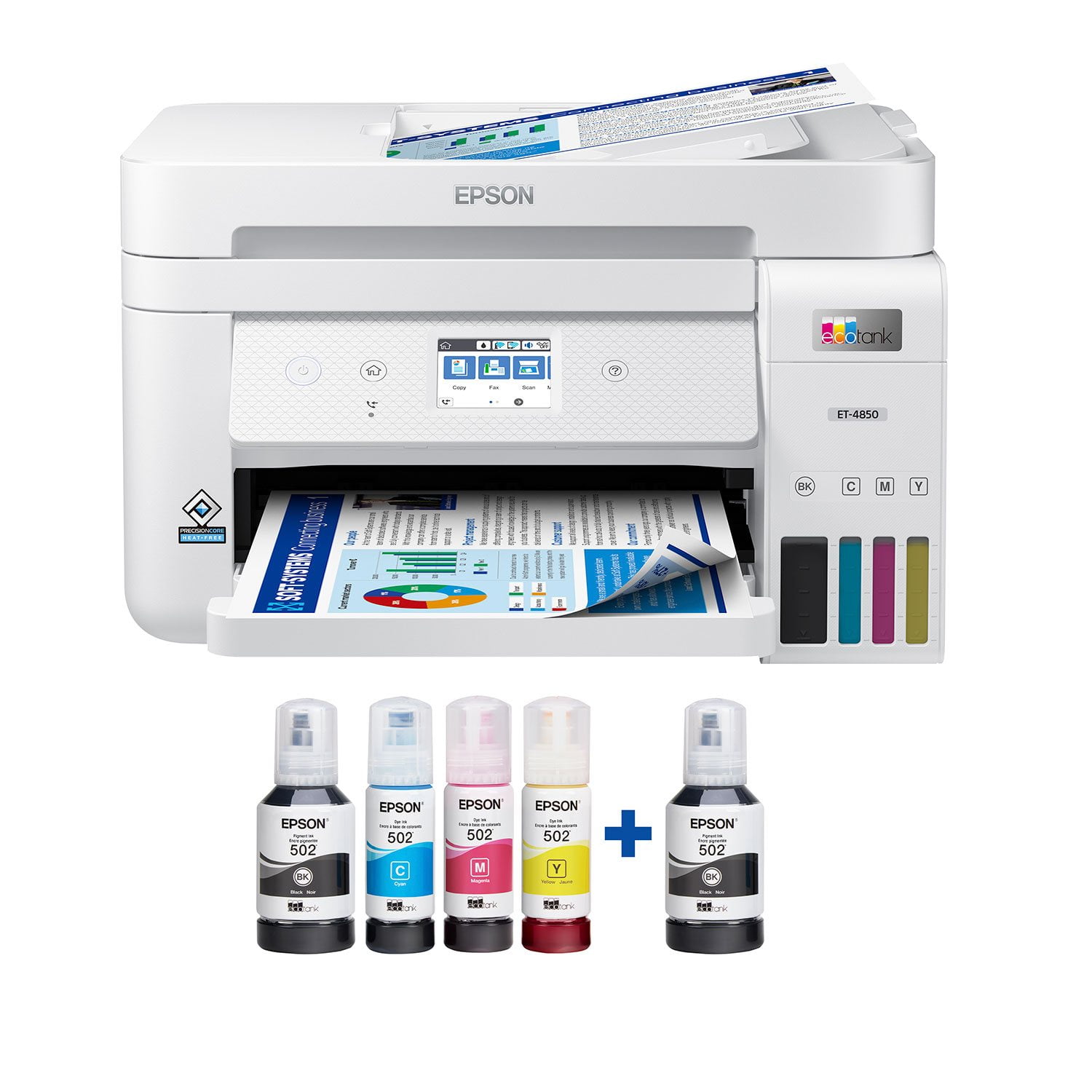
Epson EcoTank ET-4850 Special Edition Inkjet Printer, 1 Bonus Black Ink Bottle
4.1 out of 5 stars
stars384 ratings280 reviews
  1. 5 stars63% (241)
  2. 4 stars14% (54)
  3. 3 stars5% (21)
  4. 2 stars6% (24)
  5. 1 star11% (44)
Write a review

Customer photos

Sort by |
Showing 181-190 of 280 reviews
Mar 13, 2023
Matt
2 out of 5 stars review

Verified Purchase

Wi-Fi sync up difficult

Difficult to sync up with our computers

Helpful?4NGXQX8LBJE013675314069
Apr 10, 2024
GJ
4 out of 5 stars review

Verified Purchase

Printer setup

Set to my cell phone and computer was a bit time consuming and difficult

Helpful?4NGXQX8LBJE013675314069
Feb 2, 2025
mark
5 out of 5 stars review

Verified Purchase

Epson printers are fantastic

great item, work well. been a epson user for many years. excellent product

Helpful?4NGXQX8LBJE013675314069
Apr 24, 2025
used to love my epson
2 out of 5 stars review

Epson went backwards not forward ,, so sad

Loved my earlier Epson w Eco tank, this one is so much slower, seems to always disconnect from wireless operation, only 30 days to try and tweak and then no warranty. Something has happened to Epson, a $400 plus investment, that is far less valuable, in slow printing and finicky behaviors... Disappointed

Review from epson.com
Helpful?4NGXQX8LBJE013675314069
Mar 16, 2022
Randy2d
5 out of 5 stars review

Reliable printer

This is my second eco tank printer. Had the first one over 5 years. Started having an issue with the scanner pulling more than one sheet of paper. The glass scanner and printer still worked great. My daughter needed a new printer, so I gave her mind since she doesn't scan much. Purchased the 4850 about a month ago and have had no issues.

Review from epson.com
Helpful?4NGXQX8LBJE013675314069
Sep 21, 2021
Suavechef
5 out of 5 stars review

Great Printer

This printer is great. I first started off with scanning pictures that I needed for a slide show. This was simple to do and the pictures turned out awesome! When I have printed some documents I was amazed at the speed in which it printed. Much faster than other printers I have used. The setup was a breeze and adding ink, to me, was super cool. The simplicity of inserting the ink bottle and letting it fill the tank was fun to watch. After about 10 minutes I was setup and full of ink and ready to start printing. This is a review for the Epson EcoTank ET-4850 Wireless Color Supertank Printer that I received free of charge to do a beta test and review.

Review from epson.com
Helpful?4NGXQX8LBJE013675314069
Mar 26, 2025
Florida buyer
3 out of 5 stars review

Not as good as I hoped

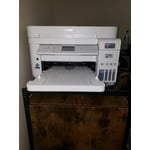
Pros: Nice compact footprint size for a home office with high print requirements. Love the tanks instead of ink cartridges - very economical for B&W printing. Moderate print speed (one-sided). Crisp printing when using Epson paper but not as good on store brand. I use the Print, Copy and Scan features but don't have it set up to fax. Cons: Quite a few things aggravate me. Slow print speed for two-sided when multiple copies are needed - I end up doing manual duplex. Poor color fidelity for photo printing - colors tend toward blue/cool tones. No separate feed for photo paper or heavy card stock. Flimsy ADF - originals often feed crookedly and jam or produce skewed copies. Slow at copying and scanning. Paper tray feels flimsy when reinserting in unit. Weirdly, it lost WiFi connection every time I used a document shredder withing 20 feet of the unit - that was a fun one to figure out! Setting up scanning to Cloud was a hassle. Overall, I bought this unit on sales so it was a good value for a general purpose printer, but it it's not a superstar in any area of operation. Photo printing is very disappointing but I love the freedom of printing draft documents without worrying about cost or running out of ink.

Review from epson.com
Helpful?4NGXQX8LBJE013675314069
Sep 5, 2023
towncobbler
2 out of 5 stars review

Registration debacle

Registration process was a bit silly for 2023 tech. Don't try to register it during the software install\setup... you'll end up with a red "Enter a valid serial number". You have to go to the website to register. Check the date they show for the warranty expiry and make sure it's not a year after the store got the printer, rather a year from the date you purchased the printer.

Review from epson.com
Helpful?4NGXQX8LBJE013675314069
Apr 17, 2024
Bob45
4 out of 5 stars review

Features better than I thought they were.

Reviewed this printer a few days ago and gave a bad review for the quality of printing pictures. I regret that review. I found that my issue had to do with the paper/settings I was using. With glossy paper for inkjet printers the quality was great. Although the printer still said I had a paper/settings mismatch, my pictures were very good.

Review from epson.com
Helpful?4NGXQX8LBJE013675314069
Sep 21, 2021
PrinterGuyTodd
4 out of 5 stars review

EcoTank is Incredible. Believe the HYPE. Love this Printer.

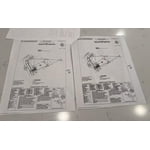
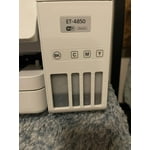
I will be the first to admit that I had heard of EcoTank, but always thought it was some kind of marketing gimmick. I had heard ads on NPR about Epson EcoTank and how it can save you on dozens of ink cartridges. I thought “why would Epson want to destroy their profits by selling fewer cartridges”? I was a doubter. After having used the Epson ET-4850 for the past two weeks, I can tell you BELIEVE THE HYPE. EcoTank really is a game-changer, when I opened that box and saw these generous four large bottles of ink, I was blown away. It was way more than I imagined, and for the first time in a long time with a printer, I was excited. I could print color pages without “ink anxiety”. In years past, I would never print things in color because it was only for emergencies, it was too precious and rare to use my color ink. Now that anxiety is slowly fading away. **Love about the ET-4850** Easy to fill ink bottles. At first sight of the Ink bottles, I was intimidated, I was worried they would leak everywhere and it was going to be a huge mess. Anyone who has bought a bottle of ink and tried to refill a standard ink cartridge in a printer knows what I am talking about. These EcoTank bottles are pretty much idiot-proof. They have special fit nozzles that only open when put into the correct slot on the printer, you are not going to get ink on your hand or table or anything. Plus each color has a specially shaped nozzle so you can’t mess them up and get the wrong color ink in the wrong tank. It is so easy and with zero mess. I love EcoTank. Printing quality. Wow, the quality of what I was able to print off was simply astonishing. I printed some very high-definition drawings and you could not even see the pixels, my wife thought I had taken pages out of a professionally printed book. They look that good. I have never owned a printer that was able to print to the very edge of a paper, with zero borders and this thing can do it flawlessly, and it looks incredible. I haven’t had the chance to print off any photos yet, but I imagine they would look just as good. In terms of print quality, just outstanding. 5 out of 5. Speed. For an inkjet printer and the high quality of the images, I was very impressed. Make no mistake this is not a laser printer, so don’t come expecting laser printer speeds. But the speed with which it prints images is pretty good, and for home use with a family or even a small office, this is a great printer. Just don’t go expecting to print off large batches of documents with minutes to spare. Amazing scanning. This printer has the best scanner I have ever owned. For years I have used the scanner on my Brother laser printer for scanning. I know am thinking about rescanning all those old photos over again because this scanner is just that much better. I’m just blown away at the super high resolution and color accuracy of the scans. The best scanner I could have asked for. Connectivity. I was able to initially set up the printer entirely from my iPhone. Was able to add it to my wifi network and follow the onscreen instructions in the Epson app to fill the ink and do some printing tests. It worked really well. Once it was on my wifi network, I was able to use Apple AirPrint from my iPhone to print directly to the printer with no additional setup. I love it. Physical Pinter. The printer is a good size, it’s not going to overtake your desk, but you would be best putting it on its own shelf. I have the write version, so I hope the plastic does not yellow over the years, if you place it near a window, you may want to get the black version. The scanner, buttons, and hinges feel very solid. The touch screen is not a capacitive touch screen like you know from your phones or iPad, it uses the older resistive touch screen technology. That being said, it still works pretty well and responds to my touches and I am able to use the UI with one finger. Just don’t go in expecting iPhone-level touch controls. The paper tray takes a 1/2 ream of paper, which is decent. I would have preferred a full ream of paper, but that would have added about another inch to the high of the machine. Seeing as this is not a laser printer, 250 sheets is going to last you a long time. **Room for Improvement** Connectivity and apps. To put it bluntly, connecting the printer to outside services like Dropbox is a pretty clunky experience. It can’t be done on the Printer Screen itself, or on the Printer App, you have to print off a physical paper on the printer that gives you a special password, and then you have to go to some other Epson website outside the app to find setup the service. It’s not very seamless and really has some serious room for improvement. I was confused about the process and nearly gave up after 20 minutes. Epson does not make it easy having so many different apps in the App Store. Scanner Presets. Another thing I would love to see is saved presets for Scanning on the printer. The scanner is fantastic and very high quality, but every time I want to go in and scan a photo, I have to changes it from PDF to JPEG and change all number of other settings on the printer. I really wish there was an ability to save a preset of settings for “Scan Photo” or “Scan Document” Ink tank LEDs. On the box, the actual tank for the EcoTank looks really colorful and vibrant. In reality, the windows on the tank are very muted and dark. This is a very minor complaint, but one that I would love to see regardless. That is, I would love to see an LED light in the back of the EcoTank so you can clearly see the different colors of ink and their levels. This is a review for the Epson EcoTank ET-4850 All-in-one printer that I received free of charge to do a beta test and review.

Review from epson.com
Helpful?4NGXQX8LBJE013675314069