
 Customer reviews for Epson EcoTank ET-4850 Special Edition Inkjet Printer, 1 Bonus Black Ink Bottle for
Member photos





Spend the money for the printer, the ink will save you money
.I owned this printer for a few years and absolutely loved it. Never realized till now, just how much I did. My house burned down Xmas Eve and I lost everything. No insurance and so I can't replace it right now. Am using the printer where I am staying and detest the fact that I can't print 2-sided, being an inkjet it is more costly and it doesn't have the copy scan features. I had everything I needed for home and office with my Epson and the ink was very inexpensive in comparison with an inkjet. Never had a problem with the Epson. Miss my computer and printer. Will repurchase when I can!!!
Serial Number on bottom in ultra small print
I bought a little while ago. Installation is more complex than previous printers I've had, but went pretty smoothly. I didn't need the CD and installed off the internet. The biggest annoyance was the fact that the serial number is on the bottom of the printer and only gets asked for after the install is complete and the ink loaded. Compounding the problem the number is about number 6 font which requires my special small detail glasses to read. You queried the printer for the install - get the darn number yourself.
Last step a "FAIL"
I bought this today. I went through the setup and the last step is "Express Product Registration". After entering all the information, a red message presents saying "Enter a valid serial number". IT IS CORRECT!!! Epson, you need to test all the way through! I don't know if I would recommend this product, I just set it up! Fix this!!
Over all excellent - Functional Wi-Fi coverage an issue
I have had this printer for approximately three years. In fact, I have been using Epson printers (WF4020) even longer. In the past three months the 4850 continues to drop the Wi-Fi signal, so remote access is out of the question. In an effort to diagnose the problem and look for a potential fix, I fond that this is a common problem. All of the other functions work perfectly.
EcoTank is Incredible. Believe the HYPE. Love this Printer.
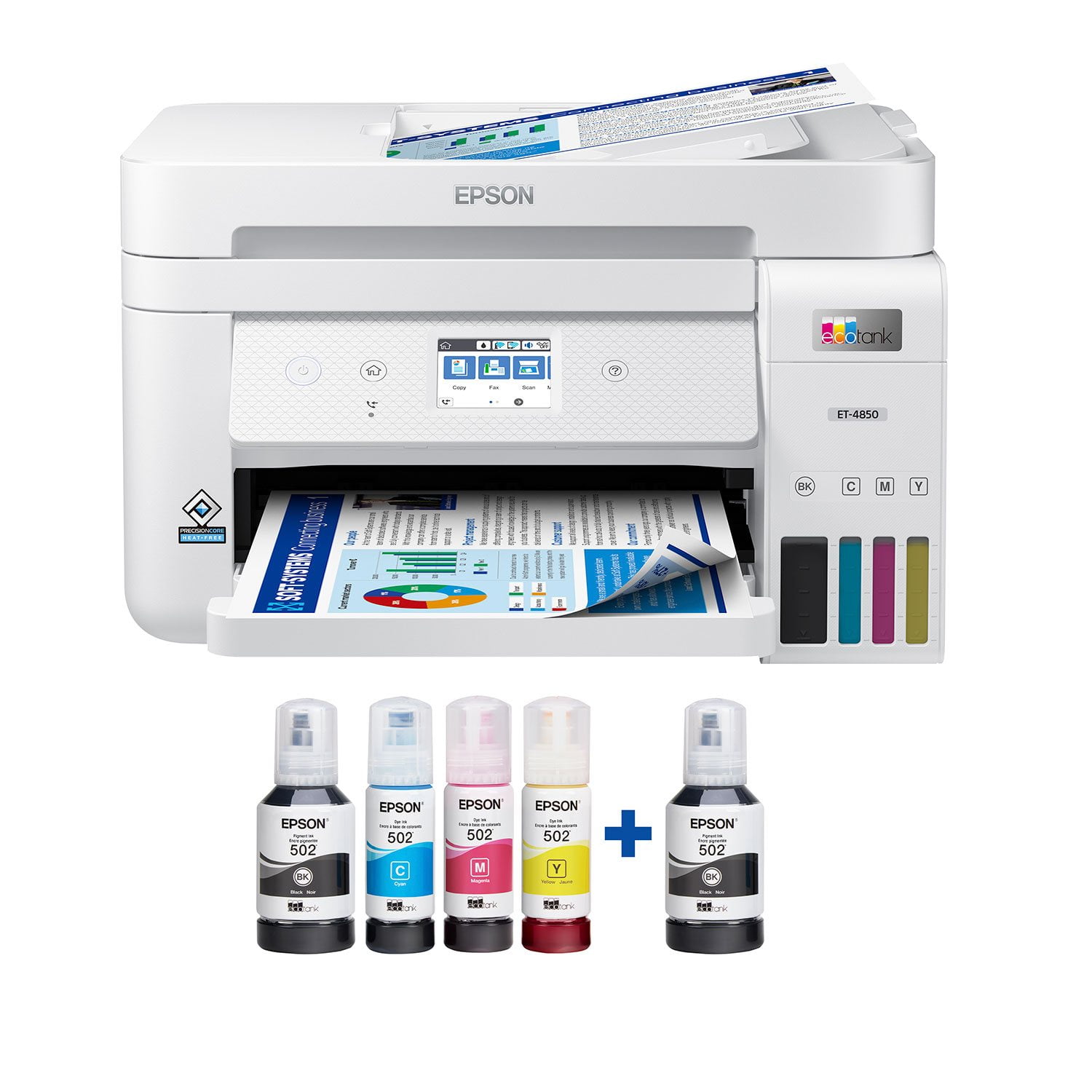
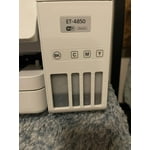
I will be the first to admit that I had heard of EcoTank, but always thought it was some kind of marketing gimmick. I had heard ads on NPR about Epson EcoTank and how it can save you on dozens of ink cartridges. I thought “why would Epson want to destroy their profits by selling fewer cartridges”? I was a doubter. After having used the Epson ET-4850 for the past two weeks, I can tell you BELIEVE THE HYPE. EcoTank really is a game-changer, when I opened that box and saw these generous four large bottles of ink, I was blown away. It was way more than I imagined, and for the first time in a long time with a printer, I was excited. I could print color pages without “ink anxiety”. In years past, I would never print things in color because it was only for emergencies, it was too precious and rare to use my color ink. Now that anxiety is slowly fading away. **Love about the ET-4850** Easy to fill ink bottles. At first sight of the Ink bottles, I was intimidated, I was worried they would leak everywhere and it was going to be a huge mess. Anyone who has bought a bottle of ink and tried to refill a standard ink cartridge in a printer knows what I am talking about. These EcoTank bottles are pretty much idiot-proof. They have special fit nozzles that only open when put into the correct slot on the printer, you are not going to get ink on your hand or table or anything. Plus each color has a specially shaped nozzle so you can’t mess them up and get the wrong color ink in the wrong tank. It is so easy and with zero mess. I love EcoTank. Printing quality. Wow, the quality of what I was able to print off was simply astonishing. I printed some very high-definition drawings and you could not even see the pixels, my wife thought I had taken pages out of a professionally printed book. They look that good. I have never owned a printer that was able to print to the very edge of a paper, with zero borders and this thing can do it flawlessly, and it looks incredible. I haven’t had the chance to print off any photos yet, but I imagine they would look just as good. In terms of print quality, just outstanding. 5 out of 5. Speed. For an inkjet printer and the high quality of the images, I was very impressed. Make no mistake this is not a laser printer, so don’t come expecting laser printer speeds. But the speed with which it prints images is pretty good, and for home use with a family or even a small office, this is a great printer. Just don’t go expecting to print off large batches of documents with minutes to spare. Amazing scanning. This printer has the best scanner I have ever owned. For years I have used the scanner on my Brother laser printer for scanning. I know am thinking about rescanning all those old photos over again because this scanner is just that much better. I’m just blown away at the super high resolution and color accuracy of the scans. The best scanner I could have asked for. Connectivity. I was able to initially set up the printer entirely from my iPhone. Was able to add it to my wifi network and follow the onscreen instructions in the Epson app to fill the ink and do some printing tests. It worked really well. Once it was on my wifi network, I was able to use Apple AirPrint from my iPhone to print directly to the printer with no additional setup. I love it. Physical Pinter. The printer is a good size, it’s not going to overtake your desk, but you would be best putting it on its own shelf. I have the write version, so I hope the plastic does not yellow over the years, if you place it near a window, you may want to get the black version. The scanner, buttons, and hinges feel very solid. The touch screen is not a capacitive touch screen like you know from your phones or iPad, it uses the older resistive touch screen technology. That being said, it still works pretty well and responds to my touches and I am able to use the UI with one finger. Just don’t go in expecting iPhone-level touch controls. The paper tray takes a 1/2 ream of paper, which is decent. I would have preferred a full ream of paper, but that would have added about another inch to the high of the machine. Seeing as this is not a laser printer, 250 sheets is going to last you a long time. **Room for Improvement** Connectivity and apps. To put it bluntly, connecting the printer to outside services like Dropbox is a pretty clunky experience. It can’t be done on the Printer Screen itself, or on the Printer App, you have to print off a physical paper on the printer that gives you a special password, and then you have to go to some other Epson website outside the app to find setup the service. It’s not very seamless and really has some serious room for improvement. I was confused about the process and nearly gave up after 20 minutes. Epson does not make it easy having so many different apps in the App Store. Scanner Presets. Another thing I would love to see is saved presets for Scanning on the printer. The scanner is fantastic and very high quality, but every time I want to go in and scan a photo, I have to changes it from PDF to JPEG and change all number of other settings on the printer. I really wish there was an ability to save a preset of settings for “Scan Photo” or “Scan Document” Ink tank LEDs. On the box, the actual tank for the EcoTank looks really colorful and vibrant. In reality, the windows on the tank are very muted and dark. This is a very minor complaint, but one that I would love to see regardless. That is, I would love to see an LED light in the back of the EcoTank so you can clearly see the different colors of ink and their levels. This is a review for the Epson EcoTank ET-4850 All-in-one printer that I received free of charge to do a beta test and review.
Reliable printer
This is my second eco tank printer. Had the first one over 5 years. Started having an issue with the scanner pulling more than one sheet of paper. The glass scanner and printer still worked great. My daughter needed a new printer, so I gave her mind since she doesn't scan much. Purchased the 4850 about a month ago and have had no issues.
We've had one for years and LOVE IT
We have a ET-4760 (which I believe is an older model.) It's for our home. It has never let us down. It prints FOREVER on a single fill. It does excellent copy and scan. We have had this copier for several years and I've bought more ink ONCE. The fill process is very simple and there's no mess. The only downside is that the function screen is very small.
Epson went backwards not forward ,, so sad
Loved my earlier Epson w Eco tank, this one is so much slower, seems to always disconnect from wireless operation, only 30 days to try and tweak and then no warranty. Something has happened to Epson, a $400 plus investment, that is far less valuable, in slow printing and finicky behaviors... Disappointed
Outstanding Multi-Function Printer
The Epson ET-4850 is truly an outstanding multi-function printer. I am using this printer in my home office and it exceeds my expectations. The initial setup is intuitive and only takes about 15 minutes to get up and running. The printer uses Epson Super Tank ink and I have no doubt that the ink supply will last a long time before needing a refill. I especially like that I can fill each tank as needed without having to replace an entire cartridge. The printer is connected wirelessly to my network and has stayed connected without any drop offs. Print quality is fantastic. The colors are true and text is quite sharp and clear. Scan and copy output is quick and spot on. The automatic document feed is a necessity if you scan multi page documents as I do. There is also fax capability built in. I love the fact that I can print remotely from anywhere using Epson Connect. The Epson ET-4850 has replaced an older printer and a scanner and frees up space in my home office. I definitely recommend the ET-4850 for everyday use. This is a review for the Epson ET-4850 Wireless Color Supertank Printer that I received free of charge to do a beta test and review.
Verified Purchase
Good notices, prompt delivery %26 no problems