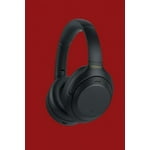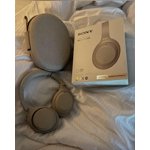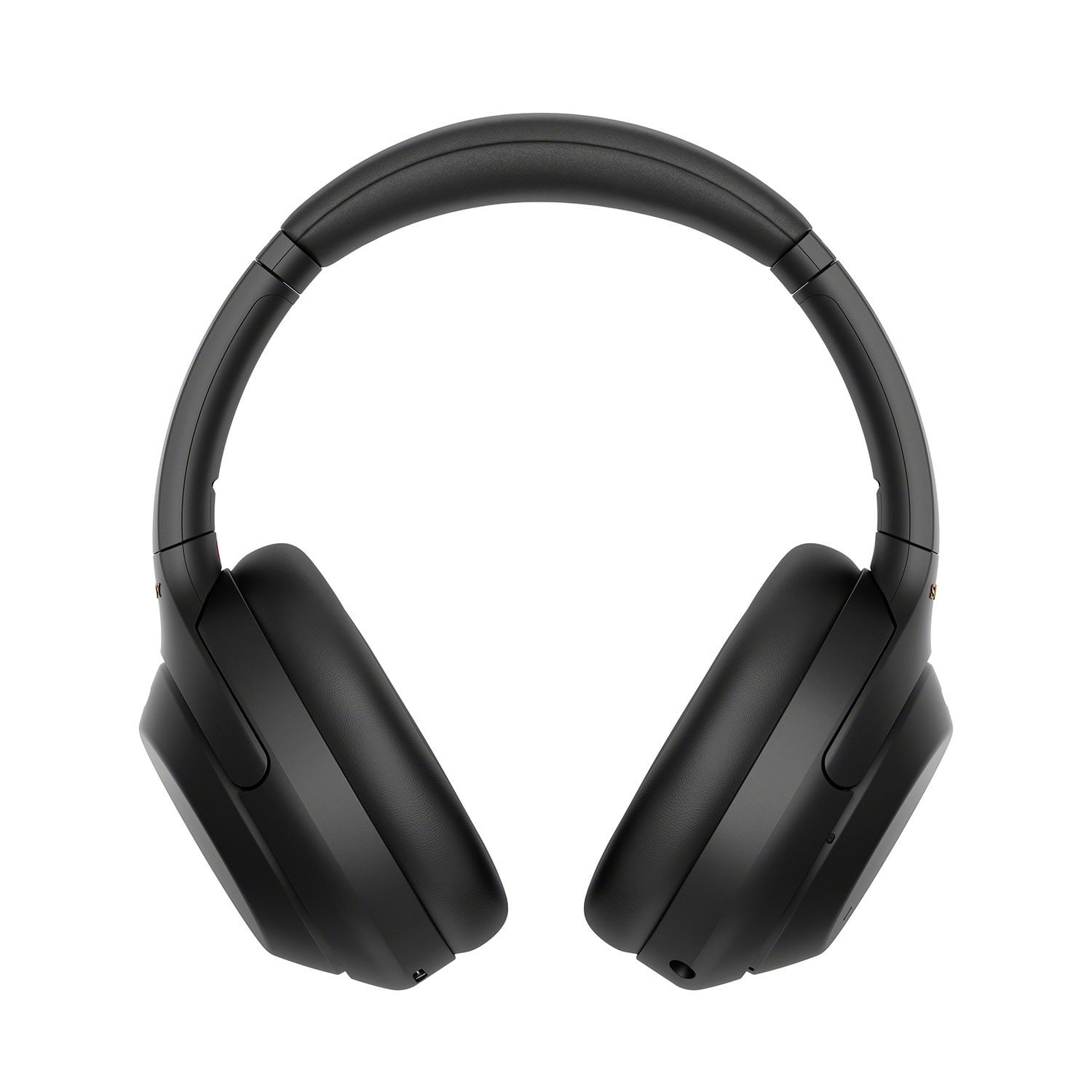
Not Sound Canceling At All -- WH-1000XM3 Better :/
I returned my WH-1000XM3 because the WH-1000XM4 came out right as I bought the previous. I only got to use my WH-1000XM3 for 1 week, but I LOVED them! They were so quiet no matter where I studied and I was so excited to get "even better" headphones, have the "best noise canceling out there", and even about being able to connect to multiple devices. As a medical student I have to do this often. I was highly disappointed to find out recently, while the condo next to me started doing a little bit of updating and kids played at the pool 4 flights below me, I could hear so clearly that it was like I had no headphones on at all, even with the highest level of noise-canceling setting on. It was too late for me to return or exchange these headphones or I would!!! I have done every setting adjustment including optimizing the headphones to "better noise canceling", but even in doing so I can clearly hear a friend across the room speak quietly with a lecture video volume on loud. Since a lot of our classes have to be at home right now and the vast amount of studying done not in a classroom, I am highly disappointed in this pair. I am not sure if it is just my pair, but even at a quite coffee shop with these headphones on I can hear every word of any conversation across the shop (even with social distancing). I hope there is an update that fixes this. If I was not currently paying medical school tuition I would go back and buy the previous pair again, the WH-1000XM3, and throw these out!!! Also, the functionality with Alexa never seems to work despite working on it for weeks. My boyfriends WH-1000XM2 are significantly better despite being two generations back and being 3 years old. Please let me know if there is an update to better this because I normally love Sony and am desperate to better the noise canceling function, as right now it is non-existent for my pair. I am hoping this is just a flaw of the one that was sent to me and not how all the new generation functions, because if this is how ALL of the new generations of WH-1000XM4 functions, because if so this was a MASSIVE STEP BACKWARDS for Sony!!
reply from Sony North America Customer Support
Hi there,
We are so sorry if the noise canceling function of our WH-1000XM4 did not meet your needs and expectations. This is definitely not the experience we wanted you to have in our product. We have some troubleshooting steps that might help you isolate the problem. If you haven't yet, please follow the instructions below:
• Make sure that the noise canceling function is turned on.
• Adjust the headset into a comfortable position.
• The noise canceling function is effective in low-frequency ranges such as airplanes, trains, offices, near air-conditioning, and is not as effective for higher frequencies.
• Check that the Adaptive Sound Control is turned off.
- Check the setting of the Adaptive Sound Control on the “Sony | Headphones Connect” app. When the Adaptive Sound Control is turned on, the noise canceling function may become insufficient.
• update the firmware of the headphones to the latest version (2.0.7). The software includes key features, applications, bug fixes, and feature improvements. For instructions, please visit https://www.sony.com/electronics/support/wireless-headphones-bluetooth-headphones/wh-1000xm4/downloads/00017022.
For Alexa, if you connect the WH-1000XM4 headphones to an iOS device with Amazon Alexa and then connect to another device with the Sony | Headphones Connect app, the Amazon Alexa device will be disconnected. This is a specification of Amazon Alexa and the Sony | Headphones Connect app. If this issue occurs while trying to connect the headphones to 2 devices simultaneously (multipoint connection), disconnect the Bluetooth from the first device, and see if it resolves the problem.
Despite the issues, we really appreciate you love the noise canceling feature of our WH-1000XM3.
If this does not help, please send us an email at socialsupport@am.sony.com so we can better assist you. Apologies if you disclosed some of this information in your review and to customer service, we just want to ensure that we have your accurate details at the time of communication.
Full Name:
Sony.com Username:
Telephone Number:
Issue:
Model Number:
We're looking forward to your message!
Sincerely,
Romeo
Sony Social Support