reply from Sony North America Customer Support
Hi JXXM,
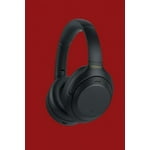
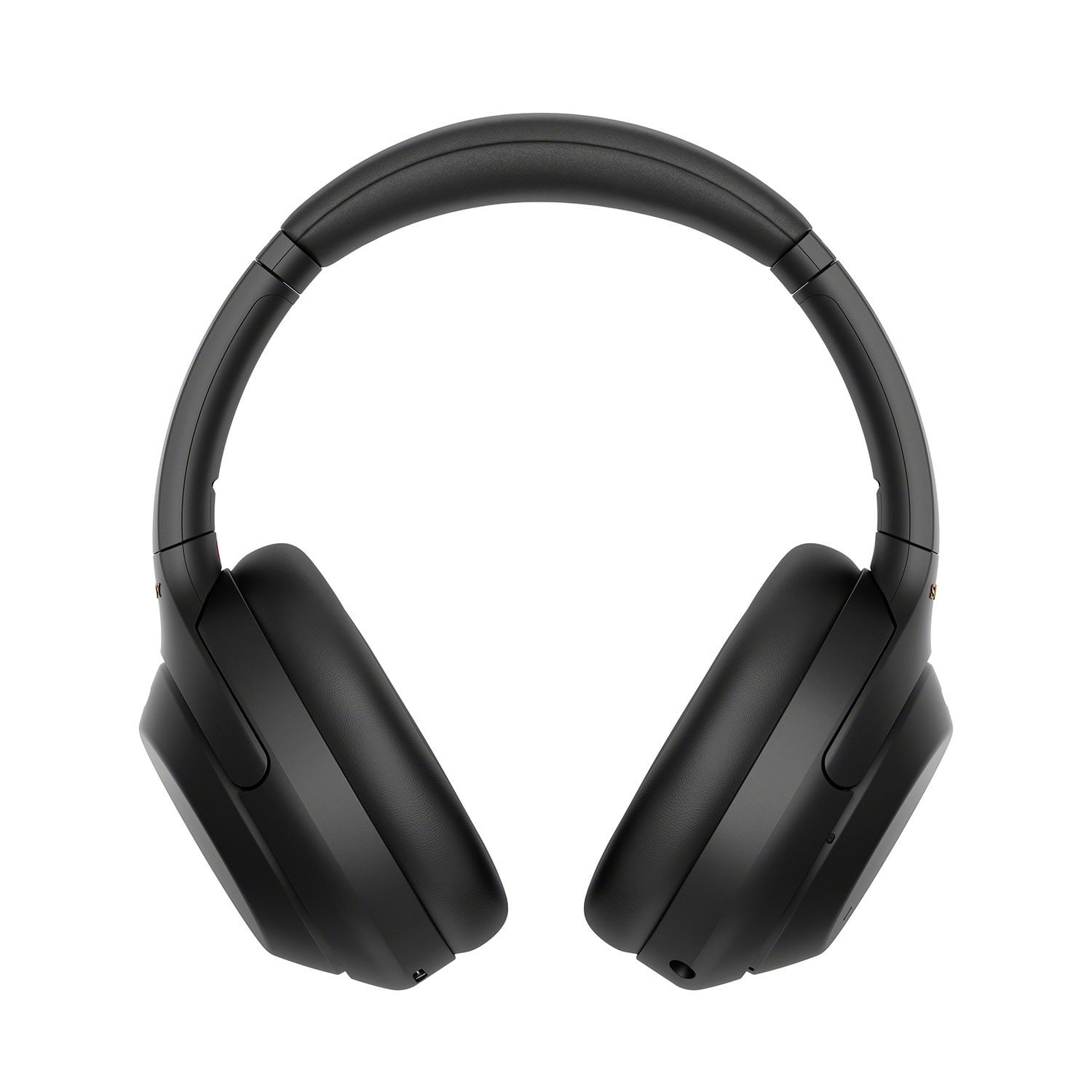
Thank you for reaching out to us with your concern. While we're glad you like the sound quality and comfort of these headphones, we're sorry you've been running into some issues. Please allow us to help you and turn this into a better experience. Please make sure that the firmware version of the headphones is up to date (via Sony Sound Connect App) for optimum performance.
When the Adaptive Sound Control on the “Sony Sound Connect” app is turned on, the wearer's actions, like walking or running, are detected. The noise canceling function is automatically adjusted and the Ambient Sound Mode may be activated according to these actions. Also, please check the Speak-to-Chat function. The Speak-to-Chat mode activates when the WH-1000XM4 detects the speech of the person wearing them, but in rare cases, it may activate in response to vibrations caused by devices such as electric toothbrushes and electric shavers, or by activities such as brushing your teeth, coughing, or humming. If this is bothersome, you do have the option to turn off the Speak-to Chat function to listen to your music without interruption. To disable Speak-to-Chat, hold 2 fingers to the touch sensor control panel once again until you hear the voice guidance say, “Speak-to-chat deactivated”.
For more details, you may refer to this link: https://www.sony.com/electronics/support/articles/00229328
For total convenience, the WH-1000XM4 can be paired with two Bluetooth devices simultaneously so, when a call comes in, your headphones can automatically connect to the right one. Please refer to the guidelines below:
• Multipoint connection works with only two devices at a time.
- A third device can be connected through Bluetooth, however, the Bluetooth connection with the last device that played music will stay connected and the second device will be disconnected in order for the third device to establish the Bluetooth connection with the headphones.
• Download the Sony Sound Connect app on one of the devices and make sure it has the latest update.
• If you want to play music from the other device, stop playback on the device that is playing the music, and start playback by operating the other device.
- Even if you start playback by operating the second device while playing music on the first device, the music from the first device will continue to be heard via the headset. In this state, if you stop playback on the first device, you can listen to music from the second device via the headset.
• To ensure you get the best Bluetooth connection, please set the headphones Bluetooth Connection Mode to “Priority on stable connection”.
For more details about Connecting the headphones to 2 devices simultaneously (multipoint connection), please visit this link: https://www.sony.com/electronics/support/articles/00249936
Should you need technical assistance, please let us know so we can turn your experience around. Sony has just the ticket! Reach out to our new Product Enthusiast. They are Sony fans, just like you, who can help you troubleshoot/setup your headphones issue. Connect with them on the link below, just click on Chat with an Enthusiast.
https://us.esupport.sony.com/support/s/support-contact?language=en_US&category=headphones
You may also send us an email at socialsupport@am.sony.com with the following details:
Name:
Username:
Model Number:
Issue:
Telephone Number:
Sincerely,
Jess

 Customer reviews for Sony WH1000XM4 Noise-Cancelling Over-the-Ear Wireless Bluetooth Headphones for