
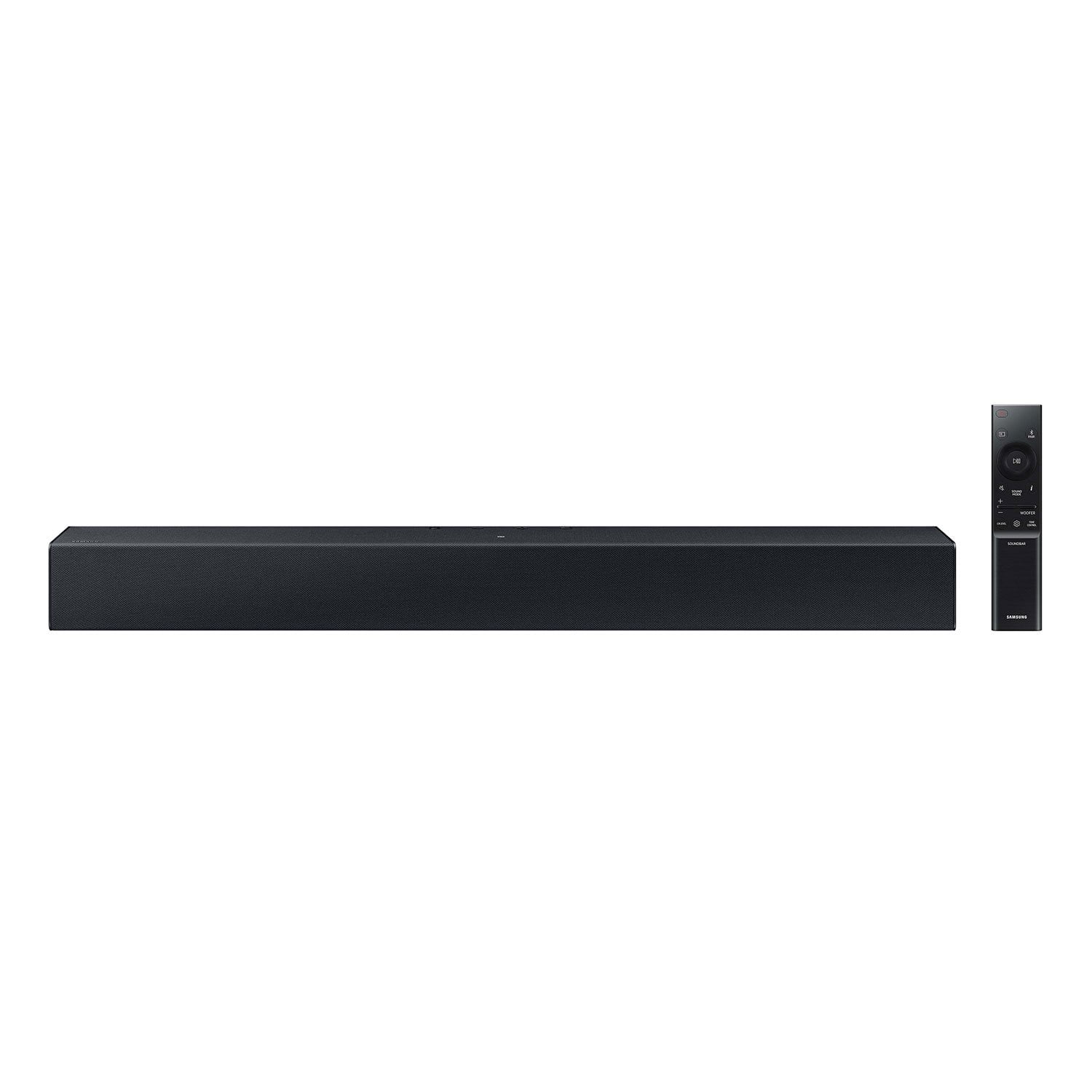
 Customer reviews for SAMSUNG C-Series 2.0 Soundbar with Built-in Subwoofer for
Member photos




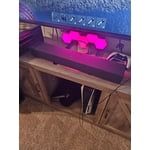 +29 images
Verified Purchase
Samsung Sound Bar
It does improve the dialogue pretty well.
Verified Purchase
Not as loud as I wanted to be, but overall louder than a regular TV speaker.
Verified Purchase
Perfect
They sound good and easy to install
Verified Purchase
Not worth the money
Wasn’t loud enough and the optical cord don’t work waste of money
Ashanti,<br /><br />Thank you for taking the time to review the HW-C400 Soundbar.<br /><br />You can optimize your audio performance to your liking by pressing the SOUND MODE button on your soundbar remote and then selecting the desired sound effect by choosing SURROUND SOUND or STANDARD.<br /><br />By pressing the TONE CONTROL button, you can adjust the volume of the treble or bass sound. Press the button to select TREBLE or BASS and then adjust the volume between -6~+6 by using the Up/Down buttons.<br /><br />Press and hold the SOUND CONTROL button for about 5 seconds to adjust the sound for each frequency band. 150Hz, 300Hz, 600Hz, 1.2kHz, 2.5kHz, 5kHz, and 10kHz are selectable using the Left/Right buttons and each can be adjusted to a setting between -6 to +6 using the Up/Down buttons. (Make sure the Sound mode is set to “STANDARD”.<br /><br />Additionally, using the WOOFER button on the remote, you can adjust the subwoofer’s volume between -6 to +6 by toggling the button up or down. To set the subwoofer volume level to 0, press the button down.<br /><br />If you need more help, Samsung is here for you. Please call us at 1-800-SAMSUNG, 8AM - 12AM EST (Ask for Soundbars), 7 days a week. Our Live Chat agents are also available by clicking on the ‘Support’ link on our website.<br /><br />~ Samsung Solutions
Verified Purchase
just wasn't what I wanted
Hello Peter,<br /><br />Thank you for taking a moment to review the HW-C400 Soundbar.<br /><br />You can optimize your audio performance to your liking by pressing the SOUND MODE button on your soundbar remote and then selecting the desired sound effect by choosing SURROUND SOUND or STANDARD.<br /><br />By pressing the TONE CONTROL button, you can adjust the volume of the treble or bass sound. Press the button to select TREBLE or BASS and then adjust the volume between -6~+6 by using the Up/Down buttons.<br /><br />Press and hold the SOUND CONTROL button for about 5 seconds to adjust the sound for each frequency band. 150Hz, 300Hz, 600Hz, 1.2kHz, 2.5kHz, 5kHz, and 10kHz are selectable using the Left/Right buttons and each can be adjusted to a setting between -6 to +6 using the Up/Down buttons. (Make sure the Sound mode is set to “STANDARD”.<br /><br />Additionally, using the WOOFER button on the remote, you can adjust the subwoofer’s volume between -6 to +6 by toggling the button up or down. To set the subwoofer volume level to 0, press the button down.<br /><br />If there is anything we can do to improve your enjoyment to 5 stars -- such as helping to optimize settings for your specific usage scenario -- please let us know. You can reach Samsung Customer Support at: 1-800-SAMSUNG (Ask for Soundbars), 8AM - 12AM EST, 7 days a week. Our Live Chat agents are also available by clicking on the ‘Support’ link on our website.<br /><br />~ Samsung Solutions
Verified Purchase
The installation was easy but The volume Is pathetic. it doesn't do anything for me
Hi Chris,<br /><br />I’m sorry to hear that you’re dissatisfied with the Volume of your HW-C400 Soundbar.<br /><br />You can optimize your audio performance to your liking by pressing the SOUND MODE button on your soundbar remote and then selecting the desired sound effect by choosing SURROUND SOUND or STANDARD.<br /><br />By pressing the TONE CONTROL button, you can adjust the volume of the treble or bass sound. Press the button to select TREBLE or BASS and then adjust the volume between -6~+6 by using the Up/Down buttons.<br /><br />Press and hold the SOUND CONTROL button for about 5 seconds to adjust the sound for each frequency band. 150Hz, 300Hz, 600Hz, 1.2kHz, 2.5kHz, 5kHz, and 10kHz are selectable using the Left/Right buttons and each can be adjusted to a setting between -6 to +6 using the Up/Down buttons. (Make sure the Sound mode is set to “STANDARD”.<br /><br />Additionally, using the WOOFER button on the remote, you can adjust the subwoofer’s volume between -6 to +6 by toggling the button up or down. To set the subwoofer volume level to 0, press the button down.<br /><br />If you need more help, Samsung is here for you. Please call us at 1-800-SAMSUNG, 8AM - 12AM EST (Ask for Soundbars), 7 days a week. Our Live Chat agents are also available by clicking on the ‘Support’ link on our website.<br /><br />~ Samsung Solutions
Verified Purchase
Solid product with a fair price.
Verified Purchase
Junk. Does not. Have an. Amplifier,or woofer
Junk No amplifier,,,,,no. Woofer. Avoid
Hi kathy,<br /><br />I’m sorry to hear that your Samsung HW-C400 Soundbar did not meet your expectations.<br /><br />You can optimize your audio performance to your liking by pressing the SOUND MODE button on your soundbar remote and then selecting the desired sound effect by choosing SURROUND SOUND or STANDARD.<br /><br />By pressing the TONE CONTROL button, you can adjust the volume of the treble or bass sound. Press the button to select TREBLE or BASS and then adjust the volume between -6~+6 by using the Up/Down buttons.<br /><br />Press and hold the SOUND CONTROL button for about 5 seconds to adjust the sound for each frequency band. 150Hz, 300Hz, 600Hz, 1.2kHz, 2.5kHz, 5kHz, and 10kHz are selectable using the Left/Right buttons and each can be adjusted to a setting between -6 to +6 using the Up/Down buttons. (Make sure the Sound mode is set to “STANDARD”.<br /><br />Additionally, using the WOOFER button on the remote, you can adjust the subwoofer’s volume between -6 to +6 by toggling the button up or down. To set the subwoofer volume level to 0, press the button down.<br /><br />If you need more help, Samsung is here for you. Please call us at 1-800-SAMSUNG, 8AM - 12AM EST (Ask for Soundbars), 7 days a week. Our Live Chat agents are also available by clicking on the ‘Support’ link on our website.<br /><br />~ Samsung Solutions
Verified Purchase
I can’t get the sound any louder!
Hi John,<br /><br />I’m sorry to hear that you’re dissatisfied with the sound of your Samsung HW-C400 Soundbar.<br /><br />Please know, some sources have their own volume control which might be set too low. Please check the volume control of the external device (cable box or satellite box, DVD, Blu-ray, etc.) connected to your TV or soundbar. Also, check the cable connection between an external device and the TV or soundbar and then try cable connection again.<br /><br />Check that the soundbar is correctly positioned correctly with the SAMSUNG logo facing up toward the ceiling. We have found that many customers are misplacing the soundbar with the SAMSUNG logo perpendicular to the floor (facing you when seated), with the unit resting on the speakers, resulting in a muffled sound. <br /><br />You can optimize your audio performance to your liking by pressing the SOUND MODE button on your soundbar remote and then selecting the desired sound effect by choosing SURROUND SOUND or STANDARD.<br /><br />By pressing the TONE CONTROL button, you can adjust the volume of the treble or bass sound. Press the button to select TREBLE or BASS and then adjust the volume between -6~+6 by using the Up/Down buttons.<br /><br />Press and hold the SOUND CONTROL button for about 5 seconds to adjust the sound for each frequency band. 150Hz, 300Hz, 600Hz, 1.2kHz, 2.5kHz, 5kHz, and 10kHz are selectable using the Left/Right buttons and each can be adjusted to a setting between -6 to +6 using the Up/Down buttons. (Make sure the Sound mode is set to “STANDARD”.<br /><br />Additionally, using the WOOFER button on the remote, you can adjust the subwoofer’s volume between -6 to +6 by toggling the button up or down. To set the subwoofer volume level to 0, press the button down.<br /><br />If you need more help, Samsung is here for you. Please call us at 1-800-SAMSUNG, 8AM - 12AM EST (Ask for Soundbars), 7 days a week. Our Live Chat agents are also available by clicking on the ‘Support’ link on our website.<br /><br />~ Samsung Solutions
Verified Purchase
Medium
It didn’t work well with my universal remote.
Hello Janet,<br /><br />We appreciate you taking a moment to review the HW-C400 Soundbar.<br /><br />Please know other manufacturers’ remotes may have to be enabled on your soundbar. First, turn Off the Soundbar. Once powered off, push up and hold the WOOFER button for 5 seconds. Each time you push the WOOFER button up and hold it for 5 seconds, the mode switches in the following order: “OFF-TV REMOTE” (Default mode), “SAMSUNG-TV REMOTE”, “ALL-TV REMOTE”. Please also make sure your speaker settings on the TV are set to External Speaker.<br /><br />I hope this tip helps improve your enjoyment. For more help, please call us at 1-800-SAMSUNG (Ask for Soundbars), 8 AM – 12 AM EST, 7 days a week. Live Chat with an agent as well as manuals, software, and warranty info can be found at the ‘Support’ link on our Samsung website.<br /><br />~ Samsung Solutions