Skip to Main Content
Sam's Club
Sam's Club
Customer reviews for SAMSUNG C-Series 2.0 Soundbar with Built-in Subwoofer for
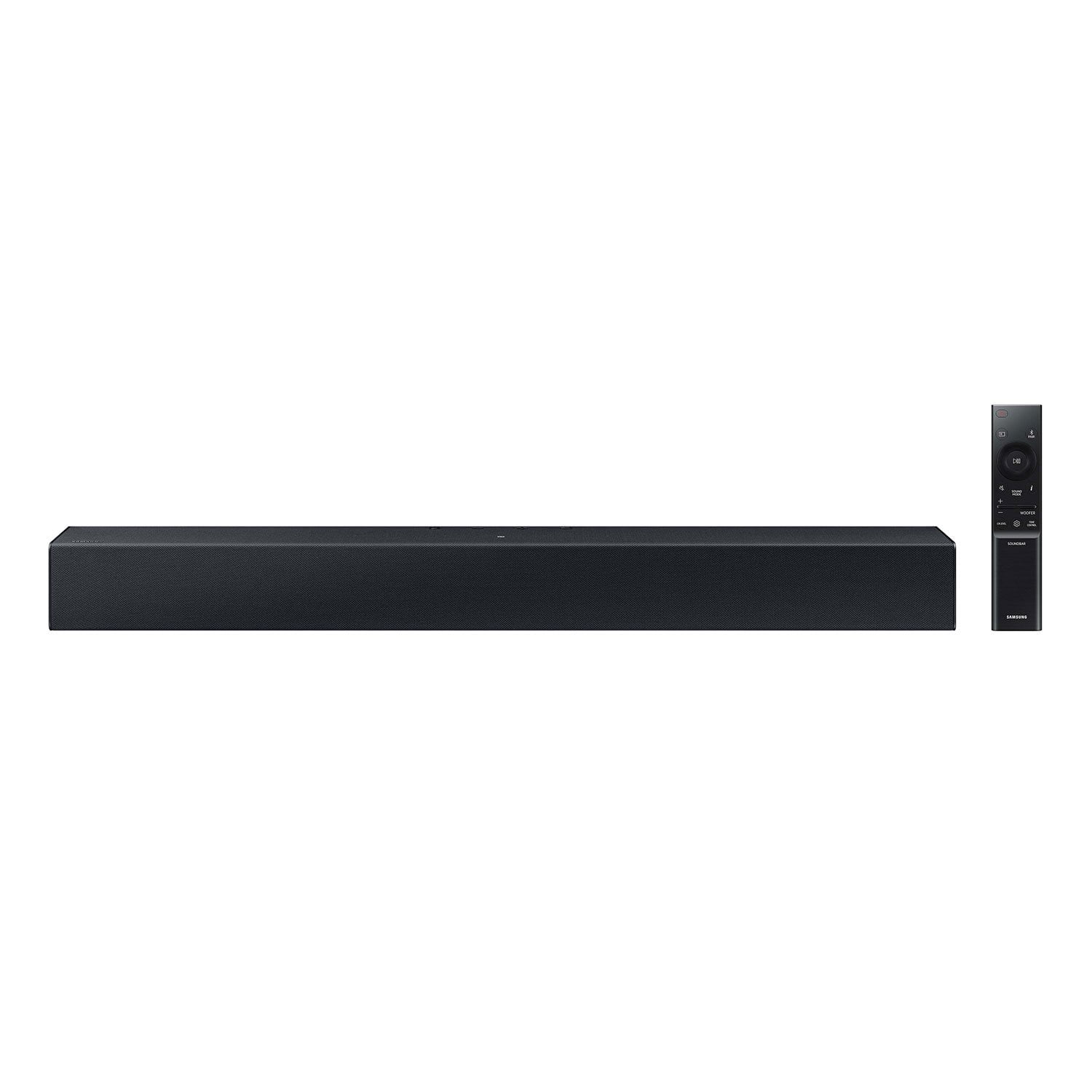
SAMSUNG C-Series 2.0 Soundbar with Built-in Subwoofer

Member photos

  • +29 images
Sort by |
Showing 221-230 of 430 reviews
Nov 29, 2023
Jeri
5 out of 5 stars review

Verified Purchase

All in 1 sound bar works great

Black Friday sale $89 well spent on this soundbar. Works well and good sound

Review from walmart.com
Helpful?1RFO10C7CO4E13617356790
Jul 20, 2024
WalmartCustomer
5 out of 5 stars review

Verified Purchase

Soundbar

Smaller than the old one I was replacing but overall happy with the purchase

Review from walmart.com
Helpful?1RFO10C7CO4E13617356790
Nov 16, 2023
anonymous
4 out of 5 stars review

Verified Purchase

A good buy for price

Easy to install. Sound is good. I would like more bass in sound

Review from walmart.com
Helpful?1RFO10C7CO4E13617356790
Aug 14, 2024
Marnae
4 out of 5 stars review

Verified Purchase

Not as loud as I wanted to be, but overall louder than a regular TV speaker.

Review from walmart.com
Helpful?1RFO10C7CO4E13617356790
Nov 26, 2023
SamsungBseries
1 out of 5 stars review

Verified Purchase

Does not work on newer model TCL tvs

Review from walmart.com
Helpful?1RFO10C7CO4E13617356790
reply from Samsung

Hello, <br /><br />Thank you for sharing your review regarding the HW-C400 Soundbar. <br /><br />I am sorry to see that you have experience an issue with connecting your Soundbar to your TV. Please know that the Soundbar will in fact work with any TV that supports Bluetooth or Digital Optical. We do recommend using a Digital Optical Cable as this will offer the best user and audio experience. <br /><br />Should you ever have questions or need help, please call us at 1-800-SAMSUNG (ask for Soundbars), available 8 AM – 12 AM EST, 7 days a week.<br /><br />For additional support resources, visit us on the Samsung website and click on the ‘Support’ link in the upper right corner of the homepage for:<br />1) Chat with Us/Product Help: To begin a chat or find solutions, choose ‘TVs &amp; Home Theater’ and select your model &amp; topic.<br />2) Manuals &amp; Software <br />3) Warranty Info<br />4) Register a Product: For access to easy warranty support, convenient opt-in to special promos and offers, faster troubleshooting and service, and quick notification of system updates<br />5) Contact Us<br /><br />~ Samsung Solutions

Dec 13, 2023
WalmartCustomer
4 out of 5 stars review

Verified Purchase

[This review was collected as part of a promotion.] ITs a gift so I can't rate it

Review from walmart.com
Helpful?1RFO10C7CO4E13617356790
Dec 3, 2023
Cheryl
4 out of 5 stars review

Verified Purchase

Works great excellent price

Review from walmart.com
Helpful?1RFO10C7CO4E13617356790
Dec 3, 2023
Glenda
5 out of 5 stars review

Verified Purchase

Samsung soundbar

It hooked up to my Samsung tv with no problems. So far everything is great.

Review from walmart.com
Helpful?1RFO10C7CO4E13617356790
Dec 25, 2023
Miss M
3 out of 5 stars review

Verified Purchase

Not Worth the extra Money

Not that impressive… the Samsung TV speakers are almost the same - hard to tell the difference.

Helpful?1RFO10C7CO4E13617356790
reply from Samsung

Hello Miss M,Thank you for purchasing the HW-C400 Samsung Soundbar. I am sorry to see that your not fully satisfied with your new Soundbar.You can optimize your audio performance to your liking by pressing the SOUND MODE button on your soundbar remote and then selecting the desired sound effect by choosing SURROUND SOUND or STANDARD.By pressing the TONE CONTROL button, you can adjust the volume of the treble or bass sound. Press the button to select TREBLE or BASS and then adjust the volume between -6~+6 by using the Up/Down buttons.Press and hold the SOUND CONTROL button for about 5 seconds to adjust the sound for each frequency band. 150Hz, 300Hz, 600Hz, 1.2kHz, 2.5kHz, 5kHz, and 10kHz are selectable using the Left/Right buttons and each can be adjusted to a setting between -6 to +6 using the Up/Down buttons. (Make sure the Sound mode is set to “STANDARD”.Additionally, using the WOOFER button on the remote, you can adjust the subwoofer’s volume between -6 to +6 by toggling the button up or down. To set the subwoofer volume level to 0, press the button down.If we can help with anything else, please call us at 1-800-SAMSUNG (Ask for Soundbars), 8 AM – 12 AM EST, 7 days a week. LiveChat with an agent as well as manuals, software, and warranty info can be found at the ‘Support’ link on our Samsung website.~ Samsung Solutions

Dec 2, 2023
WalmartCustomer
5 out of 5 stars review

Verified Purchase

EXCELLENT!!!!!

Excellent item!! The price and the sound Excellent!!! My daughter loves it!!!!

Review from walmart.com
Helpful?1RFO10C7CO4E13617356790