Skip to Main Content
Sam's Club
Sam's Club
Customer reviews for SAMSUNG C-Series 2.0 Soundbar with Built-in Subwoofer for
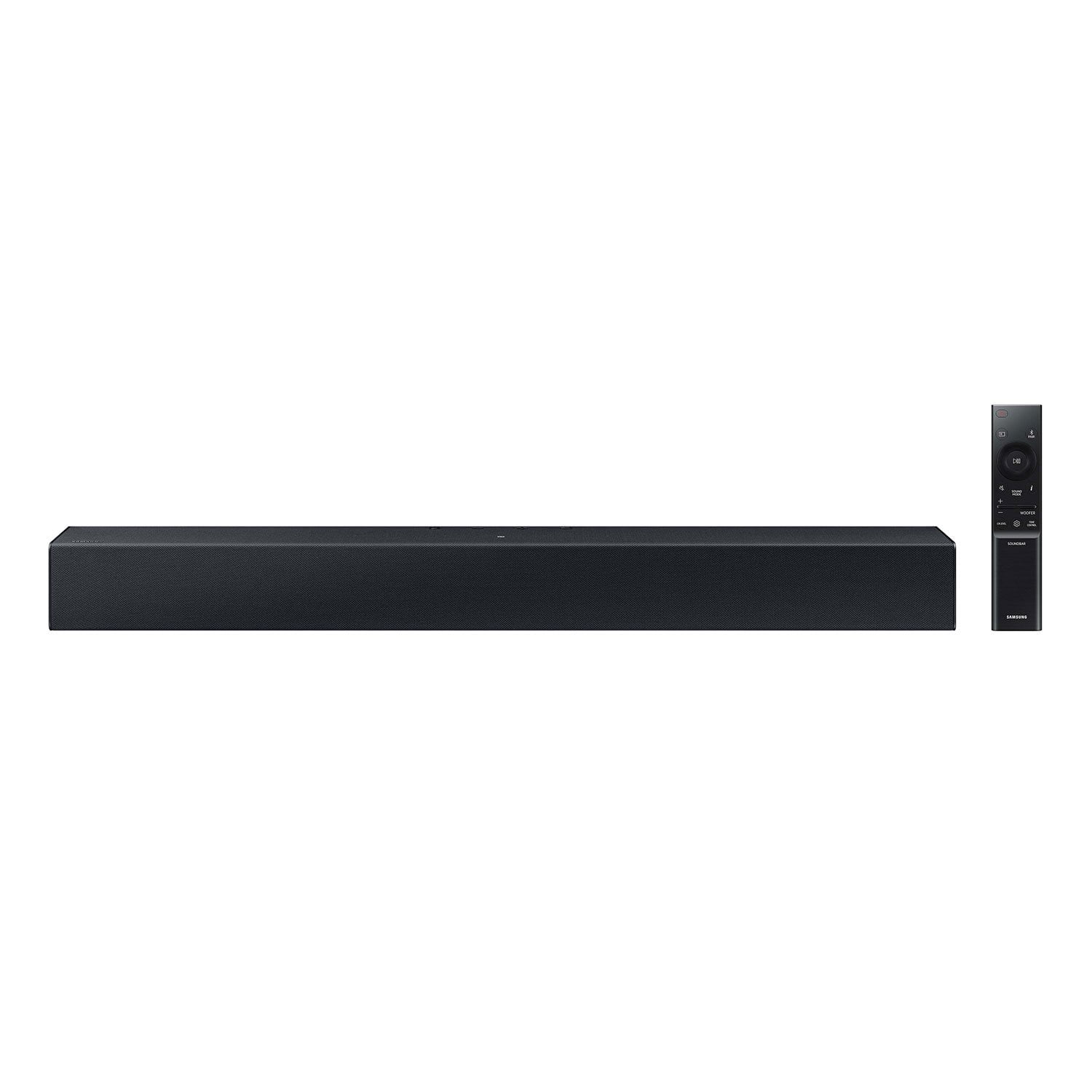
SAMSUNG C-Series 2.0 Soundbar with Built-in Subwoofer

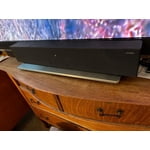
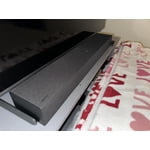
Member photos

  • +29 images
Sort by |
Showing 171-180 of 430 reviews
Jan 14, 2024
Deborah
5 out of 5 stars review

Verified Purchase

Great soundbar!

Have really enjoyed having the soundbar. Didn’t realize what a difference it could make.

Review from walmart.com
Helpful?1RFO10C7CO4E13617356790
Feb 23, 2024
Debra
1 out of 5 stars review

Verified Purchase

Speaker

I don’t like it at all. It’s not loud

Review from walmart.com
Helpful?1RFO10C7CO4E13617356790
reply from Samsung

Debra,<br /><br />I am sorry to hear that you are not completely satisfied with the overall volume of the HW-C400 soundbar. You can try to select PCM audio on your TV. You&#39;ll get much louder volume that way, and potentially better sound quality. <br /><br />If your Digital Output Audio Format isn&#39;t set to PCM, for instance if you have a Dolby option selected, then you will likely notice decreased maximum volume. Dolby options are designed for surround systems (like 3.1.2 or 7.1), whereas PCM provides great sound quality for stereo speakers.<br /><br />On a Samsung TV this can be found at Home &gt; Settings &gt; Sound &gt; Expert Settings. (It can also be found in the Quick Settings.)<br /><br />I hope this helps. For further assistance with settings, features, or functions, please contact Samsung Customer Support at 1-800-SAMSUNG, 8AM - 12AM EST (Ask for Soundbars), 7 days a week. Our LiveChat agents are also available by clicking on the ‘Support’ link on our website.<br /><br />~ Samsung Solutions

Dec 14, 2023
Lonnie
5 out of 5 stars review

Verified Purchase

Sound in seconds

Unpacked sound bar and plugged it in. A couple more moves and everything was working.

Review from walmart.com
Helpful?1RFO10C7CO4E13617356790
Oct 30, 2023
Anonymous
5 out of 5 stars review

Verified Purchase

Exceptional

Beautiful piece of equipment! Excellent quality and sound.

Review from walmart.com
Helpful?1RFO10C7CO4E13617356790
Feb 18, 2025
Daniel
3 out of 5 stars review

Verified Purchase

It’s a basic sound bar but I have to use captions. It’s hard to understand when people talk.

Review from walmart.com
Helpful?1RFO10C7CO4E13617356790
reply from Samsung

Hello Daniel,<br /><br />Thank you for taking a moment to provide feedback regarding the Samsung HW-C400 Soundbar.<br /><br />You can optimize your audio performance to your liking by pressing the SOUND MODE button on your soundbar remote and then selecting the desired sound effect by choosing SURROUND SOUND or STANDARD.<br /><br />By pressing the TONE CONTROL button, you can adjust the volume of the treble or bass sound. Press the button to select TREBLE or BASS and then adjust the volume between -6~&#43;6 by using the Up/Down buttons.<br /><br />Press and hold the SOUND CONTROL button for about 5 seconds to adjust the sound for each frequency band. 150Hz, 300Hz, 600Hz, 1.2kHz, 2.5kHz, 5kHz, and 10kHz are selectable using the Left/Right buttons and each can be adjusted to a setting between -6 to &#43;6 using the Up/Down buttons. (Make sure the Sound mode is set to “STANDARD”.<br /><br />Additionally, using the WOOFER button on the remote, you can adjust the subwoofer’s volume between -6 to &#43;6 by toggling the button up or down. To set the subwoofer volume level to 0, press the button down.<br /><br />If you need more help, Samsung is here for you. Please call us at 1-800-SAMSUNG, 8AM - 12AM EST (Ask for Soundbars), 7 days a week. Our Live Chat agents are also available by clicking on the ‘Support’ link on our website.<br /><br />~ Samsung Solutions

Aug 30, 2024
Jeanne
4 out of 5 stars review

Verified Purchase

volume plus

liked that I can hear the TV better

Review from walmart.com
Helpful?1RFO10C7CO4E13617356790
Jan 2, 2024
Sharon
4 out of 5 stars review

Verified Purchase

Ok

Didn’t have enough bass for me

Review from walmart.com
Helpful?1RFO10C7CO4E13617356790
May 24, 2024
james
3 out of 5 stars review

Verified Purchase

remote doesn't like to work half the time

but should come with extra strap

Review from walmart.com
Helpful?1RFO10C7CO4E13617356790
reply from Samsung

Hi james,<br /><br />I’m sorry to hear that you’re dissatisfied with the remote of your HW-C400 Soundbar.<br /><br />If your soundbar is connected to your TV with an optical cable, you can control the volume and mute the soundbar using your Samsung TV&#39;s remote.<br /><br />1) Use the TV remote to navigate to Settings, select Sound, and then select Sound Output on your Samsung TV.<br />2) Select your Samsung soundbar, and then select Close. Now you can use your TV remote to adjust volume and mute the soundbar. The soundbar should also turn on and off with the TV.<br /><br />Other manufacturers’ remotes may have to be enabled on your soundbar. First, turn Off the Soundbar. Once powered off, push up and hold the WOOFER button for 5 seconds. Each time you push the WOOFER button up and hold it for 5 seconds, the mode switches in the following order: “OFF-TV REMOTE” (Default mode), “SAMSUNG-TV REMOTE”, “ALL-TV REMOTE”. Please also make sure your speaker settings on the TV are set to External Speaker.<br /><br />If you need more help, Samsung is here for you. Please call us at 1-800-SAMSUNG, 8AM - 12AM EST (Ask for Soundbars), 7 days a week. Our Live Chat agents are also available by clicking on the ‘Support’ link on our website.<br /><br />~ Samsung Solutions

Jan 31, 2024
Teresa
2 out of 5 stars review

Verified Purchase

Worst purchase ever

Horrible sound quality- the tv sounds better.

Review from walmart.com
Helpful?1RFO10C7CO4E13617356790
reply from Samsung

Hello Teresa,<br /><br />I’m sorry to hear that you’re dissatisfied with the sound of your Samsung HW-C400 soundbar.<br /><br />Did you know that you can optimize your audio performance to your liking by pressing the SOUND MODE button on your soundbar remote and then selecting the desired sound effect by choosing SURROUND SOUND or STANDARD.<br /><br />By pressing the TONE CONTROL button, you can adjust the volume of the treble or bass sound. Press the button to select TREBLE or BASS and then adjust the volume between -6~&#43;6 by using the Up/Down buttons.<br /><br />Press and hold the SOUND CONTROL button for about 5 seconds to adjust the sound for each frequency band. 150Hz, 300Hz, 600Hz, 1.2kHz, 2.5kHz, 5kHz, and 10kHz are selectable using the Left/Right buttons and each can be adjusted to a setting between -6 to &#43;6 using the Up/Down buttons. (Make sure the Sound mode is set to “STANDARD”.<br /><br />Additionally, using the WOOFER button on the remote, you can adjust the subwoofer’s volume between -6 to &#43;6 by toggling the button up or down. To set the subwoofer volume level to 0, press the button down.<br /><br />I hope this tip helps improve your enjoyment. For more help, please call us at 1-800-SAMSUNG (Ask for Soundbars), 8 AM – 12 AM EST, 7 days a week. LiveChat with an agent as well as manuals, software, and warranty info can be found at the ‘Support’ link on our Samsung website.<br /><br />~ Samsung Solutions

Apr 2, 2024
chris
1 out of 5 stars review

Verified Purchase

Not worth the price sound quality is average at best

Review from walmart.com
Helpful?1RFO10C7CO4E13617356790
reply from Samsung

Hello chris,<br /><br />Thank you for taking a moment to review Samsung&#39;s HW-C400 Soundbar.<br /><br />You can optimize your audio performance to your liking by pressing the SOUND MODE button on your soundbar remote and then selecting the desired sound effect by choosing SURROUND SOUND or STANDARD.<br /><br />By pressing the TONE CONTROL button, you can adjust the volume of the treble or bass sound. Press the button to select TREBLE or BASS and then adjust the volume between -6~&#43;6 by using the Up/Down buttons.<br /><br />Press and hold the SOUND CONTROL button for about 5 seconds to adjust the sound for each frequency band. 150Hz, 300Hz, 600Hz, 1.2kHz, 2.5kHz, 5kHz, and 10kHz are selectable using the Left/Right buttons and each can be adjusted to a setting between -6 to &#43;6 using the Up/Down buttons. (Make sure the Sound mode is set to “STANDARD”.<br /><br />Additionally, using the WOOFER button on the remote, you can adjust the subwoofer’s volume between -6 to &#43;6 by toggling the button up or down. To set the subwoofer volume level to 0, press the button down.<br /><br />If you need more help, Samsung is here for you. Please call us at 1-800-SAMSUNG, 8AM - 12AM EST (Ask for Soundbars), 7 days a week. Our Live Chat agents are also available by clicking on the ‘Support’ link on our website.<br /><br />~ Samsung Solutions