
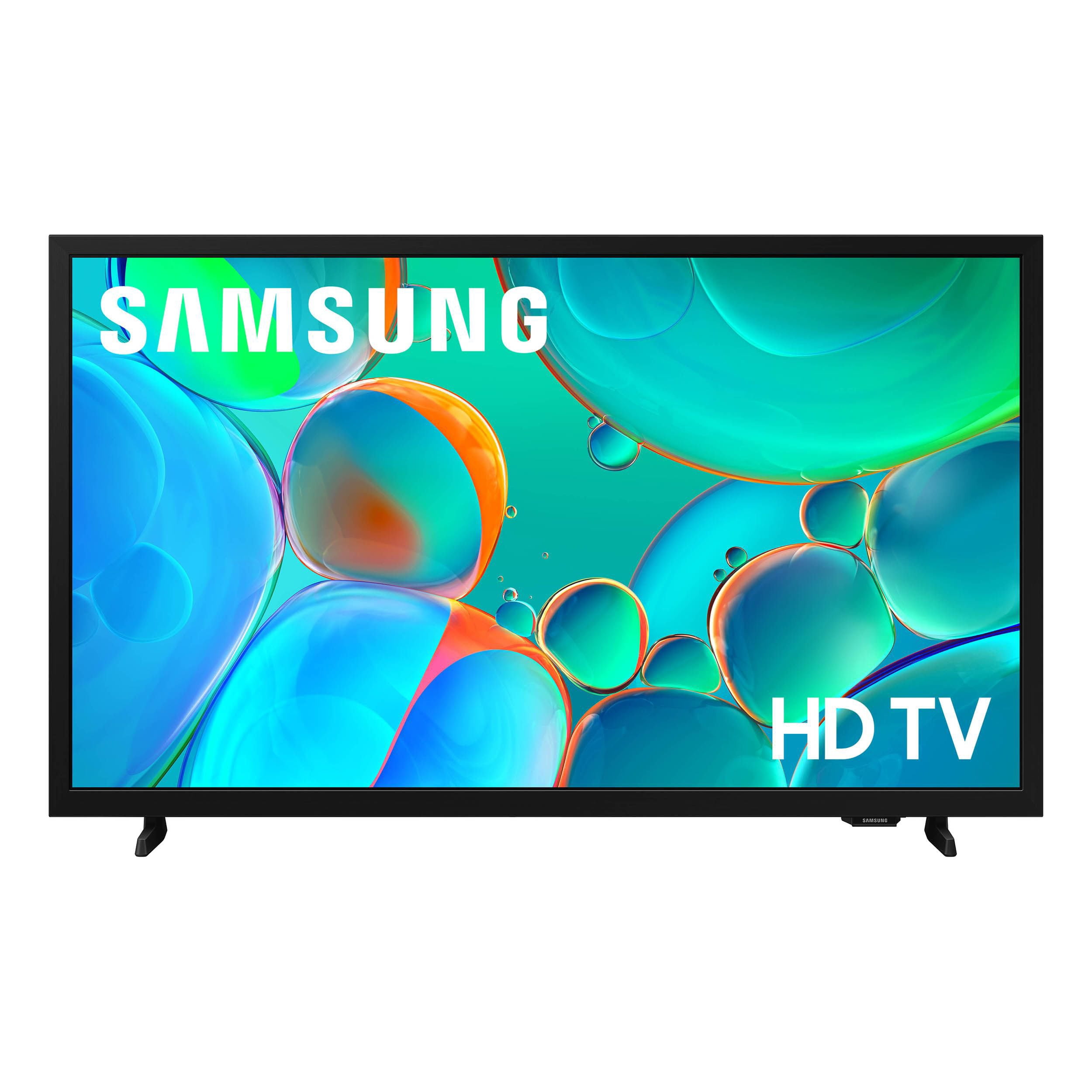
 Customer reviews for SAMSUNG 32” Class H5000F Series LED HD Smart Tizen TV for
Do does the job at this price point.
[This review was collected as part of a promotion.] You know not everyone needs a 75 inch TV, in my upstairs second floor bedroom , my third floor I need smaller. This TV does the job but I could use slightly larger, say 38 inches, mainly because of streaming apps like Roku the icons are so small you have to get up to see what you're looking at when selecting them. And now they've seen to to have upgraded the Roku UI where icons are smaller and pushed to the side so to allow, favorite, a larger ad like icon to the right, that changes consistently. But I digress, this small TV does the job. What I dislike is the 2 chicken legs these companies now go to as a default. I want the pedestal center stand, like on our large plasma TV. So the TV can be easily turned on a narrow surface table. This allows me to put it on a small dresser or a lawyer's book stand, position it to allow alternate viewing as needed. As is, I can only put a TV like this with those chicken legs I two of our 5 bedrooms. I am no surfaces to put it on, a large pedestal would solve this problem. It's like they think people are just going to mount these things to a wall then arrange your furniture for Optimum viewing? And I got news for you you don't start drilling holes in a1918 house with horse plaster walls to mount TVs here and there. And there's always the problem like back window glare, if you're forced amount a TV opposite to a wall. That's a very expensive Hobby. For the price point this TV is fine I just wish they'd stop this chicken feet stands and go back to pedestal. That's actually a significant point with me when I look at TVs to buy.
Volume stops working and TV goes MUTE by itself.
[This review was collected as part of a promotion.] My problem with its TV was the sounds volume. After using the TV for a few hours the volume was off completely mute. I had to turn Off The TV for a few minutes and then turn on again so the volume will work again. It is very frustrating When you're watching a show and the TV goes mute by itself. I want a TV that has a good sounds good volume In a good image Quality .
Hi Adriana, Thank you for your review and for sharing your experience with your H5000F TV. If you’re not hearing any sound, whether using TV speakers or an external audio device, here are several steps that can help get things working again. 1. Start with Basic Checks • Make sure the TV isn’t muted and the volume is turned up. • If using an external audio device, ensure it’s powered on, set to the correct source, and the volume is turned up there as well. • Unplug your TV for 30 seconds, then plug it back in and power it on. 2. HDMI ARC / eARC Connection • Use a certified High-Speed HDMI cable with Ethernet. Connect it to the HDMI eARC ports on both the TV and the soundbar/receiver. • Enable these settings: o Settings > All Settings > Sound > Expert Settings > HDMI eARC Mode = Auto o Settings > All Settings > General & Privacy > External Device Manager > Anynet+ (HDMI-CEC) = On • Check the digital audio format: Settings > All Settings > Sound > Expert Settings > Digital Output Audio Format o If you're not sure what your connected device supports, set it to Auto. 4. Bluetooth Audio Connection • Pair your Bluetooth device: Settings > All Settings > Sound > Sound Output > Bluetooth Speaker List • If your Bluetooth device doesn’t appear or won’t connect, move it closer to the TV, ensure it’s in pairing mode, and select Scan. • If paired but no sound, unpair the device and try reconnecting. 5. Wi-Fi / Wireless Speakers • Confirm the speakers and the TV are on the same Wi-Fi network. Use: Settings > All Settings > Sound > Sound Output > Wi-Fi Speaker Surround Setup • Reboot both the TV and the Wi-Fi speakers, and check your router for connection strength. 6. Other Helpful Tips • Run a Sound Test: Settings > Support > Device Care > Self Diagnosis > Sound Test • Update TV firmware to rule out compatibility issues: Settings > Support > Software Update > Update Now • If using a cable box or external streaming device, double-check that the device’s audio output settings are set to HDMI or the appropriate output. If you still don’t hear sound after following these steps, please don’t hesitate to reach out so we can assist further. You can call Samsung Support at 1-800-SAMSUNG, available from 8AM – 9PM EST Mon – Fri, 8AM – 6PM Sat – Sun. You can also visit the Samsung website and click on ‘Support’ for: • Live Chat • Manuals, Software, & Warranty Info ~ Samsung Advisor
Good tv but had small issues
[This review was collected as part of a promotion.] Overall the product was excellent but I did have an issue with brightness being too low when I was casting from my mobile phone. I later figured it out but it took a while to do so and it was confusing getting to that brightness menu while casting. Other than that, the brightness showed well when I was not casting. Contrast looked great and I had no issues. One more issue I had with the television dealt with system sound. For some reason you have to change settings to listen to listen to programming when you have auxiliary cord setup to an external speaker. After I changed the speaker output setting, I couldn't hear anything when I unplugged the aux until I changed the actual television sound setting back to normal on the settings menu. Mearly unplugging the aux cord did not automatically return it to audio from the television. I didn't use any security features so I cannot comment.
Great features
[This review was collected as part of a promotion.] The security and ai feature so fun to study also the GPS is easy to understand the bright screen. The immersion im a little new but so cool my niece like to look at it lol the contrast is so pretty and the interface 5 stars for easy lol convenient
Remarkable value amazing product
[This review was collected as part of a promotion.] I am amazed with the quality of the product compared to other brand names that I could have purchased ! However this one was definitely a more suitable product for my home especially considering The the modest price point 5 stars and definitely more bang for your buck ! And from a brand that you can trust ! In comparison to other brands at this price point ° honestly there was no comparison once I was viewing them side by side ! The contrast , the color; tint, was more pronounced! Making this brand the best decision! Without a doubt! Even the sound quality was above remarkable compared to the others ! If you want the best product ! Aka you definitely will be satisfied here! Especially when you leave with a new television and still have some money in your pockets !
Love
[This review was collected as part of a promotion.] the Samsung TV I have the brightness on it is amazing and the contrast even better the immersion Into the show you're watching is so life like! the interface is easy to use and the security features are top notch
More pros than cons on this great value TV
[This review was collected as part of a promotion.] The Samsung 32" H5000F (2025) is a highly affordable, compact smart TV designed for smaller spaces like bedrooms or kitchens. While it is limited to a 720p HD resolution rather than 4K, it makes up for it with rich colors and great contrast thanks to built-in HDR support. The Tizen smart platform gives you instant access to all major streaming apps, while Samsung Knox provides excellent data security. However, the interface can feel sluggish at times, and the complete lack of Bluetooth means you cannot connect wireless headphones. Overall, if you need a budget-friendly secondary television and do not mind the lower HD resolution, it offers great everyday value.
HD all the way
[This review was collected as part of a promotion.] I love the crystal clear picture it's amazing the sound quality also amazing the security features that comes on the TV as well with it being a smart TV amazing brightness on TV and contrast is wow over the top not honestly say that interface quality is amazing on top of the Immersion quality
a good product!
[This review was collected as part of a promotion.] I'm a Samsung grandma. I couldn't afford the cable I was offered, so I pulled cable. Got 2 rca cables and bought a firestick....perfect and the color is better than cables...lol....beside, hy TV, I have a wonderful galaxy phone that never fails me. And last, but not least, my tablet, the biggest asset tomold age. I can stay in bed and play word chums, gmail, etc., thank you for being there for me, ive been to14th street store and was treated like a queen, dont stop serving the public!!
Something about that name …
[This review was collected as part of a promotion.] Between my home and son's home, there are six (6) Samsung TV's … three (3) of which are Smart. I also own a Samsung Soundbar. My most recent TV purchased is a Smart TV which I use for kitchen. It is perfect in every way and ideal for my viewing needs and habits. Picture quality, brightness, and color contrast is defining as well as other capabilities that are note-worthy. Sound immersion is most definitely enhanced with a Soundbar. The Security feature is a bonus within itself with all other aspects of technology surrounding. The capability to interface with other Bluetooth products is invaluable. Because the TV is lightweight, it is easy to move to another area if desired. There are varied other additional and invaluable features that enhance my lifestyle such as APPS, Internet, and TV Plus; just to name a few.