Join Now
Skip to Main Content
Sam's Club
Sam's Club
All Departments
All Services
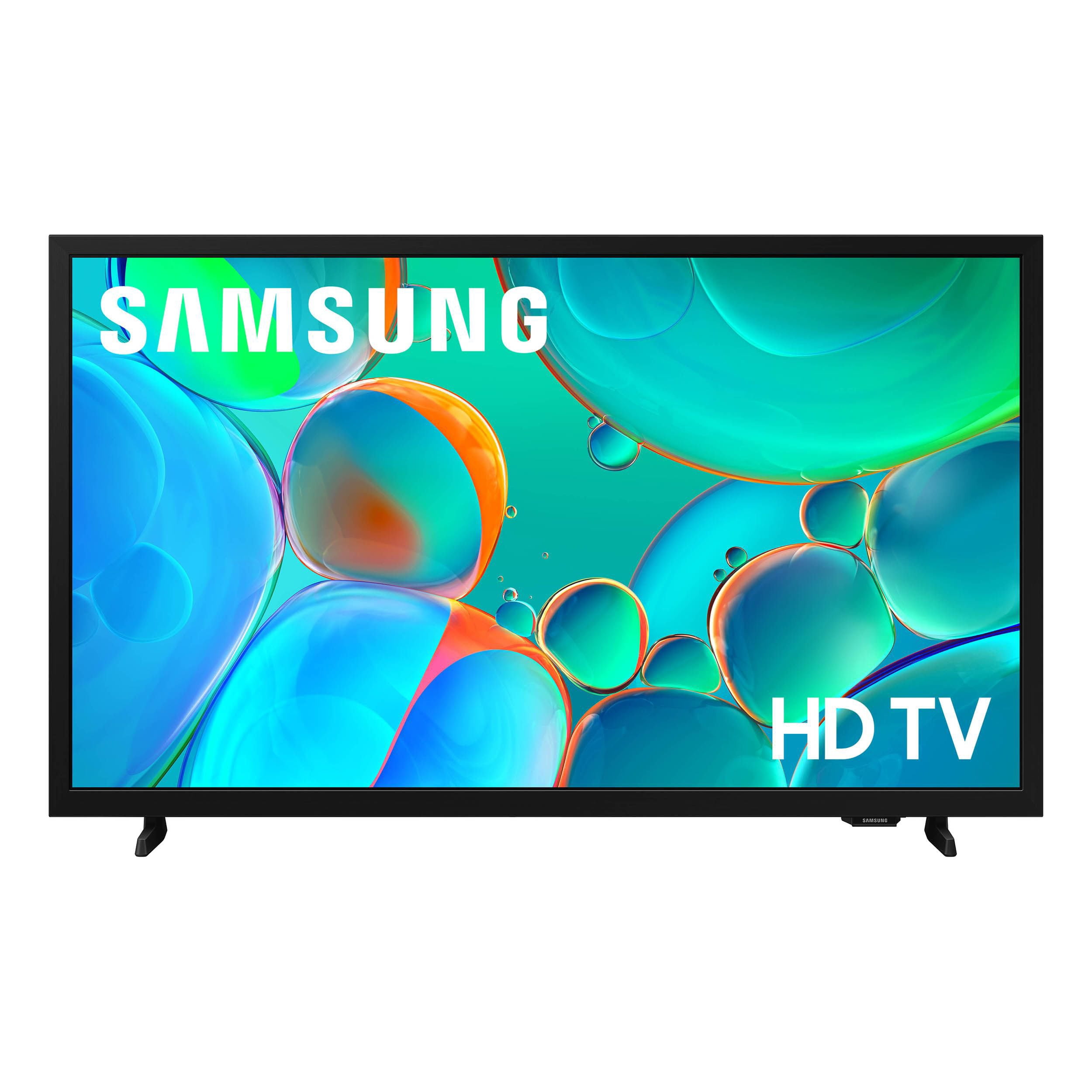
Customer reviews for SAMSUNG 32” Class H5000F Series LED HD Smart Tizen TV for
SAMSUNG 32” Class H5000F Series LED HD Smart Tizen TV
4.6 out of 5 stars
stars
3,619 ratings3,607 reviews
  1. 5 stars75% (2,725)
  2. 4 stars16% (591)
  3. 3 stars4% (154)
  4. 2 stars2% (64)
  5. 1 star2% (85)
Sort by |
Showing 1,031-1,040 of 3,607 reviews
Jun 1, 2026
Reviewer name: Jaybo
3 out of 5 stars
3 out of 5 stars review

Decent but not great could be better.

[This review was collected as part of a promotion.] I bought this for a simple bedroom TV. The picture and definition are great. However the wifi is terrible and the smart interface is lacking with any app options. There are never any updates to the software and the wifi drops or cuts out way to frequently. Simple apps like YouTube buffer for 5 tob10 minutes and crash. Wifi router is only 12 feet away. I have actually thought about replacing it since it is so bad,but the picture is so good I am torn because when it works it's great,but it is always a gamble. I am a dedicated Samsung phone user going on my 4th Samsung phone. So I hate to change, but I have tried everything from repeaters and wifi extenders. This could have been a better TV

Review from Samsung US
Helpful?3BXE5P3J9PH420390161112
reply from Samsung Advisor

Hi Jaybo, Thank you for sharing your experience with Wi-Fi connectivity. If your TV is having trouble connecting to the network, the following steps may help resolve the issue: Signal & Setup Tips: 1. Check TV-to-router distance – Your TV should be within 50 feet of the modem or access point for reliable signal strength. 2. Minimize interference – Turn off nearby wireless devices and make sure there are no physical barriers (stone walls, fireplaces, appliances) between the TV and router. Power Cycle Devices: 3. Restart both your TV and router – Unplug both devices for at least 30 seconds, then plug them back in and allow them to reboot fully. Connection Type: 4. Evaluate your connection method – o If using Wi-Fi, move your router closer to the TV and eliminate any obstructions. o For a more stable connection, we strongly recommend using a wired Ethernet cable. o If already using Ethernet, verify the cable is working by testing it with another device. Run Built-In Diagnostic Tools: 5. Network Test: Settings > Support > Device Care > Self Diagnosis > Smart Hub Connection Test 6. Wi-Fi Check: Settings > Support > Device Care > Self Diagnosis > Wi-Fi Last Resort: 7. Perform a Factory Reset (if issues persist): Settings > All Settings > General & Privacy > Reset > Factory Data Reset. Note that this will return all settings to their original defaults. If these steps don’t resolve the issue, please reach out to Samsung Support at 1-800-SAMSUNG (8AM – 9PM EST Mon – Fri, 8AM – 6PM Sat – Sun). LiveChat support and additional help are available at the ‘Support’ link on our website. ~Samsung Advisor

Jun 22, 2026
Reviewer name: Beck123
5 out of 5 stars
5 out of 5 stars review

Awesome picture

[This review was collected as part of a promotion.] The pitcher quality in the soundtrack was just amazing. Very detailed great work. I thought the size of the TV was perfect brightness was on point. It was very sharp. Looked really nice. Contrast was perfect. I think the color blend was nice.Interface needs a little bit of work.It wasn't perfect.The security was perfect on it.I really liked it made me feel secure and ready to go

Review from Samsung US
Helpful?3BXE5P3J9PH420390161112
Jul 5, 2026
Reviewer name: NONE
2 out of 5 stars
2 out of 5 stars review

SUCKS

[This review was collected as part of a promotion.] Your "smart" t.v. keeps adding channels I have taken alot of time deleting. I have saved my choices and IT STILL ADDS MORE STATIONS THAT I DON'T WANT. AND IT SUGGESTS STREAMING SERVICES I DON'T WANT. AND IT DOESN'T COME WITH A HARD COPY USER MANUAL THAT IS MUCH EASIER TO USE THAN TRYING TO READ IT OFF THE SCREEN WHERE I DON'T KNOW WHAT TO ASKK FOR IN THE MENU! BRING BACK ANALOGUE T.V.S!!!!!!!!...

Review from Samsung US
Helpful?3BXE5P3J9PH420390161112
reply from Samsung Advisor

Hi None, We appreciate your feedback. If you need assistance, please don’t hesitate to call 1-800-SAMSUNG (8AM – 9PM EST Mon – Fri, 8AM –6 PM Sat – Sun), or reach us via text 24/7. You can also visit ‘Support’ on our website for: • Live Chat • Manuals, Software, & Warranty Info ~ Samsung Advisor

Apr 21, 2026
Reviewer name: Family man
5 out of 5 stars
5 out of 5 stars review

Great product

[This review was collected as part of a promotion.] One of the best TV's I've seen even for its size. Yeah, it's good brightness. I can see everything clear. The pixels are great. It's easy to navigate the color comes out perfect Best contrast, I ever seen great. Immersive experience and the security keeping my kids from watching what they're not supposed to is awesome. Great interface.

Review from Samsung US
Helpful?3BXE5P3J9PH420390161112
Jun 5, 2026
Reviewer name: Barb
2 out of 5 stars
2 out of 5 stars review

Disappointed.

[This review was collected as part of a promotion.] Not happy with this Samsung TV. Does not have the control that other--higher priced Samsung TV's have. Had I known this, I would not have bought it or taken it even if it was free! I cannot get the picture lighter and there is very, very llimited contrast adjustments. I never for a minute thought I could buy a "walmart"version Samsung that has fewer controls. At this point, why by a Samsung? I could have bought any off brand TV with the same picture! Very disappointed.

Review from Samsung US
Helpful?3BXE5P3J9PH420390161112
reply from Samsung Advisor

Hi Barb, We’re sorry to hear you’re not fully satisfied with the picture quality on your Samsung H5000F TV. If the image appears too dark, we suggest disabling certain energy-saving features, which can automatically adjust brightness and affect how the screen looks. Go to: Settings > All Settings > General & Privacy > Power and Energy Saving, then turn off Brightness Optimization, Energy Saving Solution, Motion Lighting, and/or Contrast Enhancer. You can also adjust the Picture Mode to better suit your environment: Settings > All Settings > Picture > Picture Mode • Standard – Default mode for general viewing • Dynamic – Brighter and clearer, ideal for well-lit rooms • Movie – Best for dark room viewing • Eco – Energy-saving mode • Filmmaker Mode – Preserves content as intended by creators To fine-tune brightness, go to: Home > left directional key > Settings > All Settings > Picture > Expert Settings, then adjust the Brightness level (0–50) to your preference. Lastly, please make sure your TV is running the latest firmware: Home > Home > left directional key > Settings > Support > Software Update > Update Now We hope these tips help improve your viewing experience. If you need further support, feel free to contact us at 1-800-SAMSUNG (8AM – 9PM EST Mon – Fri, 8AM – 6PM Sat – Sun). LiveChat is also available via the ‘Support’ link on our website. ~ Samsung Advisor

Apr 24, 2026
Reviewer name: Donny
5 out of 5 stars
5 out of 5 stars review

Extremely satisfying purchase

[This review was collected as part of a promotion.] An extremely satisfying purchase incredible product for a very good price and Samsung operating systems seem to run smoother than anything I've had other brands-wise highly HIGHLY recommend buying your electronics from them or leasing they are one of my favorite company's now THANKS SAMSUNG

Review from Samsung US
Helpful?3BXE5P3J9PH420390161112
Jun 1, 2026
Reviewer name: Wickedlady
5 out of 5 stars
5 out of 5 stars review

Great Features

[This review was collected as part of a promotion.] This samsung tv has really great brightness and the contrast can be changed as needed. The immersion is very helpful and the interface is easy to use. The security is really great and I can control what mu children watch.

Review from Samsung US
Helpful?3BXE5P3J9PH420390161112
Apr 4, 2026
Reviewer name: Kayy
5 out of 5 stars
5 out of 5 stars review

Samsung 32 inch

[This review was collected as part of a promotion.] Love my Samsung tv!! It is perfect size, super light, has smart features and tons of options. There is option for security such as password locks and the brightness and contrast are fully customizable.

Review from Samsung US
Helpful?3BXE5P3J9PH420390161112
Apr 20, 2026
Reviewer name: FOrtega12
5 out of 5 stars
5 out of 5 stars review

Awesome TV

[This review was collected as part of a promotion.] This samsung television has definitely lived up to its potential. I purchased it as a gift for my children. It is set up in their room for their video games. The brightness, contrast, immersion,interface and security is definitely a top of the line.

Review from Samsung US
Helpful?3BXE5P3J9PH420390161112
Jun 22, 2026
Reviewer name: CBTV
4 out of 5 stars
4 out of 5 stars review

Amazing value/many options

[This review was collected as part of a promotion.] Great picture and sound, but two tweaks desired: There needs to be a quicker way to set up sleep timer. I can't believe I had to actually look on line to figure out how to do it ... And still too many steps. I also wish it would simply come back on in TV mode, like my previous model. It's not too bad, sometimes will eventually come up in "recently viewed", other times just gets confused in "Home position", until adjusted with remote, and occasionally has just shut back down (On strike, lol!).

Review from Samsung US
Helpful?3BXE5P3J9PH420390161112